Skip to Content

Run a site measure

Lite+

The step-by-step workflow that takes a site measure from assigned, out to site, booked, returned, and through detailing paperwork into manufacture.

When to use

Coordinating who measures a job, when, and getting the result back into production.

Step by step
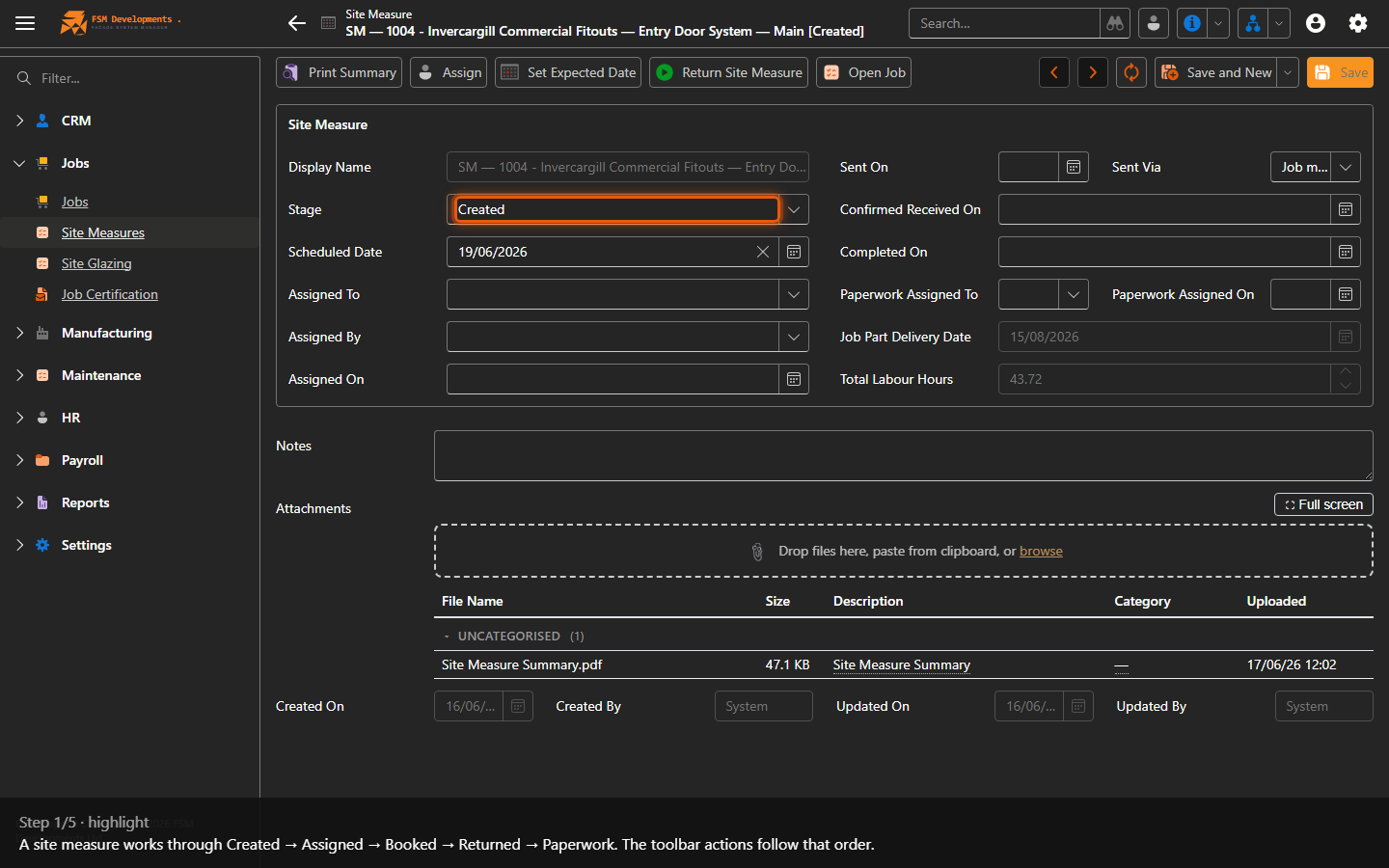
Stage / Status
1. A site measure works through Created → Assigned → Booked → Returned → Paperwork. The toolbar actions follow that order.
Assign (toolbar button)
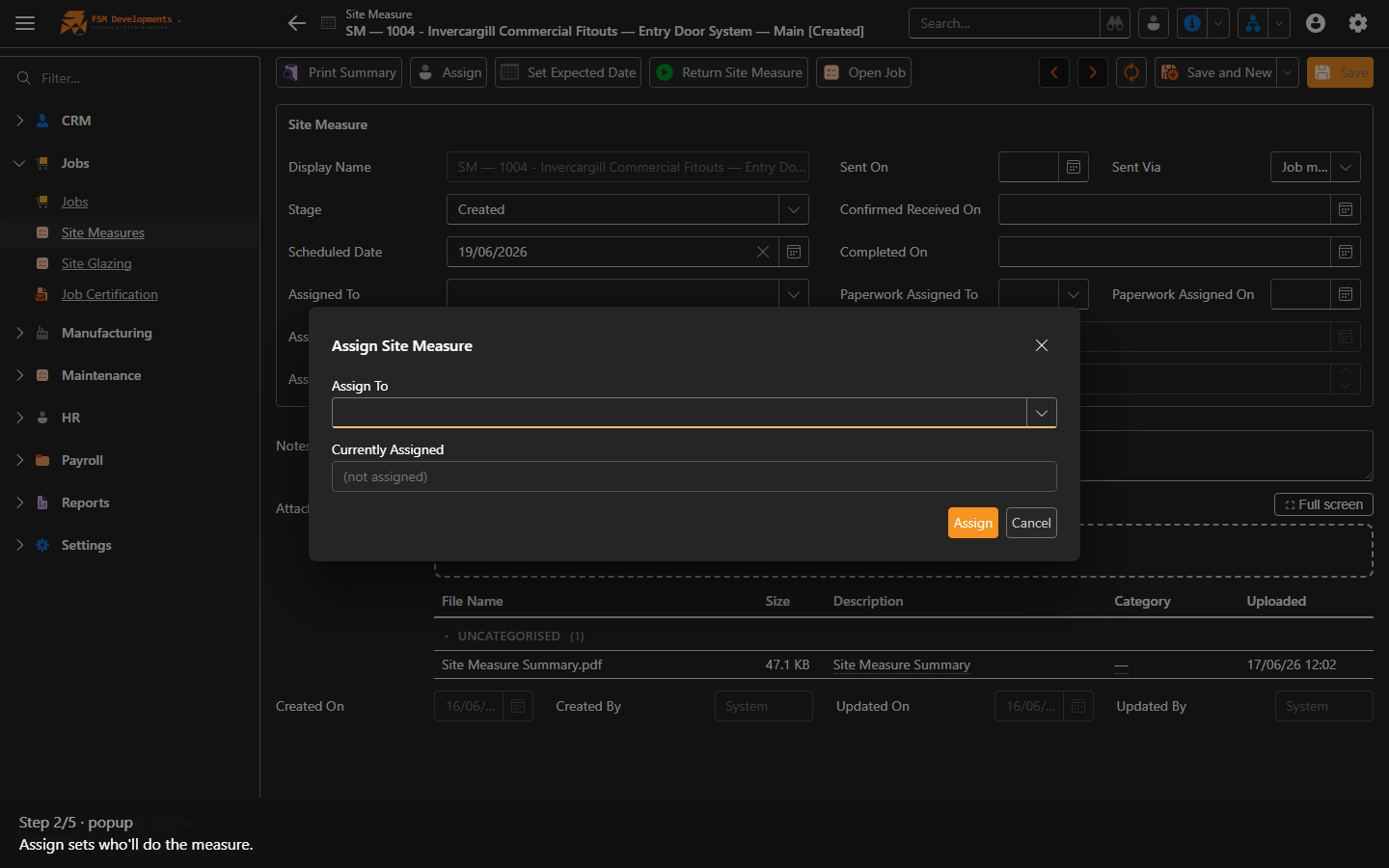
2. Assign sets who'll do the measure.
Set Expected Date (toolbar button)
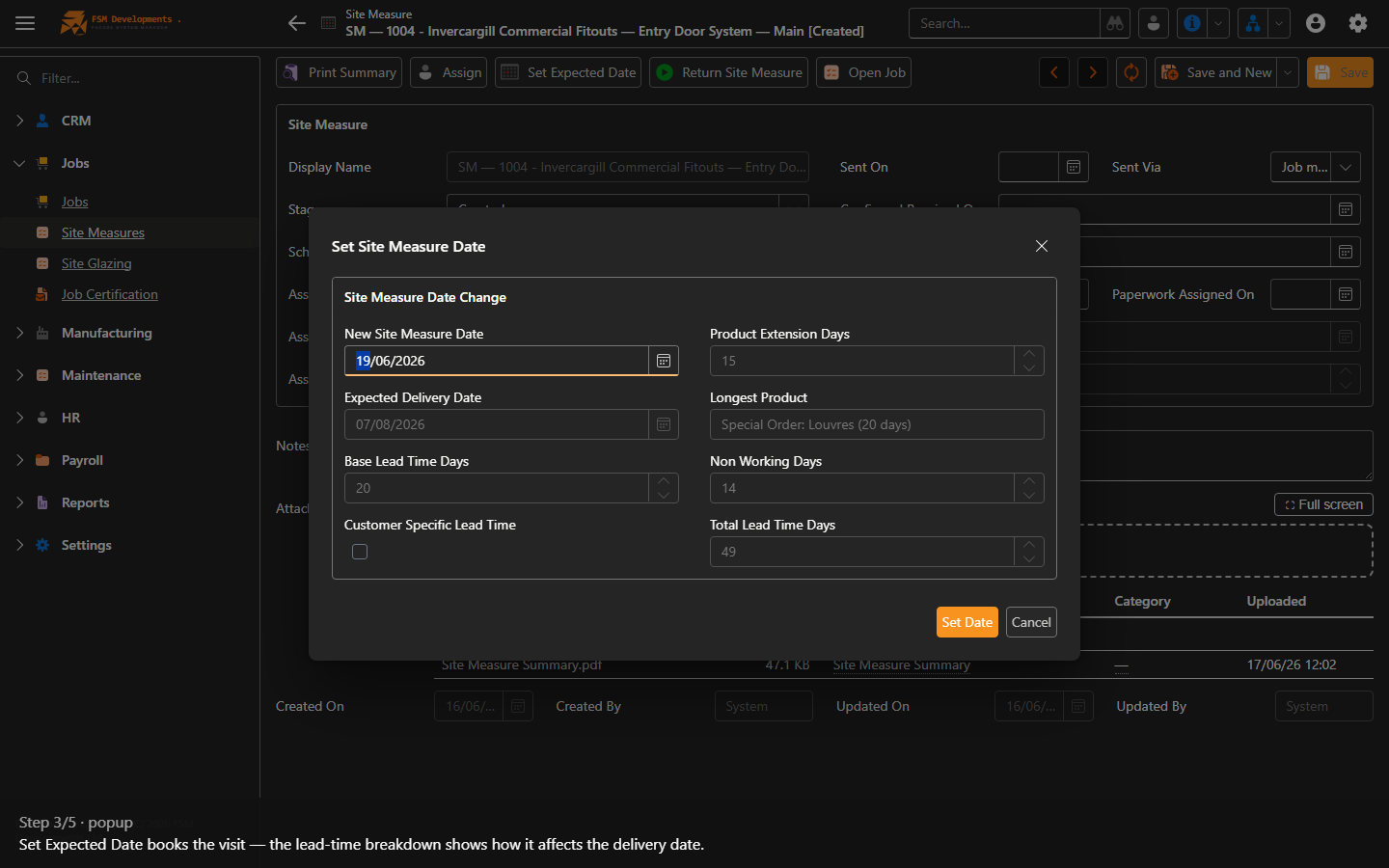
3. Set Expected Date books the visit — the lead-time breakdown shows how it affects the delivery date.
Return Site Measure (toolbar button)
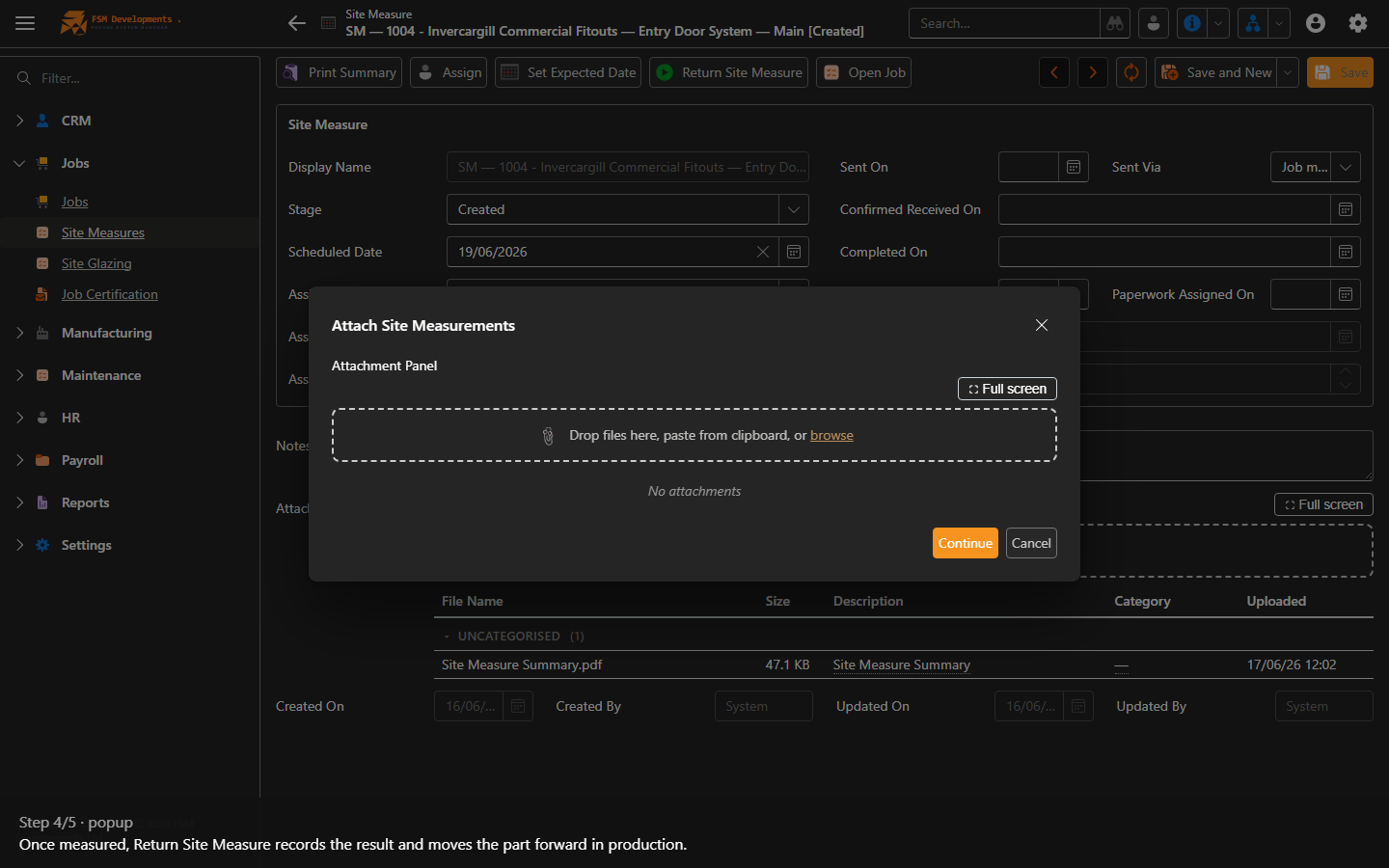
4. Once measured, Return Site Measure records the result and moves the part forward in production.
Assign Paperwork / Paperwork Complete (toolbar buttons)
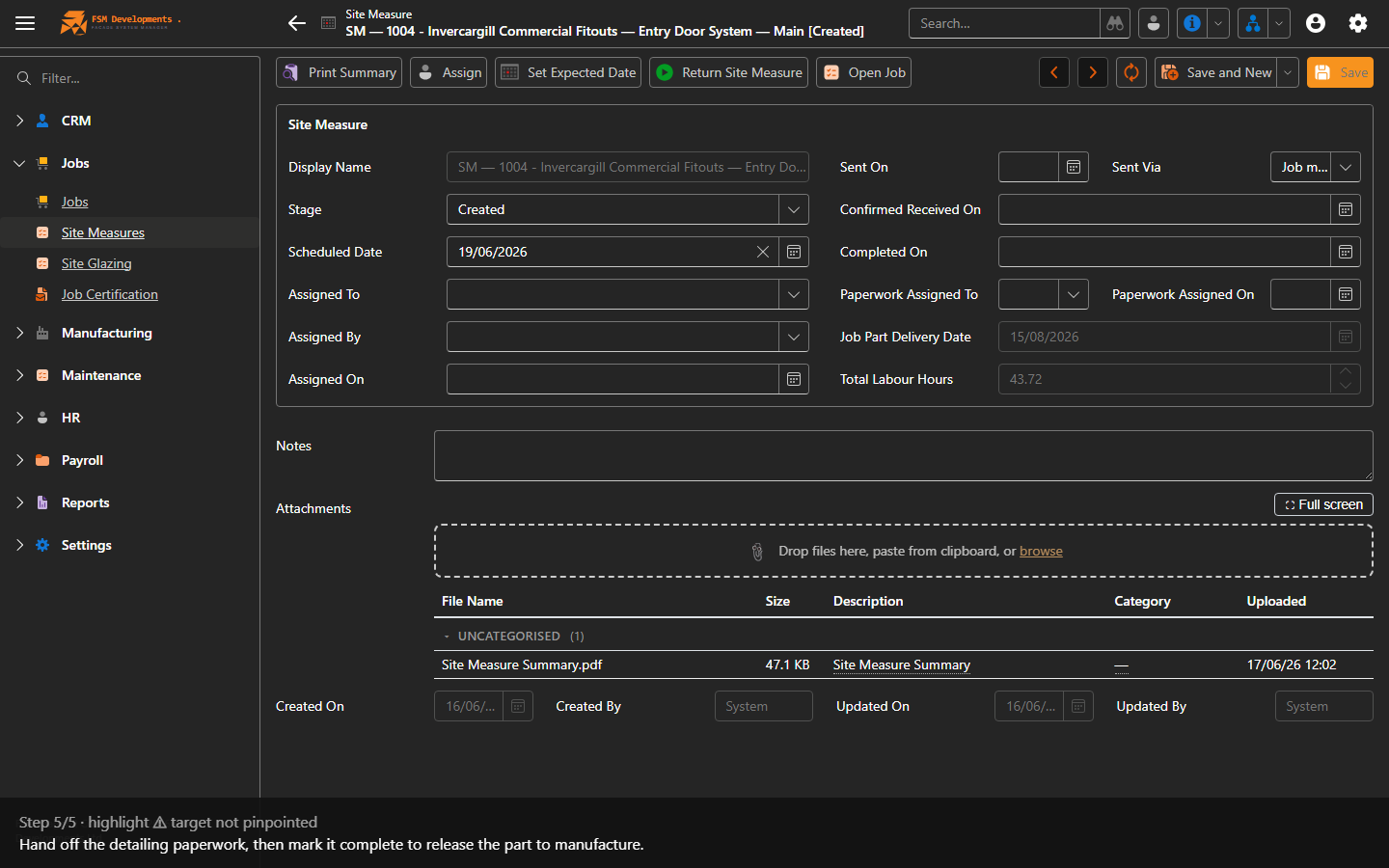
5. Hand off the detailing paperwork, then mark it complete to release the part to manufacture.
Last updated on