Skip to Content

Browse jobs

Lite+

Every job — a won opportunity now in production, delivery and installation. The working list for everything past the sale.

When to use

To find a job, check its status or site contact, or open it to see progress.

Step by step
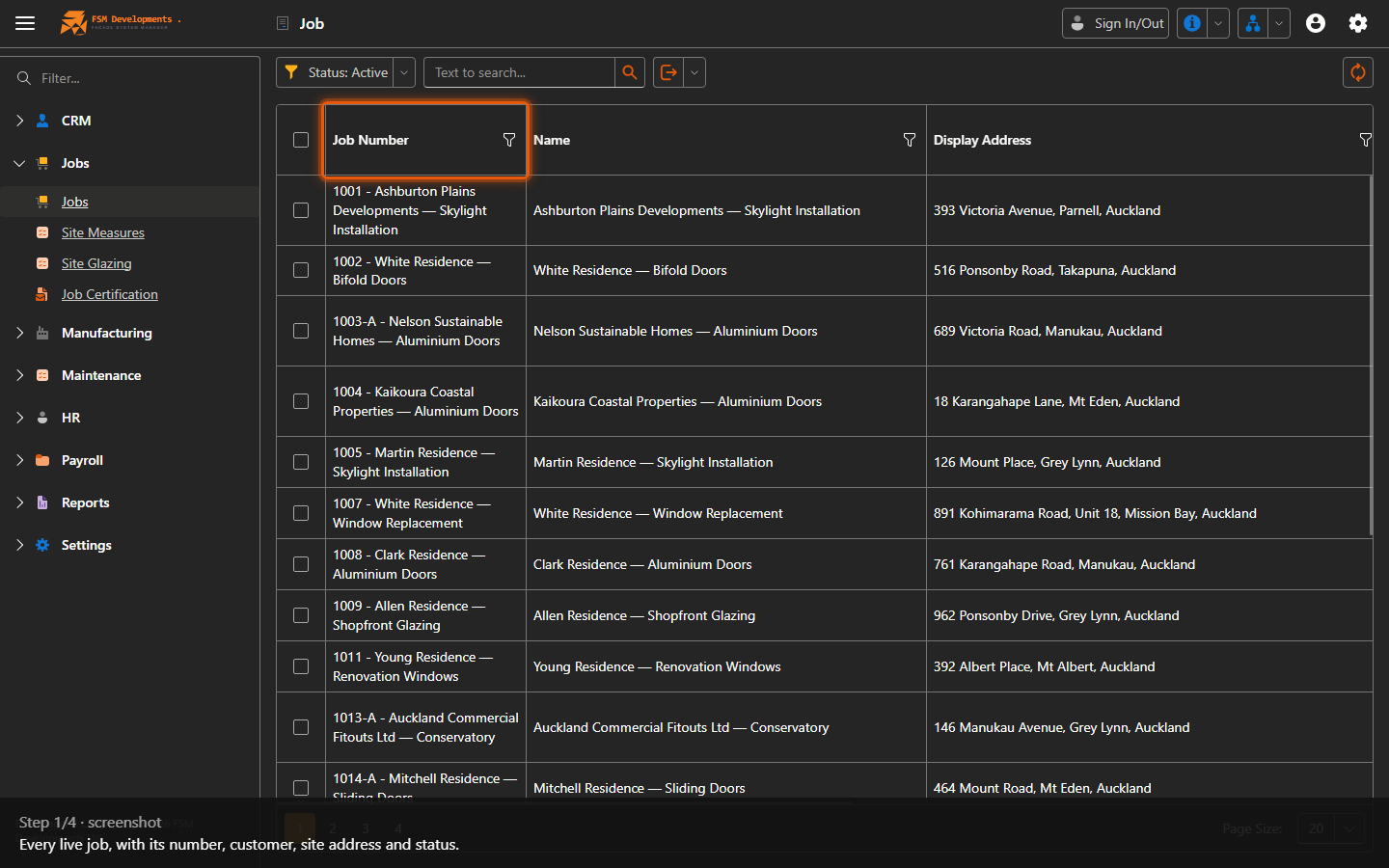
Job grid
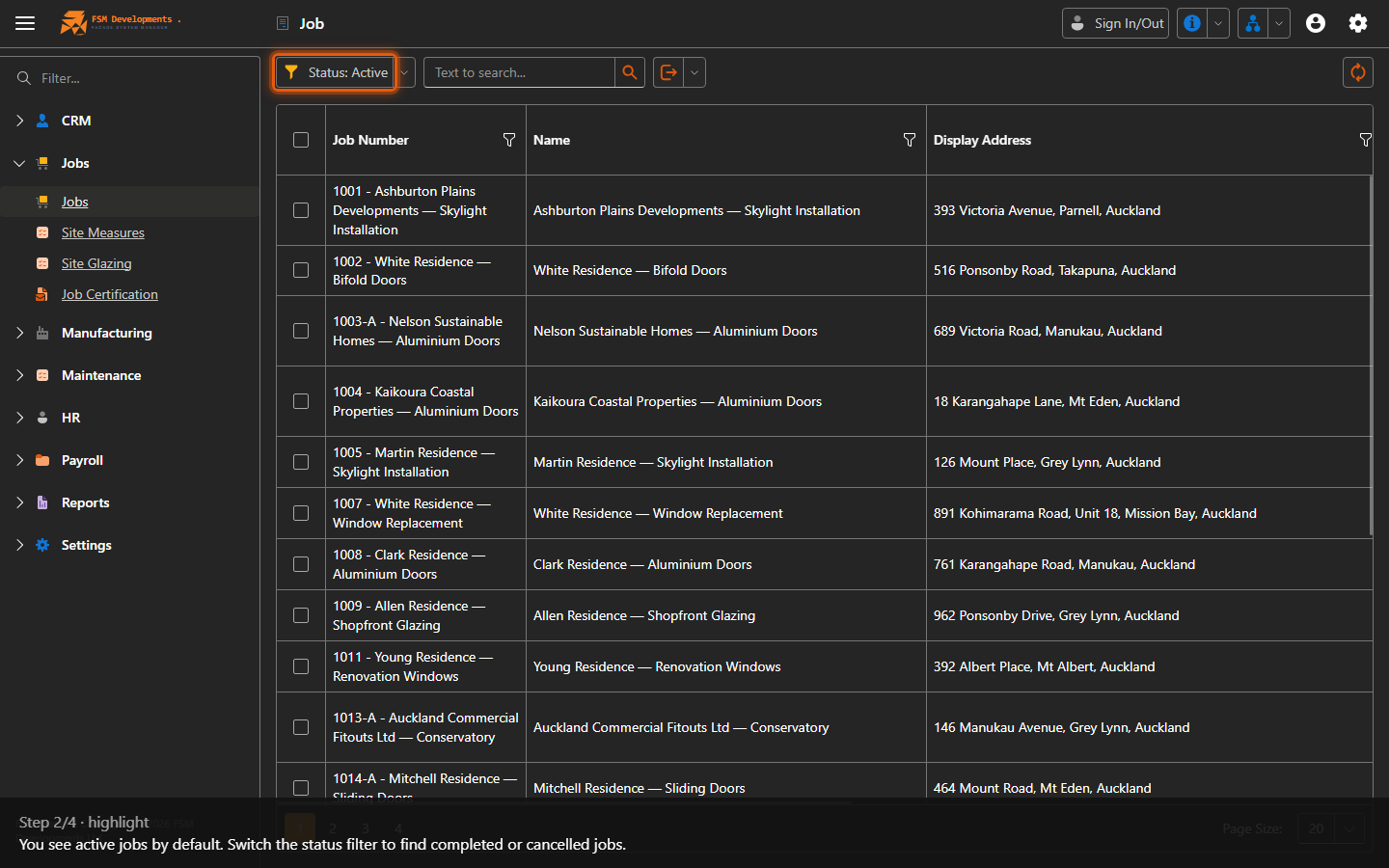
1. Every live job, with its number, customer, site address and status.
Status: Active (toolbar button)
2. You see active jobs by default. Switch the status filter to find completed or cancelled jobs.
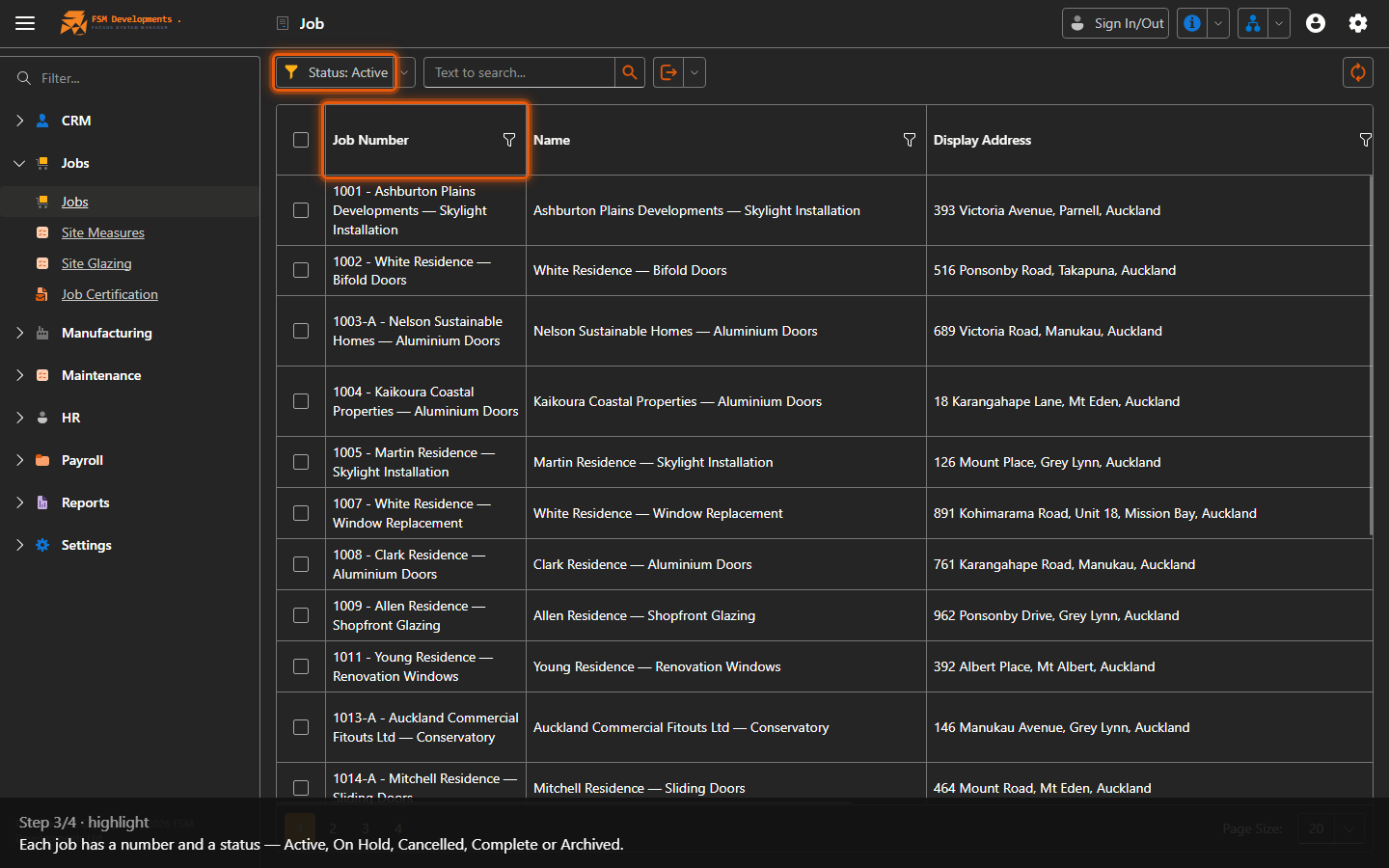
Job Number / Status columns
3. Each job has a number and a status — Active, On Hold, Cancelled, Complete or Archived.
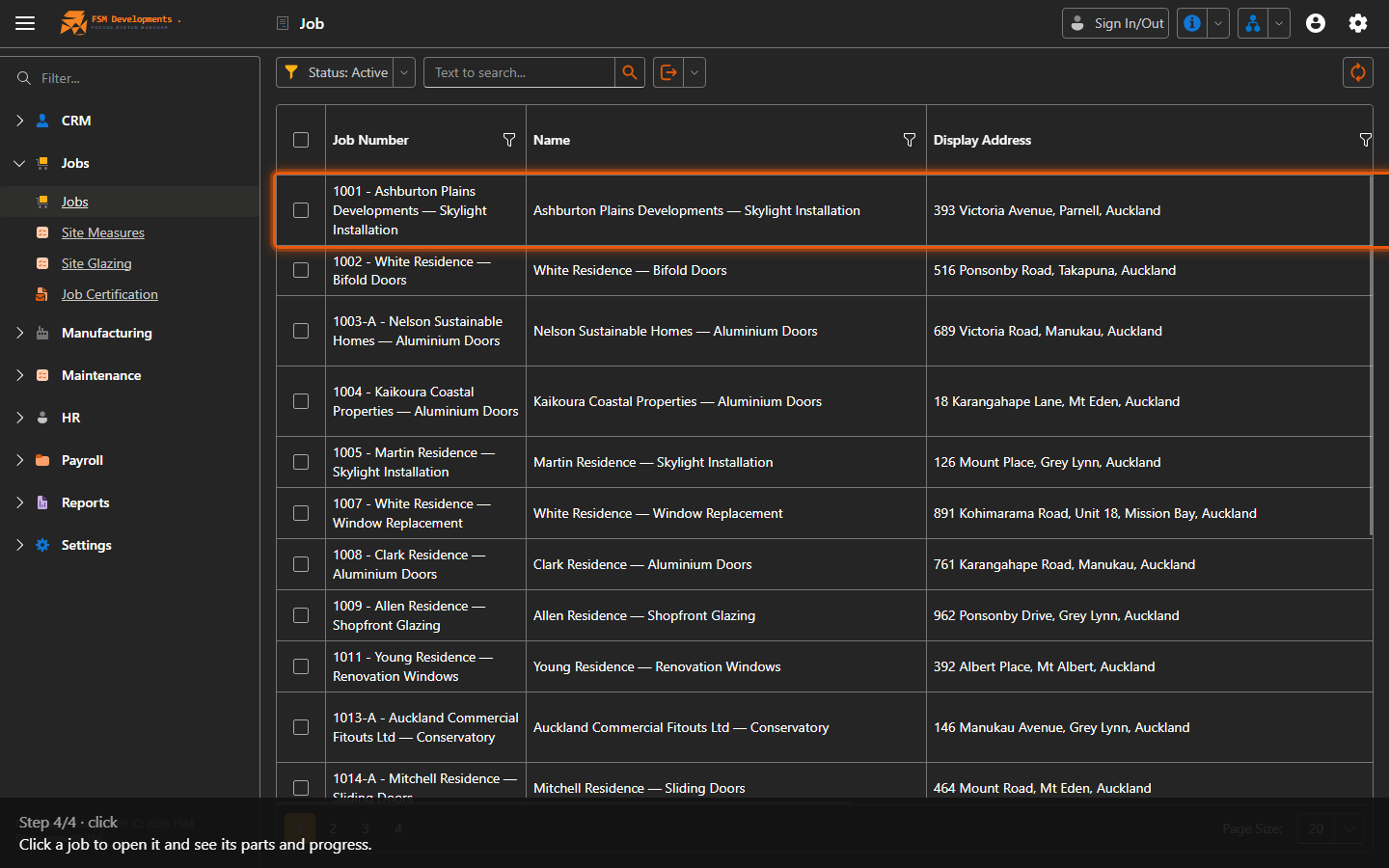
A job row
4. Click a job to open it and see its parts and progress.
Last updated on