Approve or decline
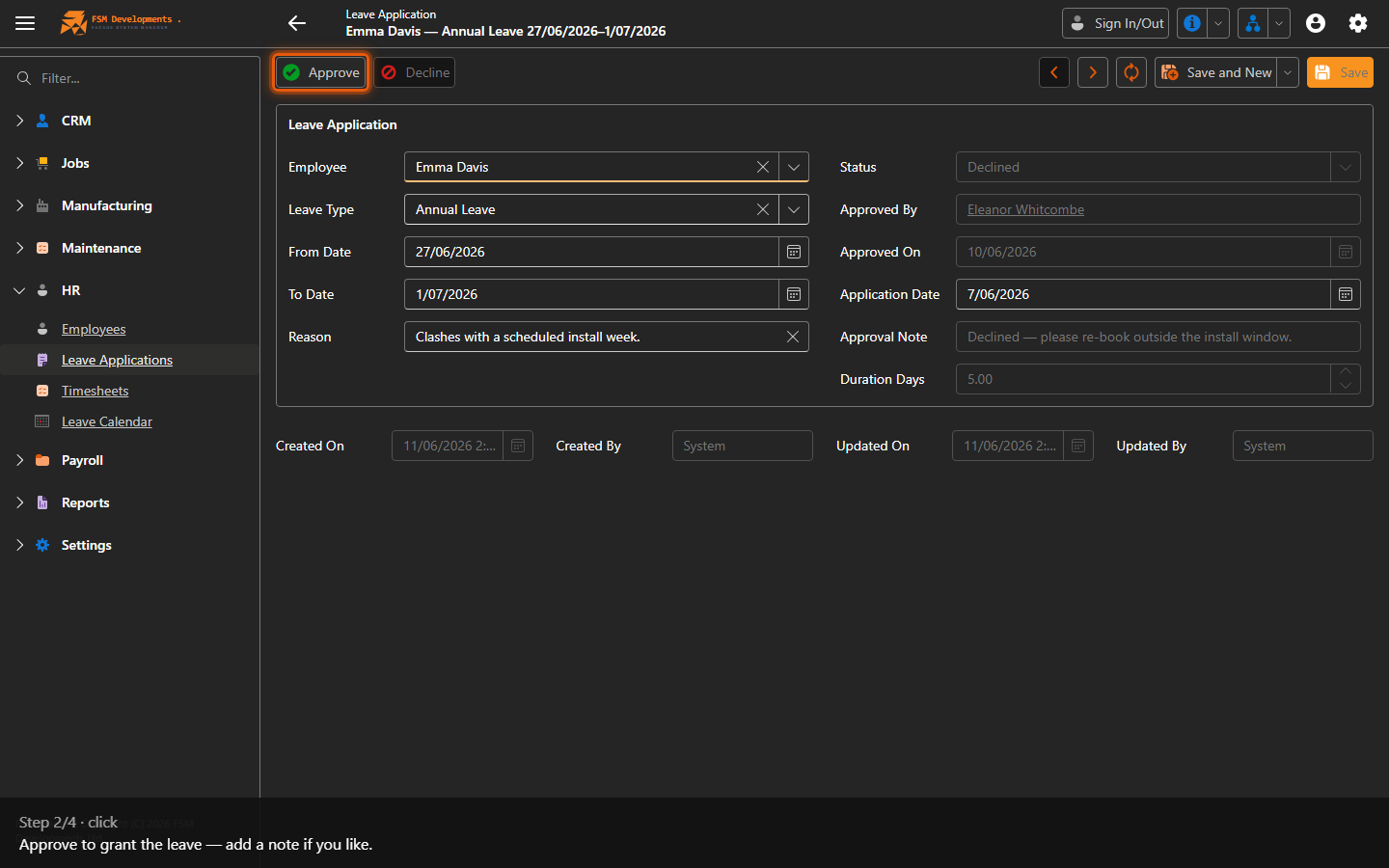
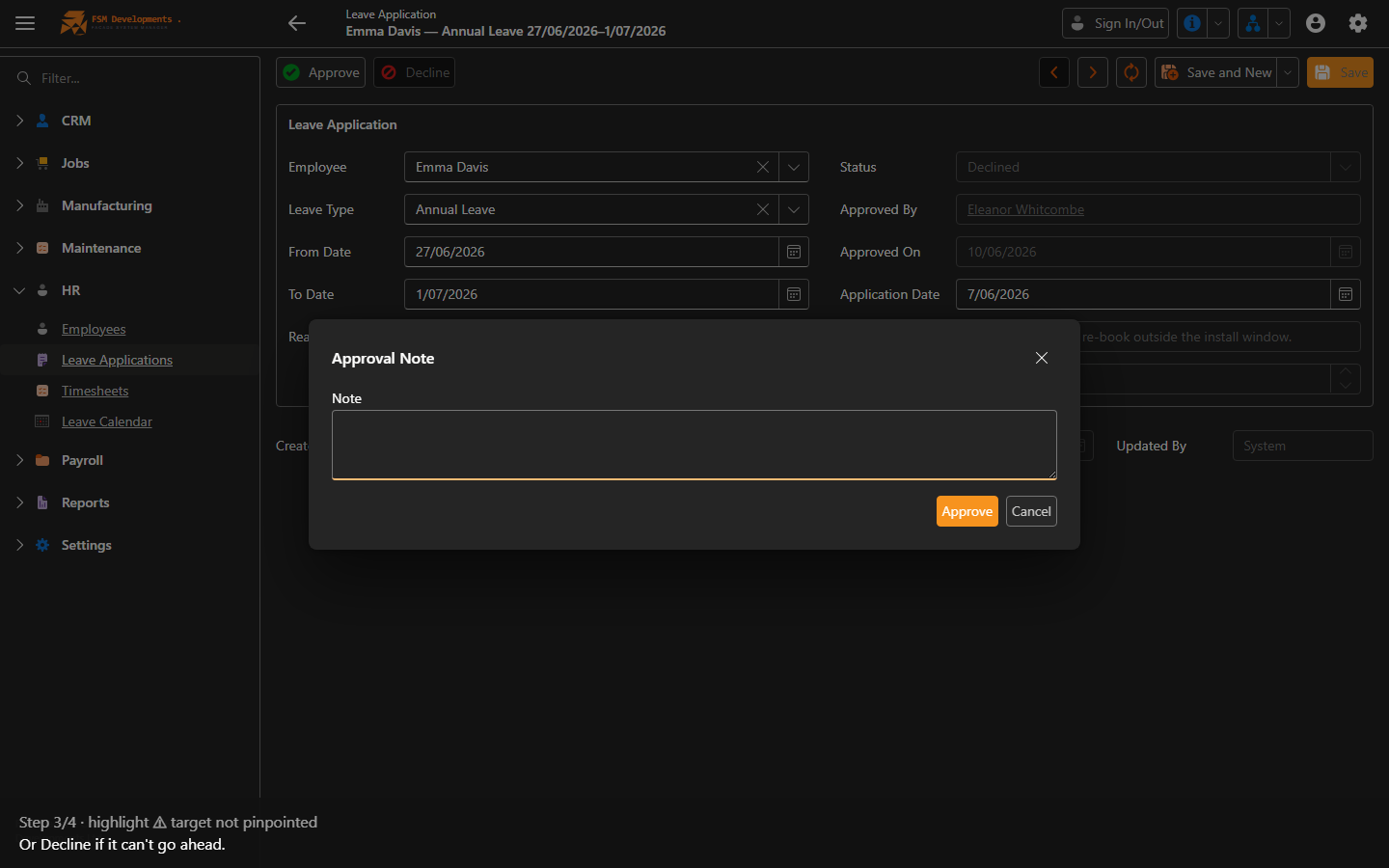
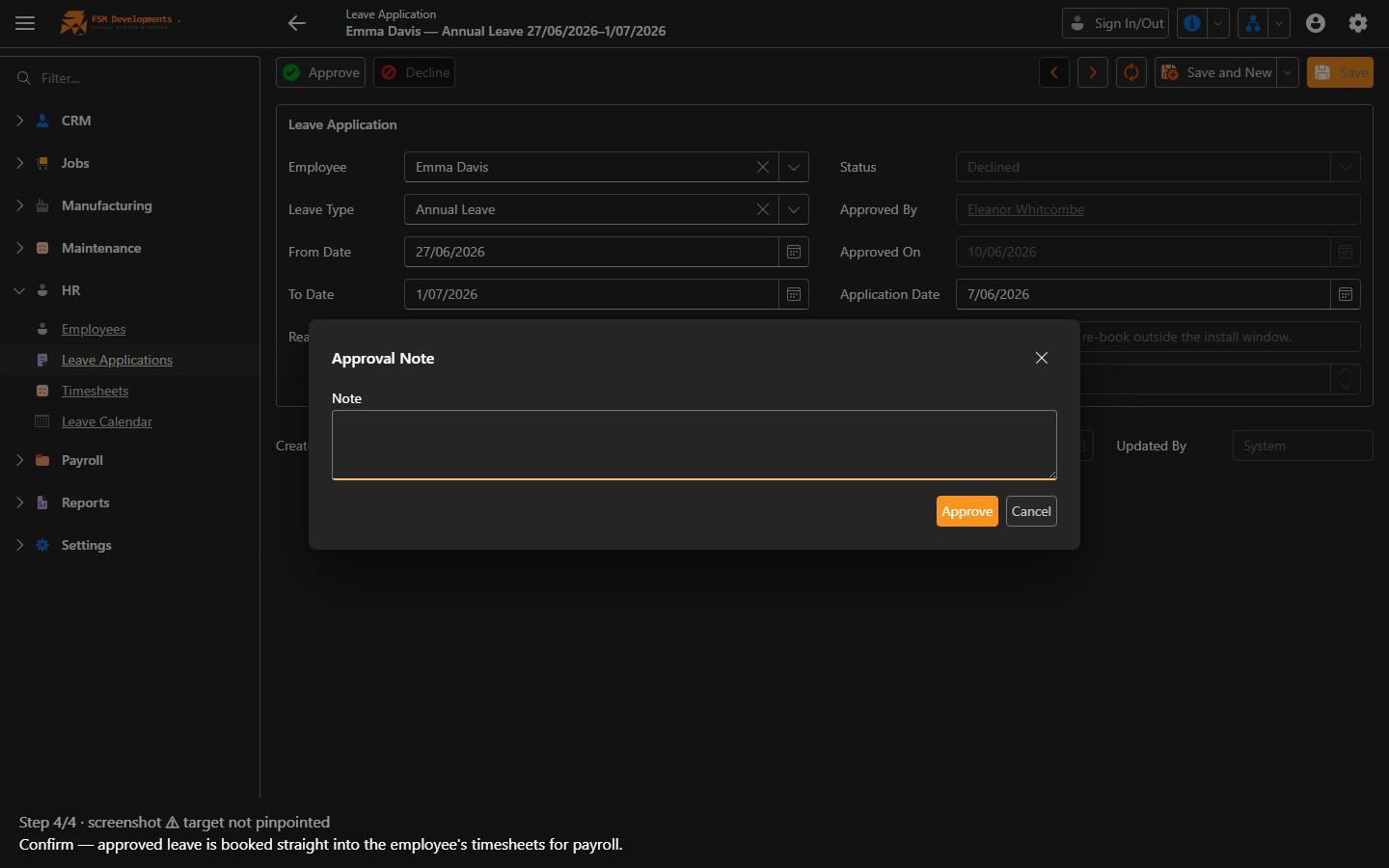
Lite+A manager’s sign-off on a leave request. Approving books the leave into the employee’s timesheets; declining closes it without effect.
When to use
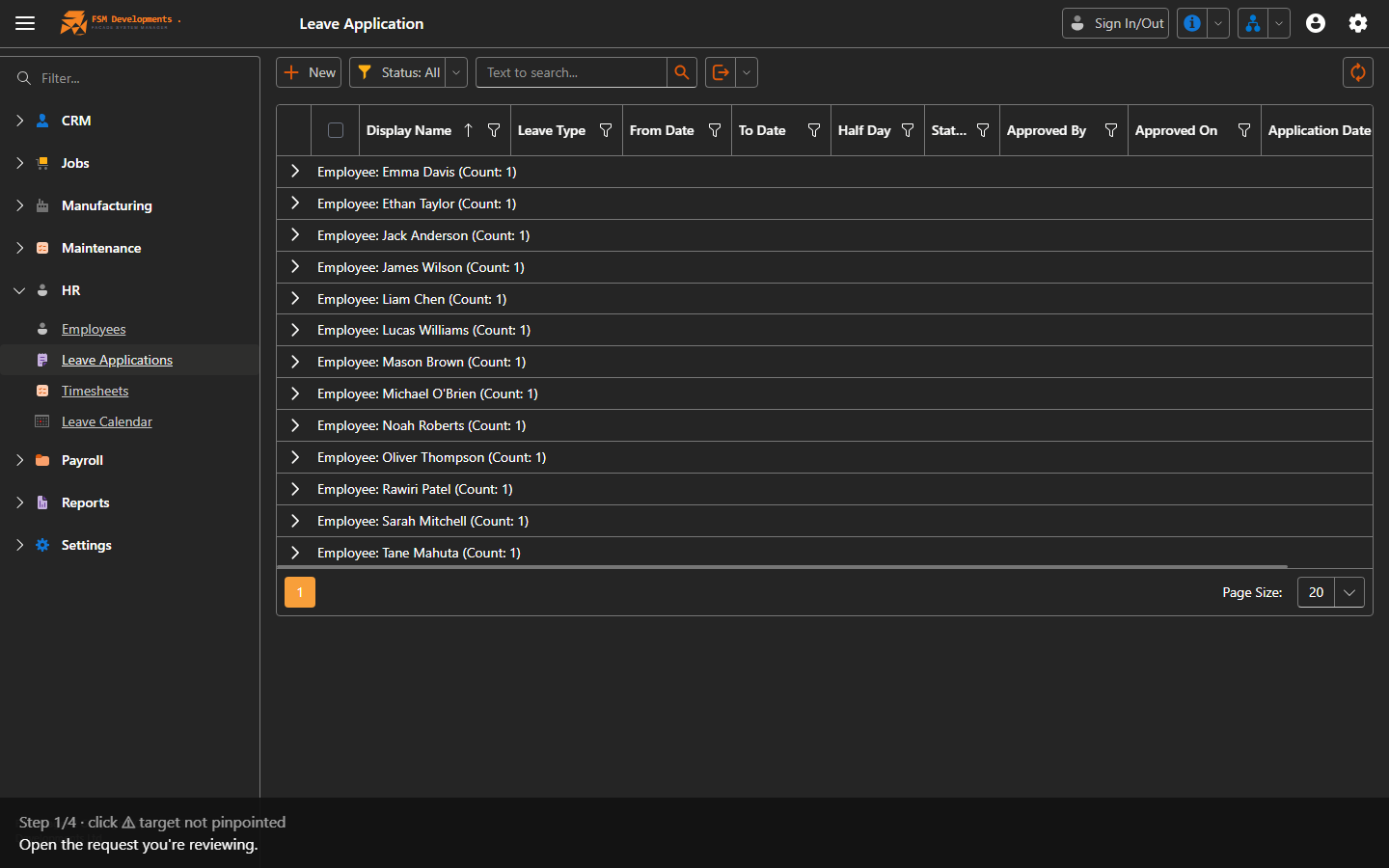
Reviewing your team’s leave requests.
Step by step
Last updated on
A manager’s sign-off on a leave request. Approving books the leave into the employee’s timesheets; declining closes it without effect.
Reviewing your team’s leave requests.