Skip to Content

Who’s off when

Lite+

A calendar of everyone’s time off — approved and pending leave, public holidays, branch closures and employee schedule overrides — colour-coded.

When to use

To plan around staff availability before booking work or approving more leave.

Step by step
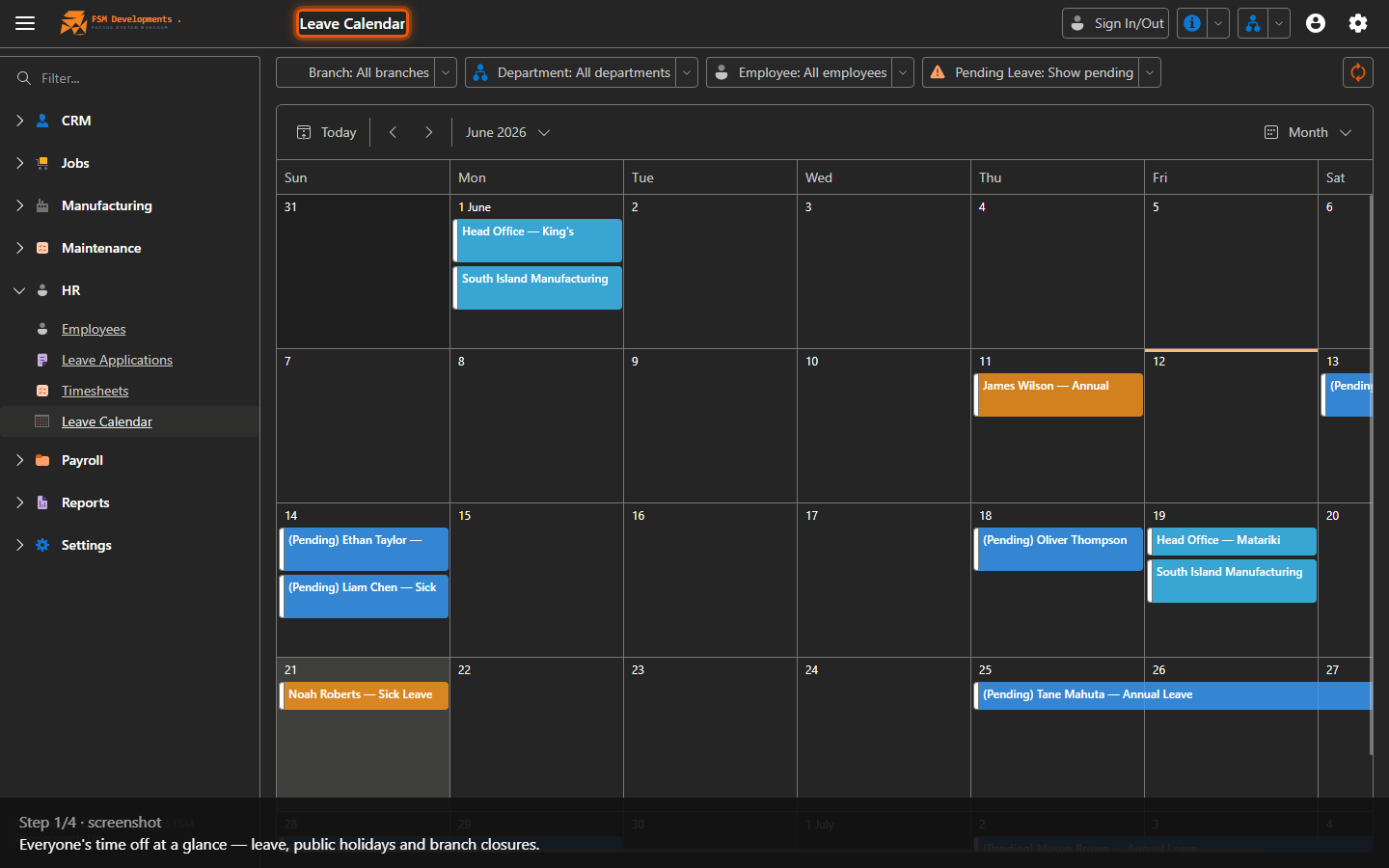
Leave calendar (scheduler)
1. Everyone's time off at a glance — leave, public holidays and branch closures.
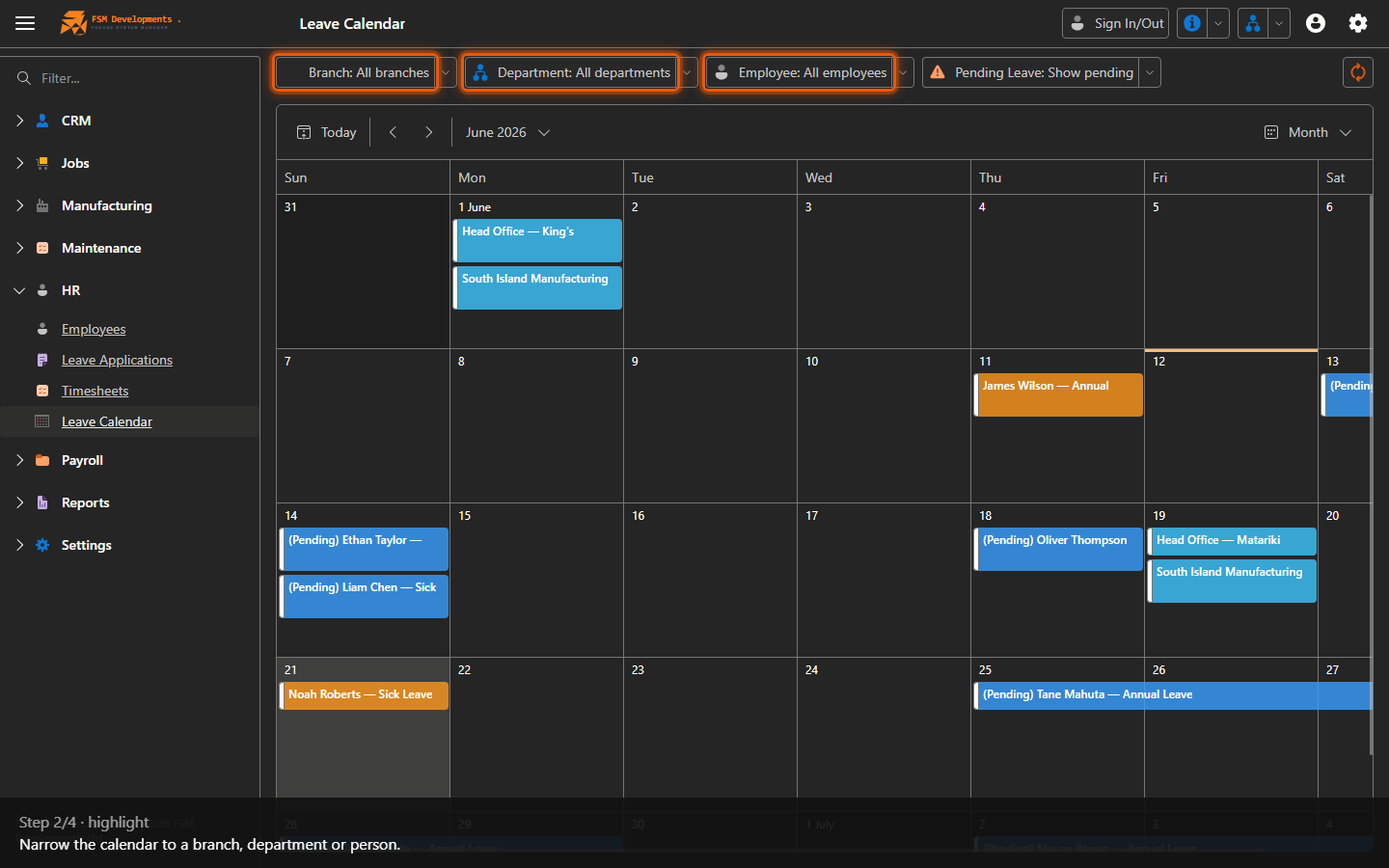
Branch / Department / Employee filters
2. Narrow the calendar to a branch, department or person.
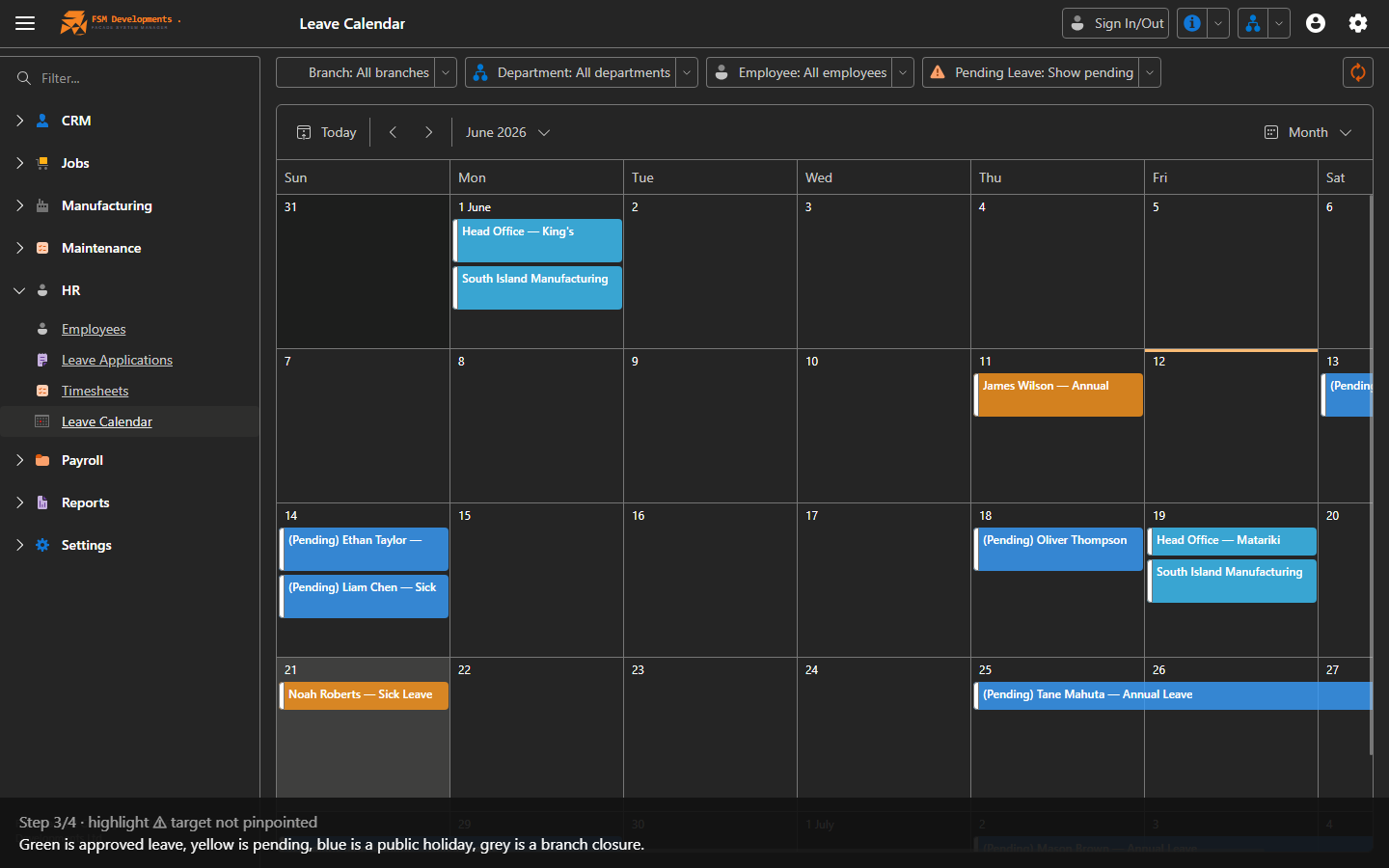
Colour legend (approved / pending / holiday / closure)
3. Green is approved leave, yellow is pending, blue is a public holiday, grey is a branch closure.
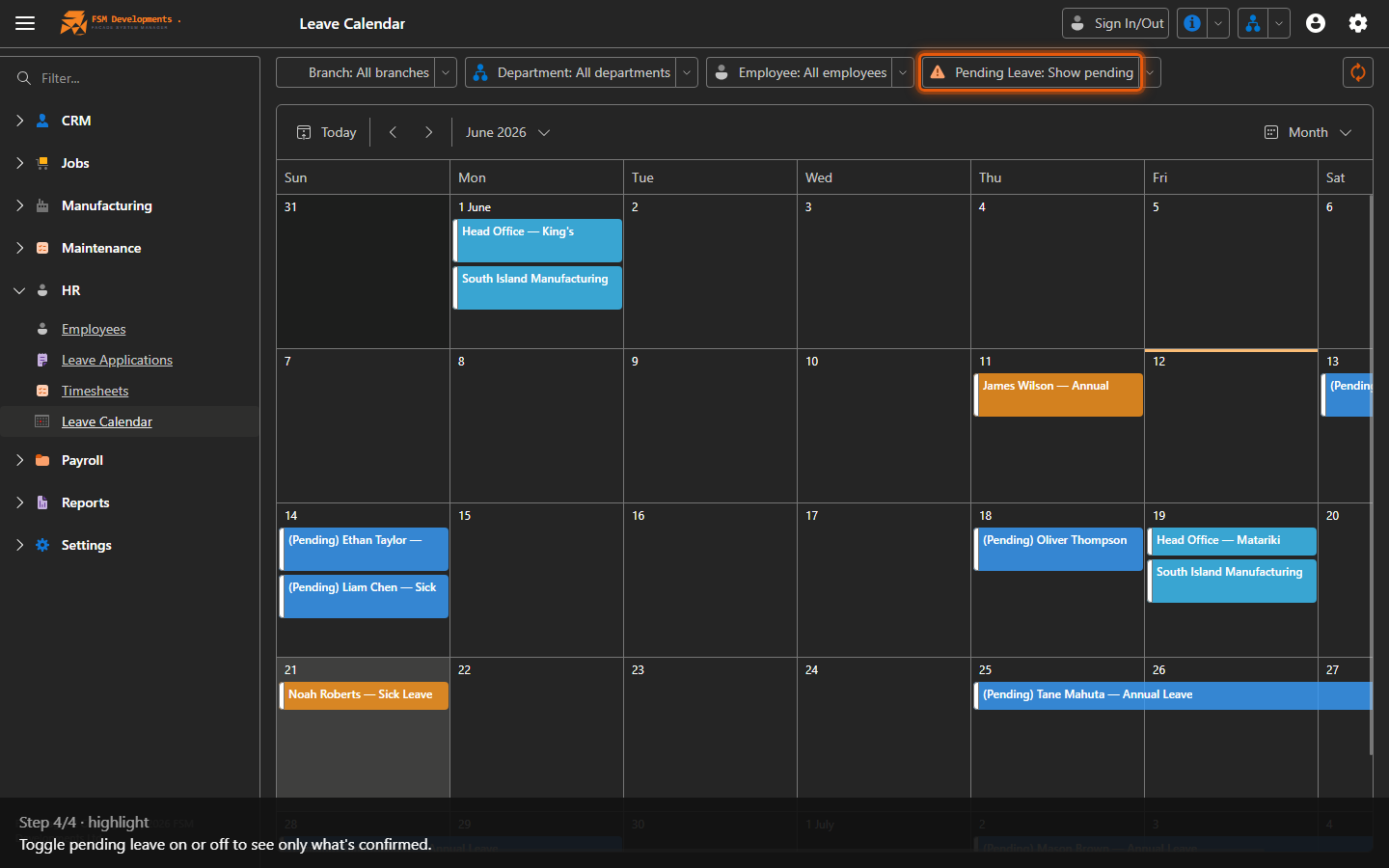
Show / Hide Pending (toggle)
4. Toggle pending leave on or off to see only what's confirmed.
Last updated on