Skip to Content

Browse site measures

Lite+

The queue of site measurements across all jobs — who they’re assigned to, when they’re booked, and where each one is in its workflow.

When to use

To see what needs measuring, assign or book visits, and mark measures done.

Step by step
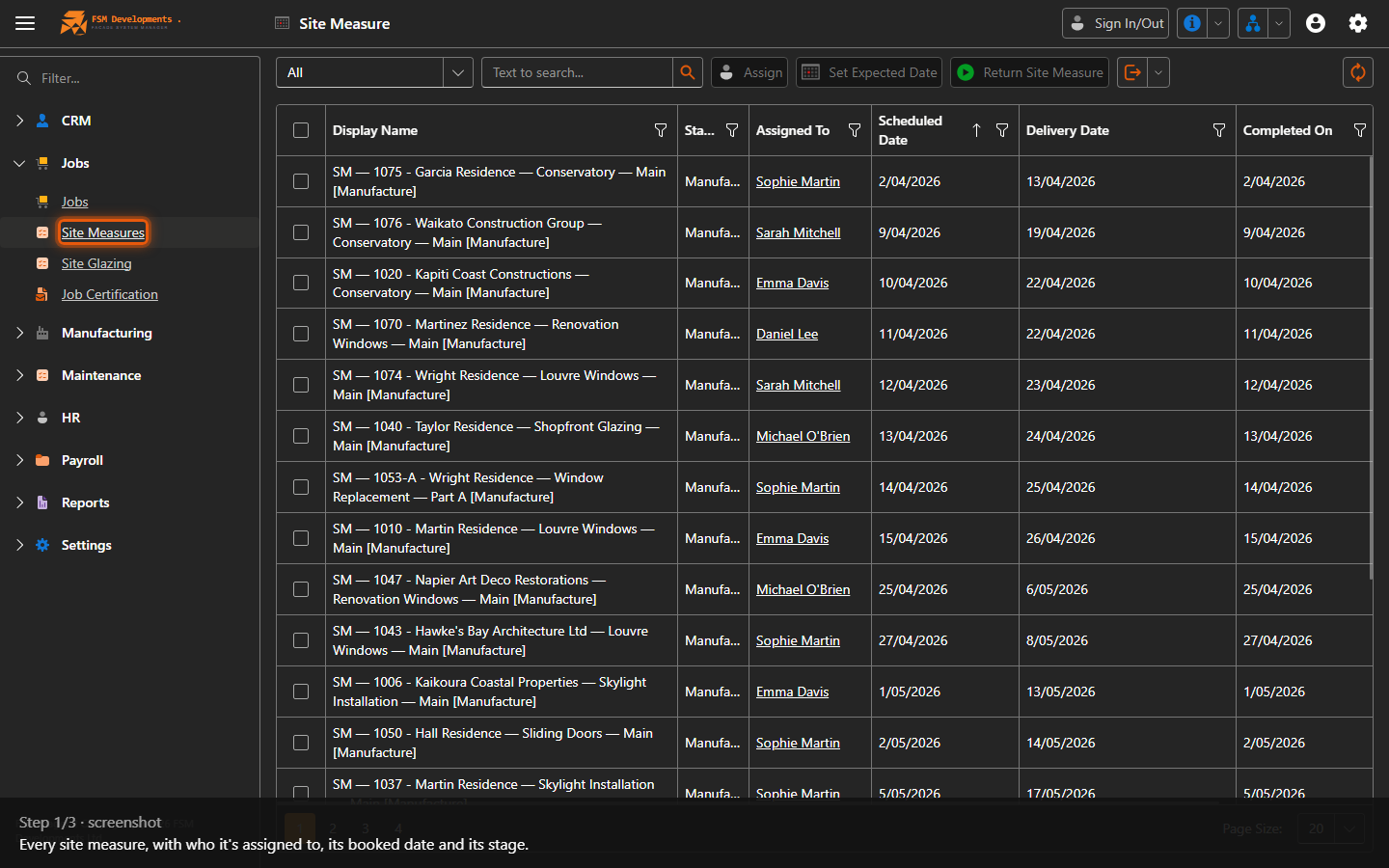
Site Measures grid
1. Every site measure, with who it's assigned to, its booked date and its stage.
Stage (column)
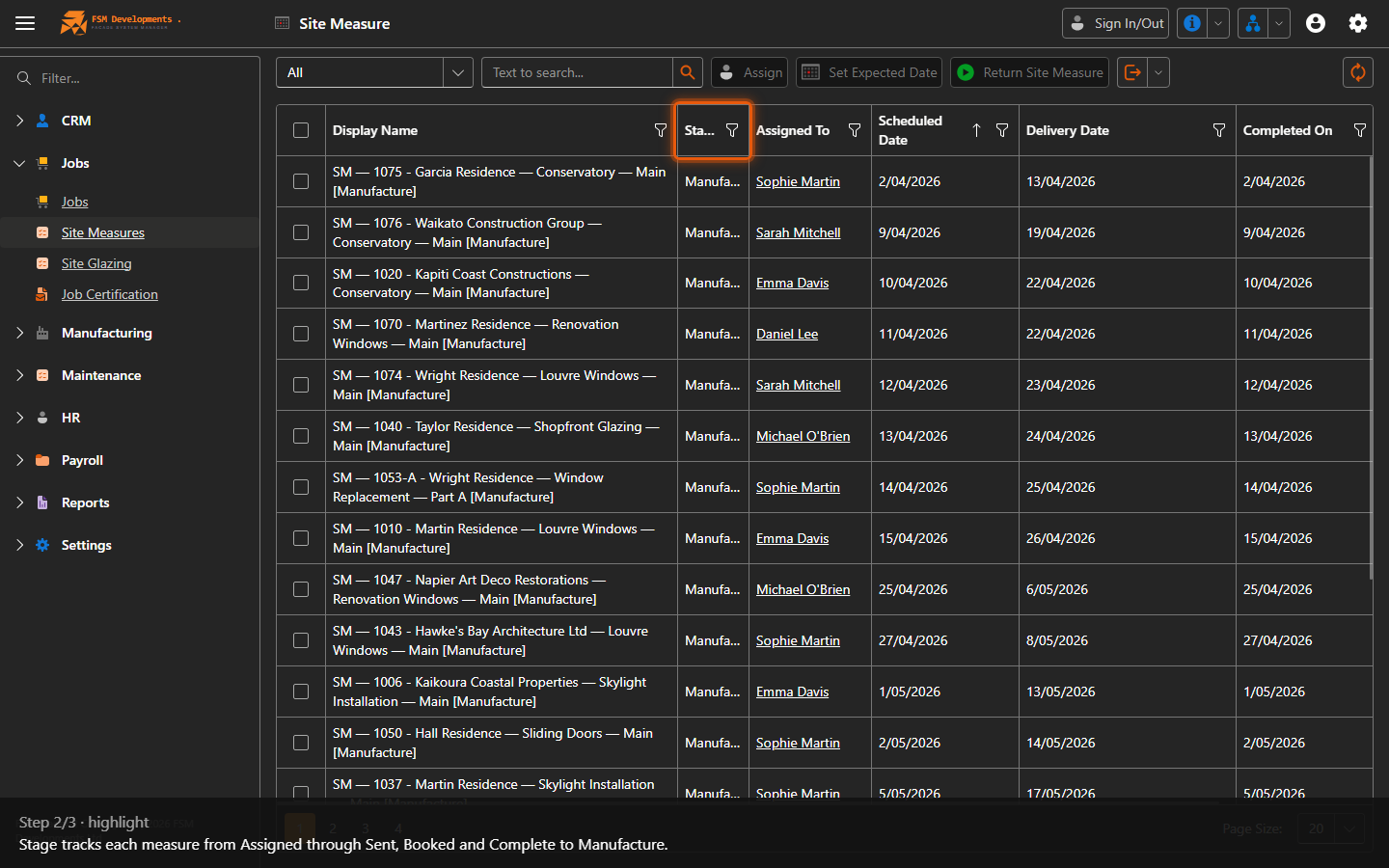
2. Stage tracks each measure from Assigned through Sent, Booked and Complete to Manufacture.
Assign / Set Expected Date / Return Site Measure (toolbar buttons)
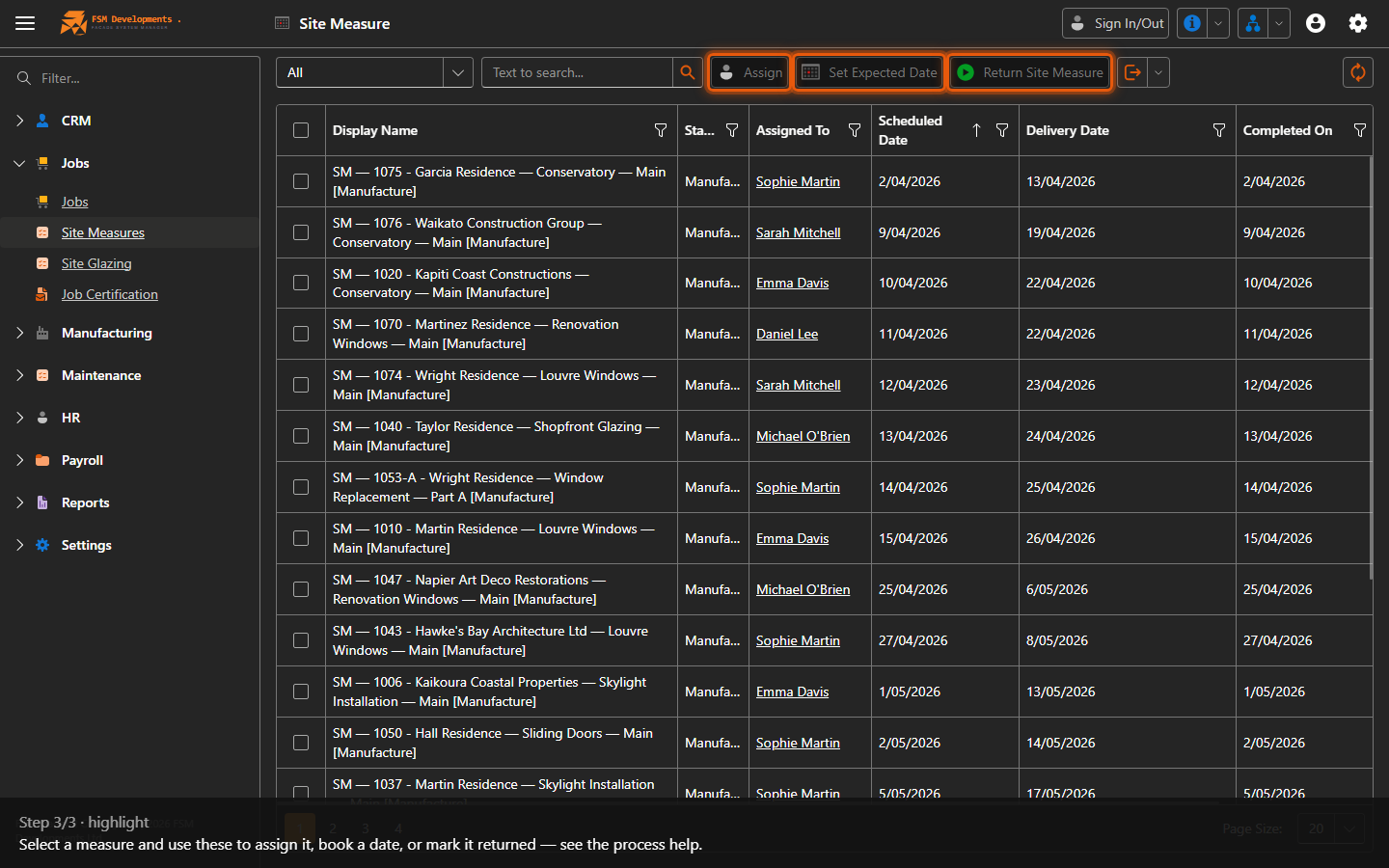
3. Select a measure and use these to assign it, book a date, or mark it returned — see the process help.
Last updated on