Skip to Content

Complete an action

Lite+

Ticks off an outstanding follow-up action and stamps who completed it and when — optionally rolling the linked opportunity’s sales date forward.

When to use

You’ve done the follow-up a contact log was reminding you about.

Step by step
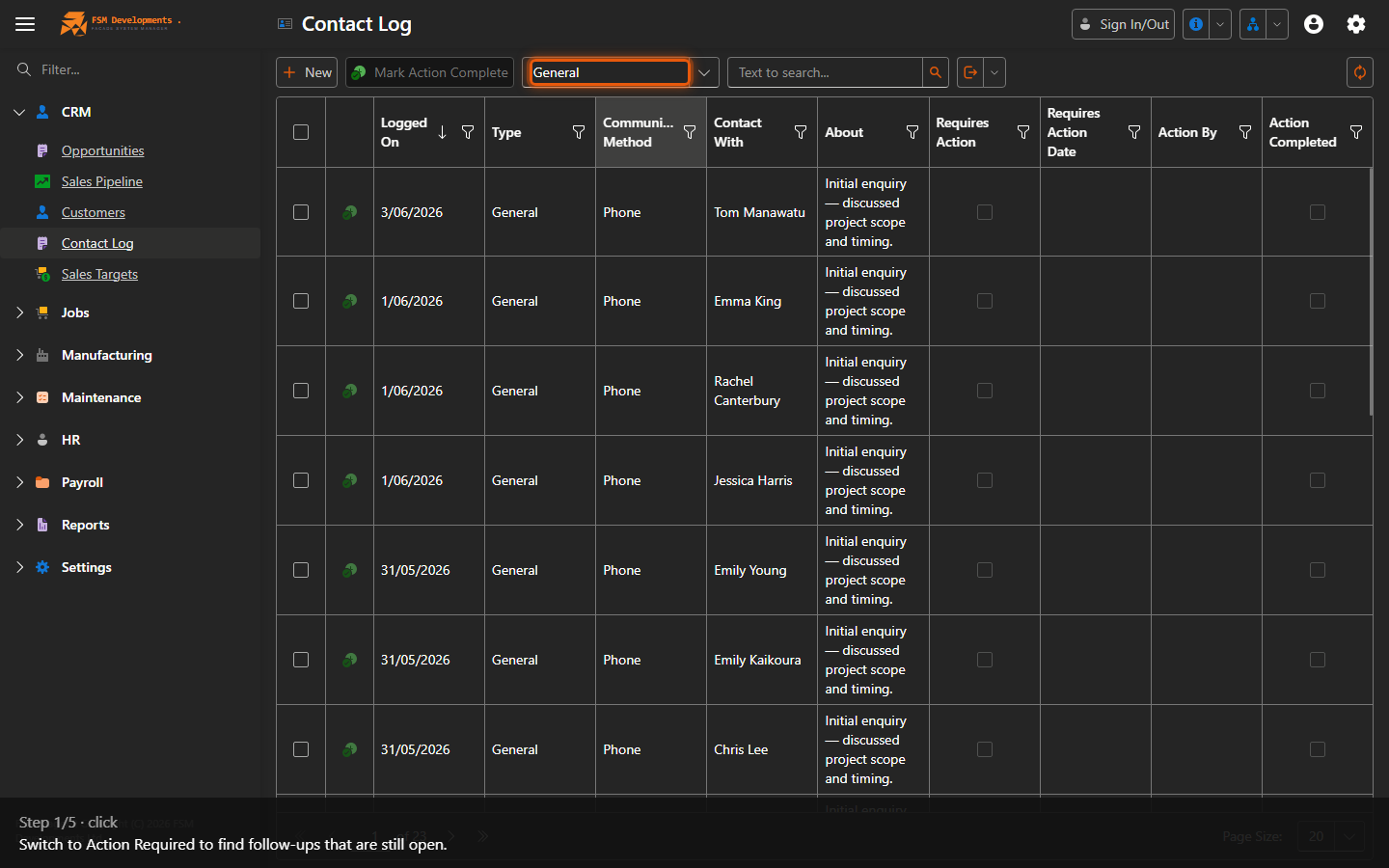
View (combobox)
1. Switch to Action Required to find follow-ups that are still open.
An action-required row (select it)
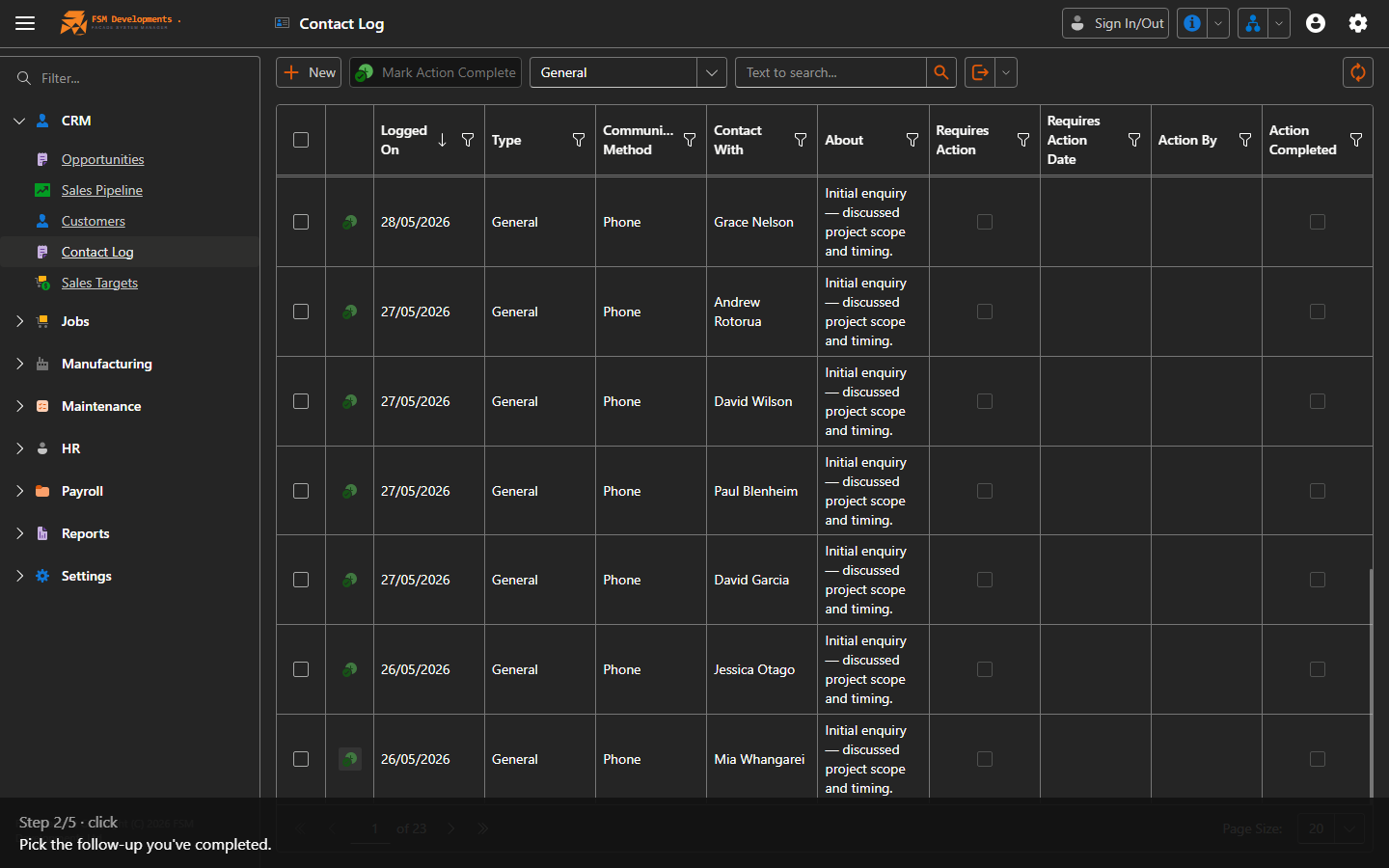
2. Pick the follow-up you've completed.
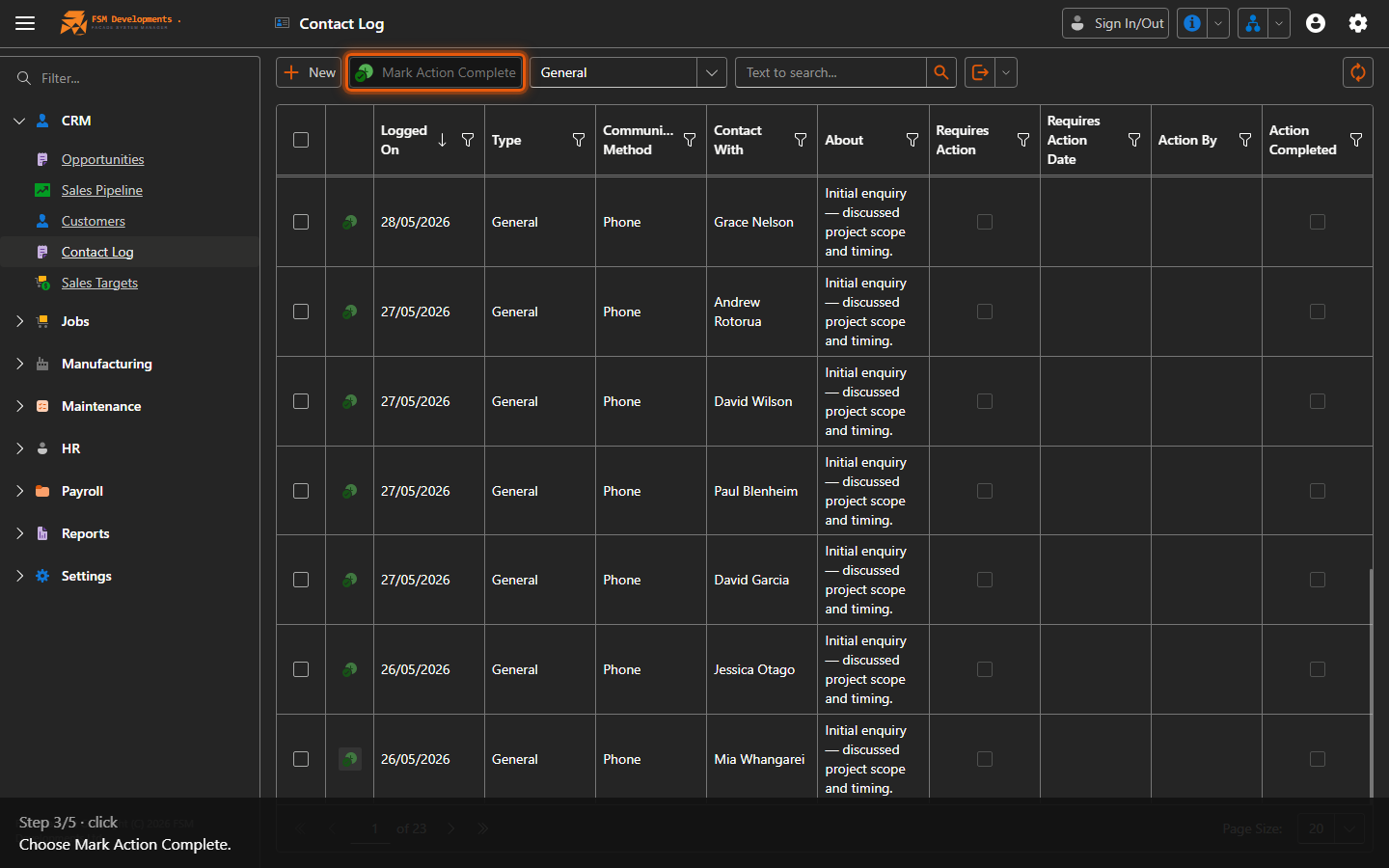
Mark Action Complete (toolbar button)
3. Choose Mark Action Complete.
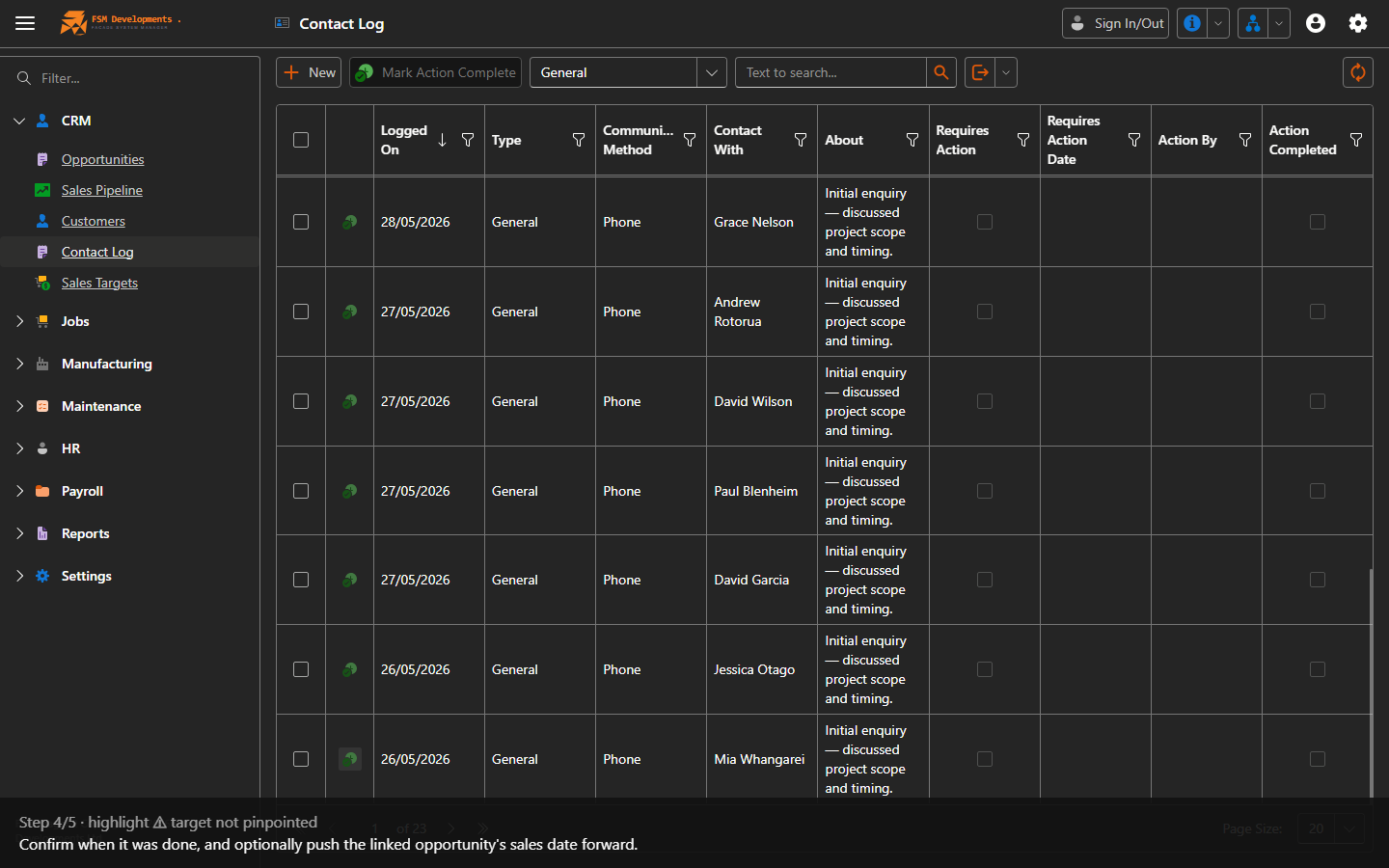
Completion date / new sales date (popup)
4. Confirm when it was done, and optionally push the linked opportunity's sales date forward.
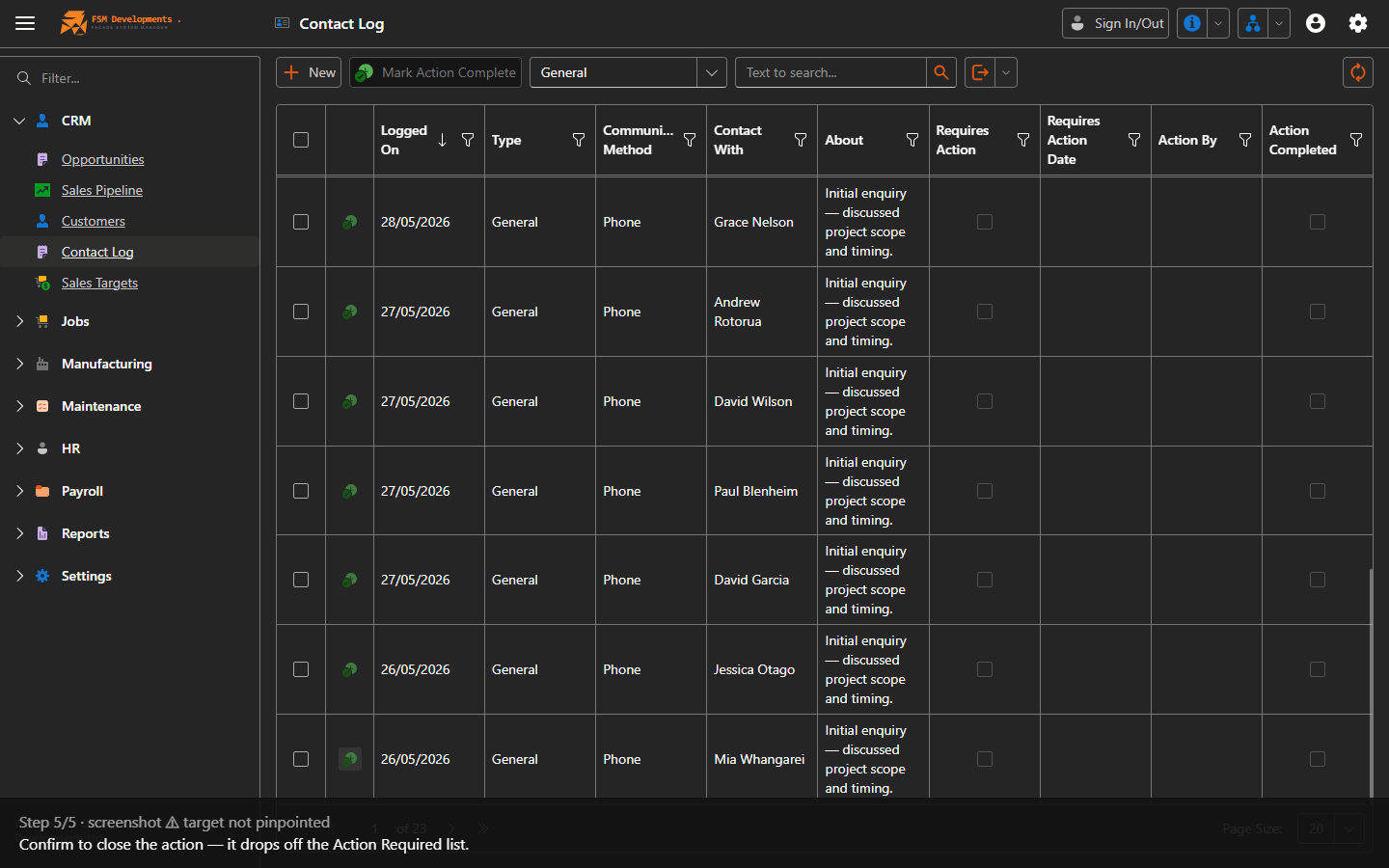
OK (popup button)
5. Confirm to close the action — it drops off the Action Required list.
Last updated on