Payroll Settings reference
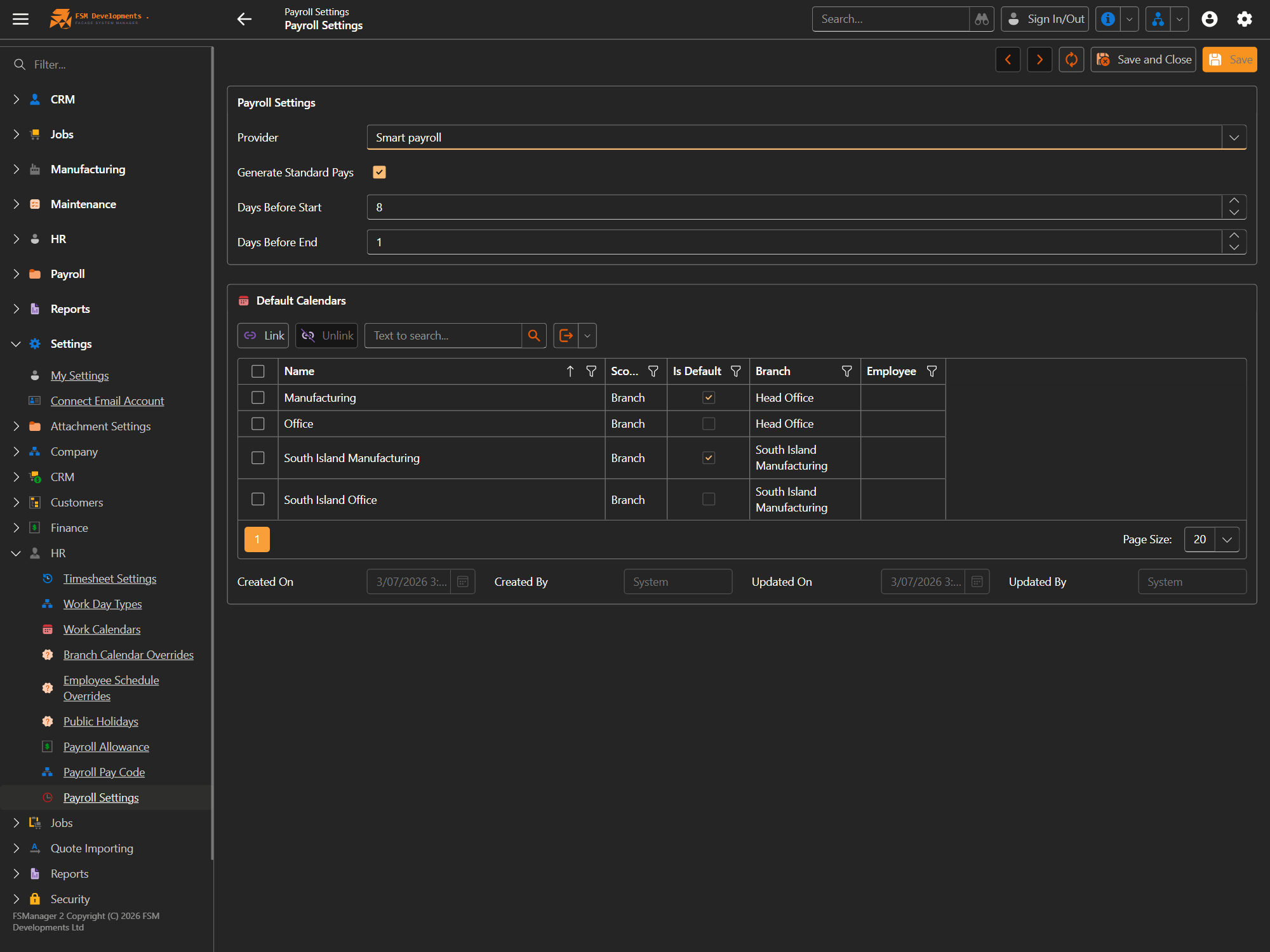
Lite+Settings → HR → Payroll Settings. Sets your payroll provider and how pay weeks are timed and generated. Used when you run a pay week.
| Setting | What it does / affects |
|---|---|
| Provider | The payroll system a pay week exports to (e.g. SmartPayroll or Xero). Determines the export format used by Export to Provider. |
| Generate Standard Pays | Auto-creates a standard pay line for each employee when a pay week is built, so salaried/standard staff don’t have to be added by hand. |
| Days Before Start | How many days before the pay period a pay week can be opened and worked. |
| Days Before End | How many days before the period end the pay week is expected to be finalised. |
| Default Calendars | The working-day calendars used per branch (and optionally per employee) for payroll — which days are working days for pay. The Is Default calendar applies where no more-specific one is set. |
The pay codes and allowances a run uses are maintained next door under Settings → HR — Payroll Pay Code and Payroll Allowance.
Last updated on