Skip to Content
How-to (step by step)SettingsFind your way around settings

Find your way around settings

Lite+

A map of the Settings area — where the configuration screens and reference lists live, plus the personal and health-check tools.

When to use

When you’re setting the system up, or hunting for a particular option.

Step by step
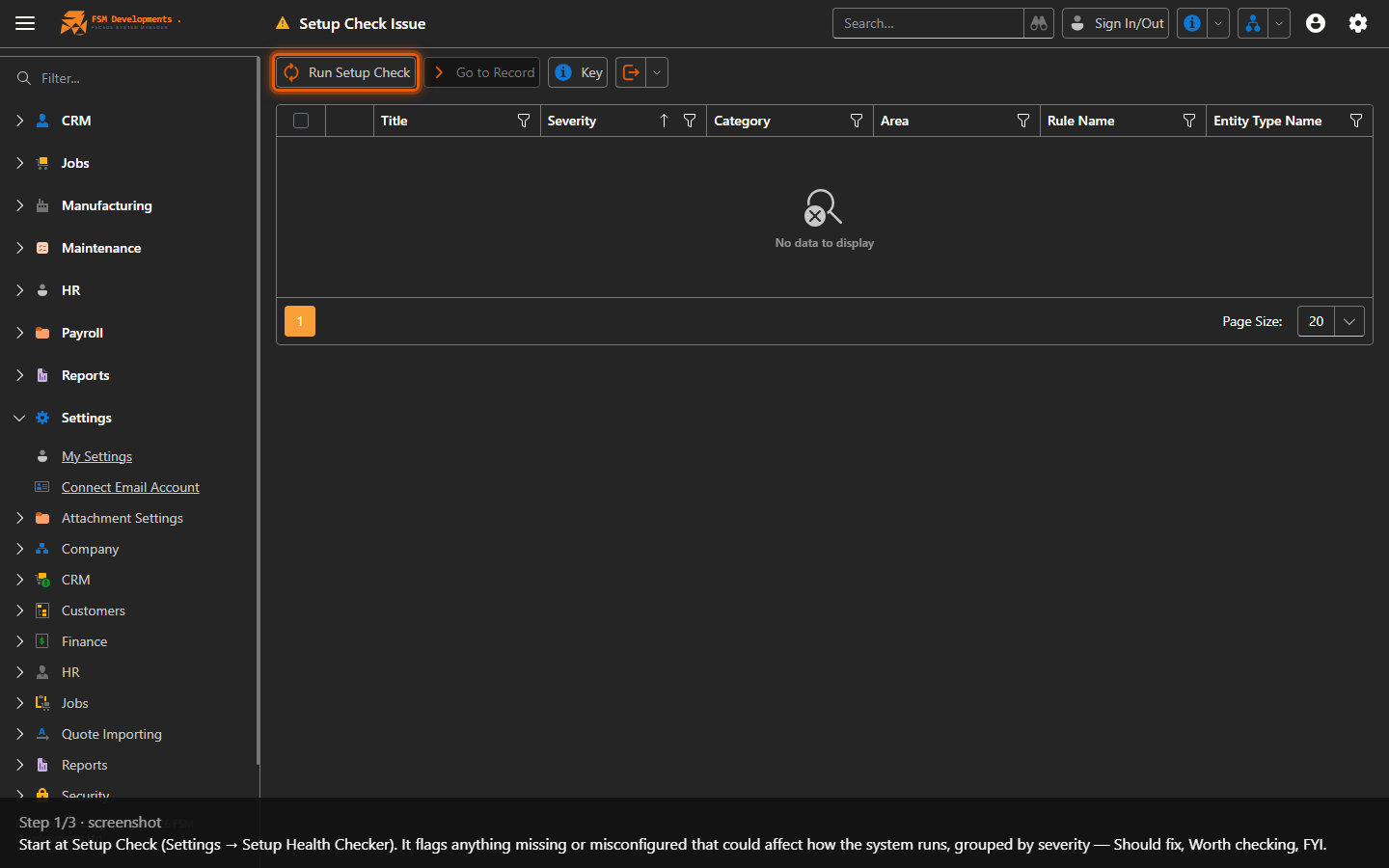
Setup Check — outstanding setup issues
1. Start at Setup Check (Settings → Setup Health Checker). It flags anything missing or misconfigured that could affect how the system runs, grouped by severity — Should fix, Worth checking, FYI.
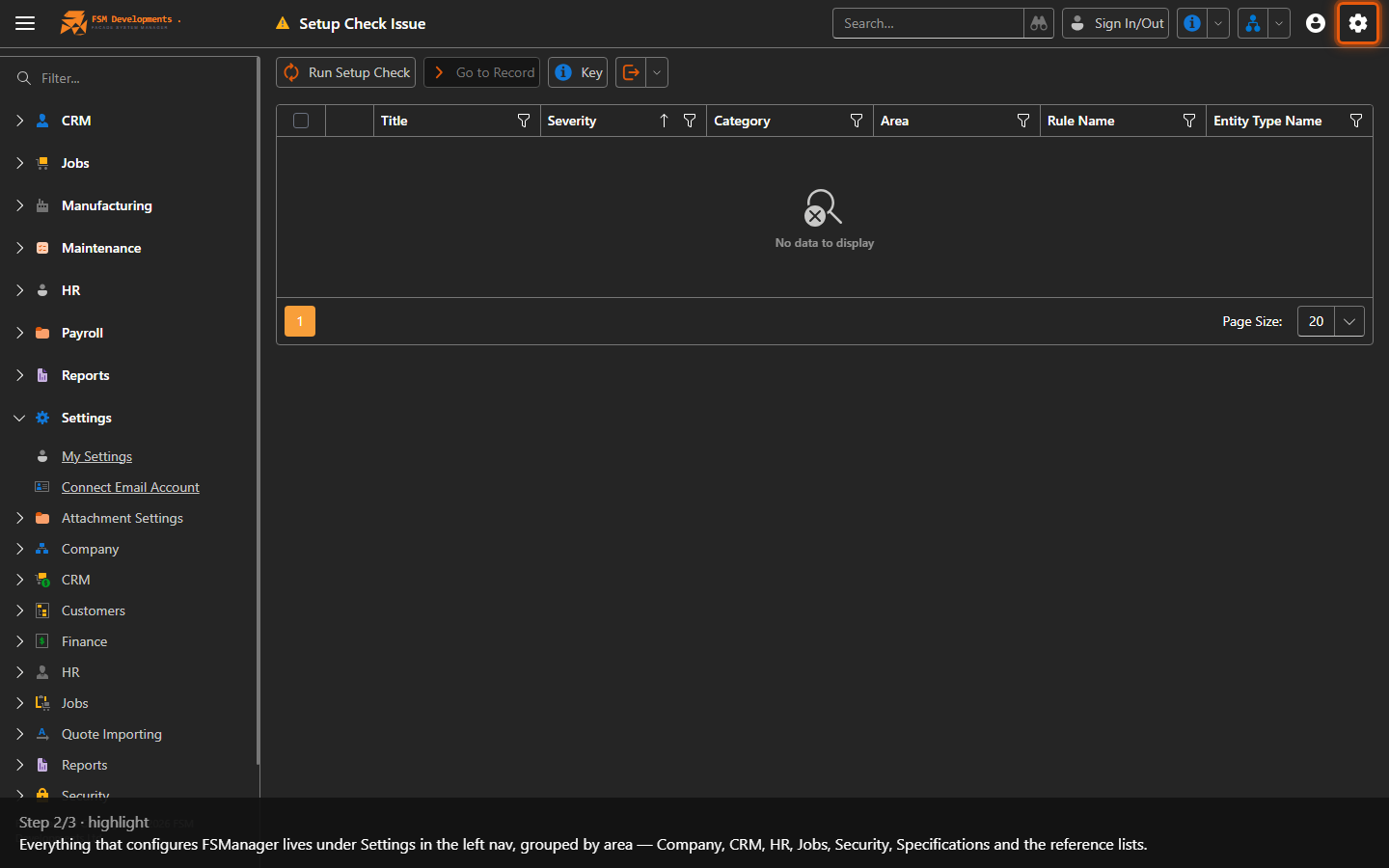
Settings (navigation group)
2. Everything that configures FSManager lives under Settings in the left nav, grouped by area — Company, CRM, HR, Jobs, Security, Specifications and the reference lists.
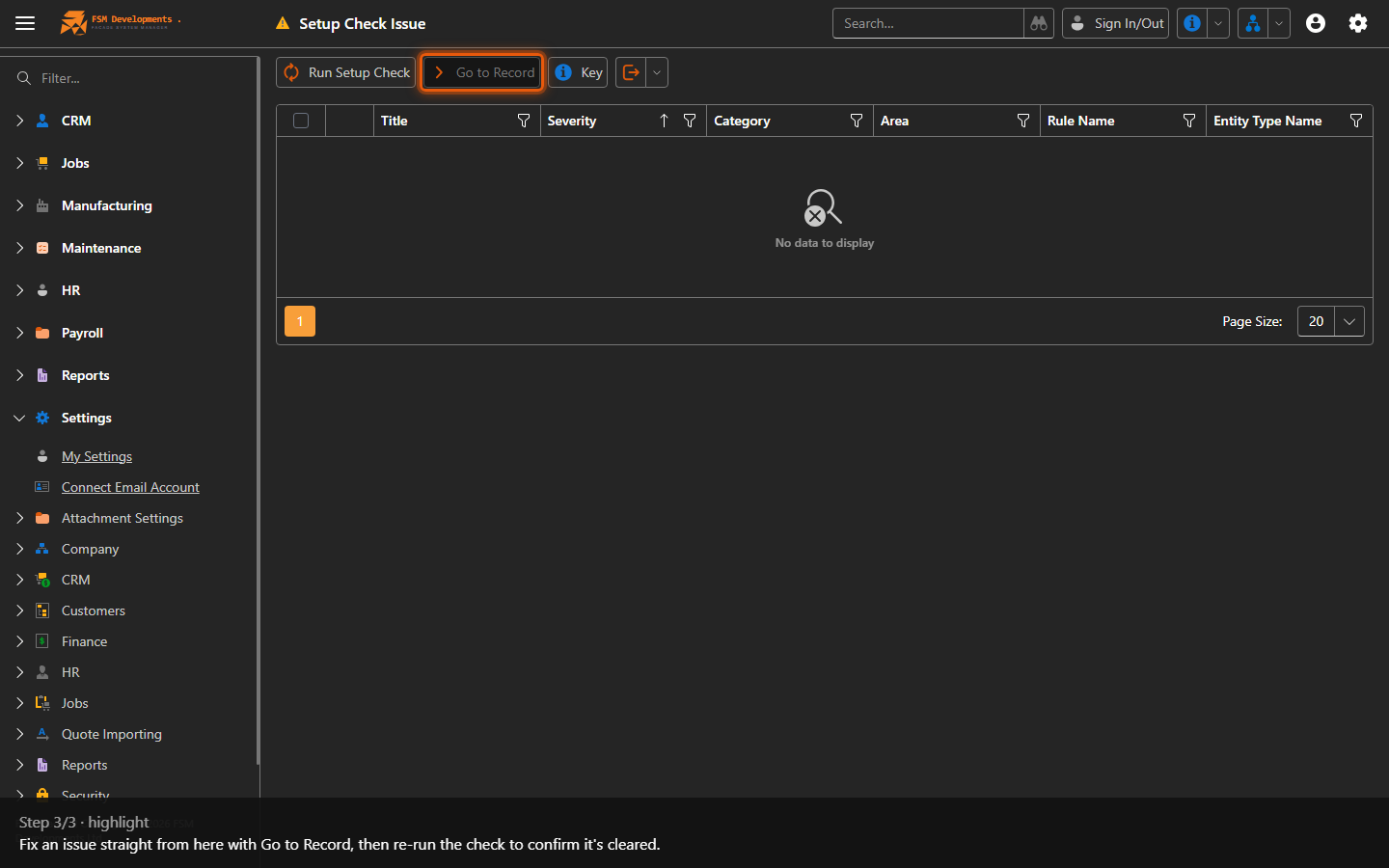
Go to Record (toolbar button)
3. Fix an issue straight from here with Go to Record, then re-run the check to confirm it's cleared.
Last updated on