Manage reference data
Lite+The shared pattern for the dozens of small lists that fill the drop-downs across FSManager. They all work the same way — add, edit and retire values — and are grouped under Settings by the area they belong to.
When to use
When a drop-down is missing an option, or you want to add/retire a value.
Step by step
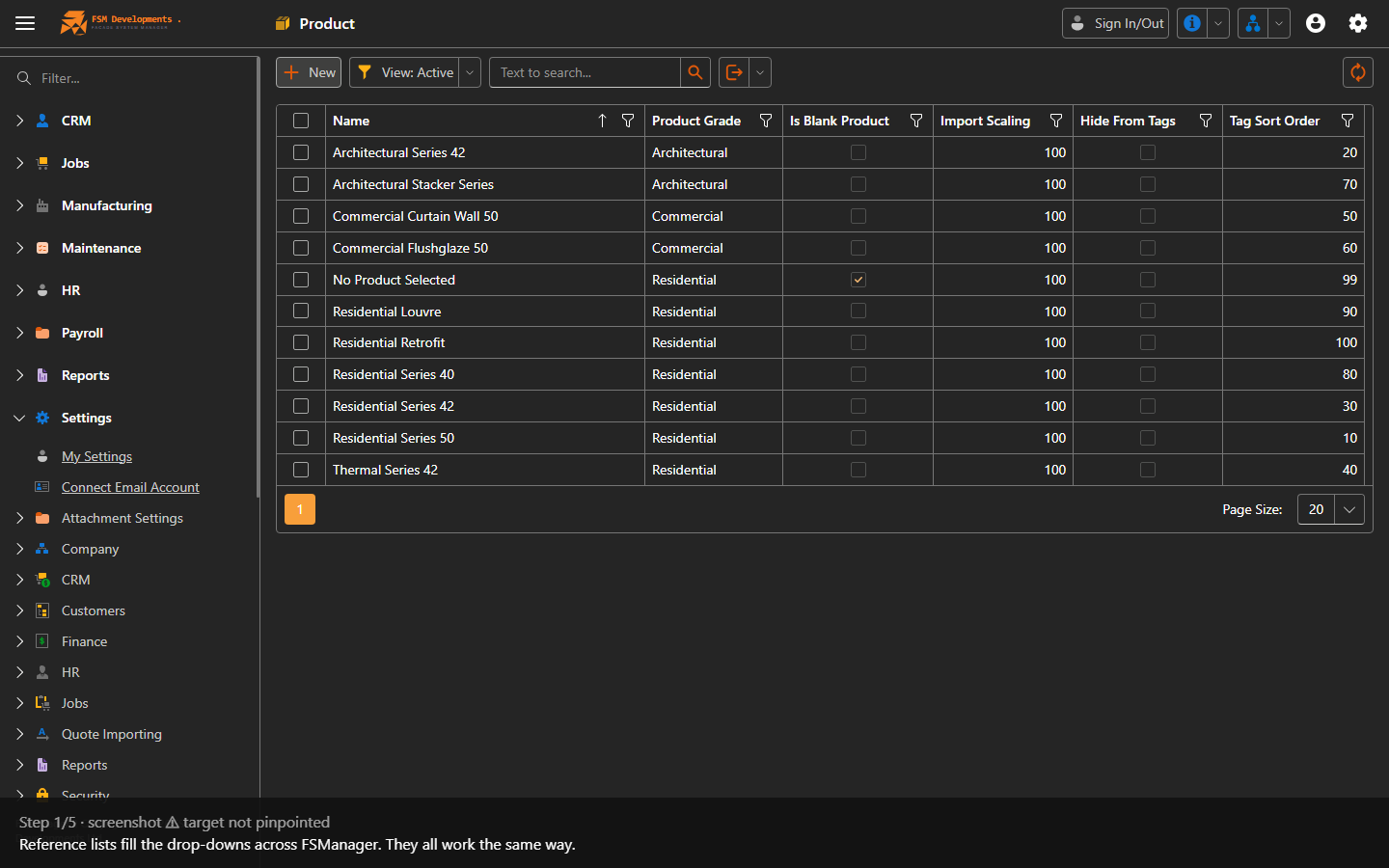
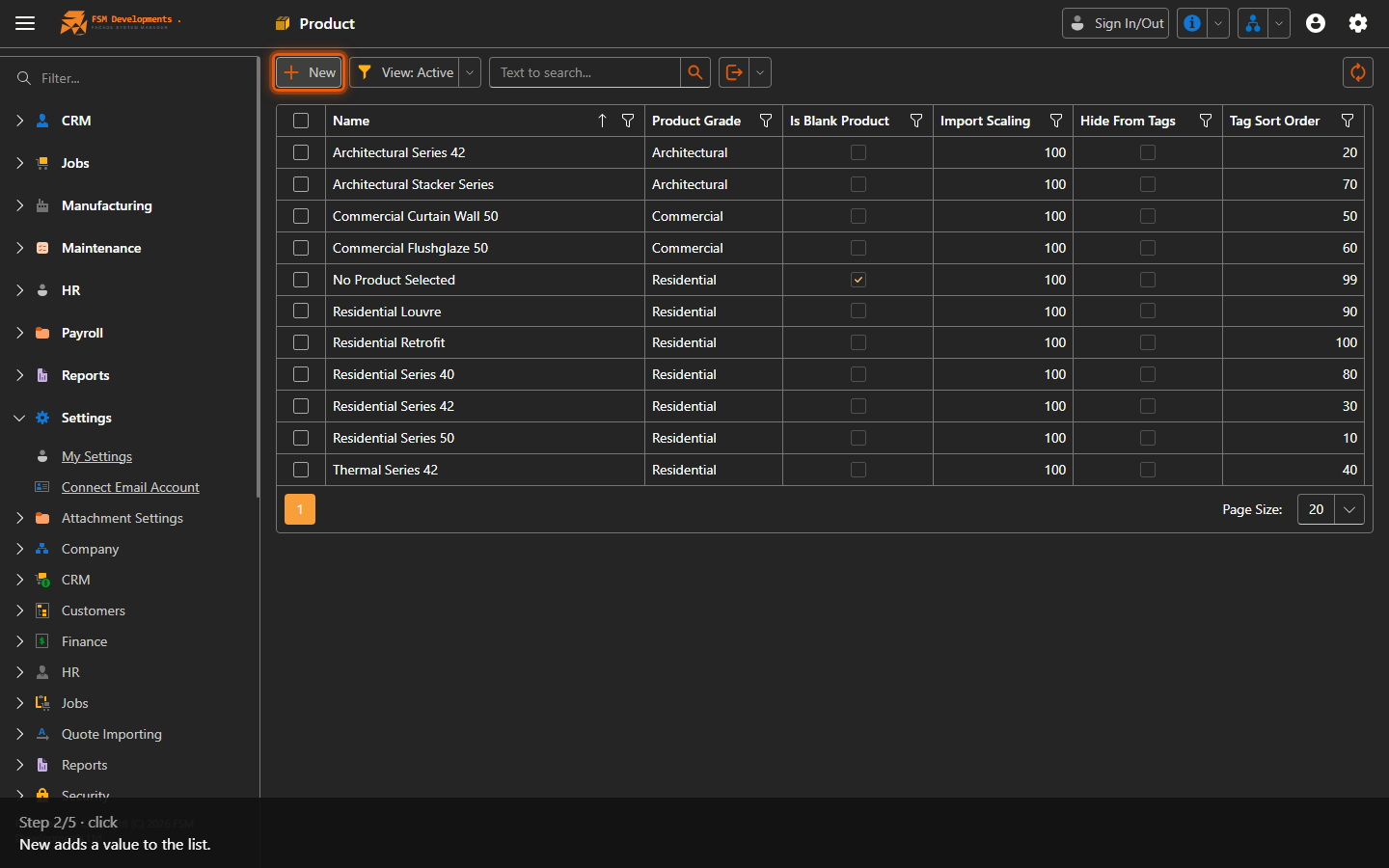
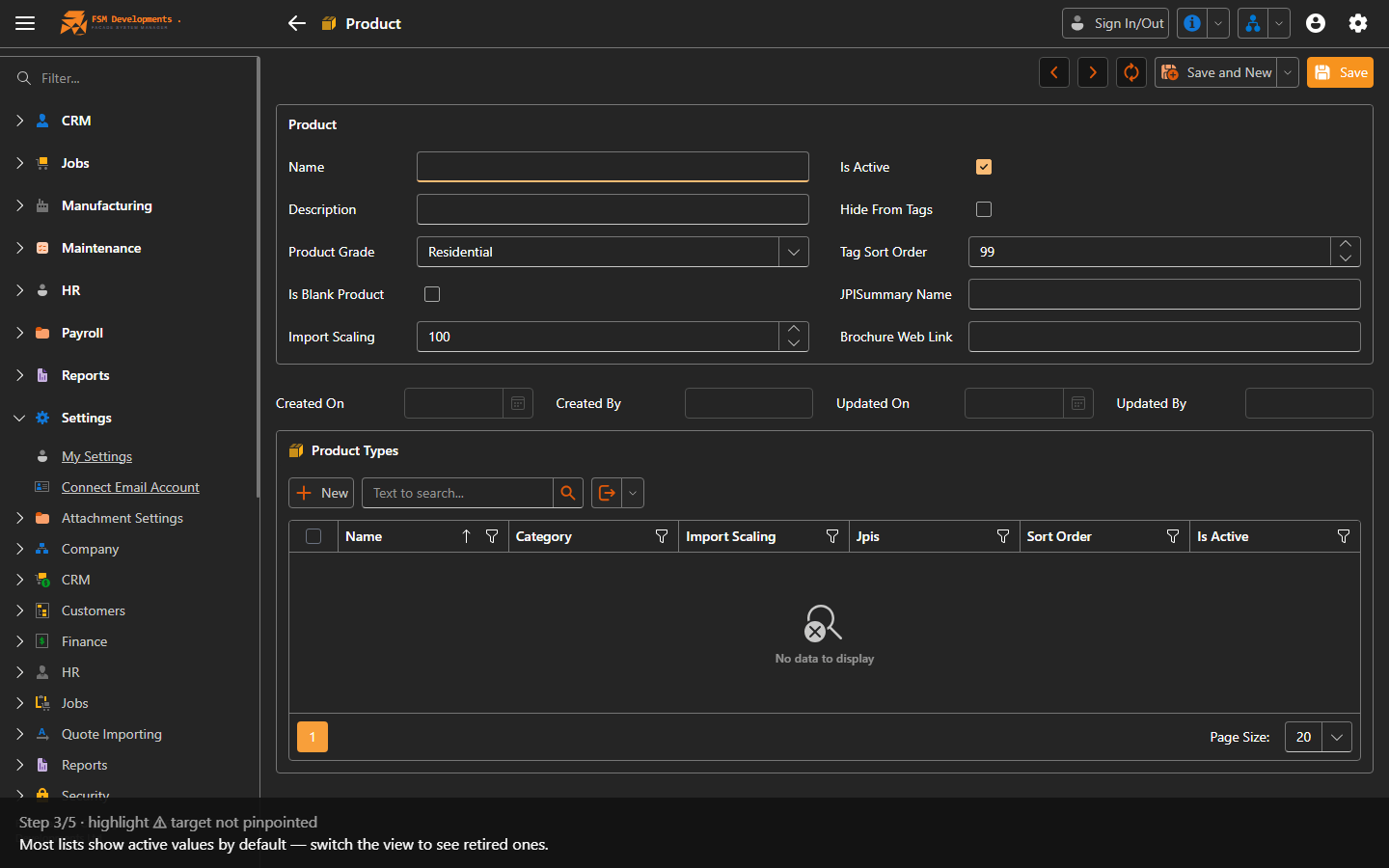
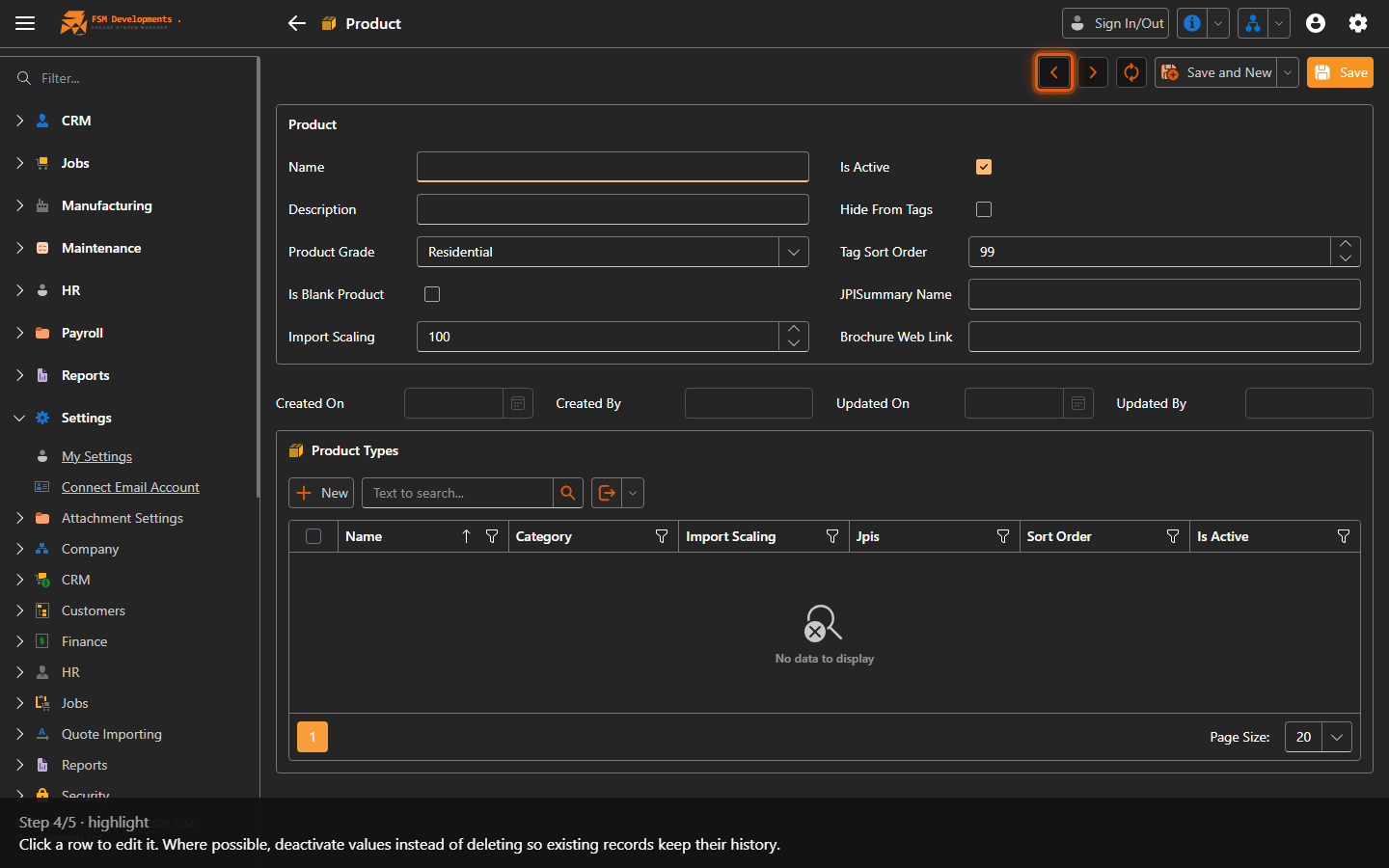
The lists, and what each is for
Settings → Jobs
| List | What it’s for |
|---|---|
| Job Types | The kind of job (Delivery, Install…) — sets the default workflow a job follows. |
| Job Categories | Classification for reporting and filtering (Residential New Build, Commercial…). |
| Job Stages | The production stages jobs move through — these are the columns on the Job Manager board. |
| Task Definitions | The master list of tasks that can be seeded onto items and parts (Site Measure, Paperwork, Delivery…). The building blocks of the workflow. Each one also carries its Responsible Department, Claim Restriction and Allowed Positions — see Who can claim which tasks. |
| Additional Task Types | Ad-hoc task types workers can claim time against outside the standard tasks. |
| Delivery Date Change Reasons | The reasons offered when rescheduling a delivery — used on the Change Delivery Date dialog. |
| Work Reasons | Reasons attached to time claims and adjustments. |
| Job Appearance | Colours and appearance rules for how jobs show on the board. |
Settings → CRM
| List | What it’s for |
|---|---|
| Lead Sources | Where a lead came from (Repeat Customer, Website…) — for pipeline reporting. |
| Lost Reasons | Why an opportunity or quote was lost. |
| Optional Extra Templates | Reusable optional-extra line items you can add to a quote. |
| Quote Probabilities | The win-probability options and their weightings, which drive weighted pipeline value. |
Settings → HR
| List | What it’s for |
|---|---|
| Work Day Types | Types of day — Normal Work Day, Annual Leave, Sick Leave — that drive pay and leave. |
| Work Calendars | Which days are working days; used for lead time, capacity and auto sign-out. |
| Branch Calendar Overrides / Employee Schedule Overrides | Exceptions to the calendar for a branch or an individual. |
| Public Holidays | The holiday dates, so they’re paid and scheduled correctly. |
| Payroll Pay Code | The codes hours and allowances export under to your payroll provider. |
| Payroll Allowance | Allowances that can be added to a pay. |
Settings → Customers / Finance
| List | What it’s for |
|---|---|
| Account Types | Customer payment terms (COD, On Account, CCA Claim…) — affects invoicing and on-hold rules. |
| Customer Classes | Tiers (Bronze…) for grouping and default handling of customers. |
Settings → Attachment Settings
| List | What it’s for |
|---|---|
| Attachment Categories | The categories documents are filed under — the targets that Document categories point at. |
Prefer deactivating a value over deleting it, so existing records that use it keep their history and reporting stays intact.
Last updated on