Apply for leave
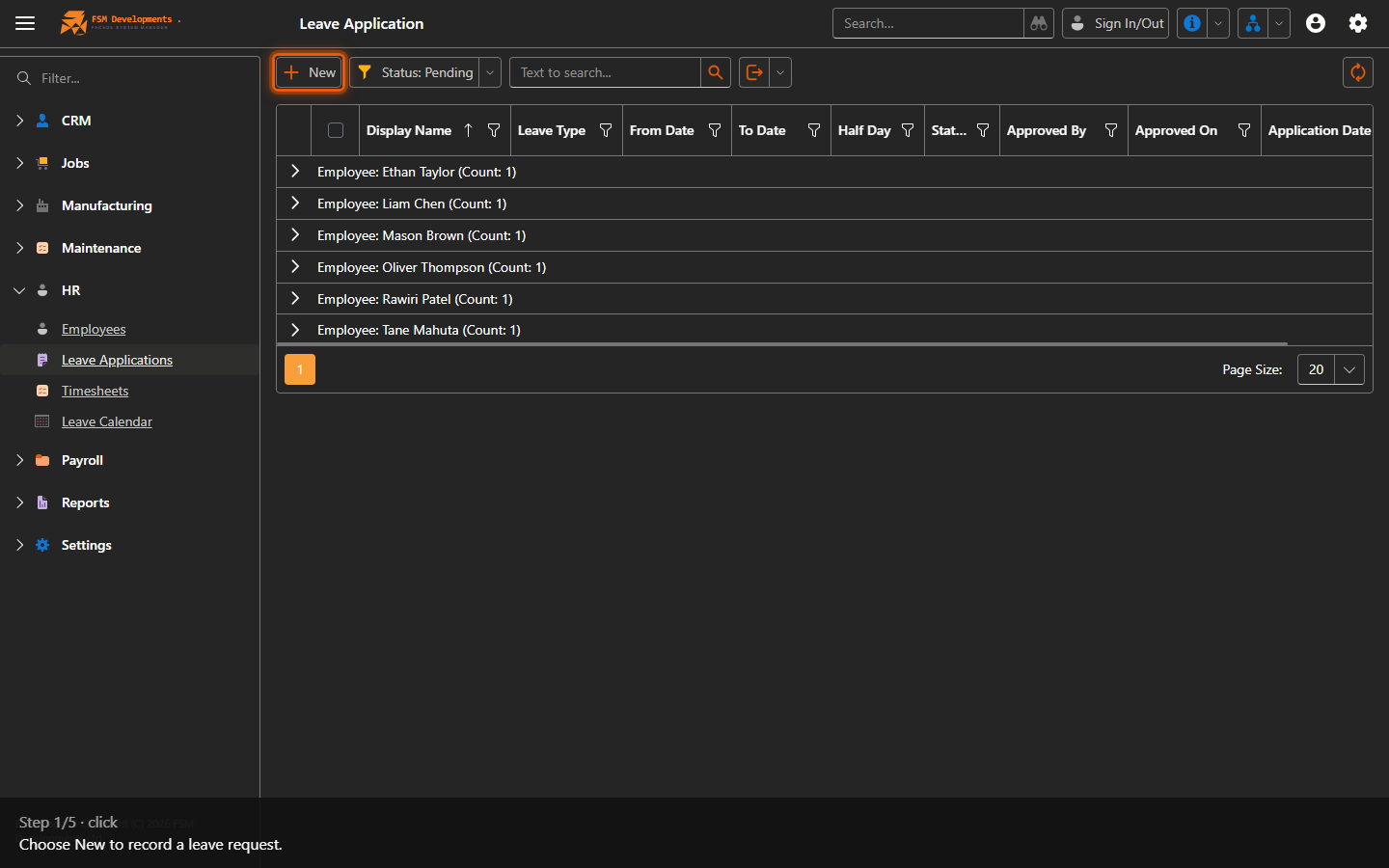
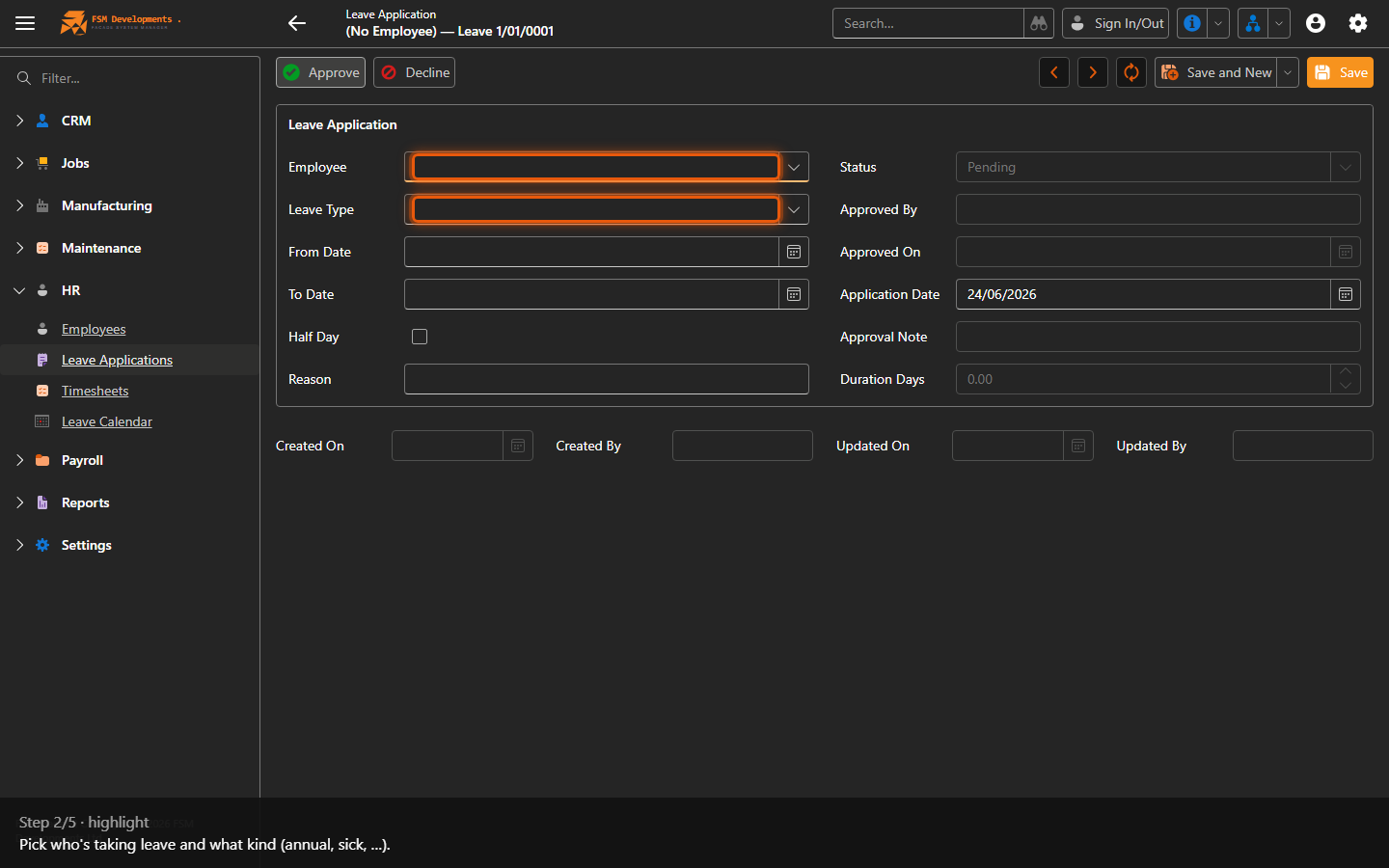
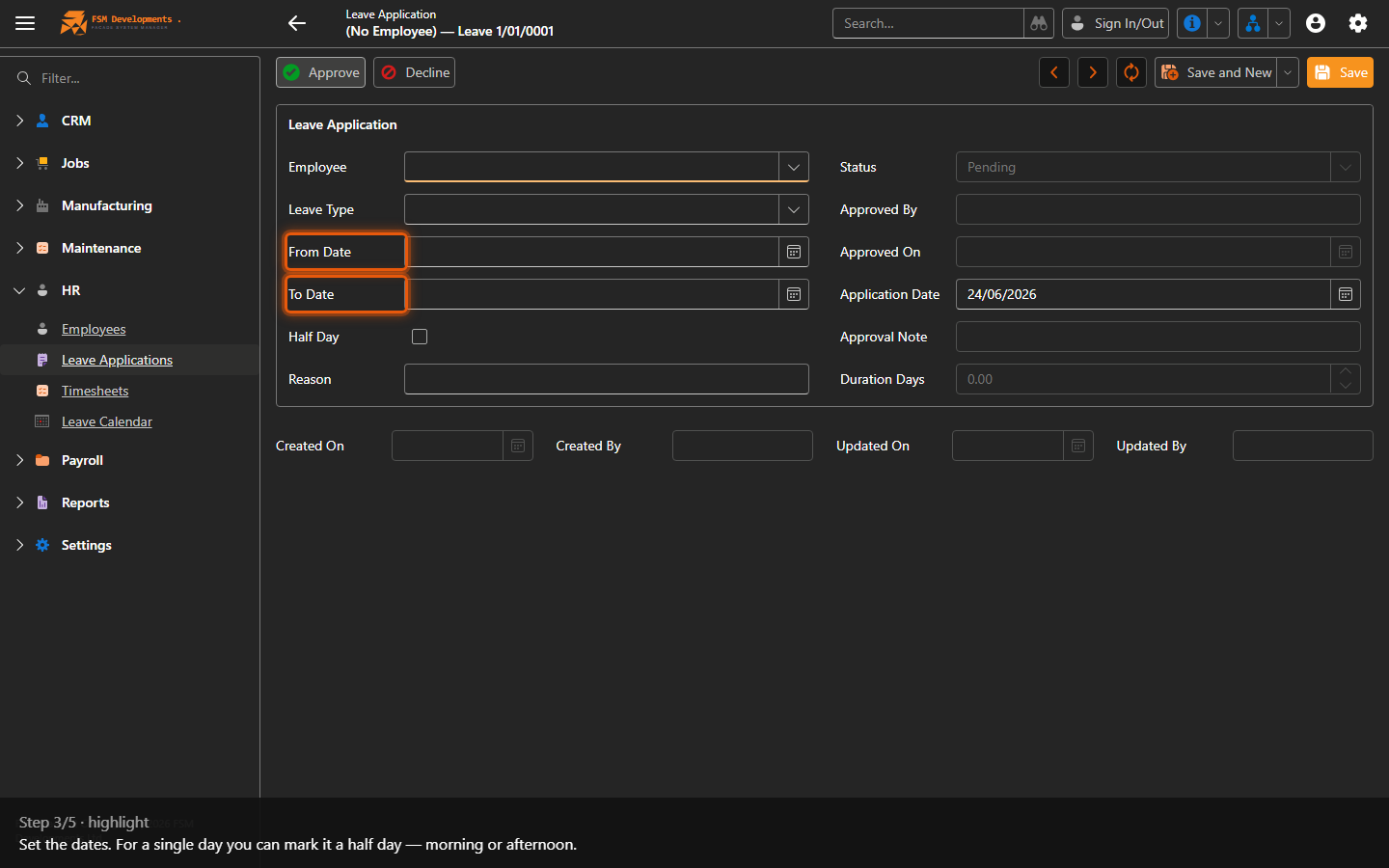
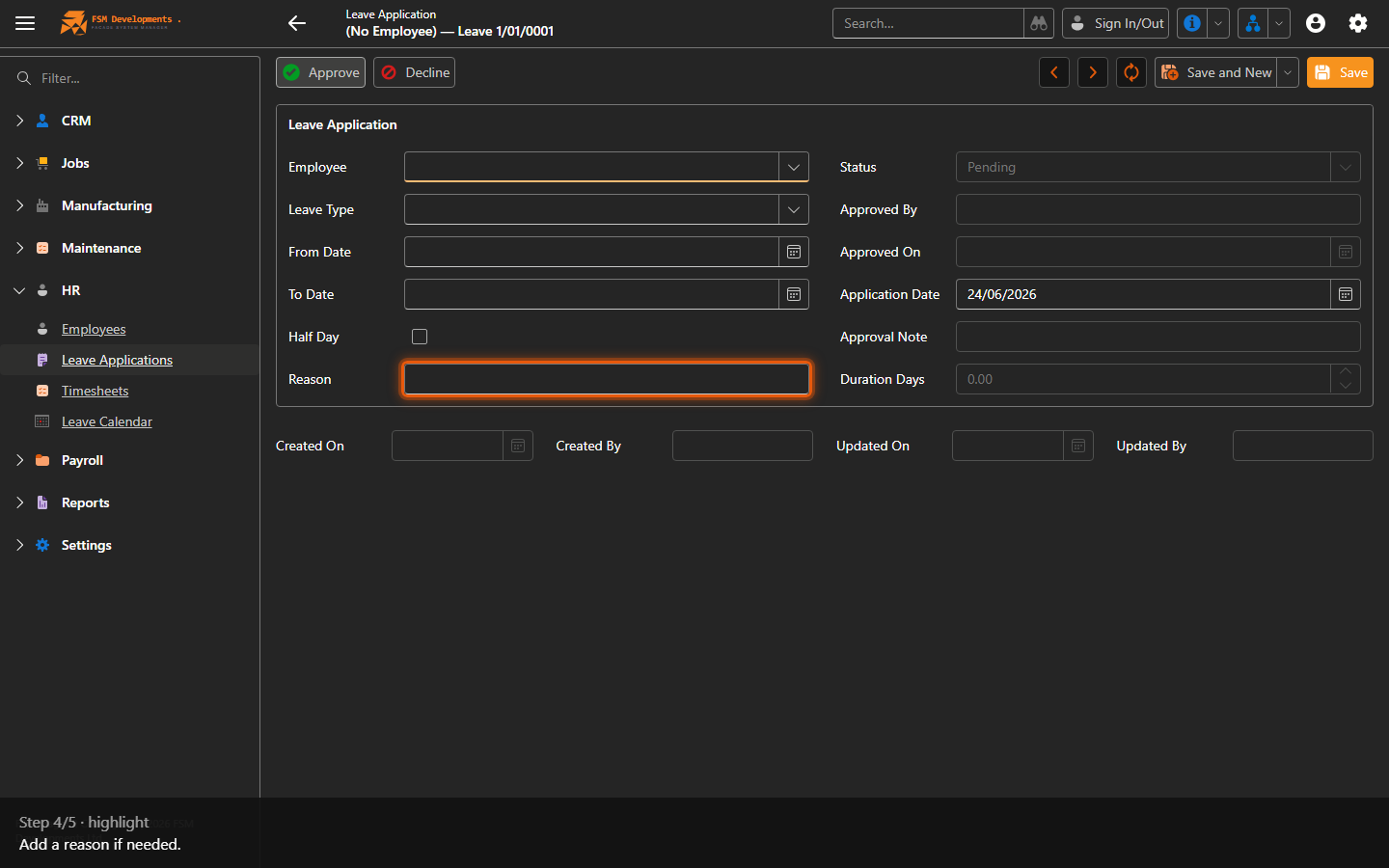
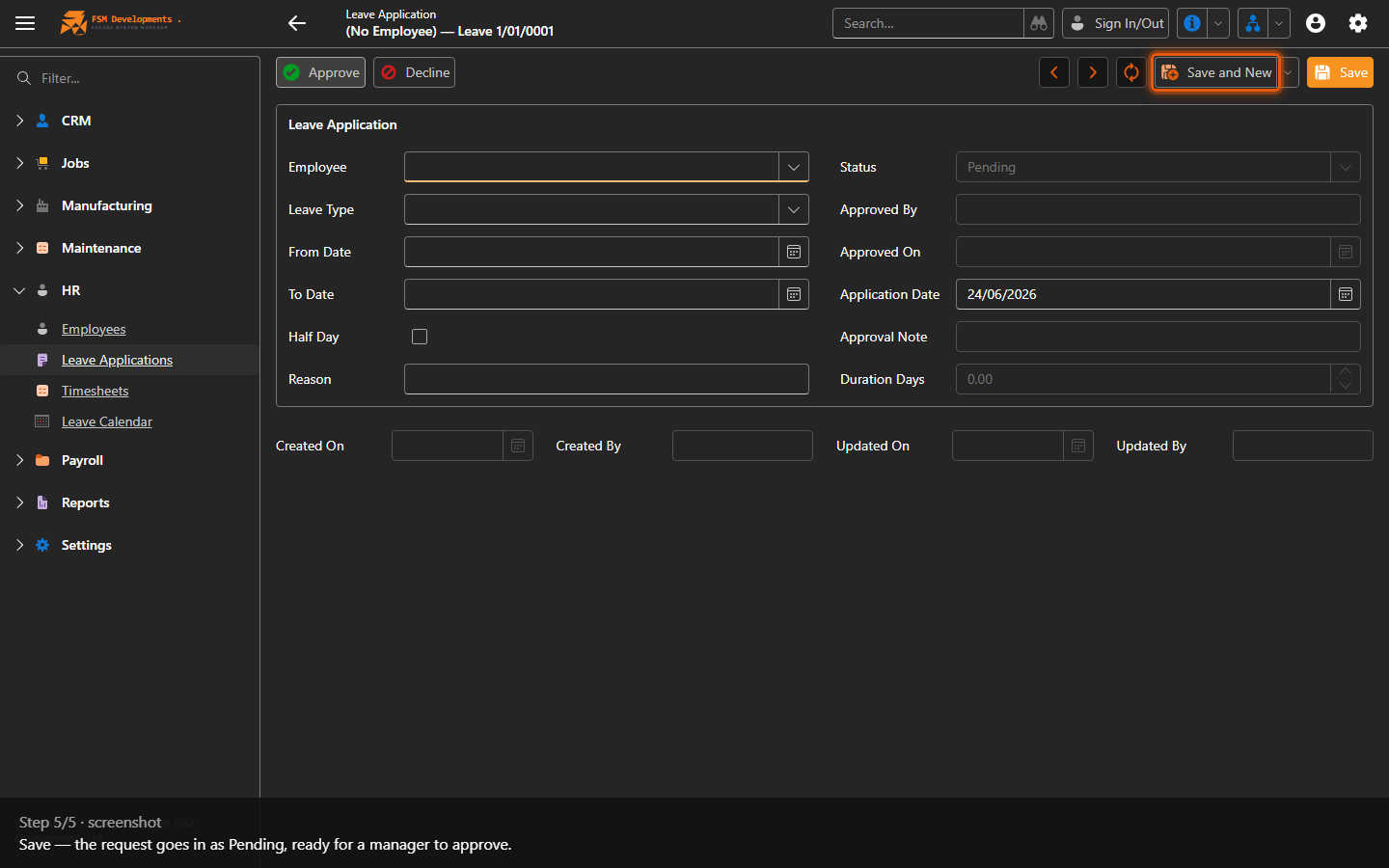
Lite+A request for time off — annual, sick or other leave — for a date range, awaiting approval.
When to use
Recording a leave request so it can be approved and flow into payroll and the leave calendar.
Step by step
Last updated on
A request for time off — annual, sick or other leave — for a date range, awaiting approval.
Recording a leave request so it can be approved and flow into payroll and the leave calendar.