Claim & progress work
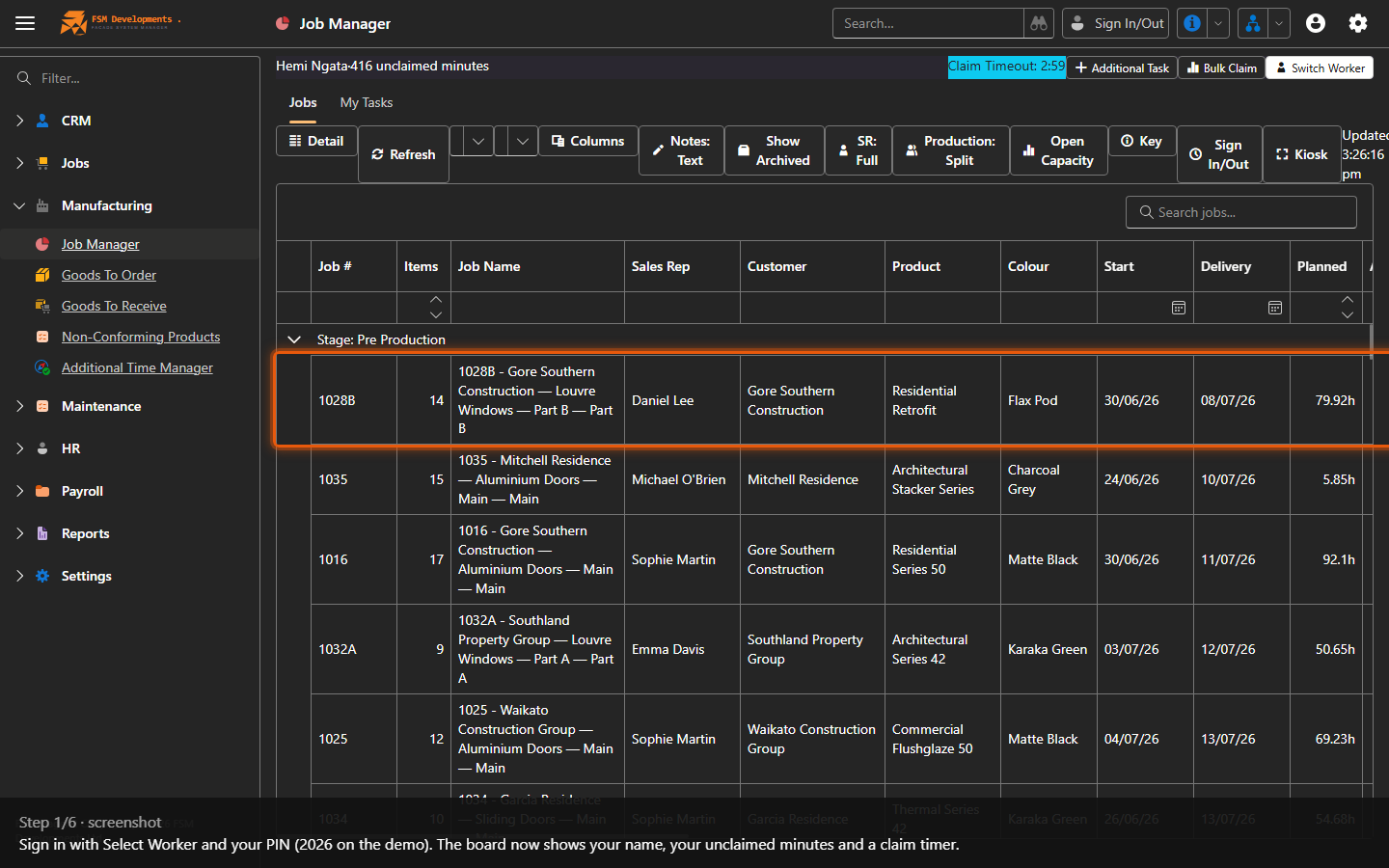
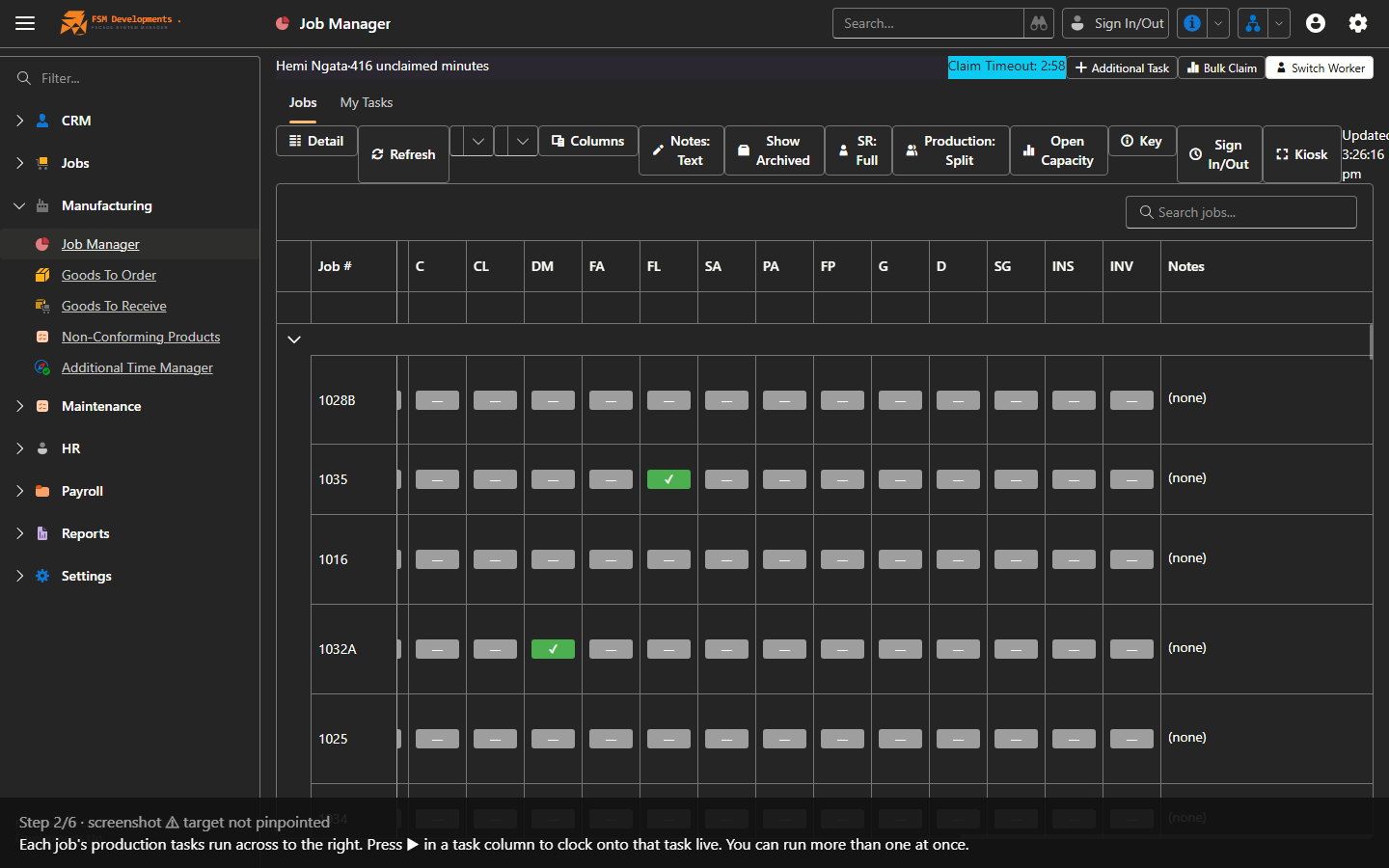
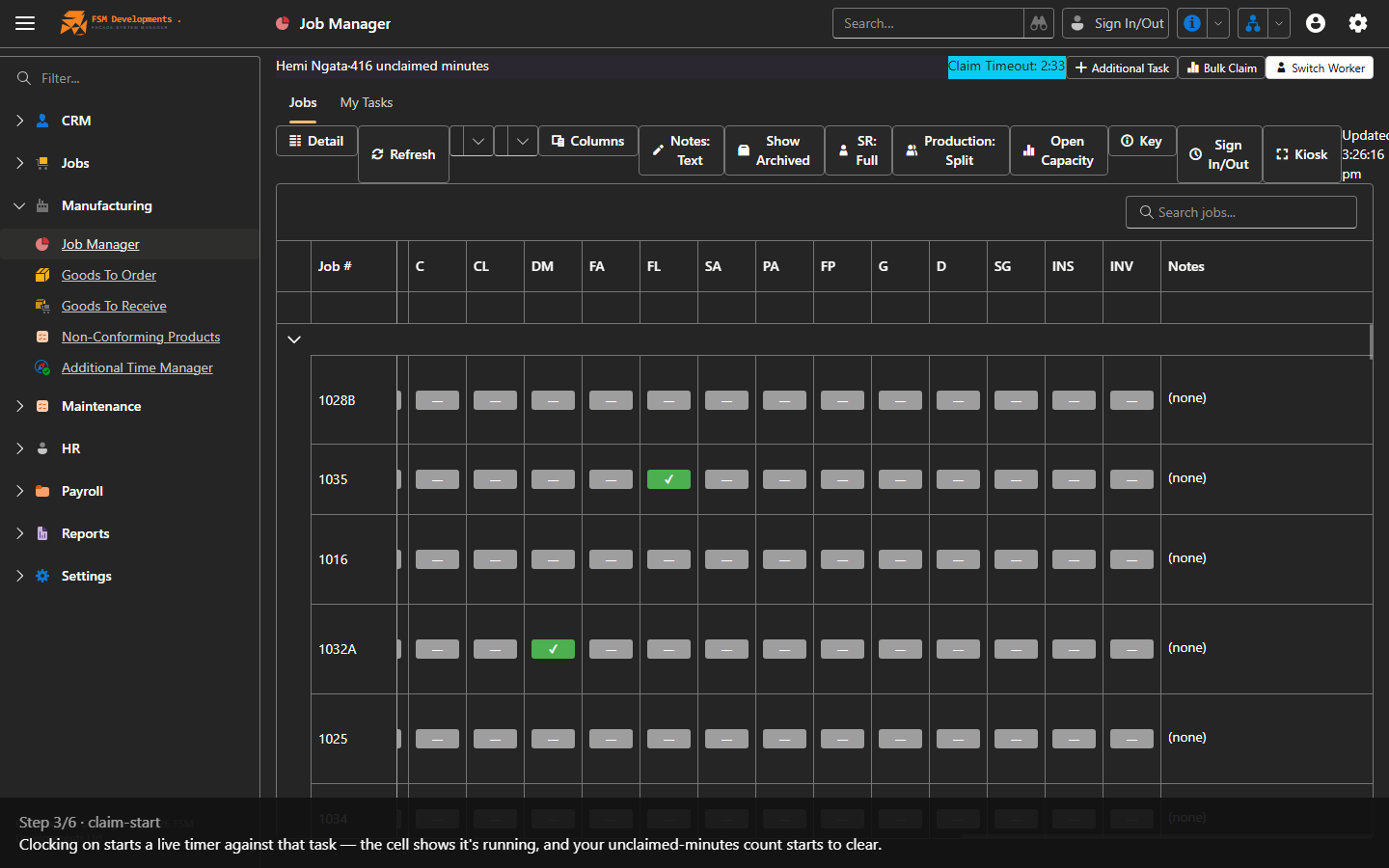
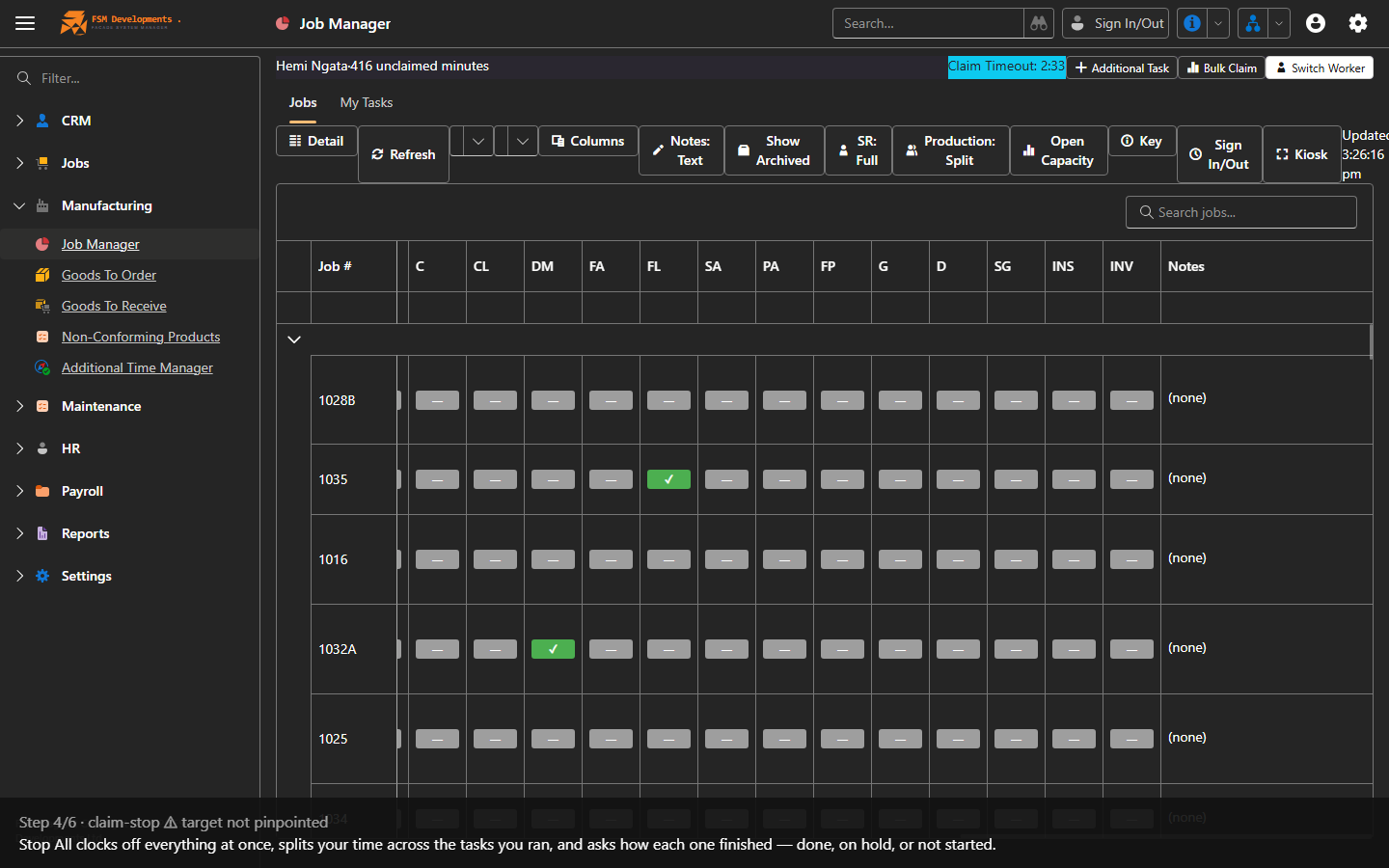
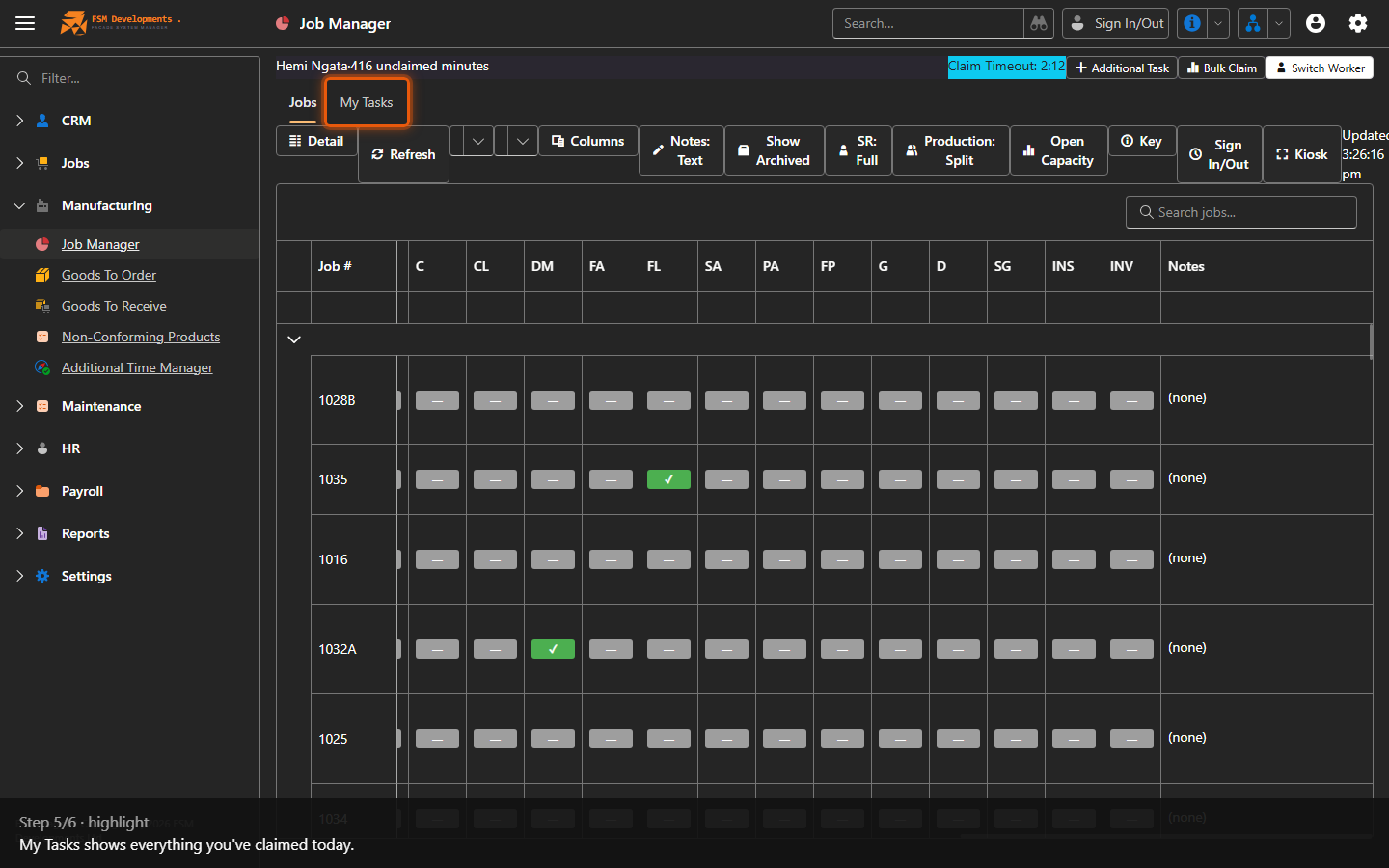
Lite+The shop-floor kiosk where workers clock onto job tasks, record their time and move work forward. The live heartbeat of the factory.
A worker can only clock onto tasks their department is responsible for. Out-of-scope tasks still show on the board, but with ▶ greyed out and a tooltip saying why — see Who can claim which tasks.
A worker can’t be clocked onto a task here and checked in on Site Works at the same time — the two would double-claim the same stretch of the day. Whichever you try second is refused, naming the worker: a running task claim blocks their Site Works check-in (the rest of the crew still check in), and an open check-in blocks ▶ before you’re asked how to account for any unclaimed minutes. Stop the claim, or check the worker out, then try again.
When to use
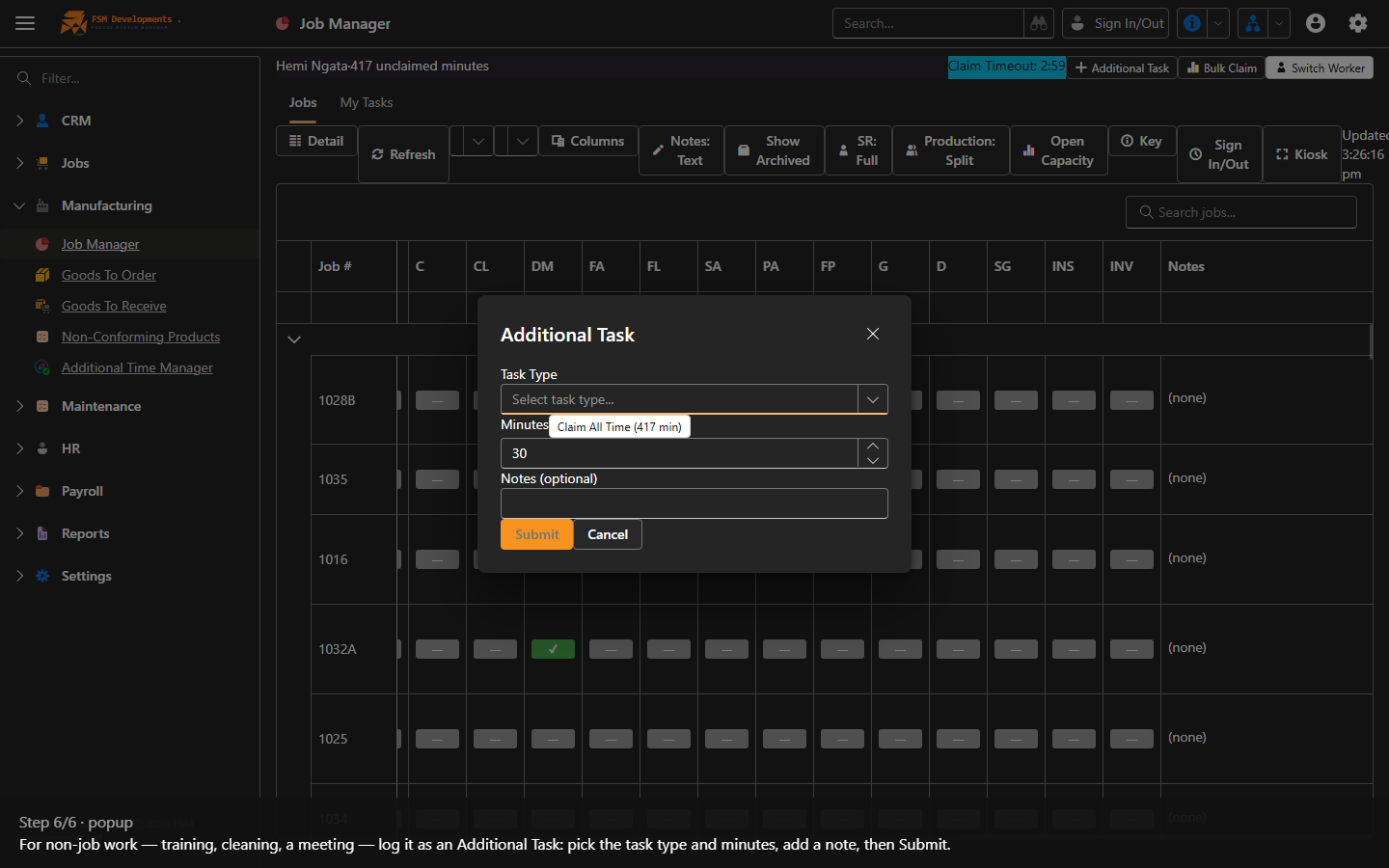
On the factory floor, to start a task, switch jobs, record what’s done, and account for the day’s time.
Step by step