Skip to Content

Approve additional time

Lite+

The supervisor’s queue of non-job time claims (training, cleaning, admin) waiting to be approved before they flow through to payroll.

When to use

To review and sign off your team’s additional-time claims.

Step by step
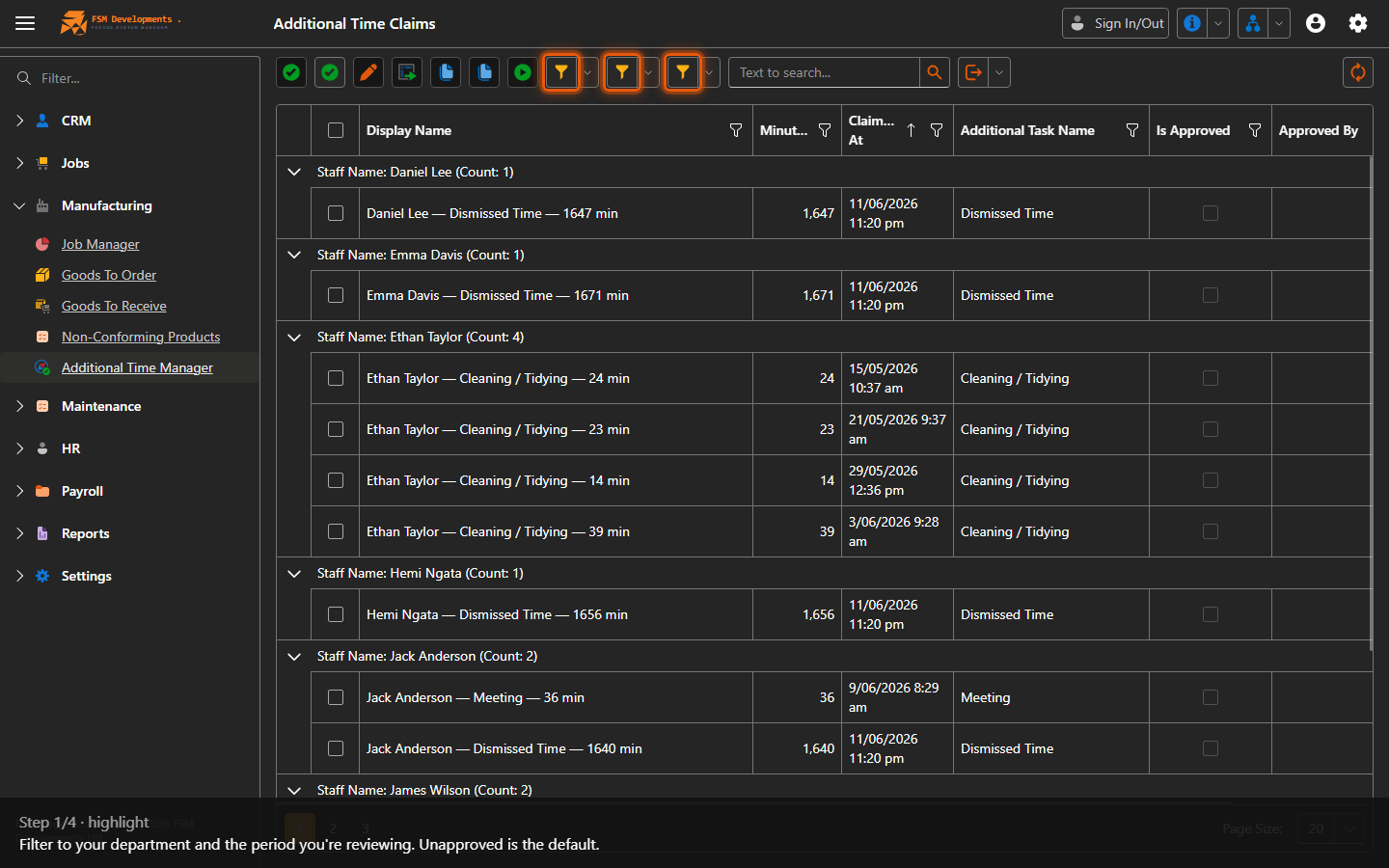
Department / Approval / Date Range (filters)
1. Filter to your department and the period you're reviewing. Unapproved is the default.
Claims grid
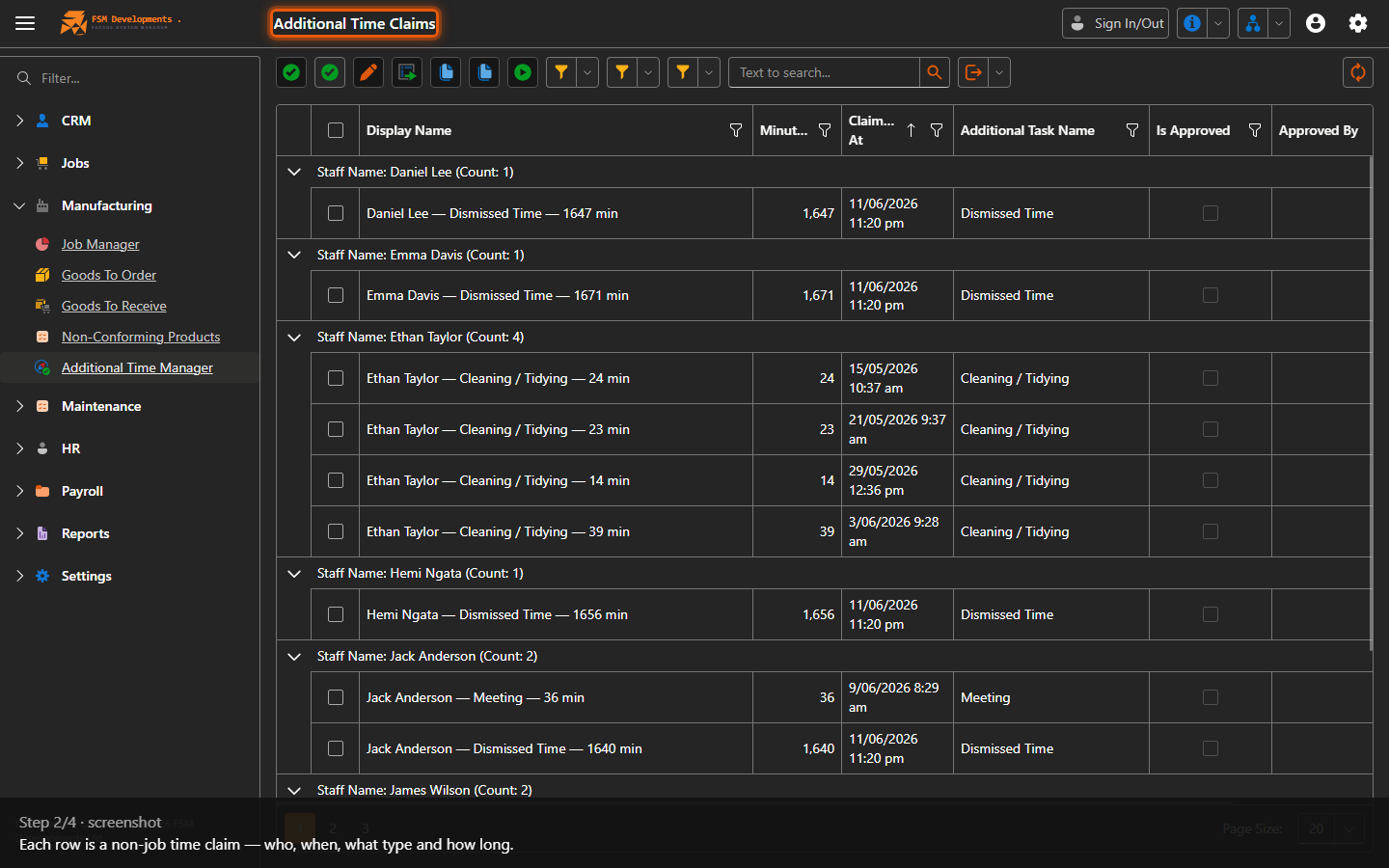
2. Each row is a non-job time claim — who, when, what type and how long.
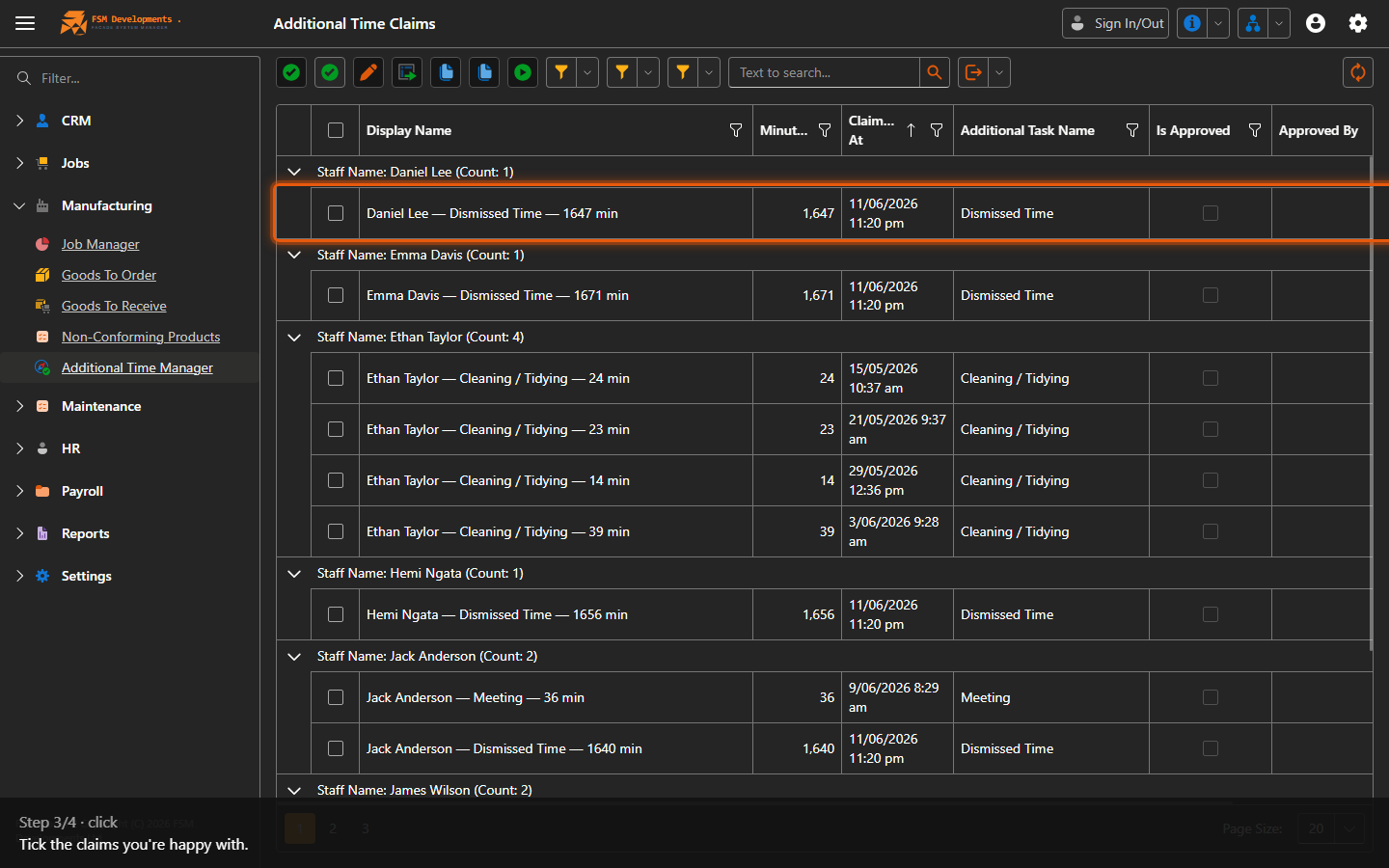
One or more claim rows (select them)
3. Tick the claims you're happy with.
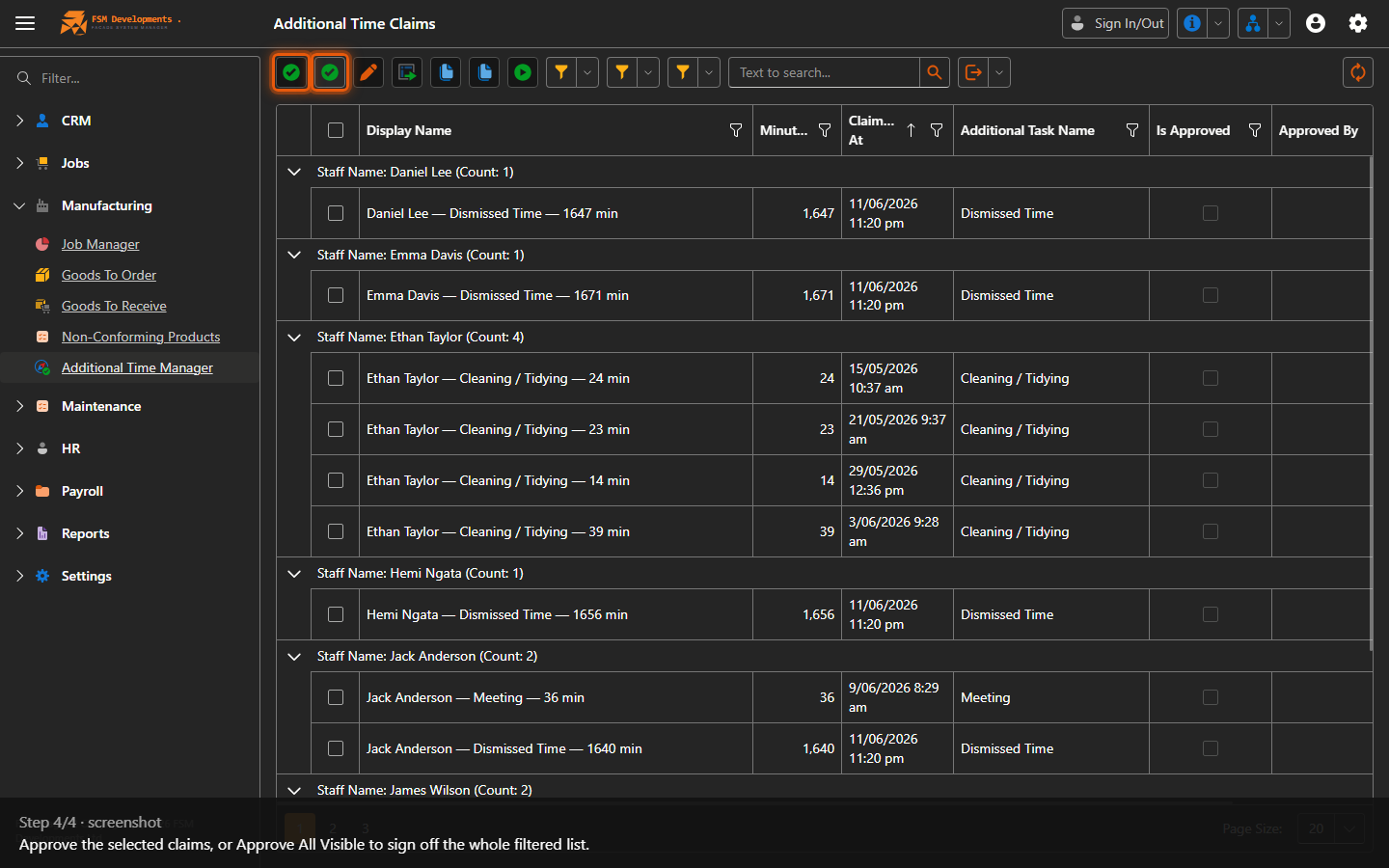
Approve / Approve All Visible (toolbar buttons)
4. Approve the selected claims, or Approve All Visible to sign off the whole filtered list.
Last updated on