Skip to Content

The pipeline board

Lite+

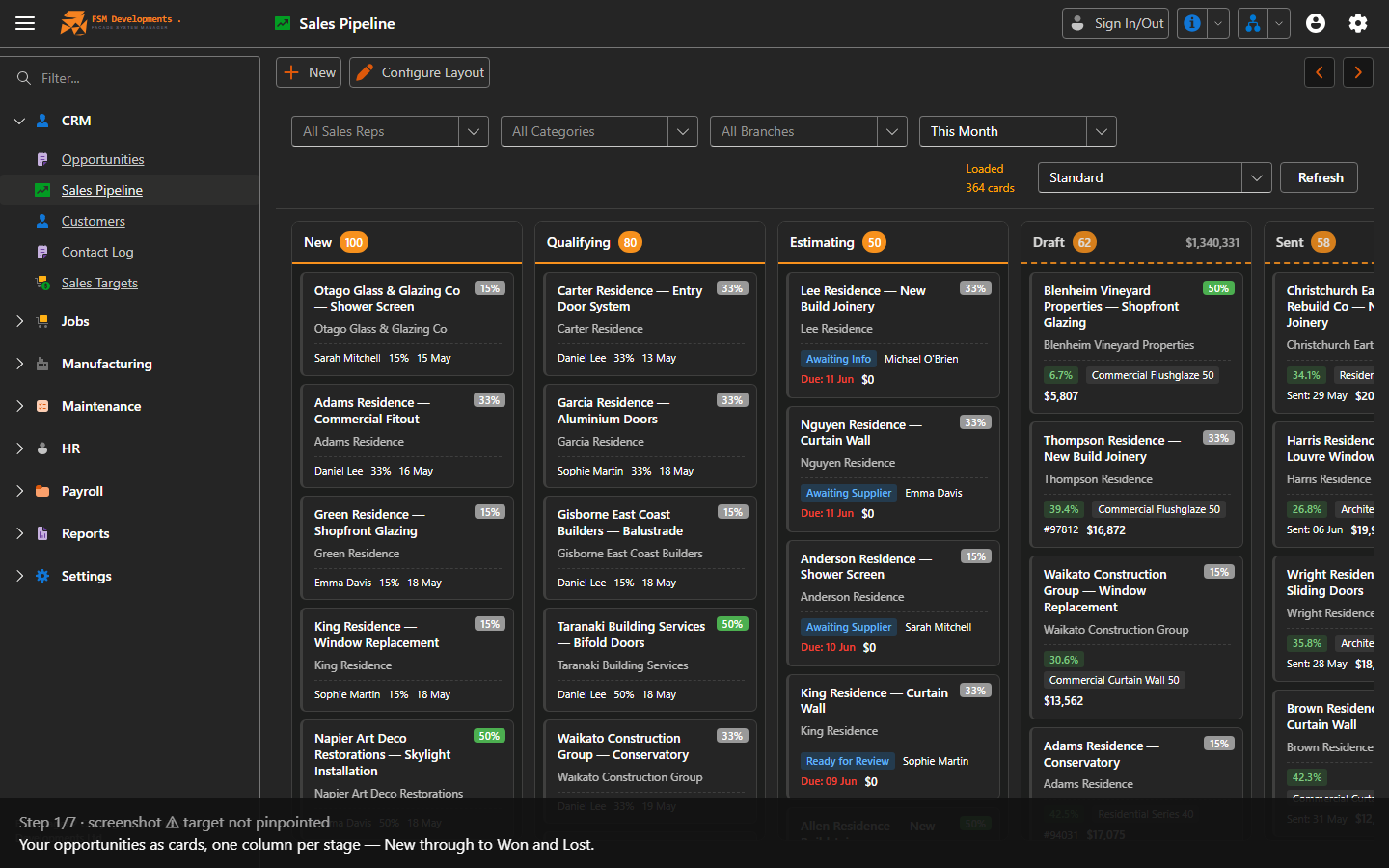
A drag-and-drop board of your opportunities as cards in stage columns (New, Qualifying, Estimating, Draft, Sent, Won, Lost). The visual companion to the Opportunities list.

A quick tour of the Sales Pipeline board.

When to use

For a quick read on where everything sits, and to move a deal along by dragging its card.

Step by step
Pipeline board with stage columns
1. Your opportunities as cards, one column per stage — New through to Won and Lost.
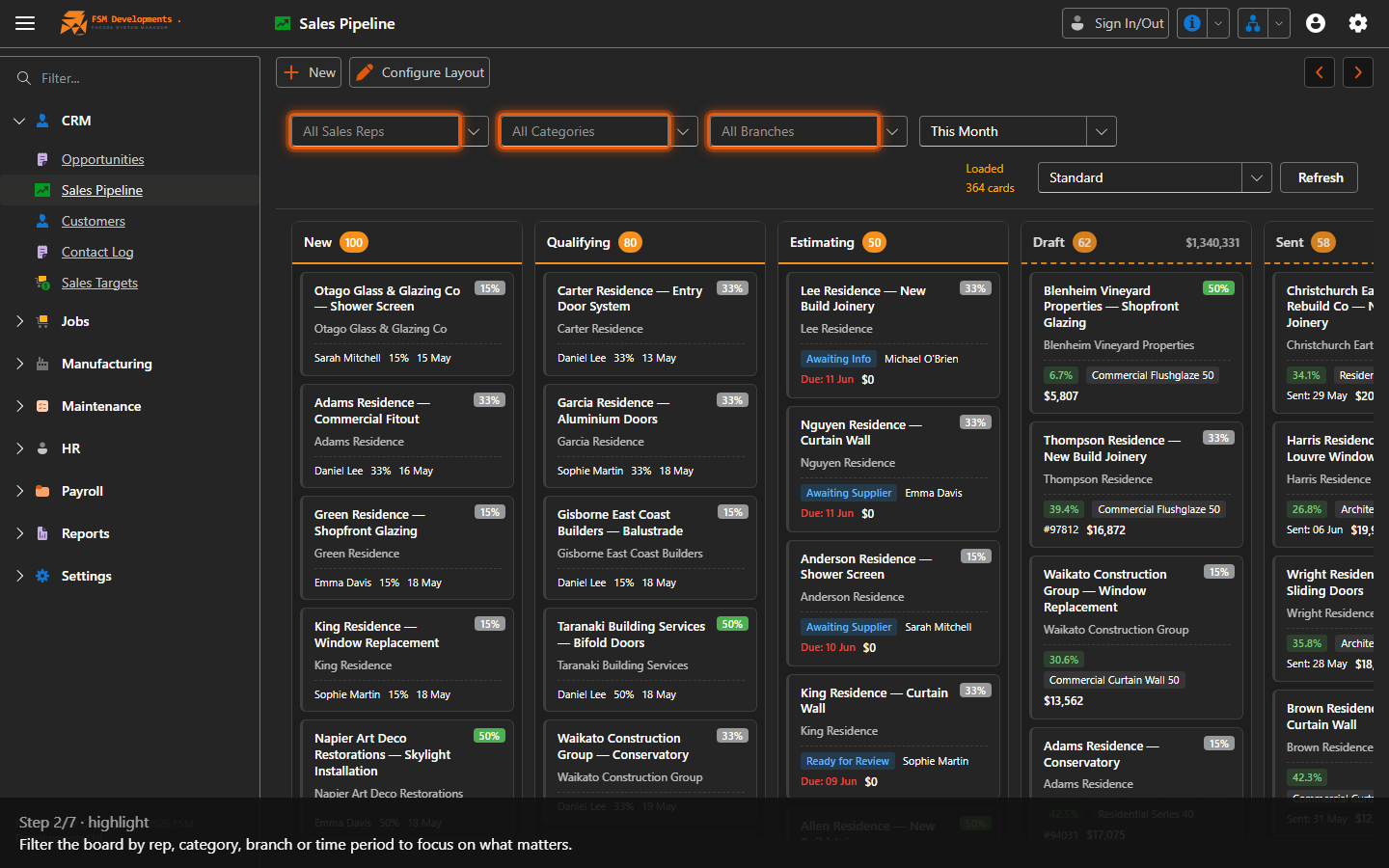
All Sales Reps / All Categories / All Branches (comboboxes)
2. Filter the board by rep, category, branch or time period to focus on what matters.
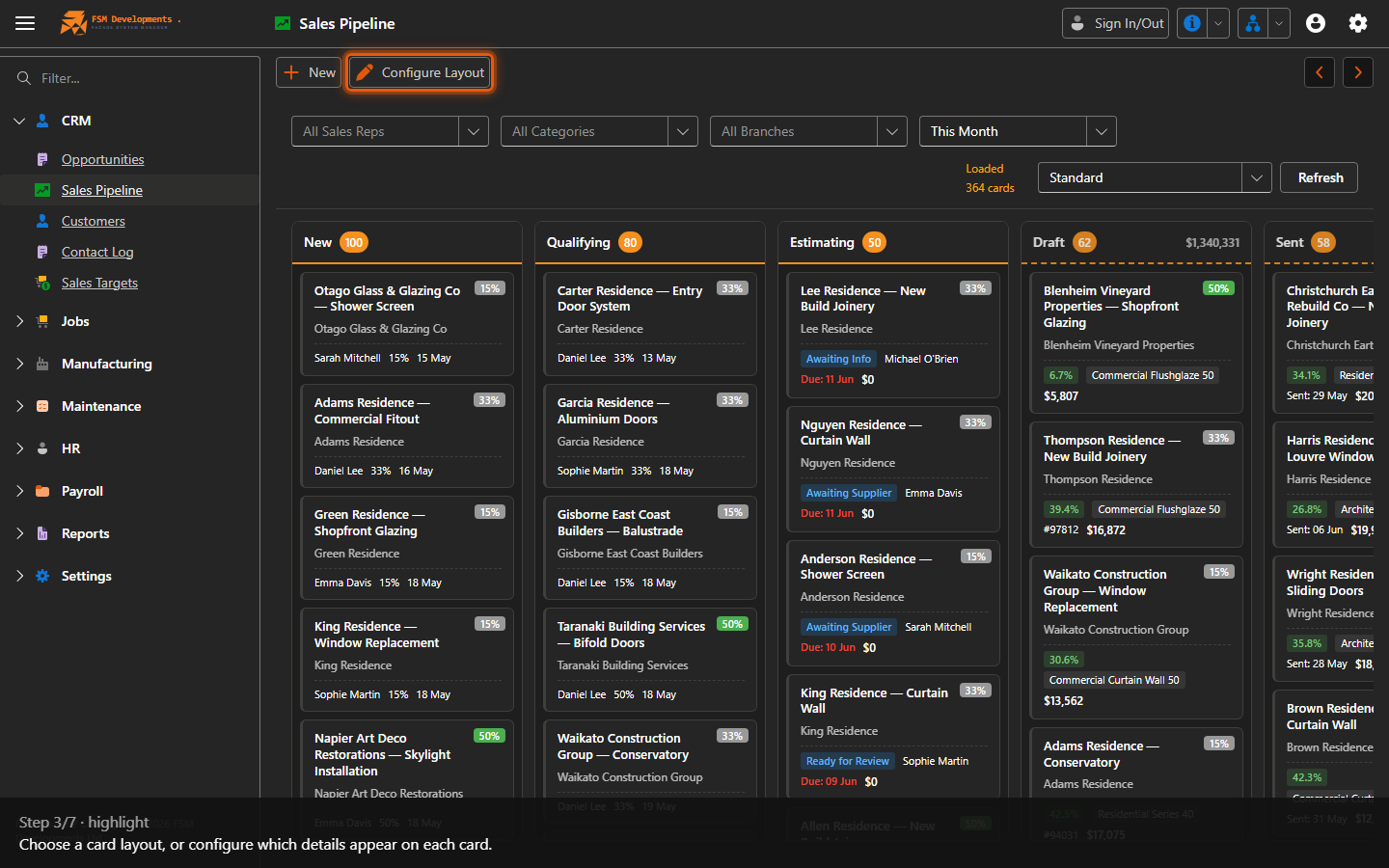
Standard / Configure Layout
3. Choose a card layout, or configure which details appear on each card.
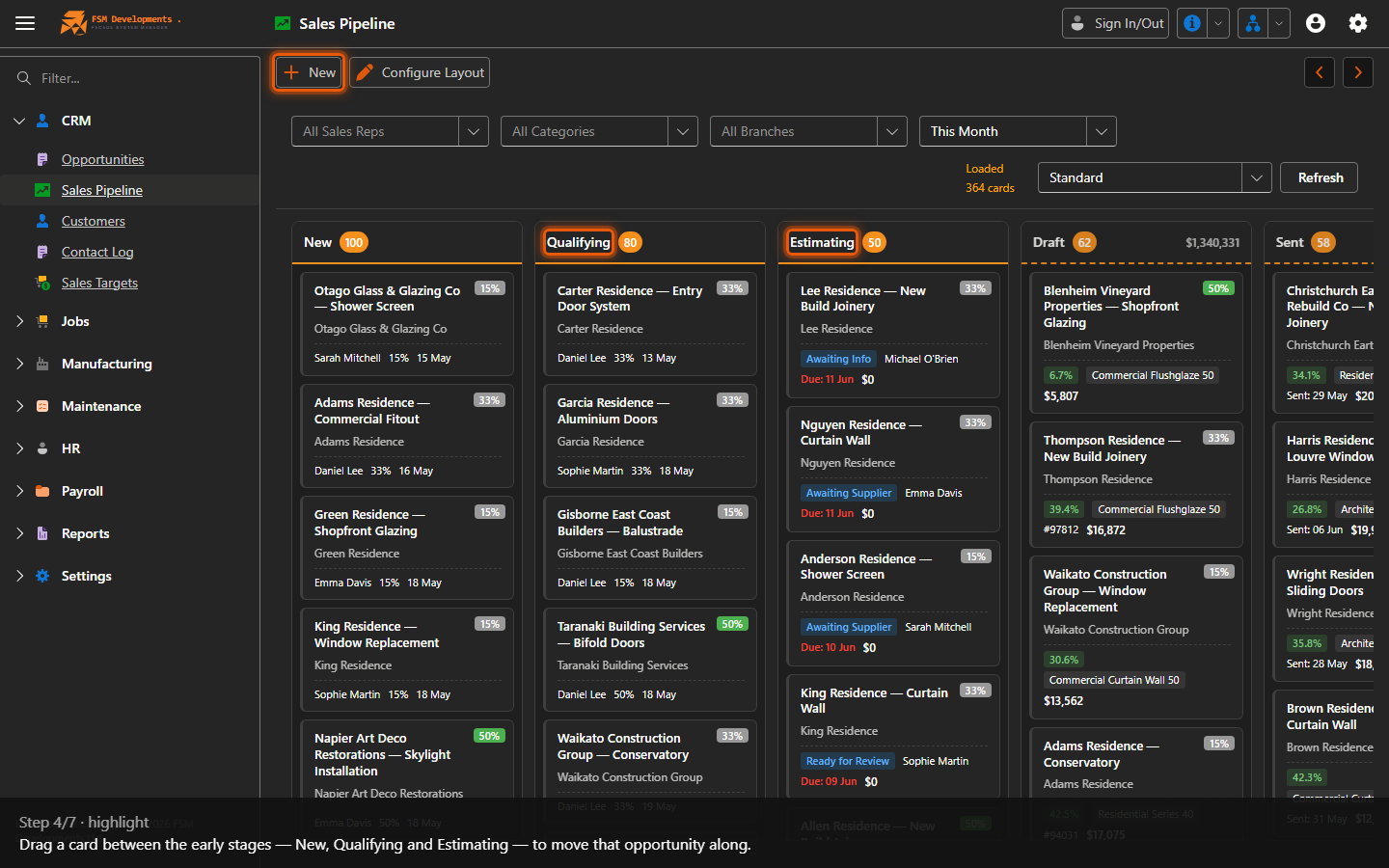
New, Qualifying and Estimating columns
4. Drag a card between the early stages — New, Qualifying and Estimating — to move that opportunity along.
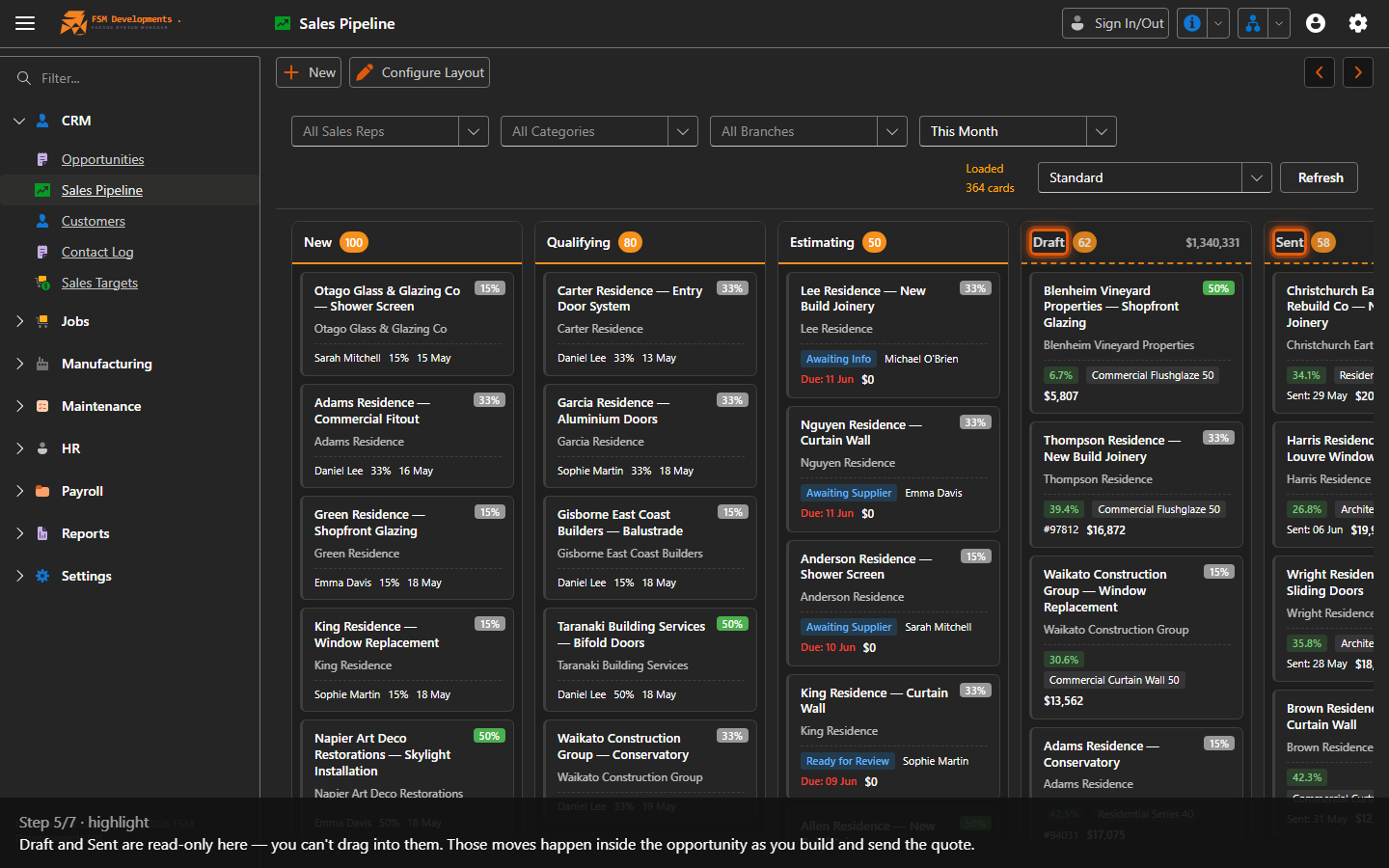
Draft and Sent columns
5. Draft and Sent are read-only here — you can't drag into them. Those moves happen inside the opportunity as you build and send the quote.
Lost and Won columns
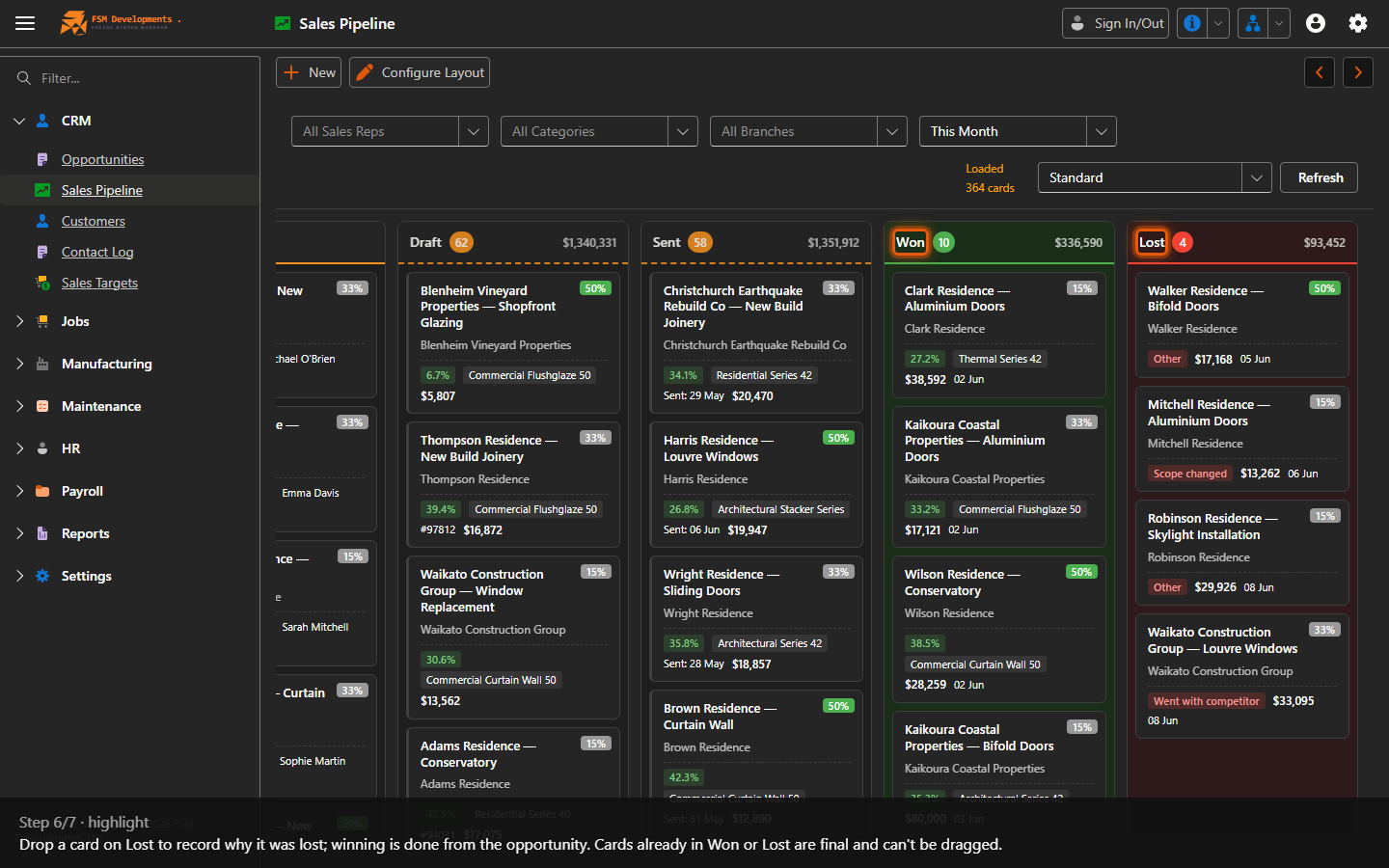
6. Drop a card on Lost to record why it was lost; winning is done from the opportunity. Cards already in Won or Lost are final and can't be dragged.
New (button)
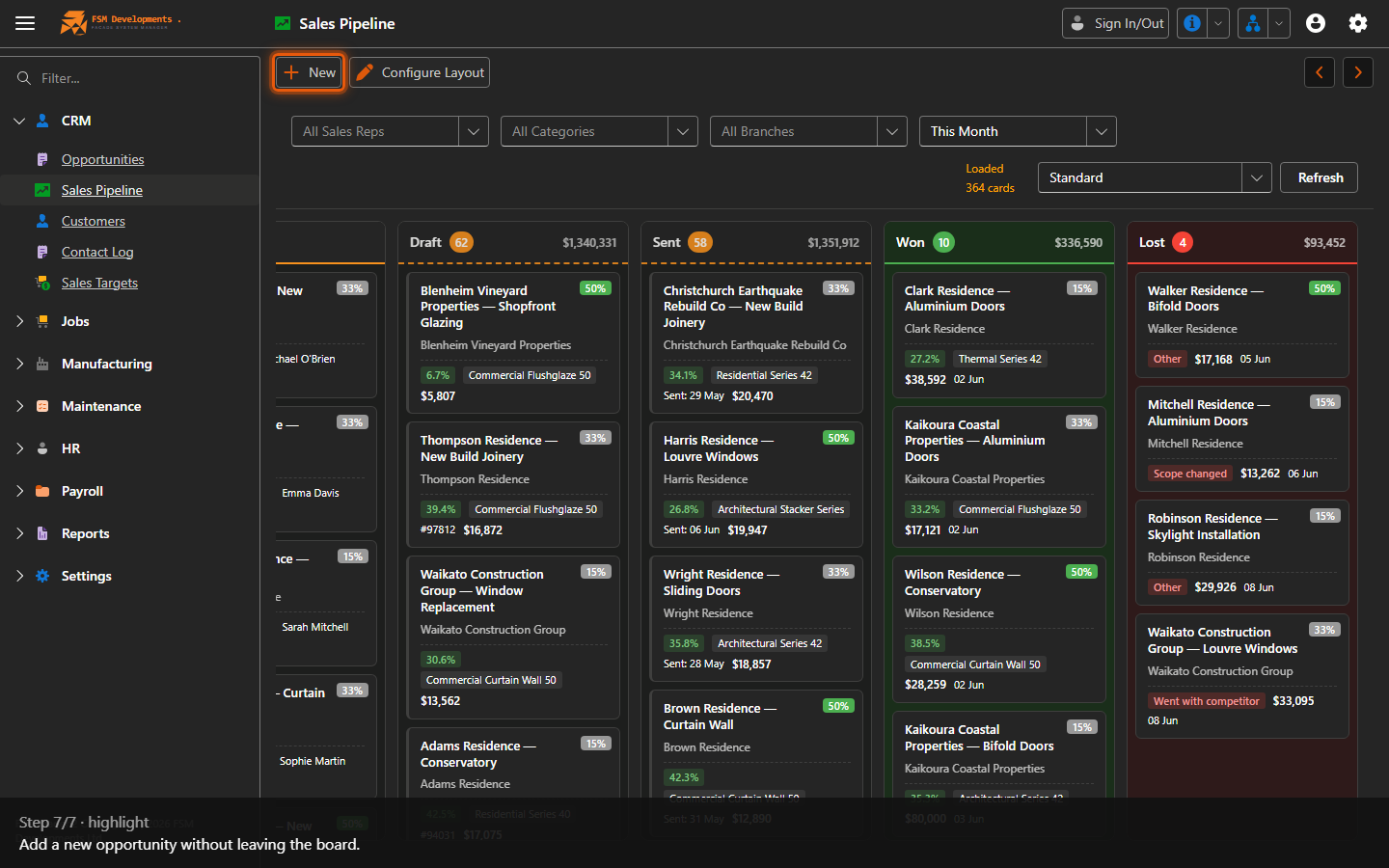
7. Add a new opportunity without leaving the board.
Last updated on