Skip to Content

Edit & reallocate time

Lite+

Tidies up time claims before approval — fix the minutes or type, move time onto a job, or split a claim across two places.

When to use

A claim was logged wrong, or non-job time should really have been booked against a job.

Step by step
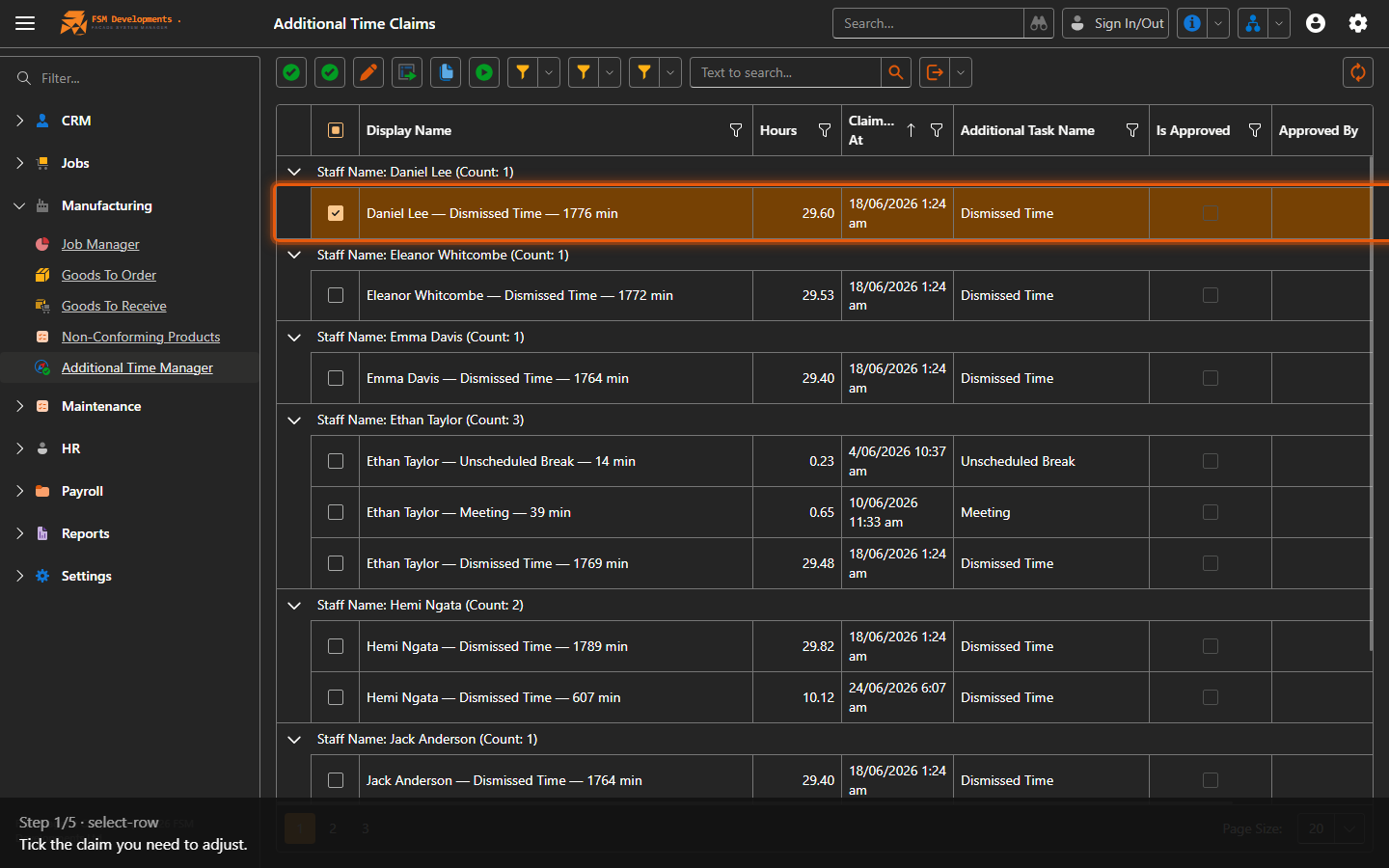
A claim row (tick it)
1. Tick the claim you need to adjust.
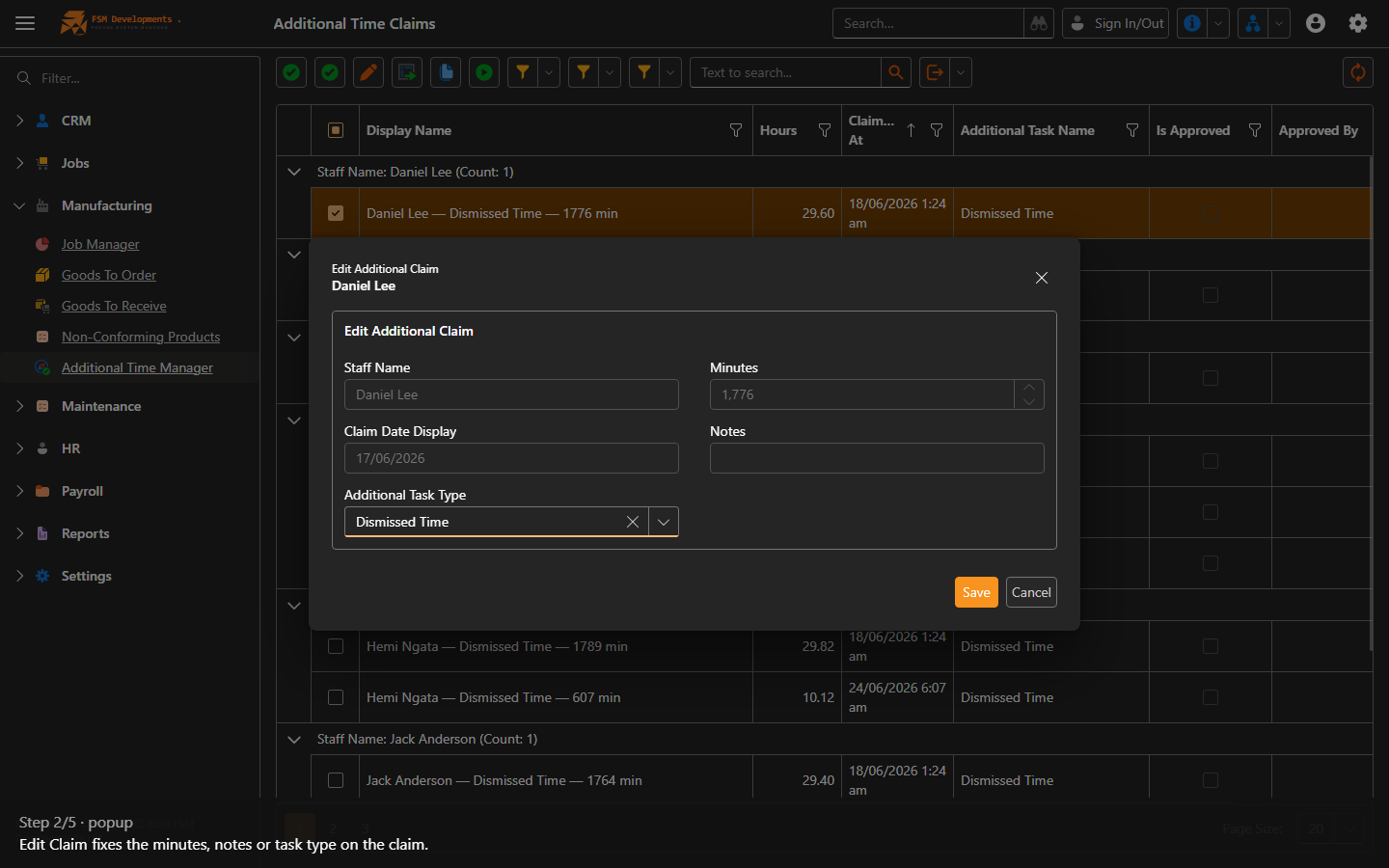
Edit Claim (toolbar button)
2. Edit Claim fixes the minutes, notes or task type on the claim.
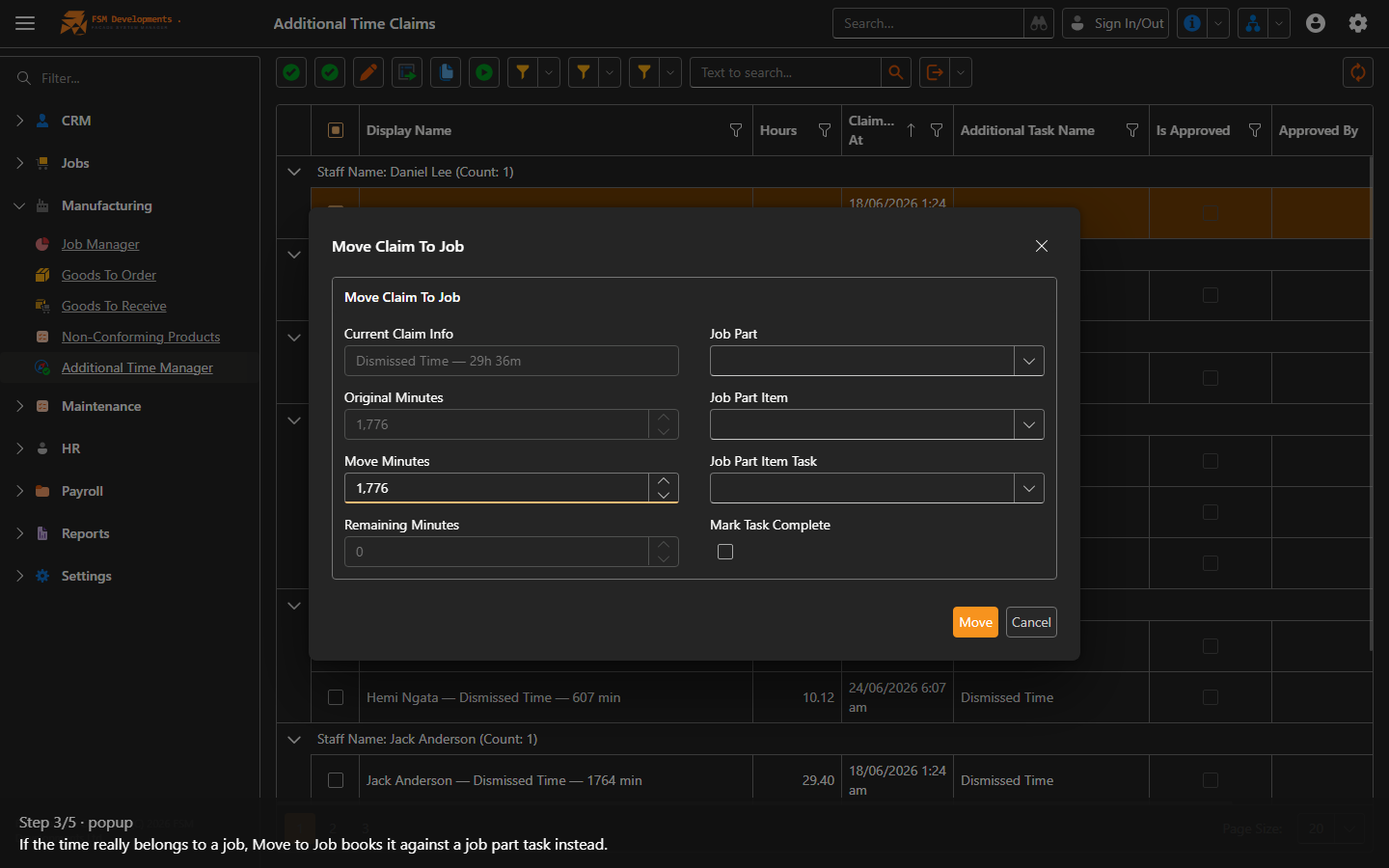
Move to Job (toolbar button)
3. If the time really belongs to a job, Move to Job books it against a job part task instead.
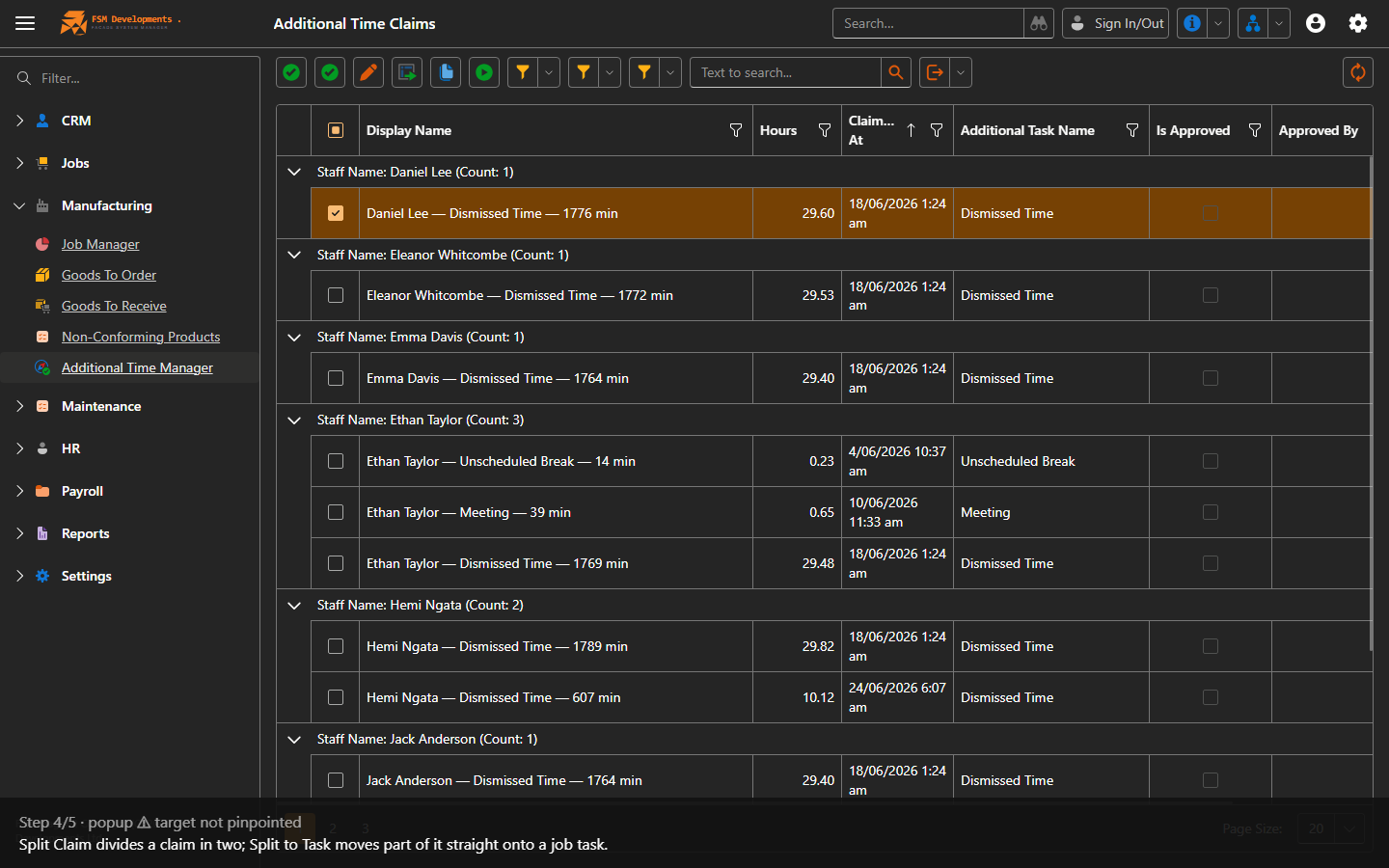
Split Claim (toolbar button)
4. Split Claim divides a claim in two; Split to Task moves part of it straight onto a job task.
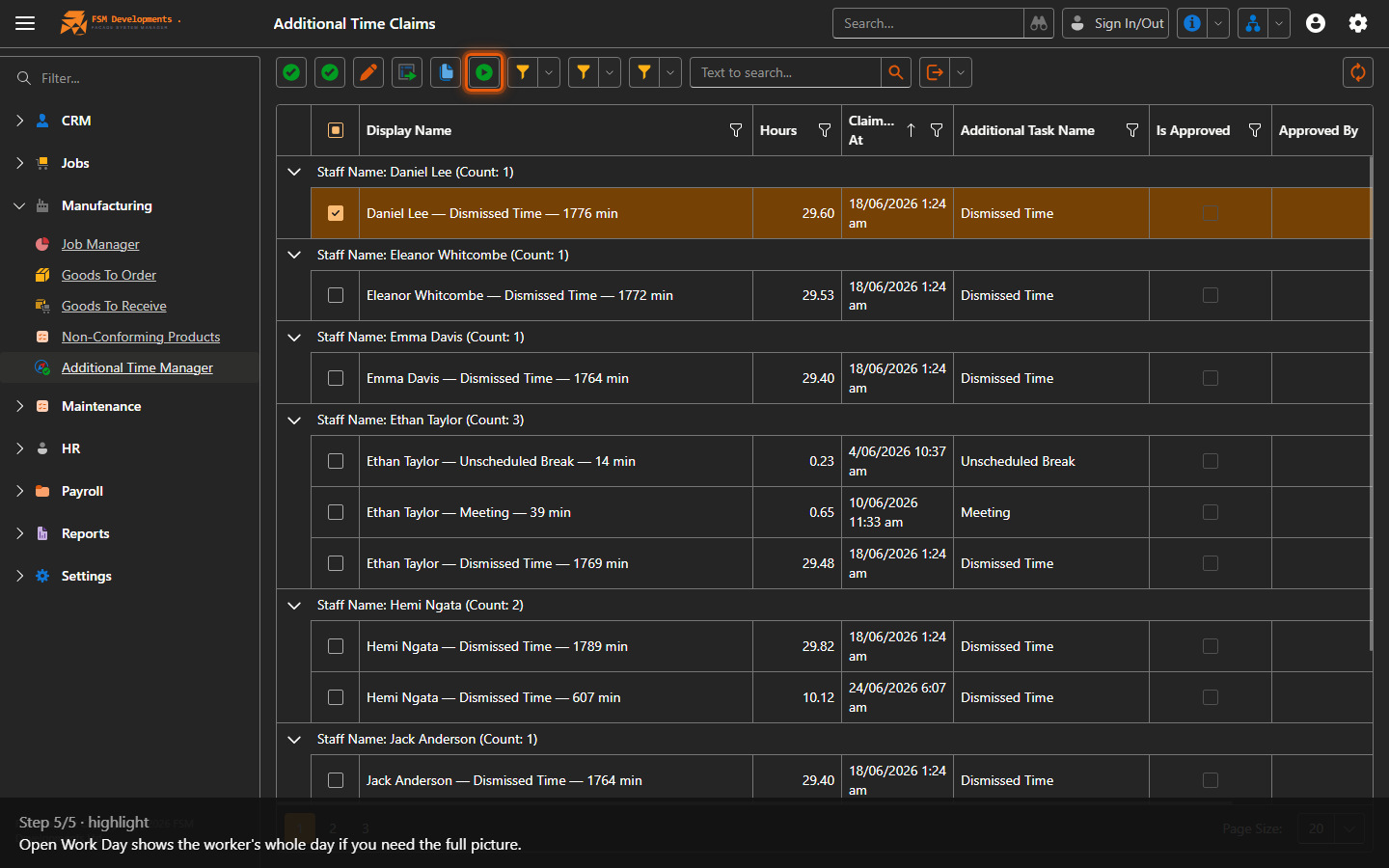
Open Work Day (toolbar button)
5. Open Work Day shows the worker's whole day if you need the full picture.
Last updated on