Work a request
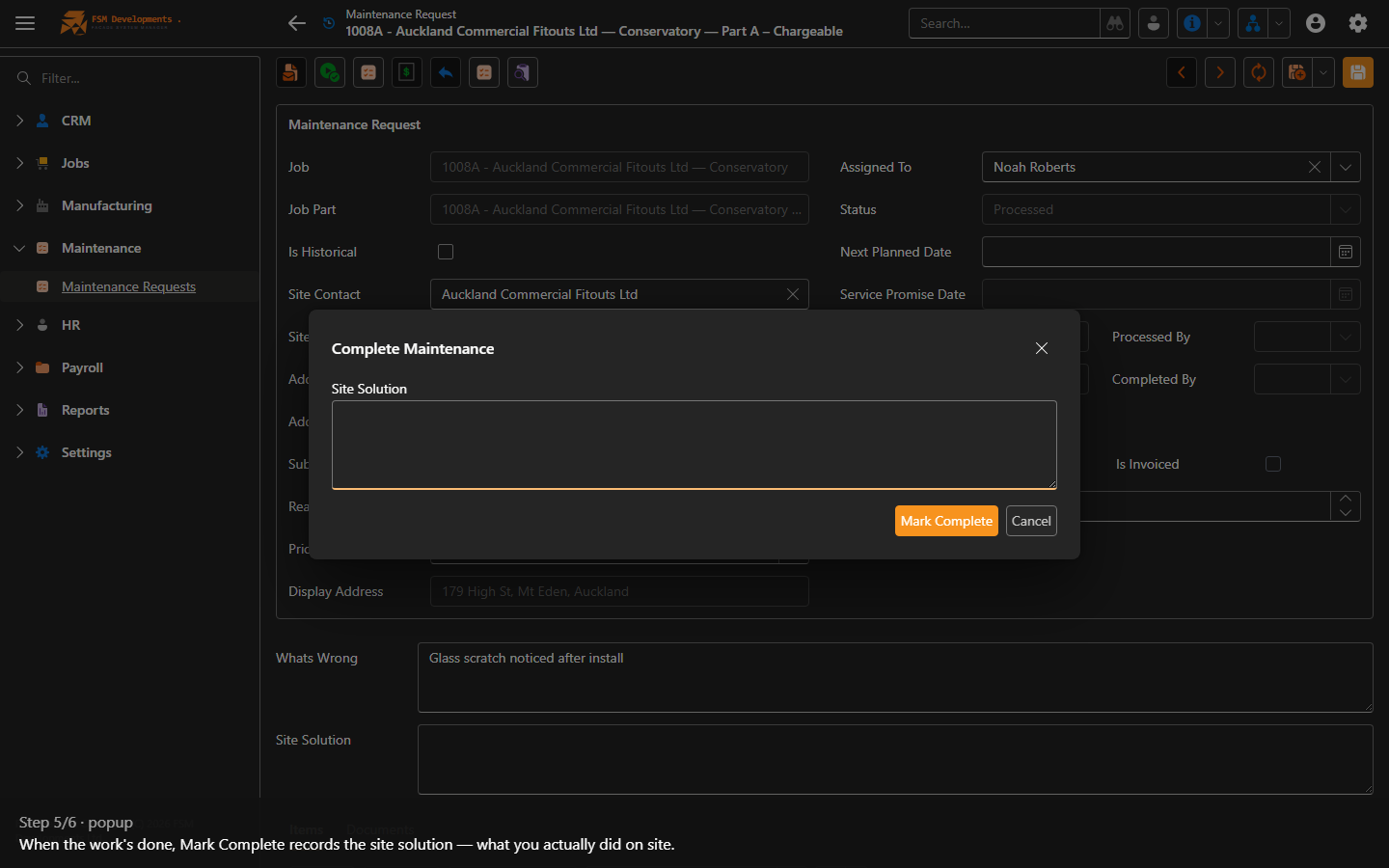
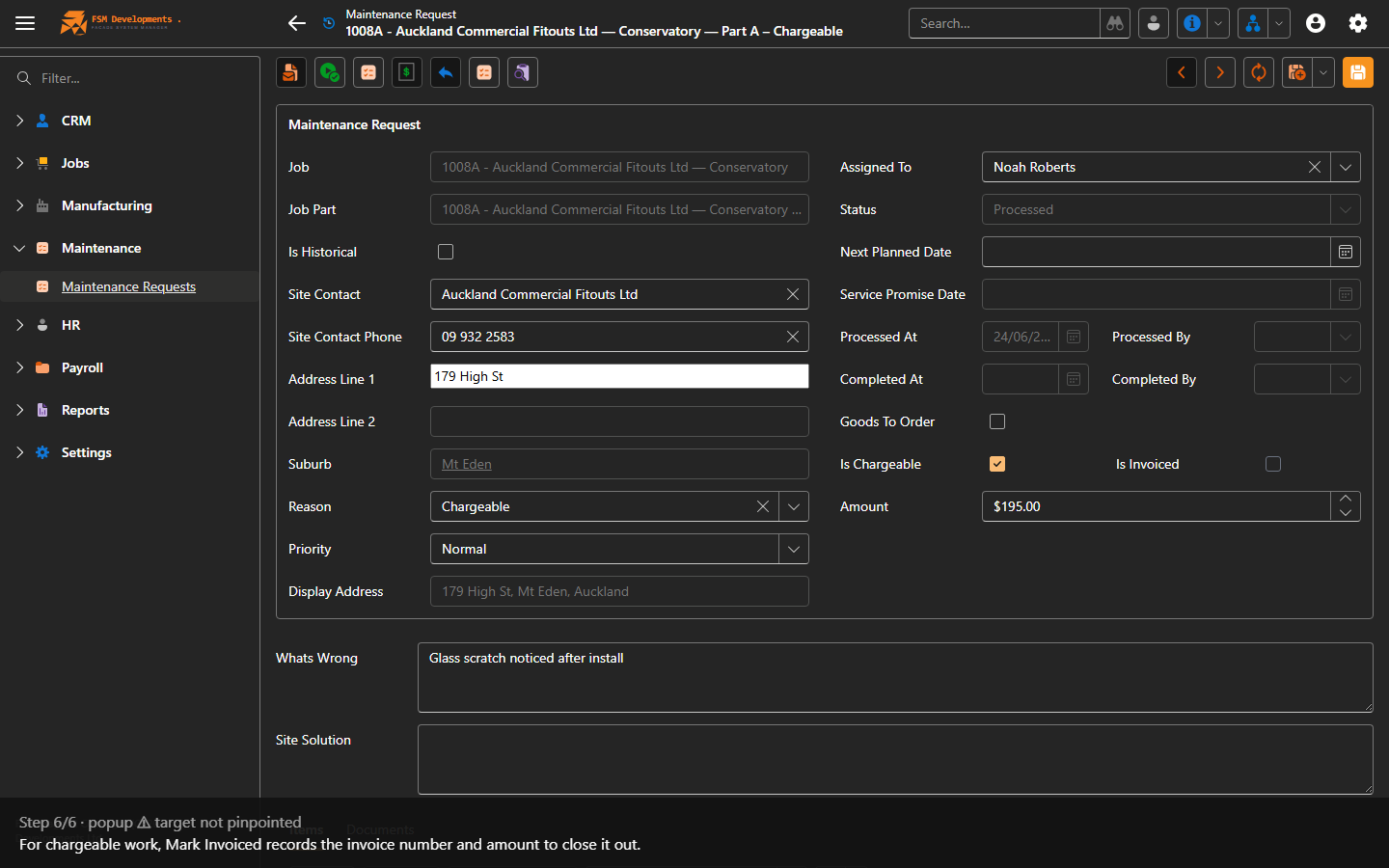
Lite+The lifecycle that takes a request from raised, through booking and completion, to invoiced.
When to use
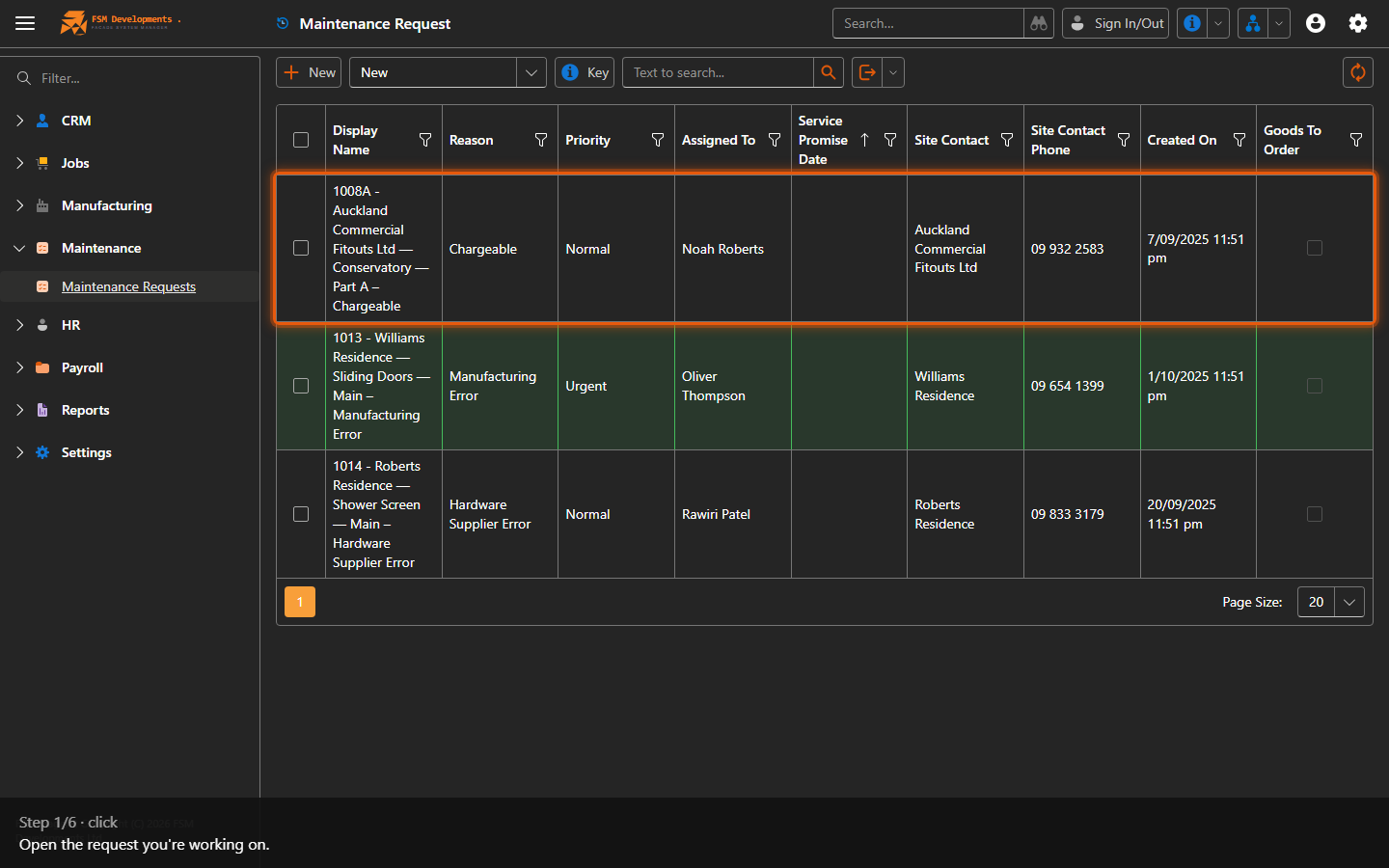
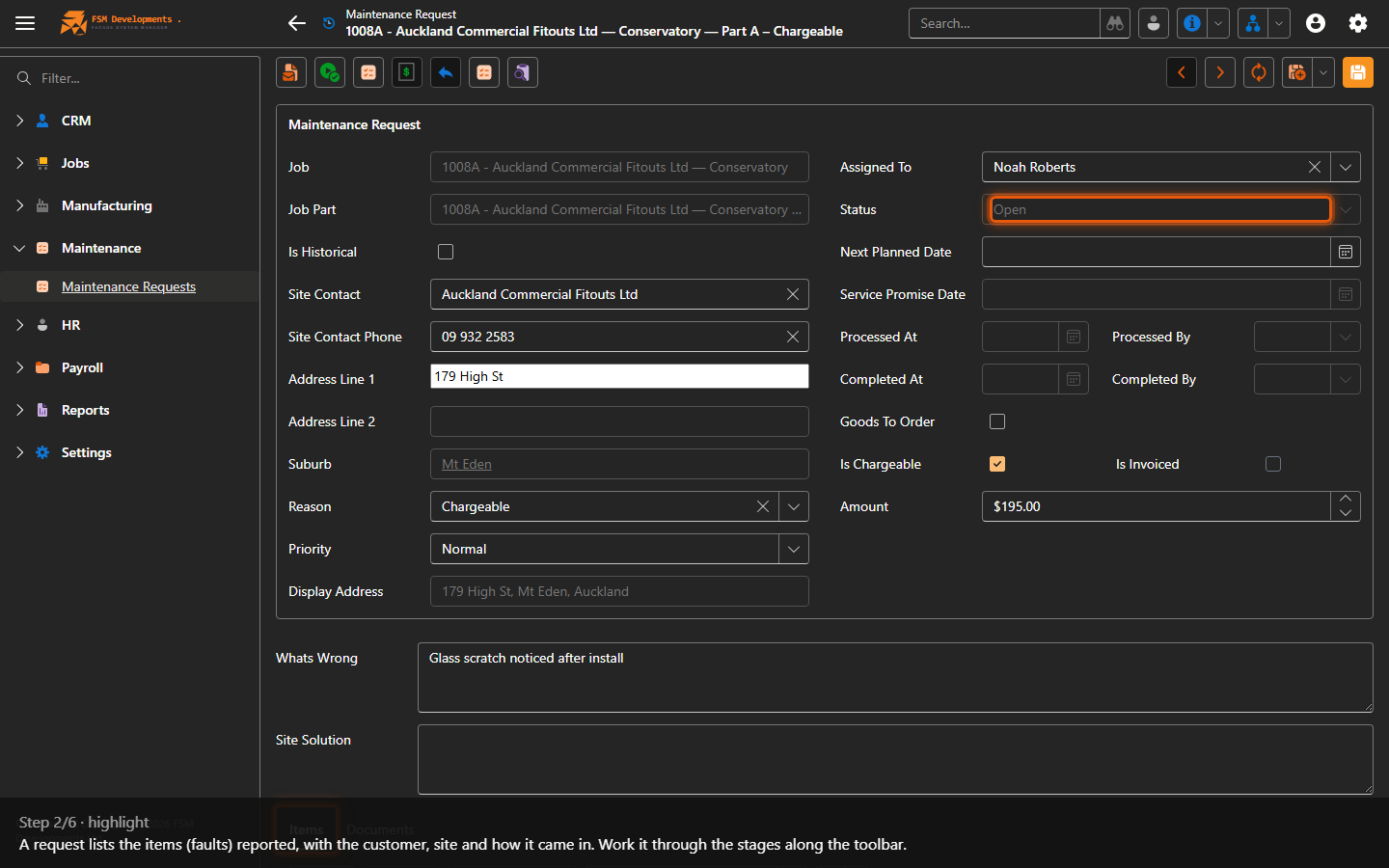
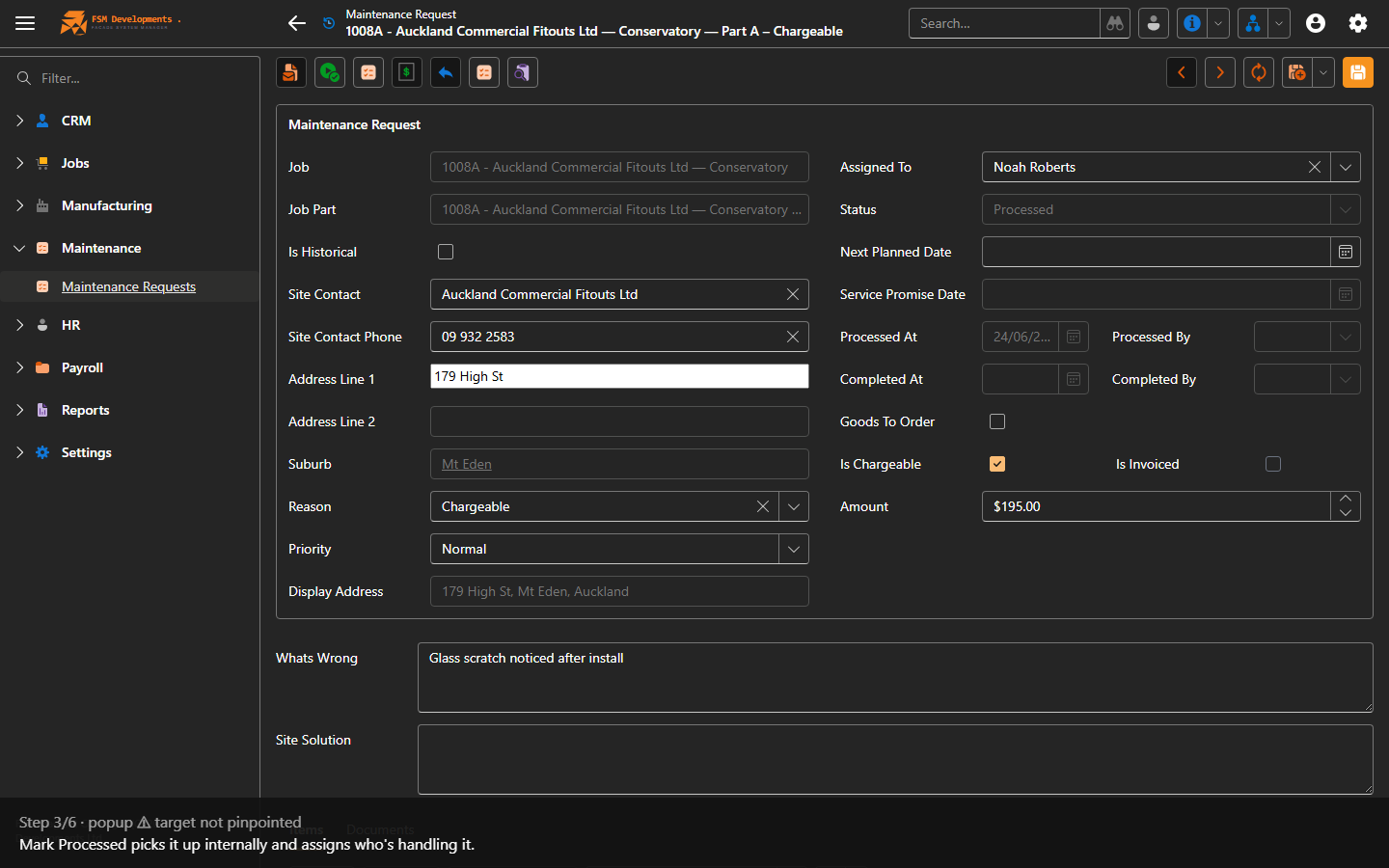
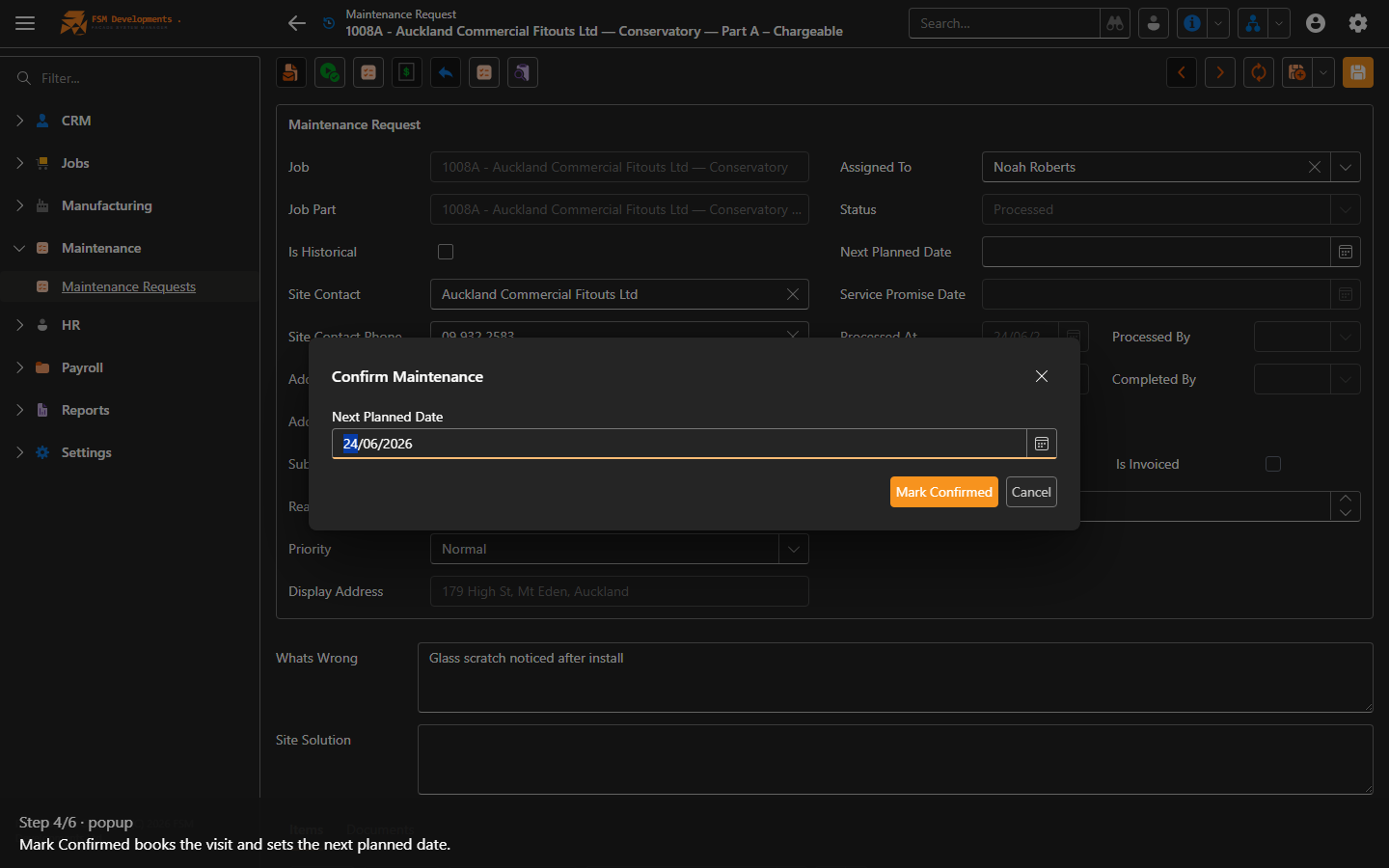
Progressing a maintenance job and recording how it was resolved.
Step by step
Sending the paperwork
Send Documents on the request merges its documents and drafts the covering email from the Default Maintenance Email template. The email is addressed to the customer’s email address — not the site contact, which is free text and has no address behind it — so check the customer record has one before you send.
Last updated on