Skip to Content

Build the estimate

Lite+

A quote revision is the actual estimate — its specification, costs, and price. This is the estimator’s workflow: assign it, price up the budget, and complete it ready for sales.

When to use

Estimating a job: working out the cost and turning it into a sell price.

Step by step
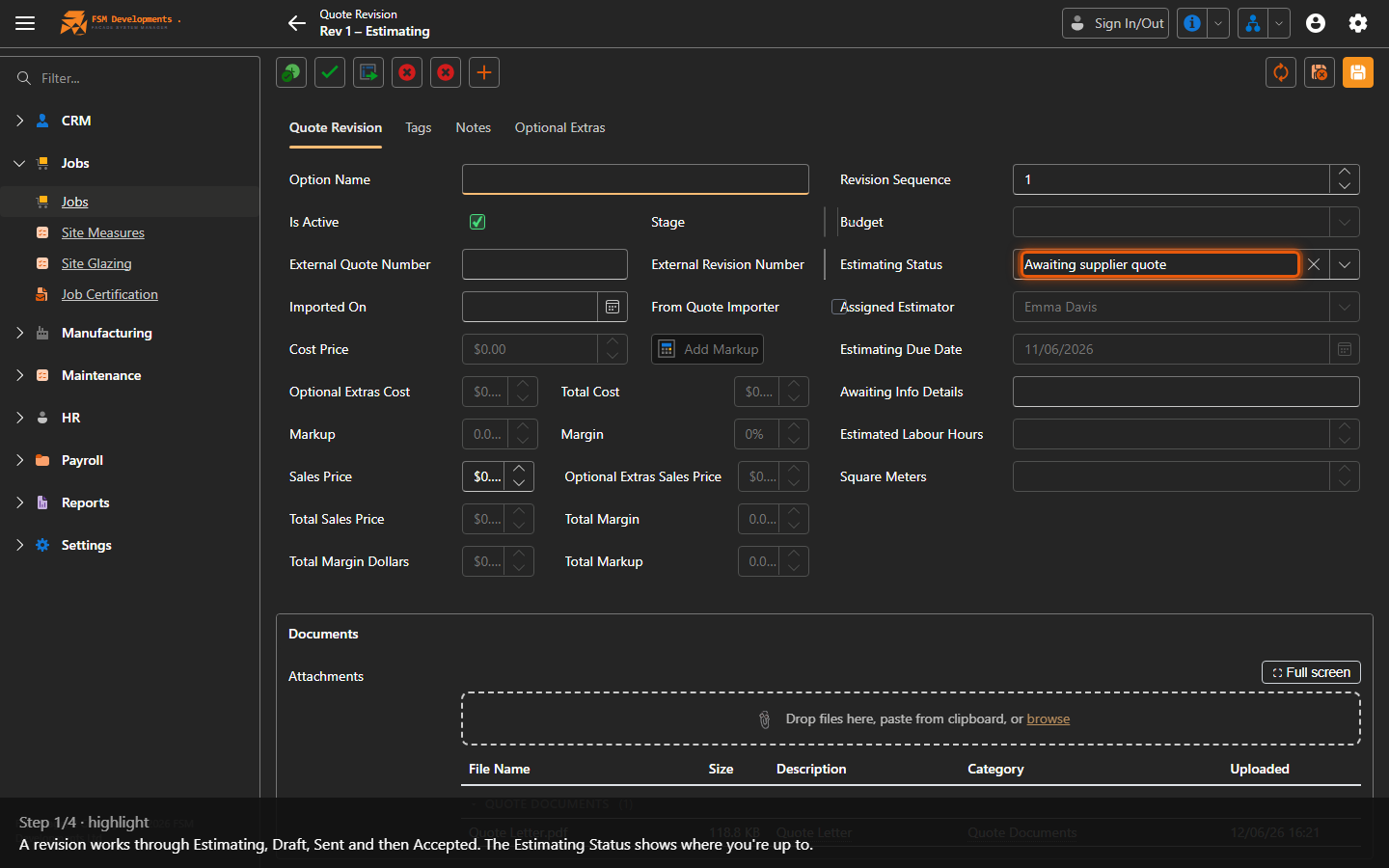
Stage / Estimating Status
1. A revision works through Estimating, Draft, Sent and then Accepted. The Estimating Status shows where you're up to.
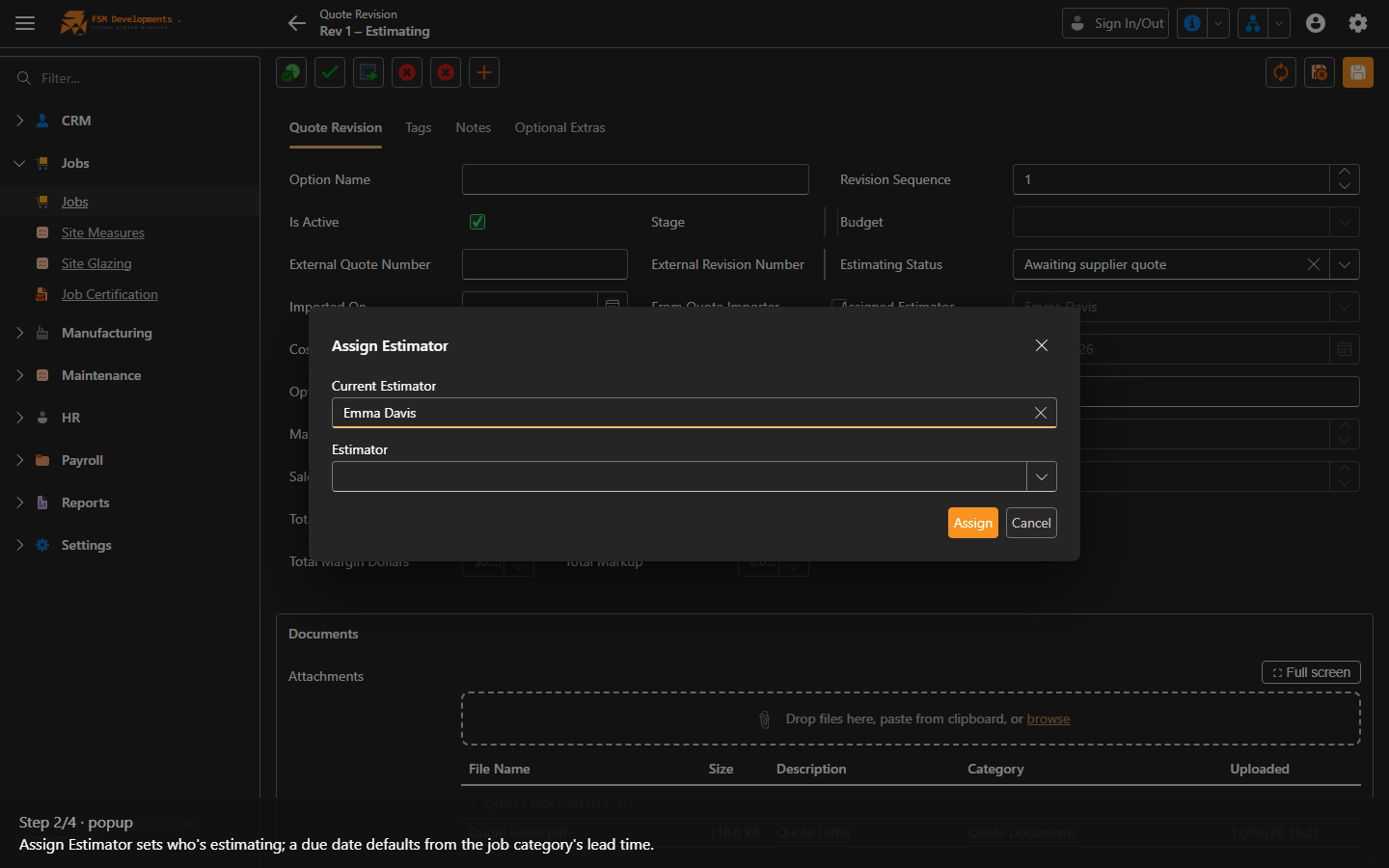
Assign Estimator (toolbar button)
2. Assign Estimator sets who's estimating; a due date defaults from the job category's lead time.
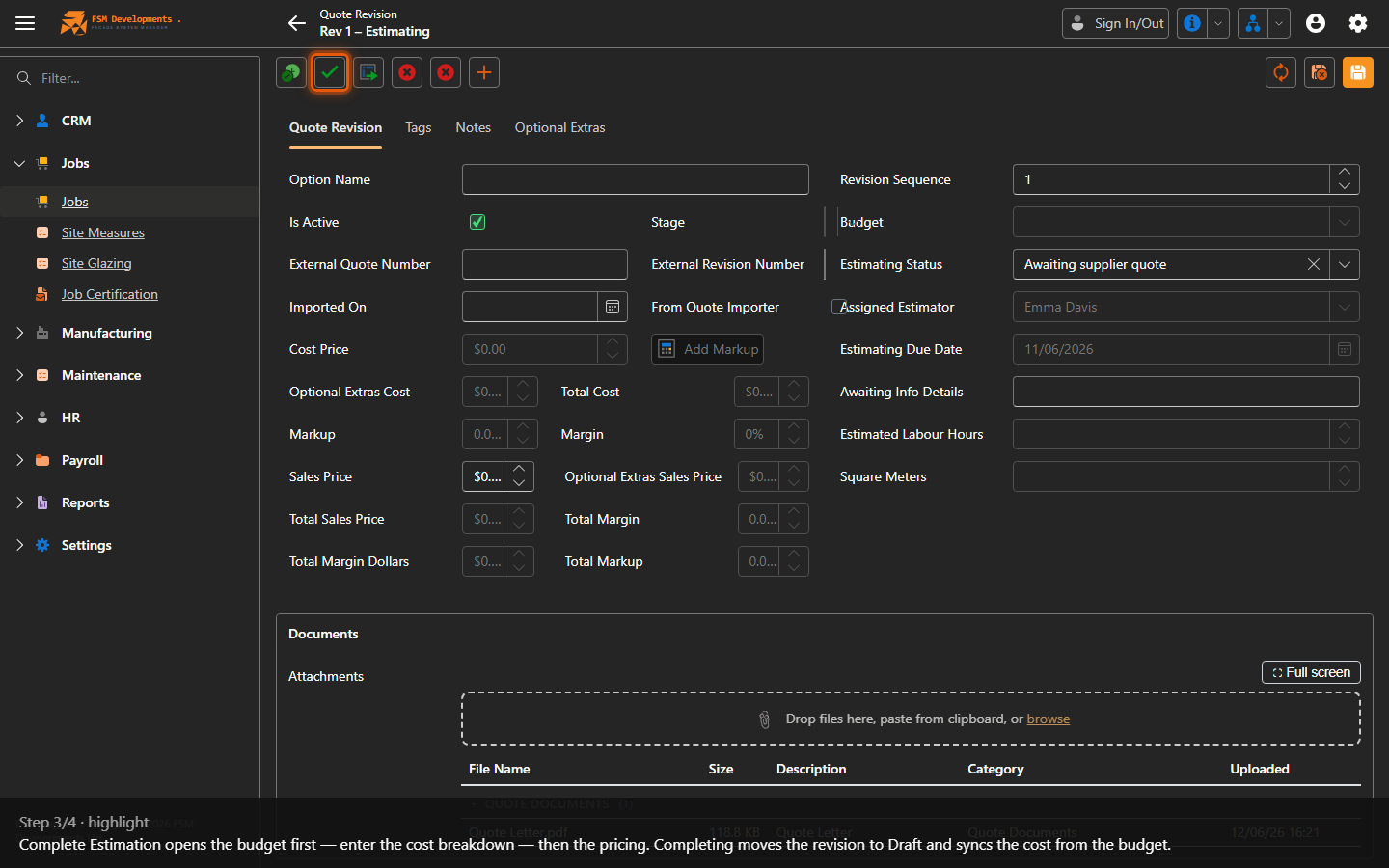
Complete Estimation (toolbar button)
3. Complete Estimation opens the budget first — enter the cost breakdown — then the pricing. Completing moves the revision to Draft and syncs the cost from the budget.
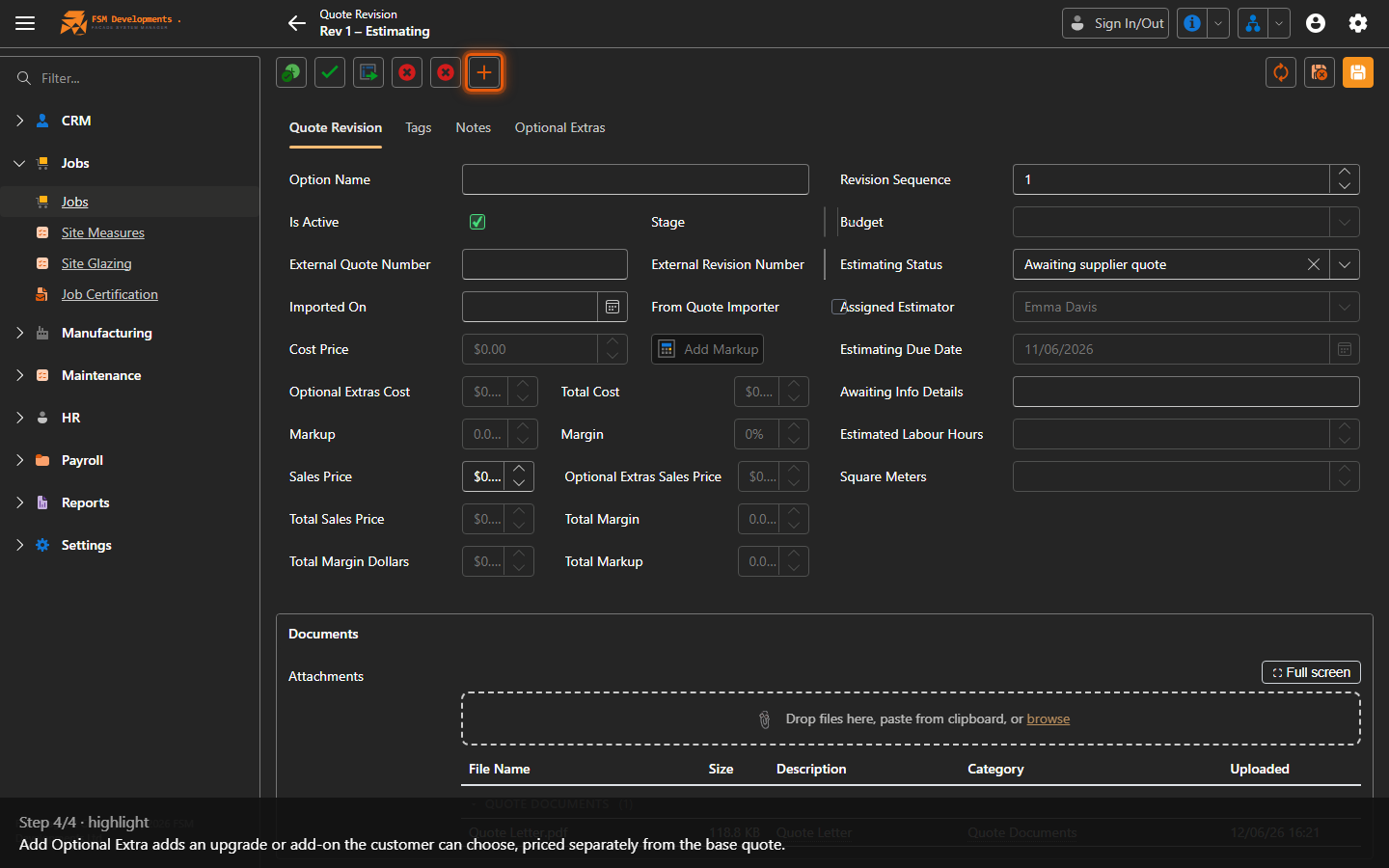
Add Optional Extra (toolbar button)
4. Add Optional Extra adds an upgrade or add-on the customer can choose, priced separately from the base quote.
Last updated on