Skip to Content
How-to (step by step)Contact LogReview contacts & actions

Review contacts & actions

Lite+

A record of every logged communication — calls, emails, follow-ups — across opportunities and jobs, with any outstanding actions they raised.

When to use

To see what’s been said to a customer, and to work through follow-ups that are due.

Step by step
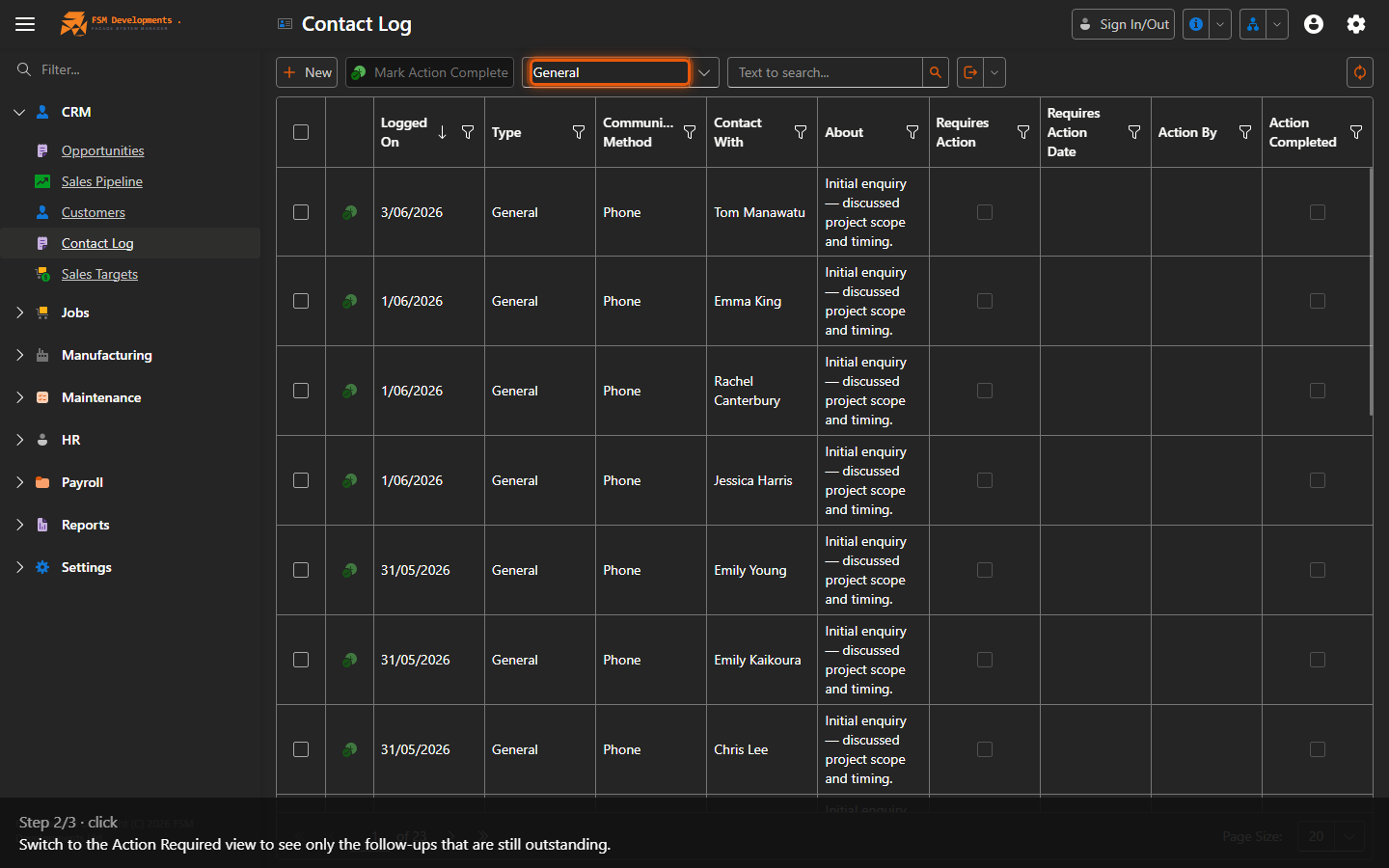
Contact Log grid
1. Every logged call, email and follow-up across your opportunities and jobs.
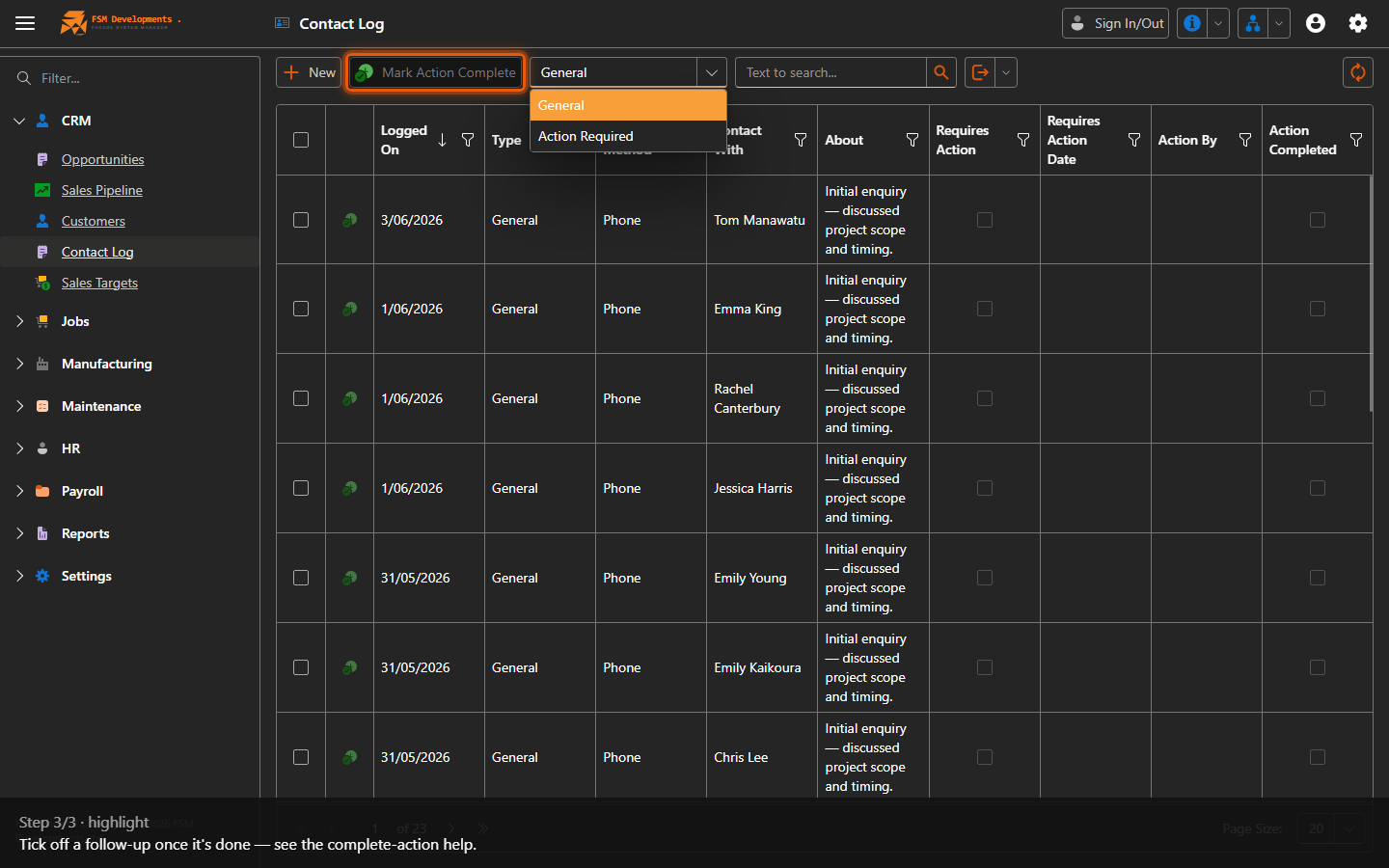
View (combobox)
2. Switch to the Action Required view to see only the follow-ups that are still outstanding.
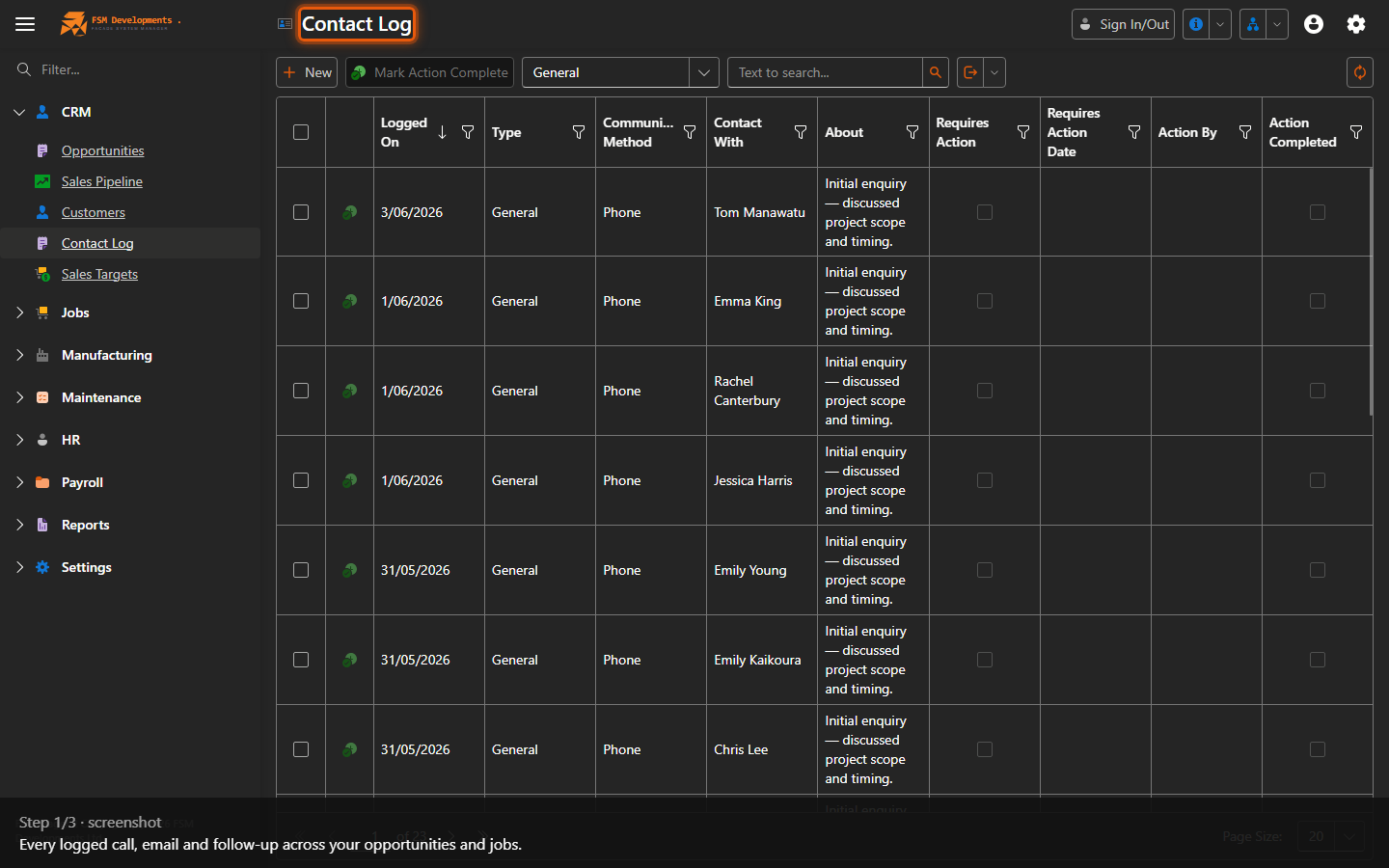
Mark Action Complete (toolbar button)
3. Tick off a follow-up once it's done — see the complete-action help.
Last updated on