Skip to Content

Optional extras

Lite+

Add-ons and upgrades you can offer alongside the main quote — each with its own cost and price — that you choose whether to roll into the quote total.

When to use

Offering upgrades (better glass, extra hardware) without changing the base quote.

Step by step
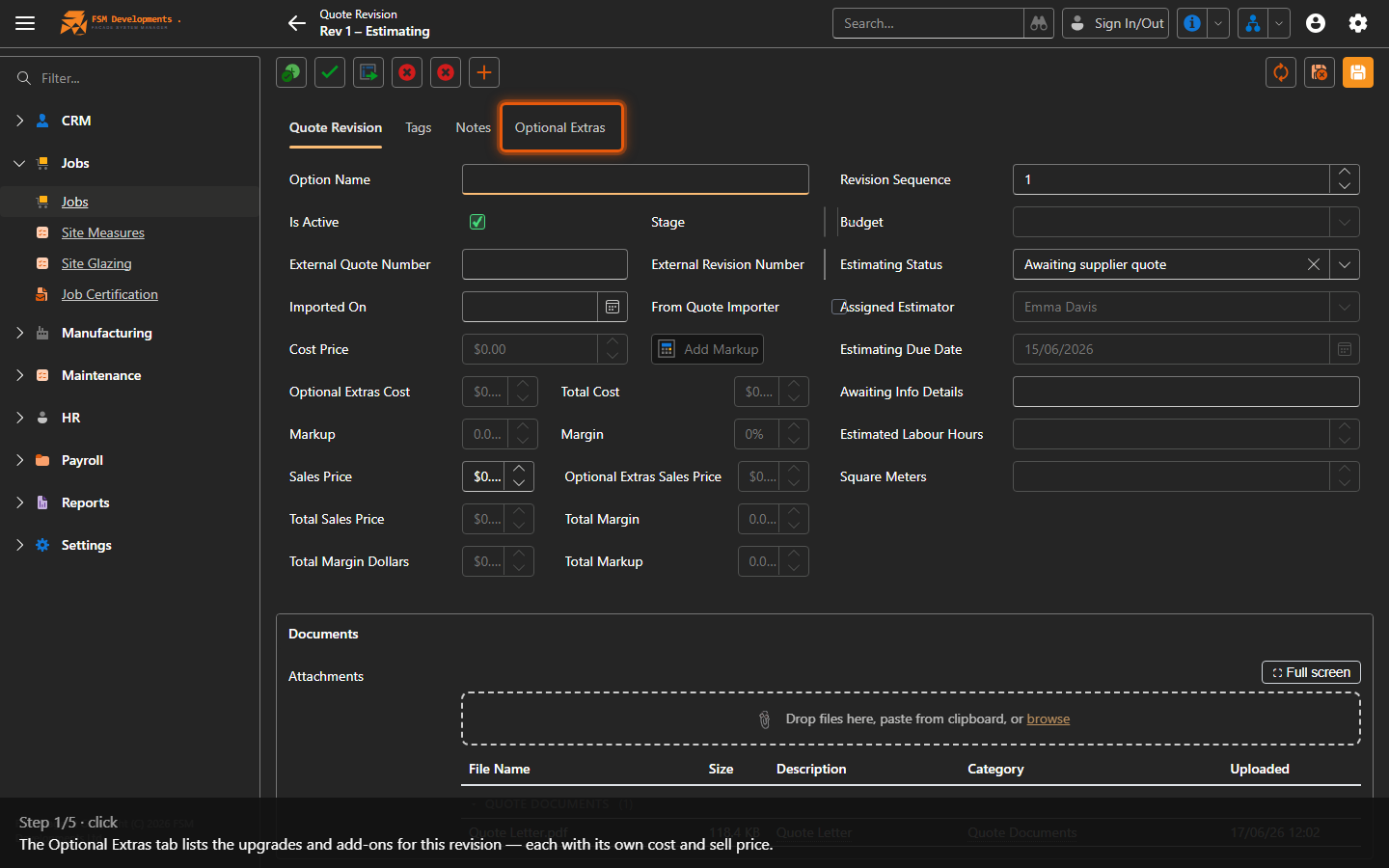
Optional Extras (tab)
1. The Optional Extras tab lists the upgrades and add-ons for this revision — each with its own cost and sell price.
Add Optional Extra (toolbar button)
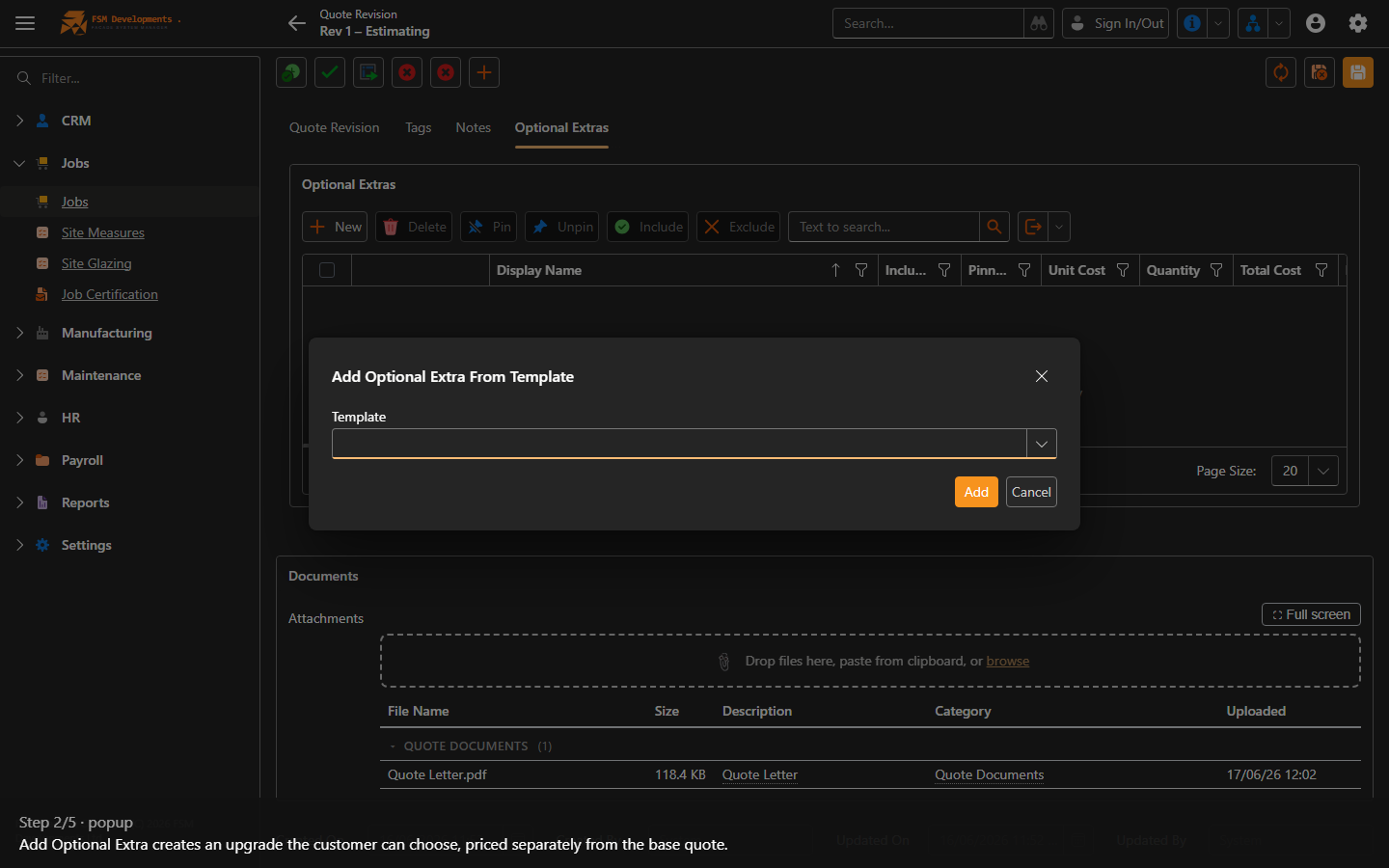
2. Add Optional Extra creates an upgrade the customer can choose, priced separately from the base quote.
New (Optional Extras grid)
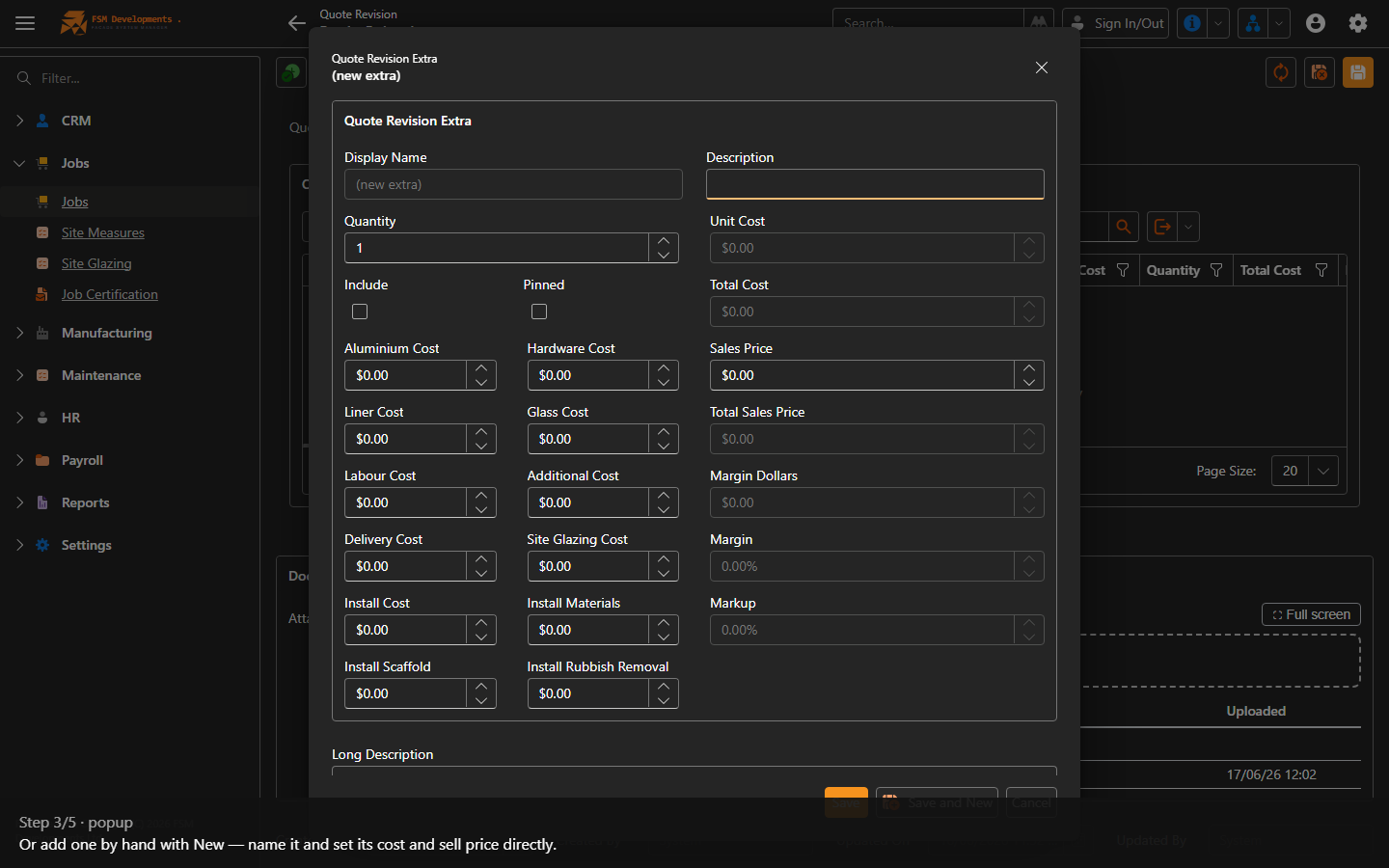
3. Or add one by hand with New — name it and set its cost and sell price directly.
Include / Exclude (row actions)
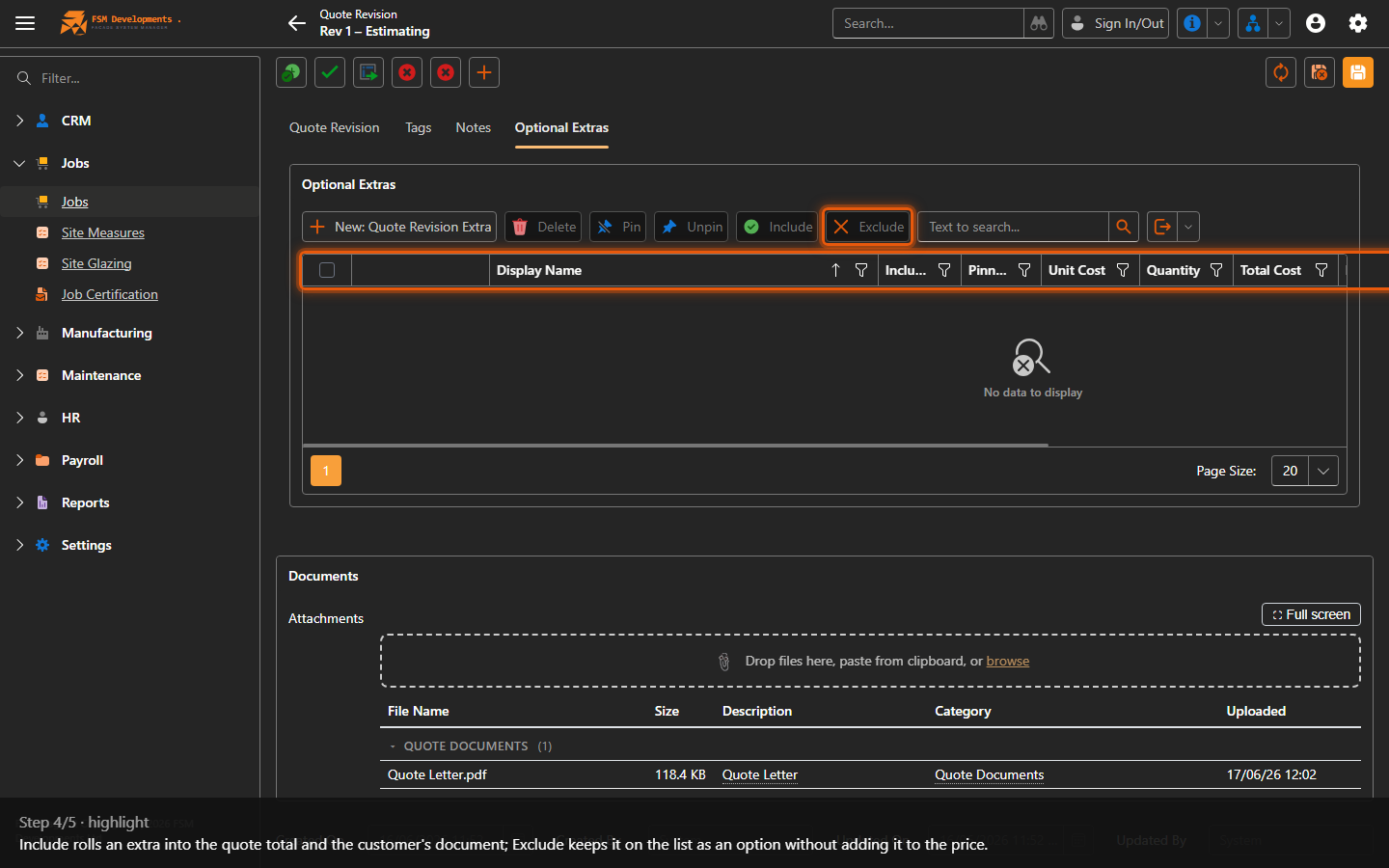
4. Include rolls an extra into the quote total and the customer's document; Exclude keeps it on the list as an option without adding it to the price.
Pin / Unpin (row actions)
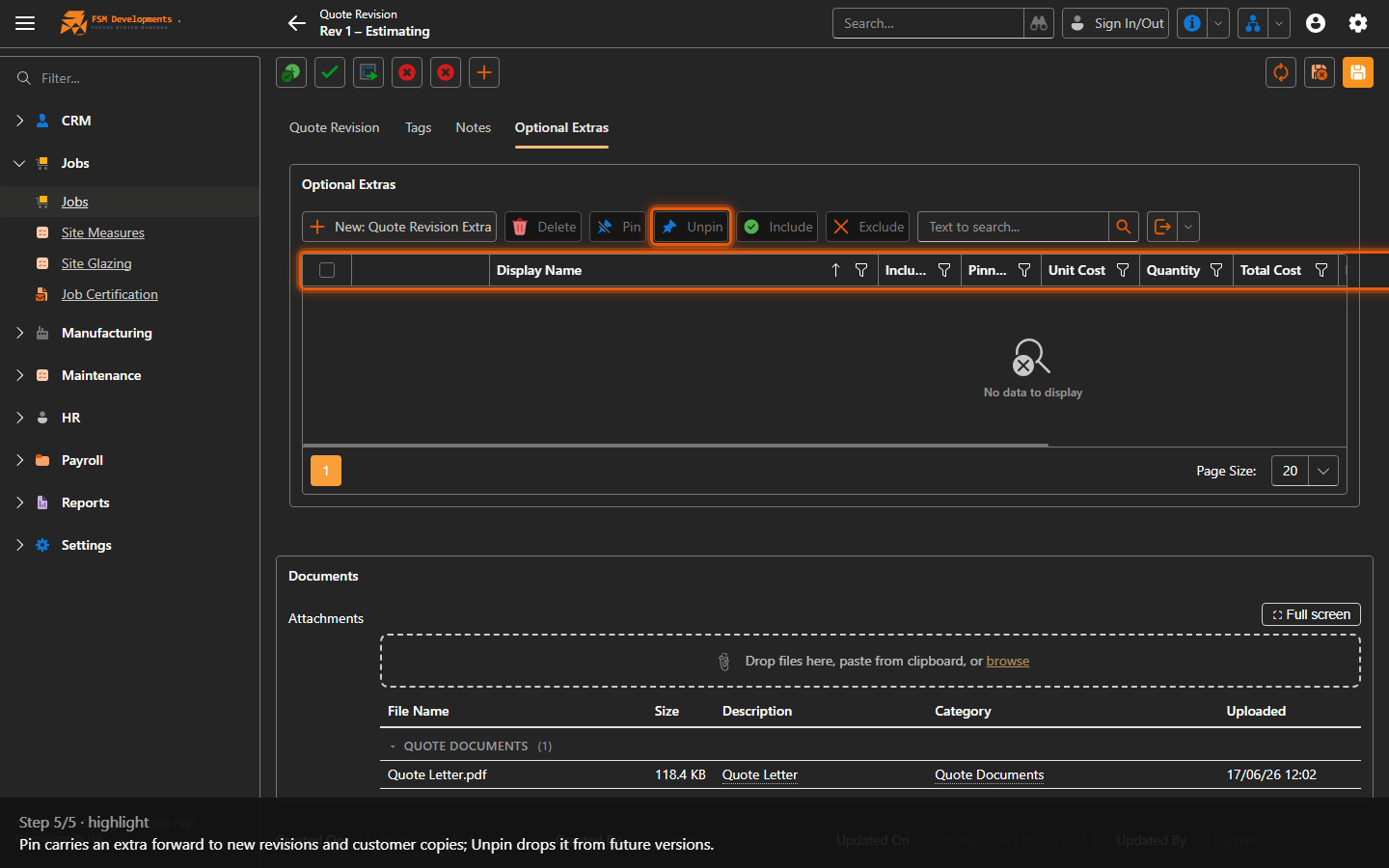
5. Pin carries an extra forward to new revisions and customer copies; Unpin drops it from future versions.
Last updated on