Module settings
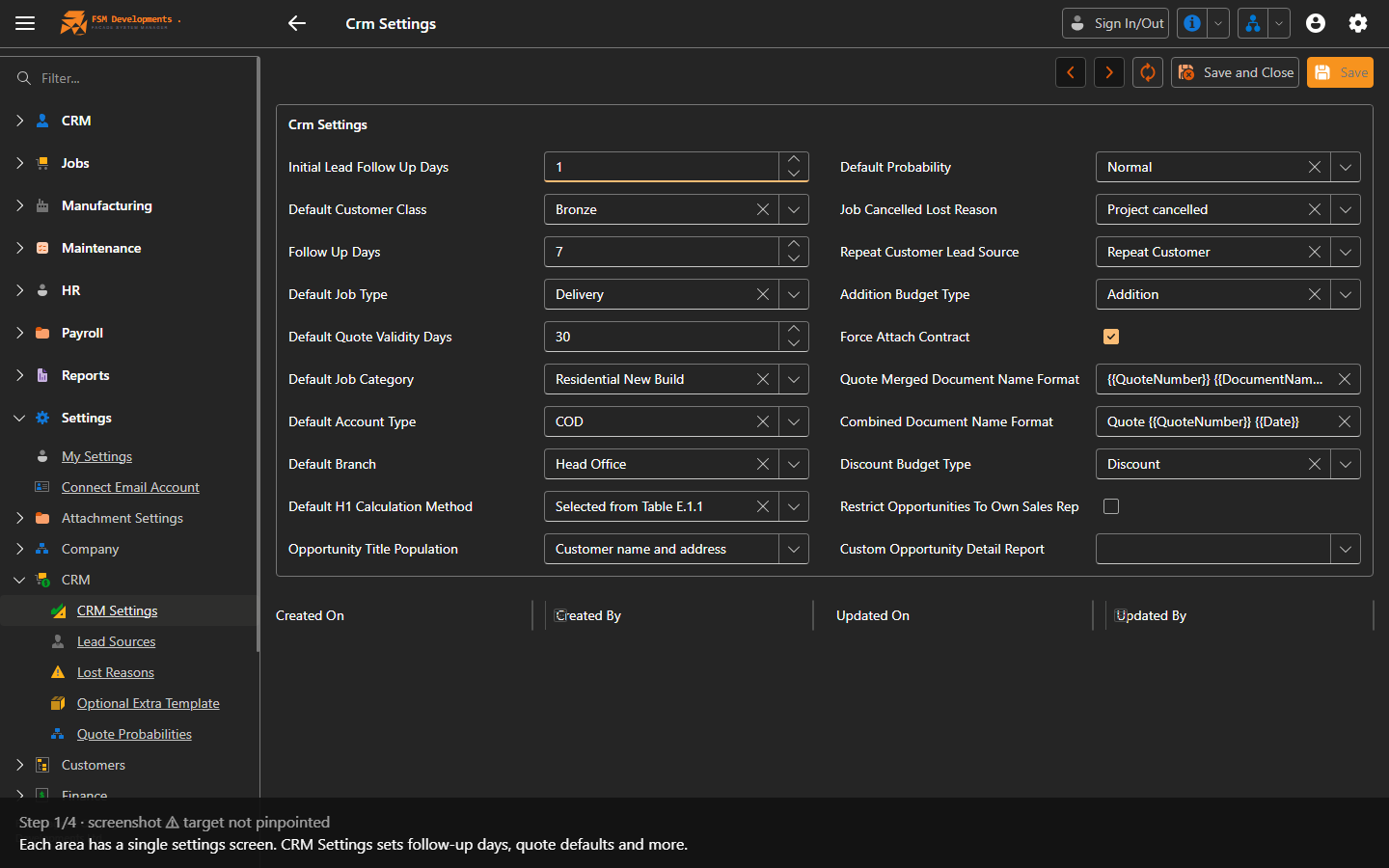
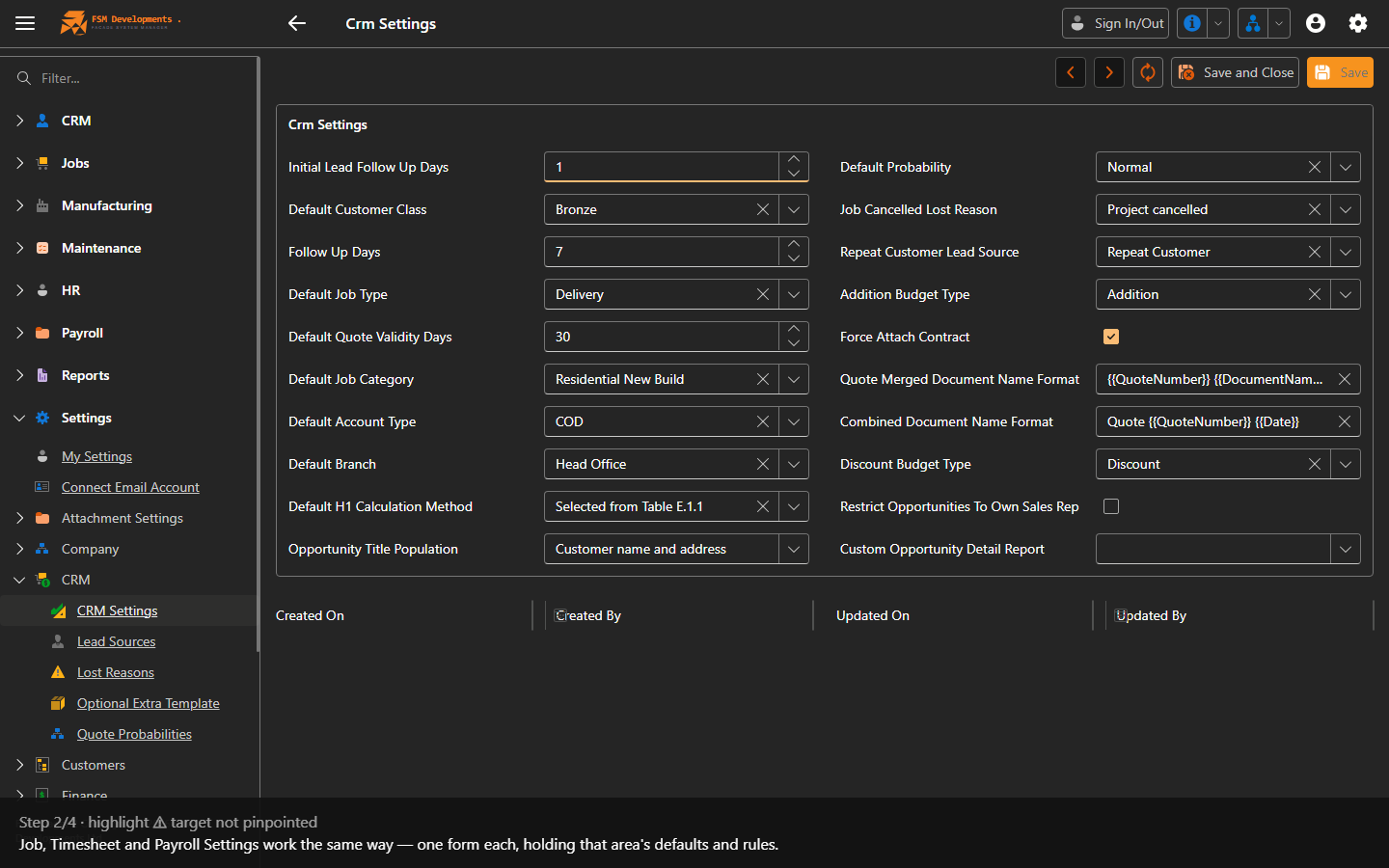
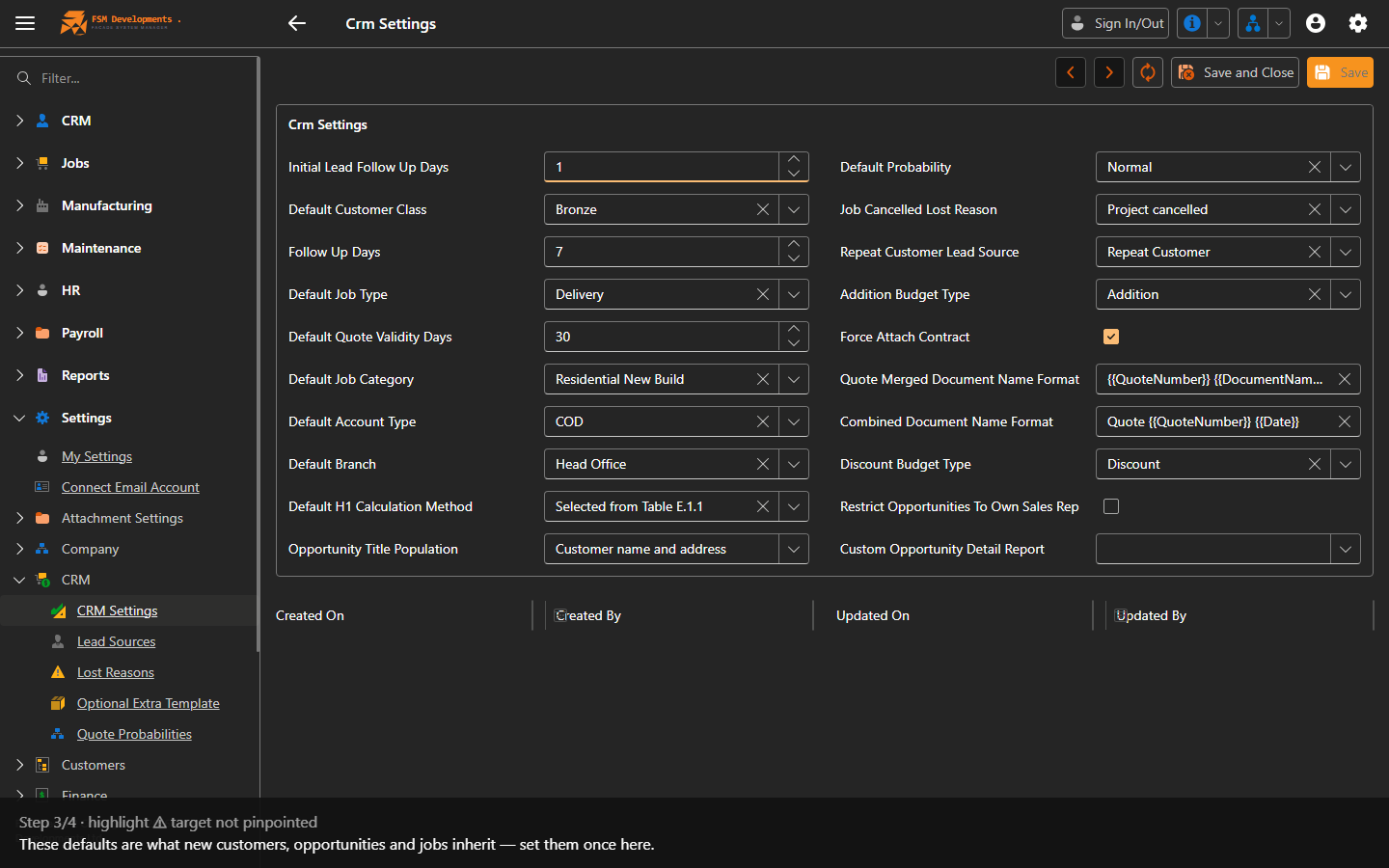
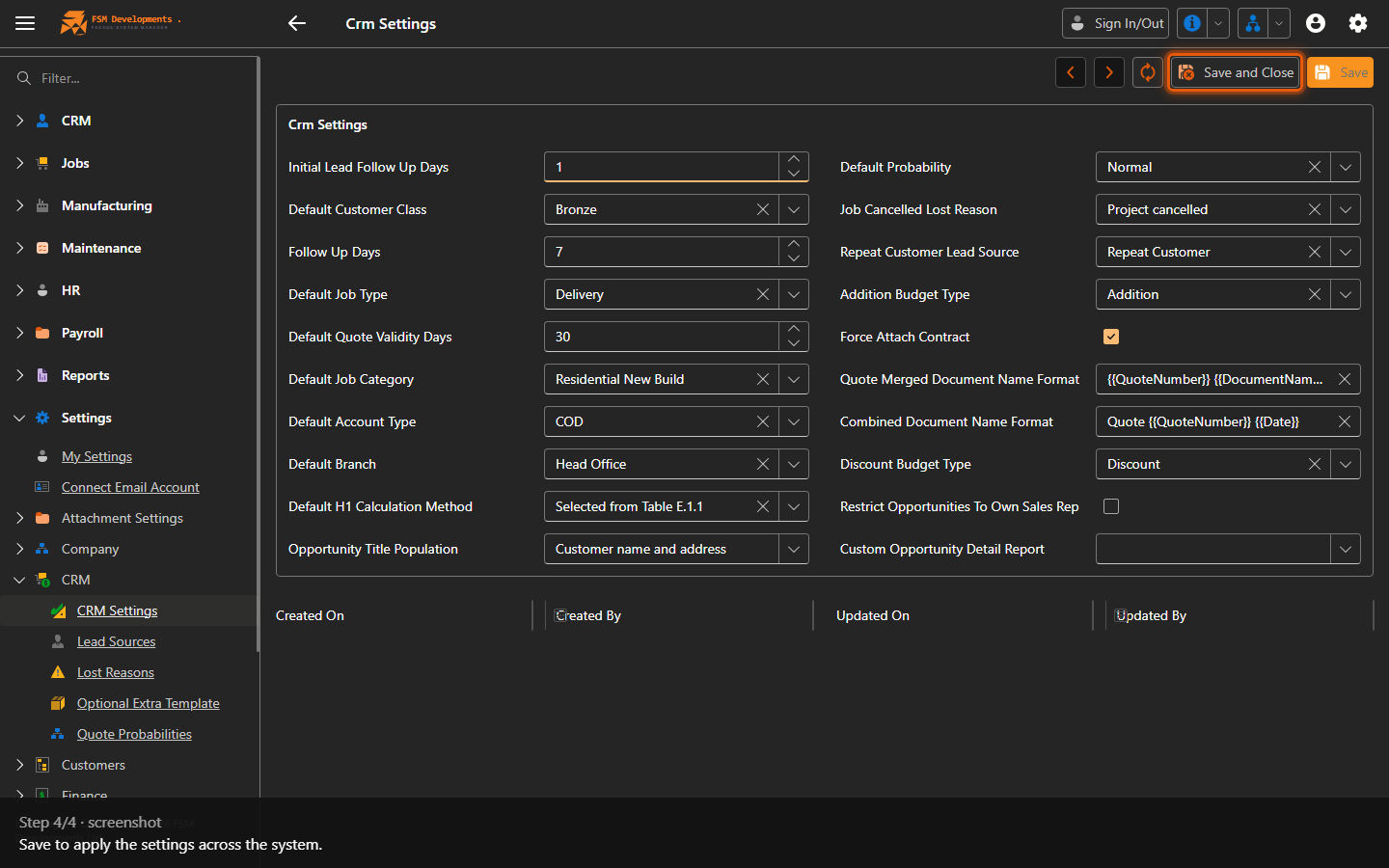
Lite+The per-area control panels. Each is a single configuration record that holds the defaults and rules for one part of the system.
When to use
During setup, and whenever you want to change a default behaviour for an area.
Step by step
Every setting, explained
For a field-by-field reference of what each setting does and what it affects:
- Job Settings — numbering, lead time, task definitions, capacity, site measure/glazing defaults
- CRM Settings — pipeline defaults, follow-ups, undercharges, on-hold rules
- Timesheet Settings — rounding, auto sign-out, breaks, pay period
- Payroll Settings — provider, pay-week timing, default calendars
- Document categories — which category each document type files under
- Maintenance Settings — defaults for new maintenance requests
Last updated on