Skip to Content
How-to (step by step)CustomersMerge duplicate customers

Merge duplicate customers

Lite+

Consolidates duplicate customer records into one. The selected source customers are merged into a target customer: their opportunities, jobs, quotes and contacts are re-parented to the target, and the sources are deactivated.

When to use

When the same customer has been entered twice (e.g. “Smith Residence” and “Smith Res.”) and you want a single clean record without losing any job history.

Step by step
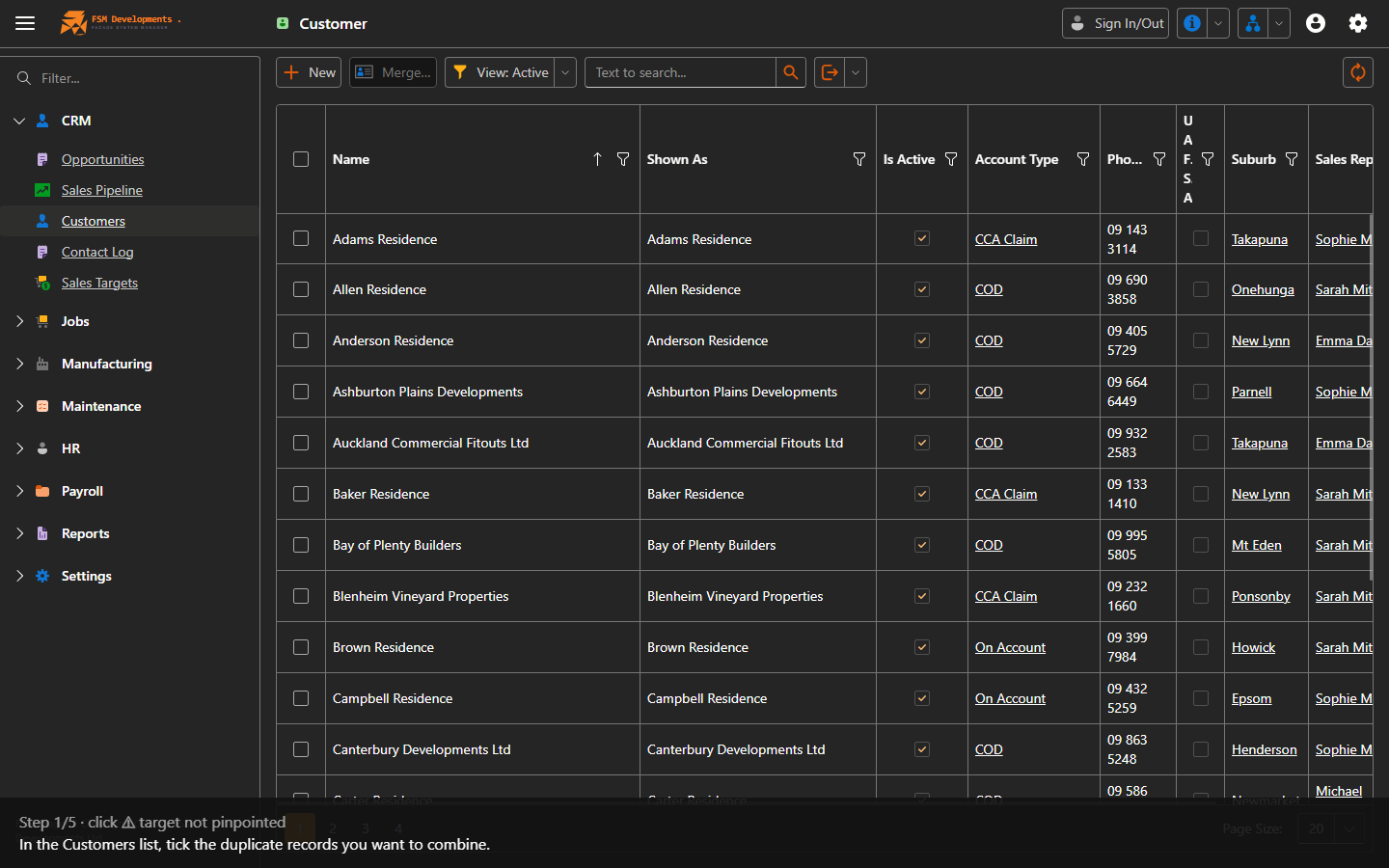
Selection checkboxes for two duplicate customers
1. In the Customers list, tick the duplicate records you want to combine.
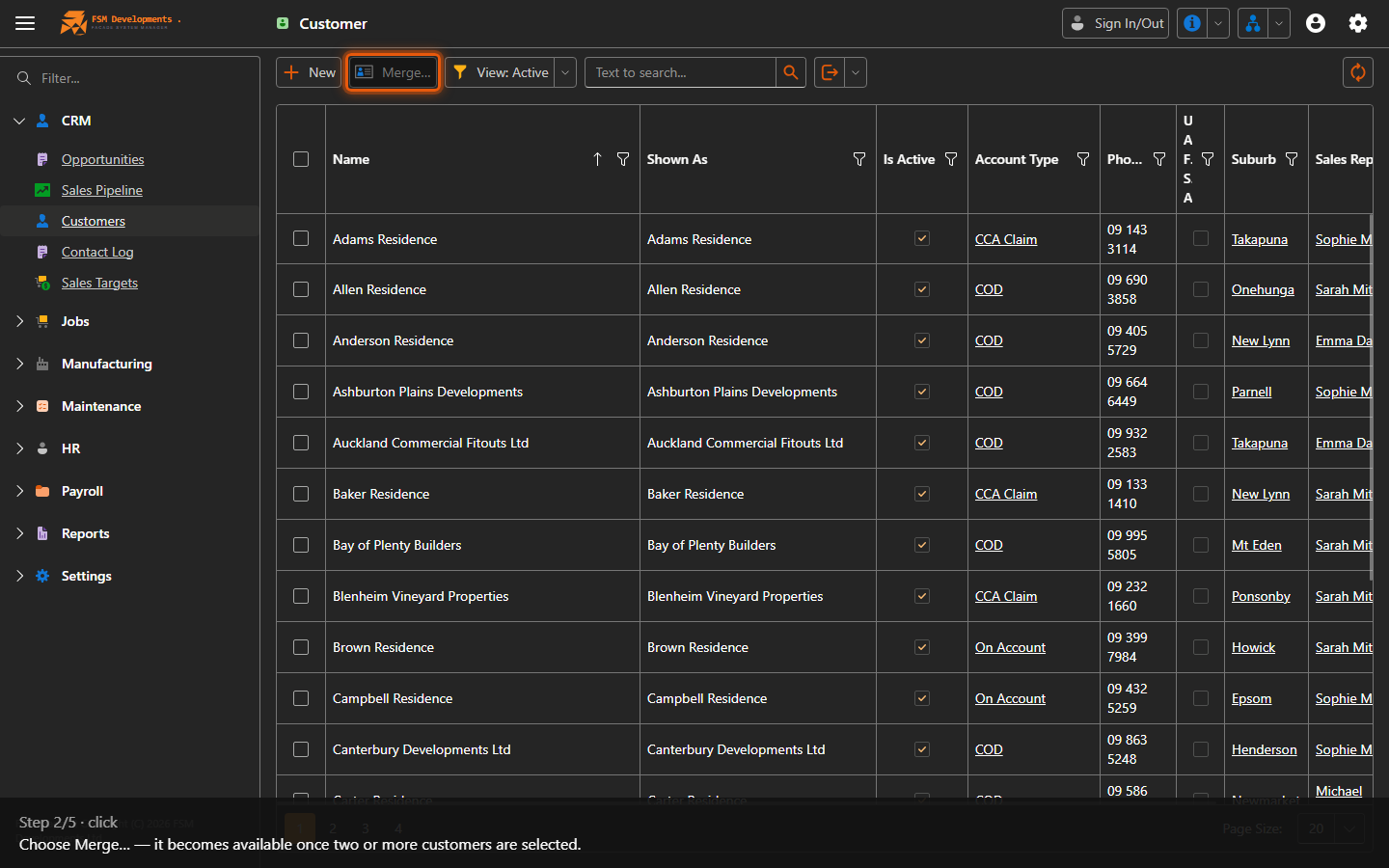
Merge… (toolbar button)
2. Choose Merge… — it becomes available once two or more customers are selected.
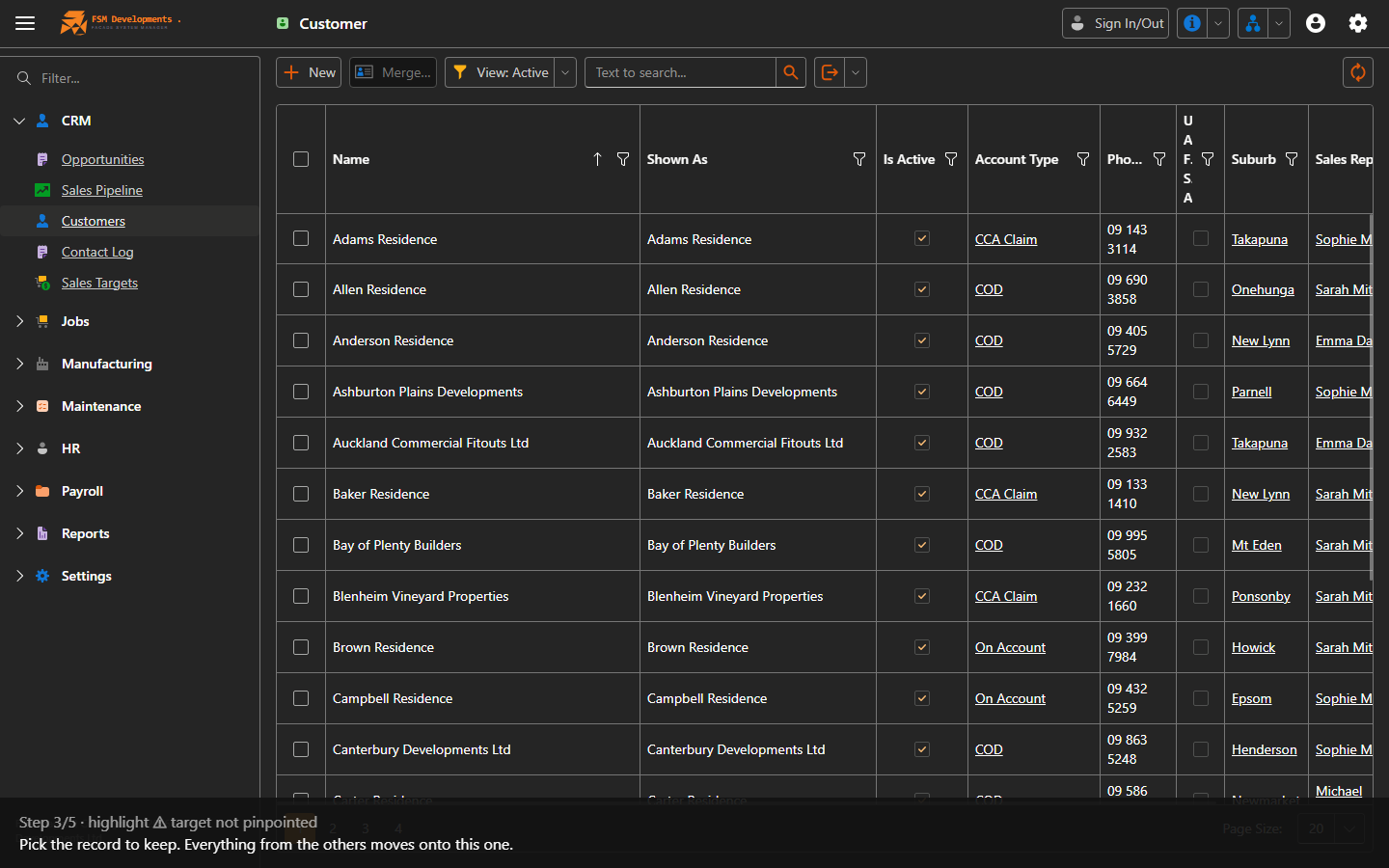
Target customer selector (merge popup)
3. Pick the record to keep. Everything from the others moves onto this one.
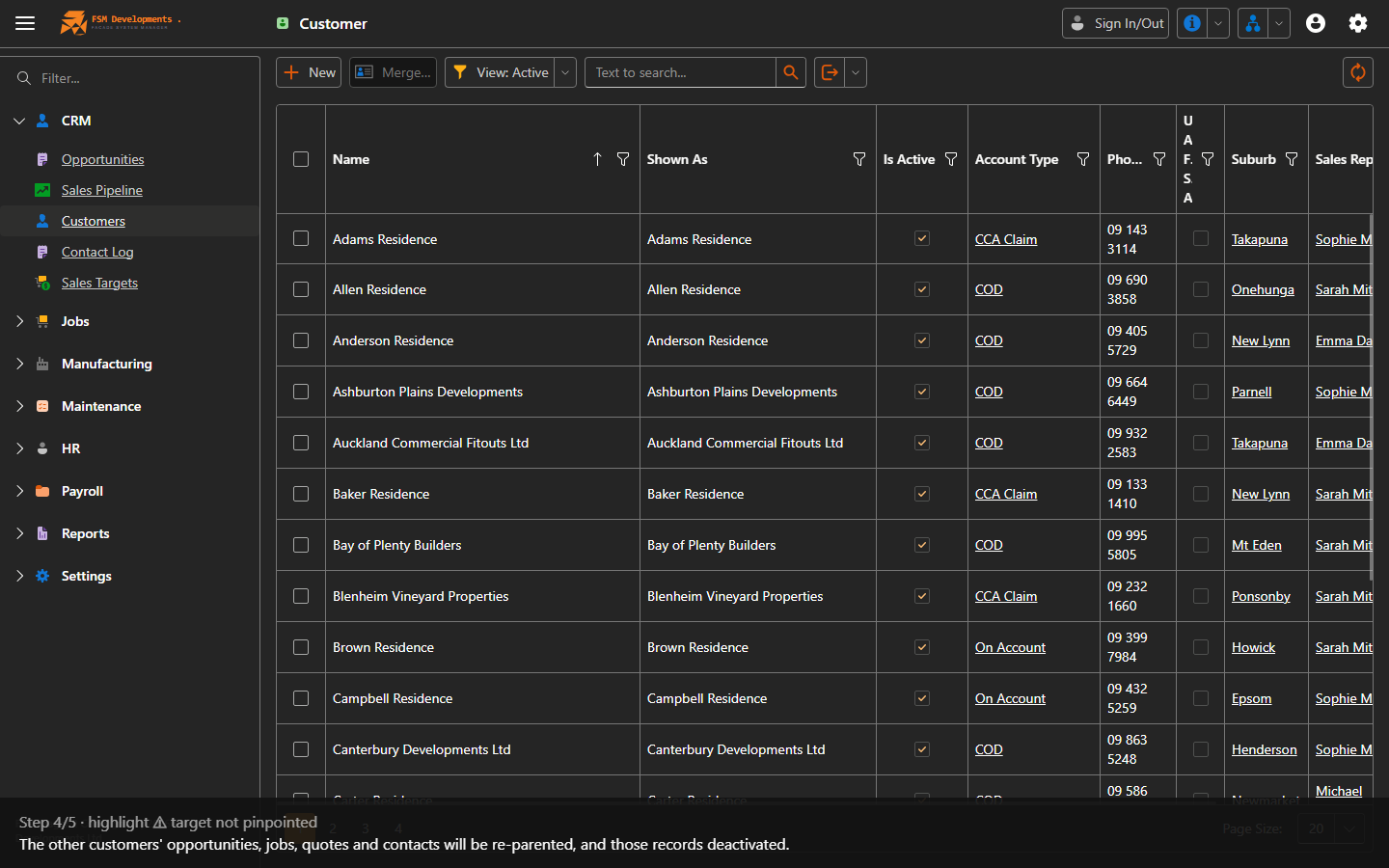
Merge summary (popup)
4. The other customers' opportunities, jobs, quotes and contacts will be re-parented, and those records deactivated.
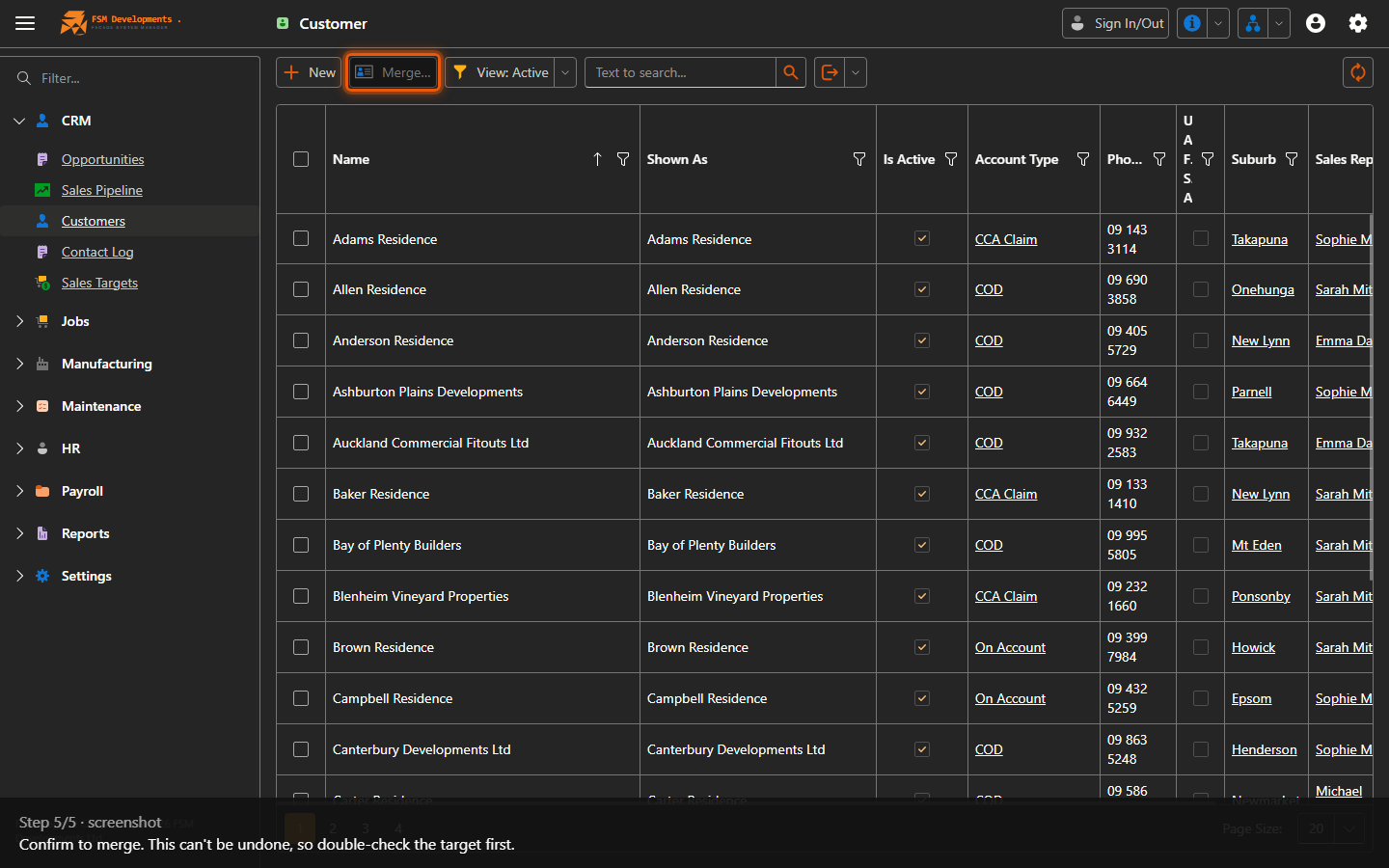
Confirm / Merge (popup button)
5. Confirm to merge. This can't be undone, so double-check the target first.
Last updated on