Skip to Content
How-to (step by step)SettingsDocument & email templates

Document & email templates

Lite+

The templates FSManager merges your data into — quote, job and certification documents, and the emails that send them.

When to use

To set up or tweak how your quotes, certificates and emails look.

Step by step
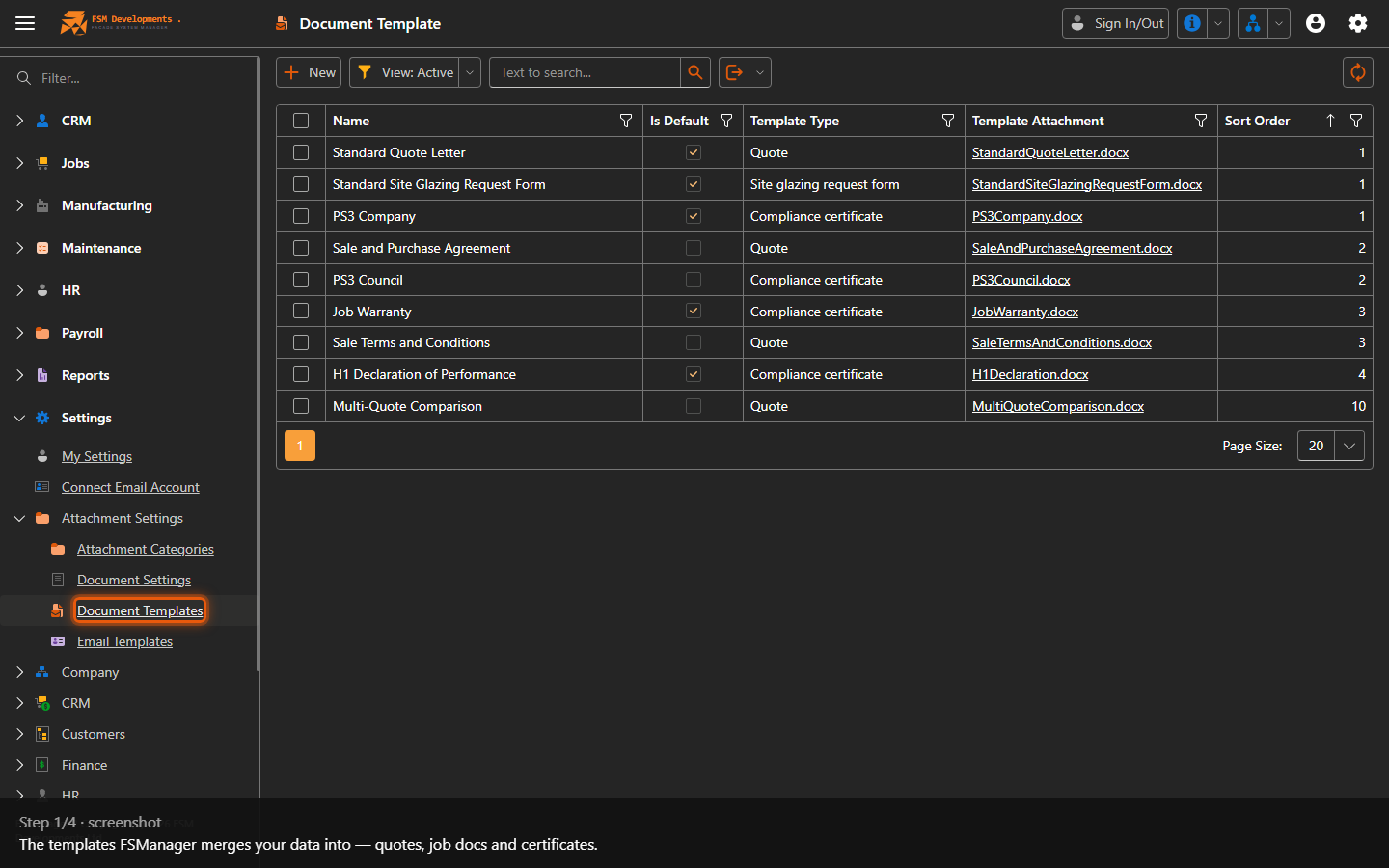
Document Templates list
1. The templates FSManager merges your data into — quotes, job docs and certificates.
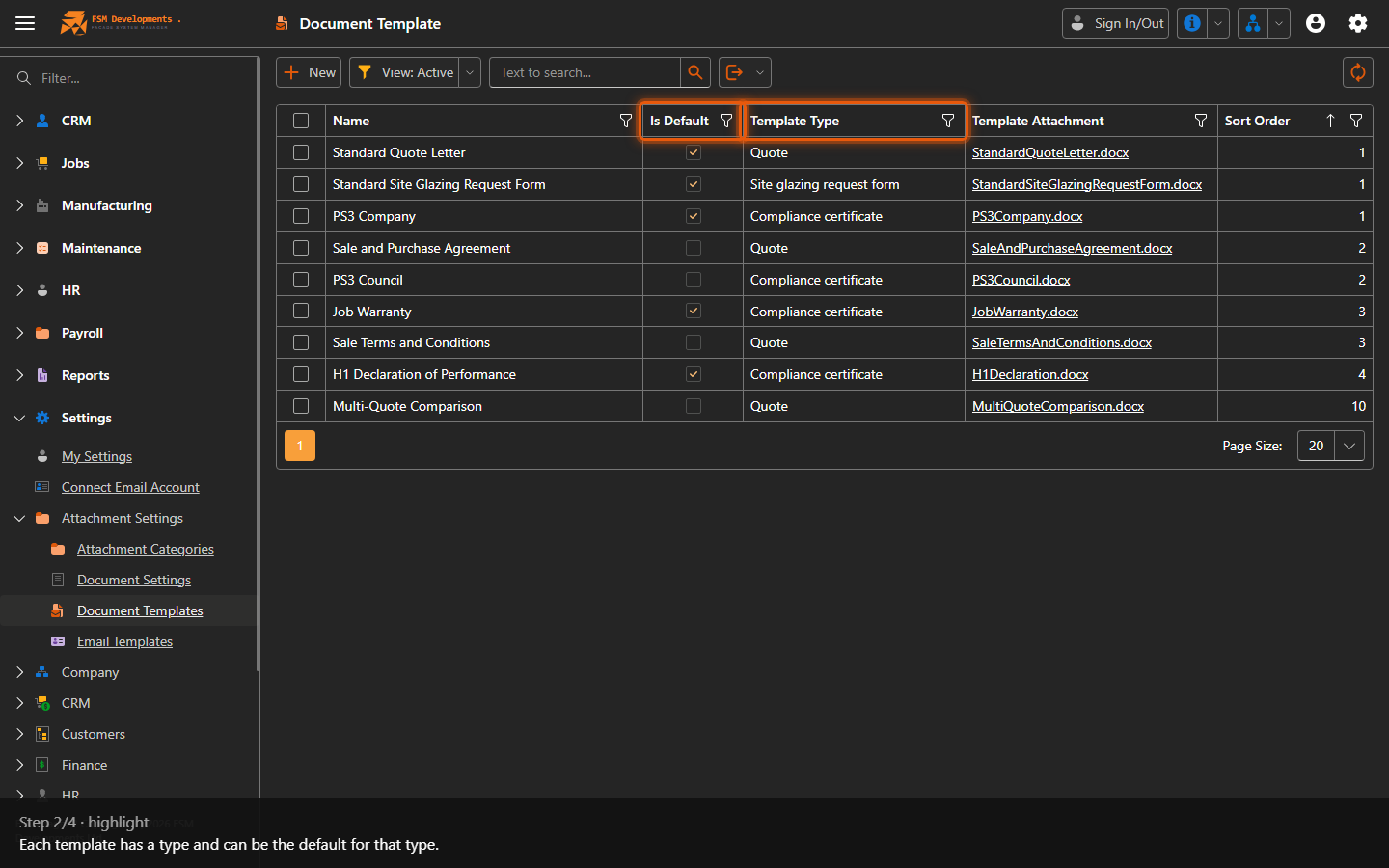
Template Type / Is Default (columns)
2. Each template has a type and can be the default for that type.
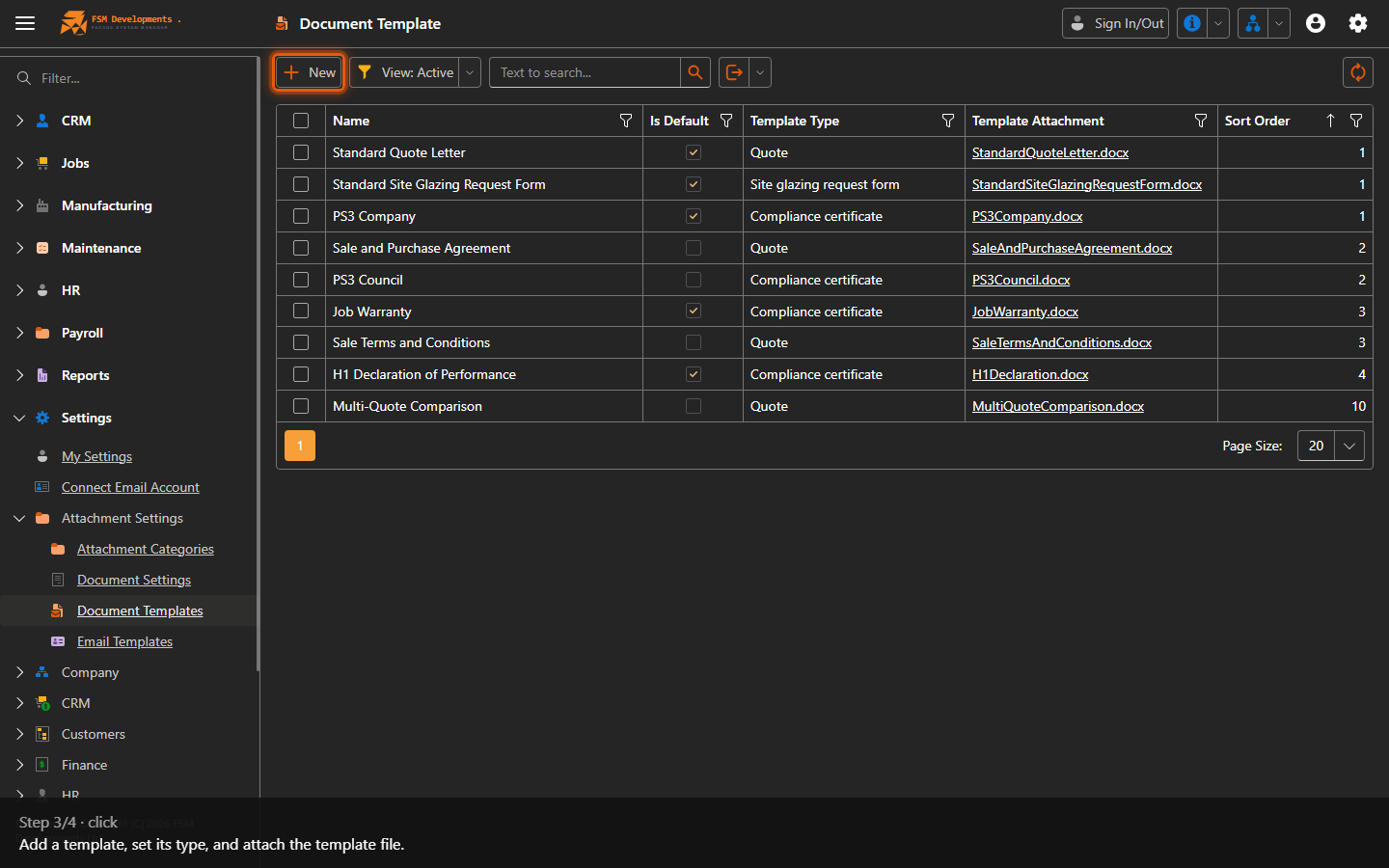
New (toolbar button)
3. Add a template, set its type, and attach the template file.
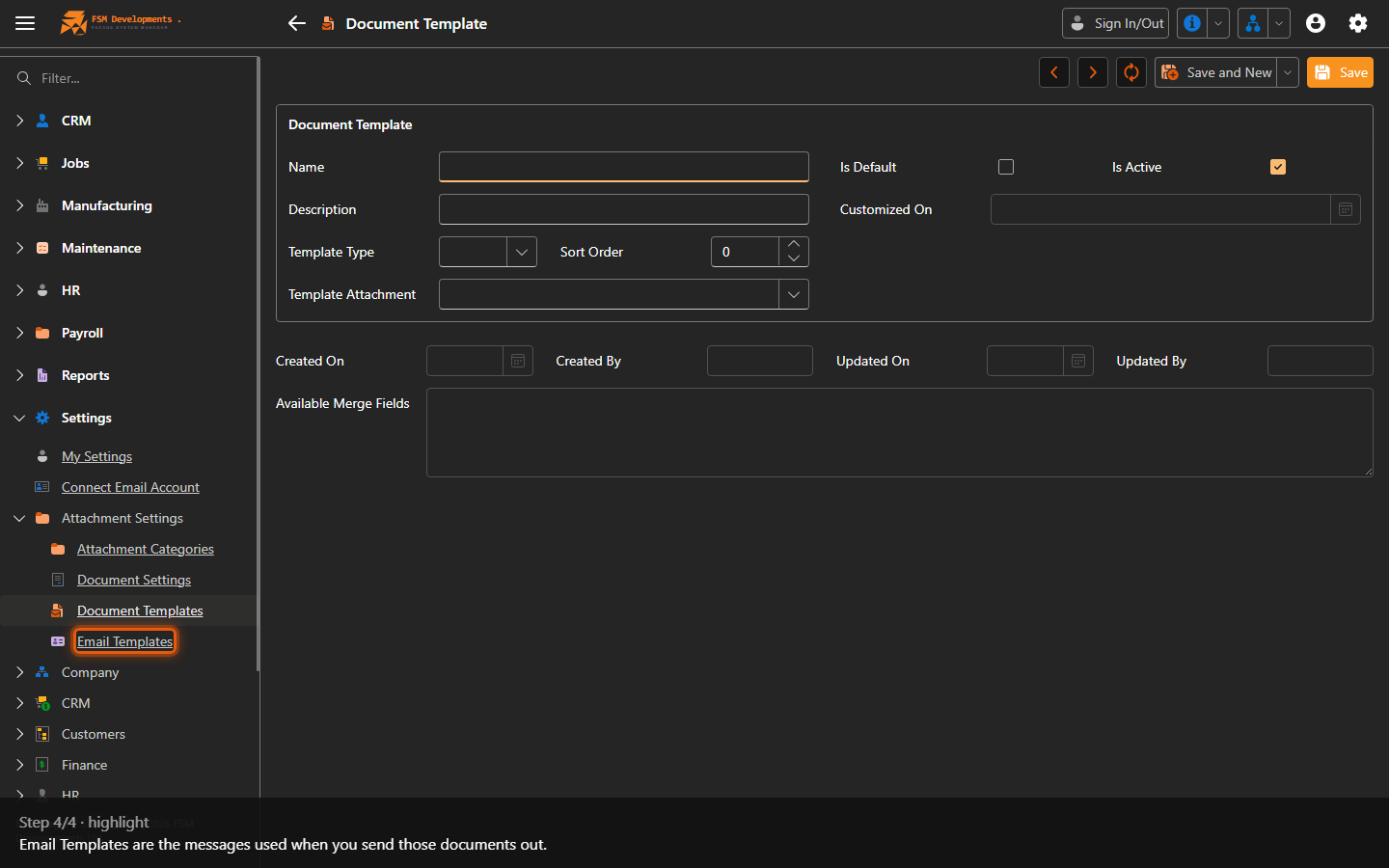
Email Templates (Attachment Settings sub-group)
4. Email Templates are the messages used when you send those documents out.
Last updated on