Skip to Content

Follow up

Lite+

Records that you chased an opportunity and sets when to chase it next. Do it one at a time (Follow Up) or for your whole open pipeline at once (Follow Up Sweep).

When to use

After a call or email about a live deal, to log what happened and keep it from going stale.

Step by step
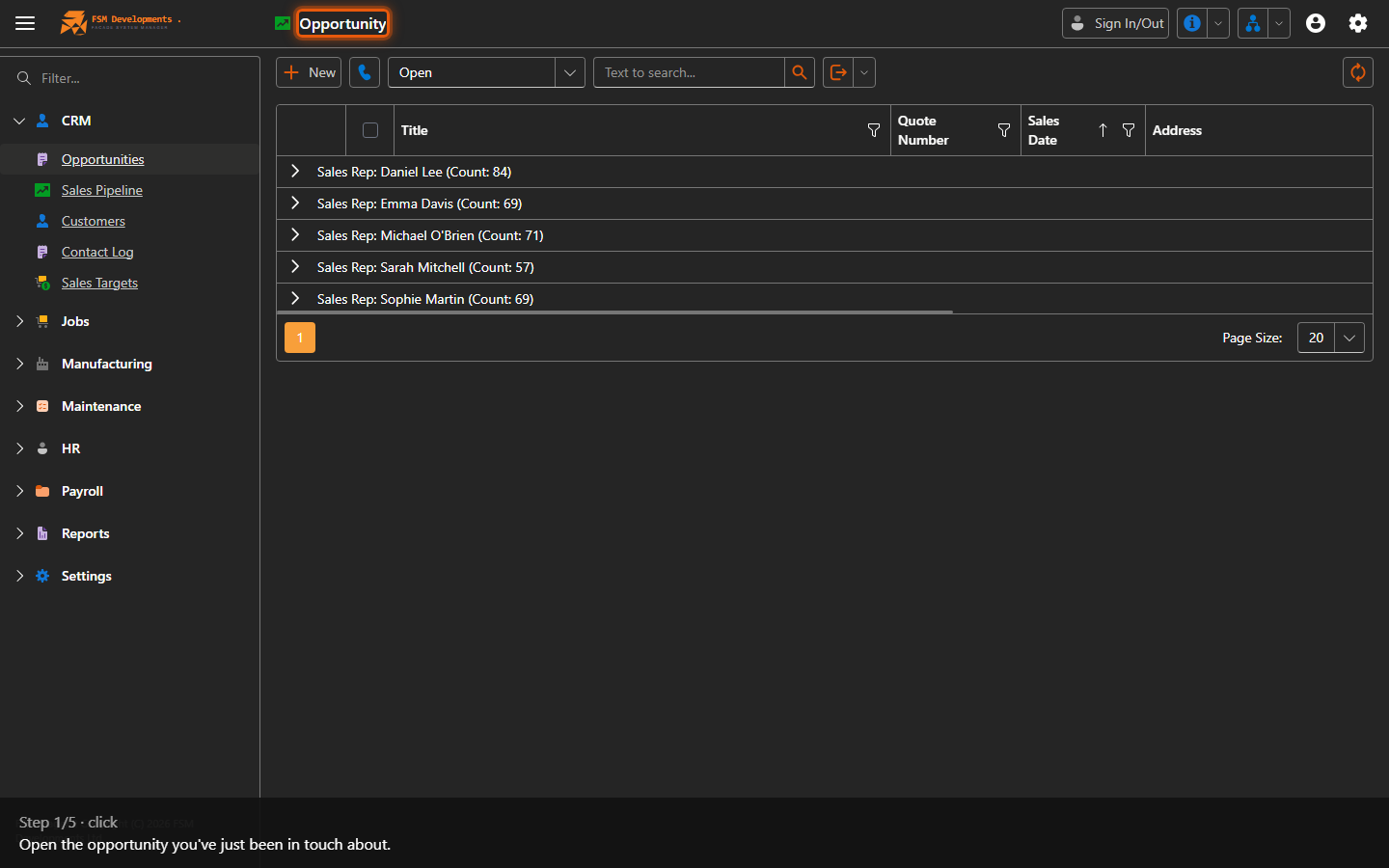
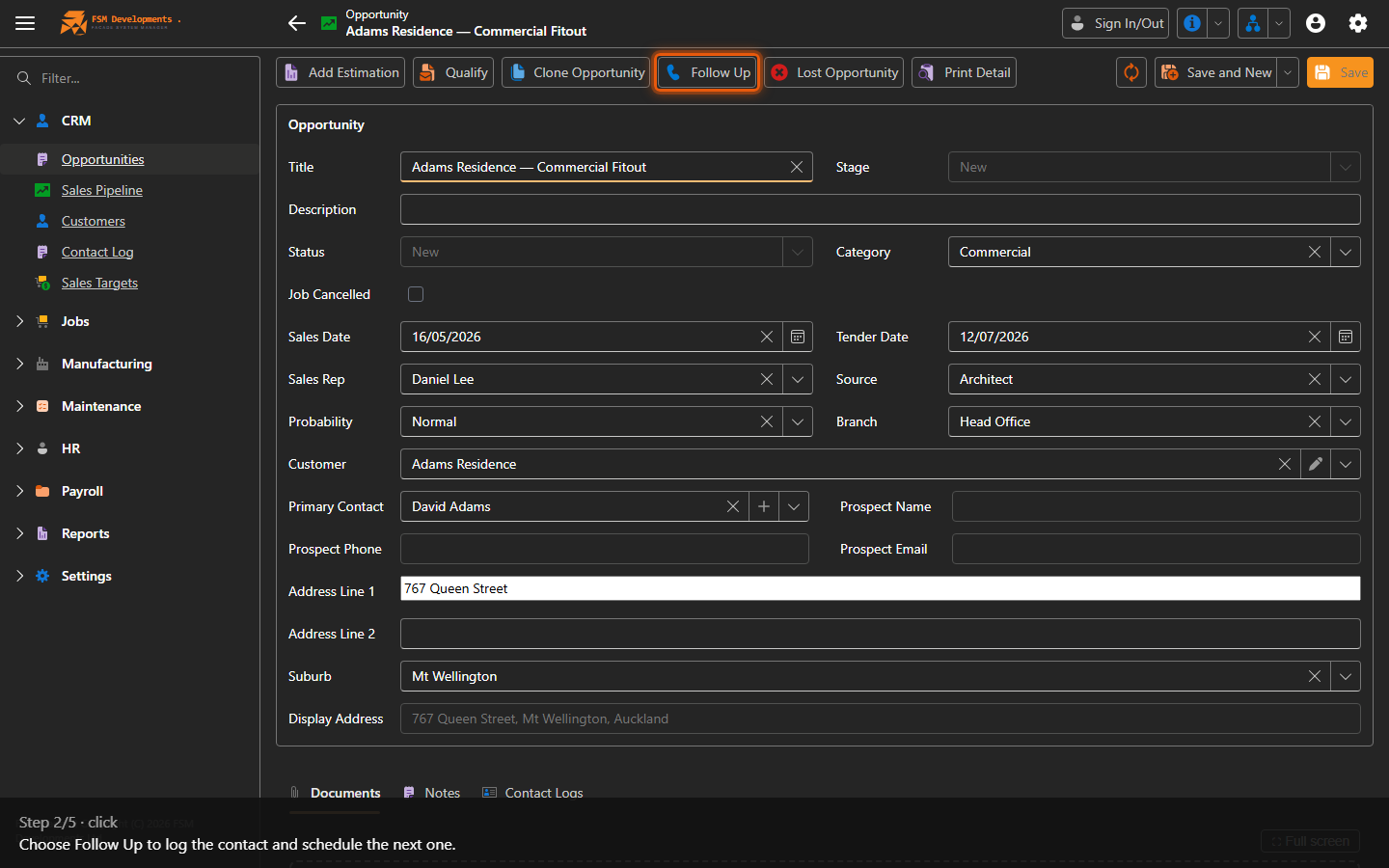
An opportunity (open it)
1. Open the opportunity you've just been in touch about.
Follow Up (toolbar button)
2. Choose Follow Up to log the contact and schedule the next one.
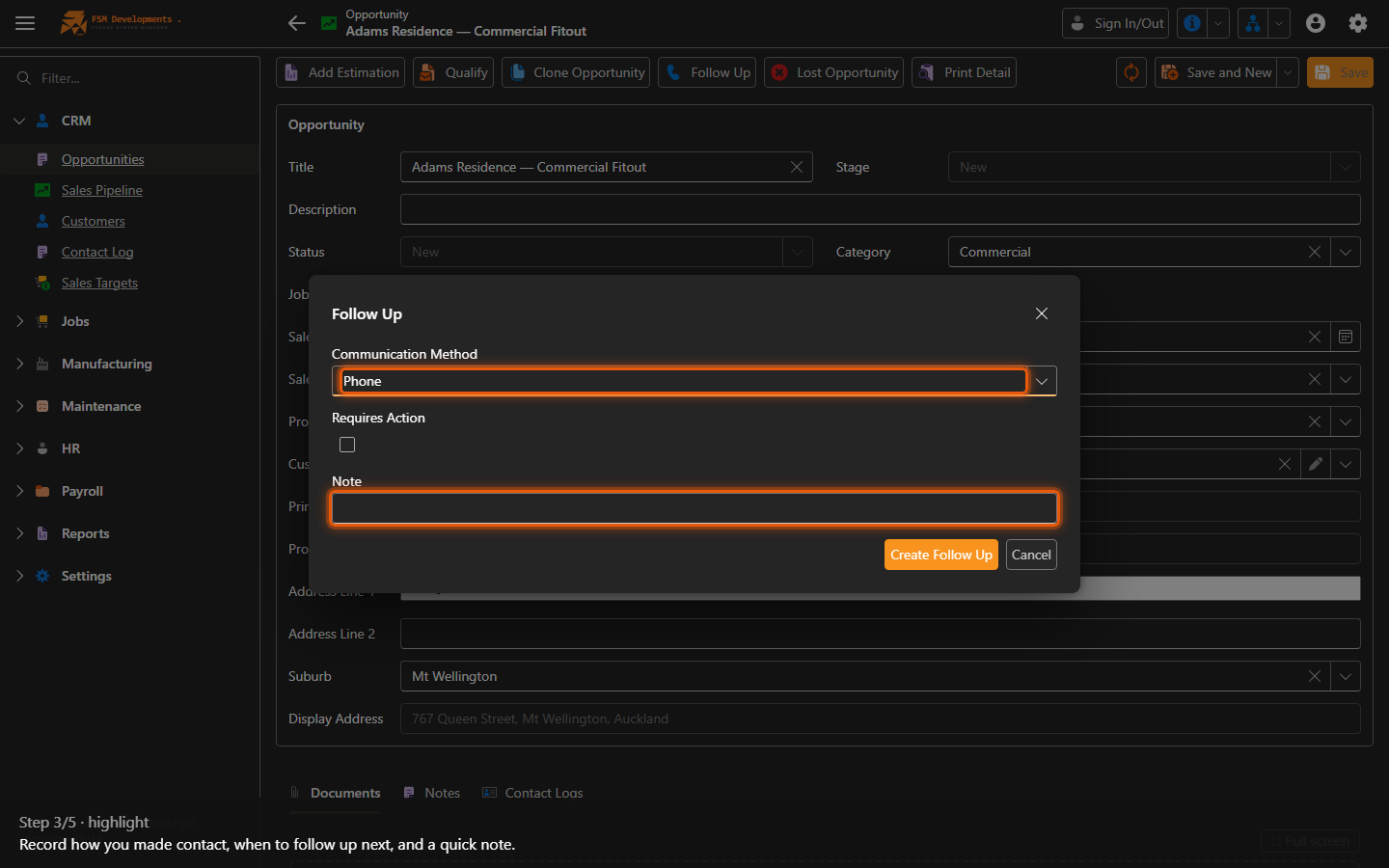
Communication method / Next action date / Note (Follow Up popup)
3. Record how you made contact, when to follow up next, and a quick note.
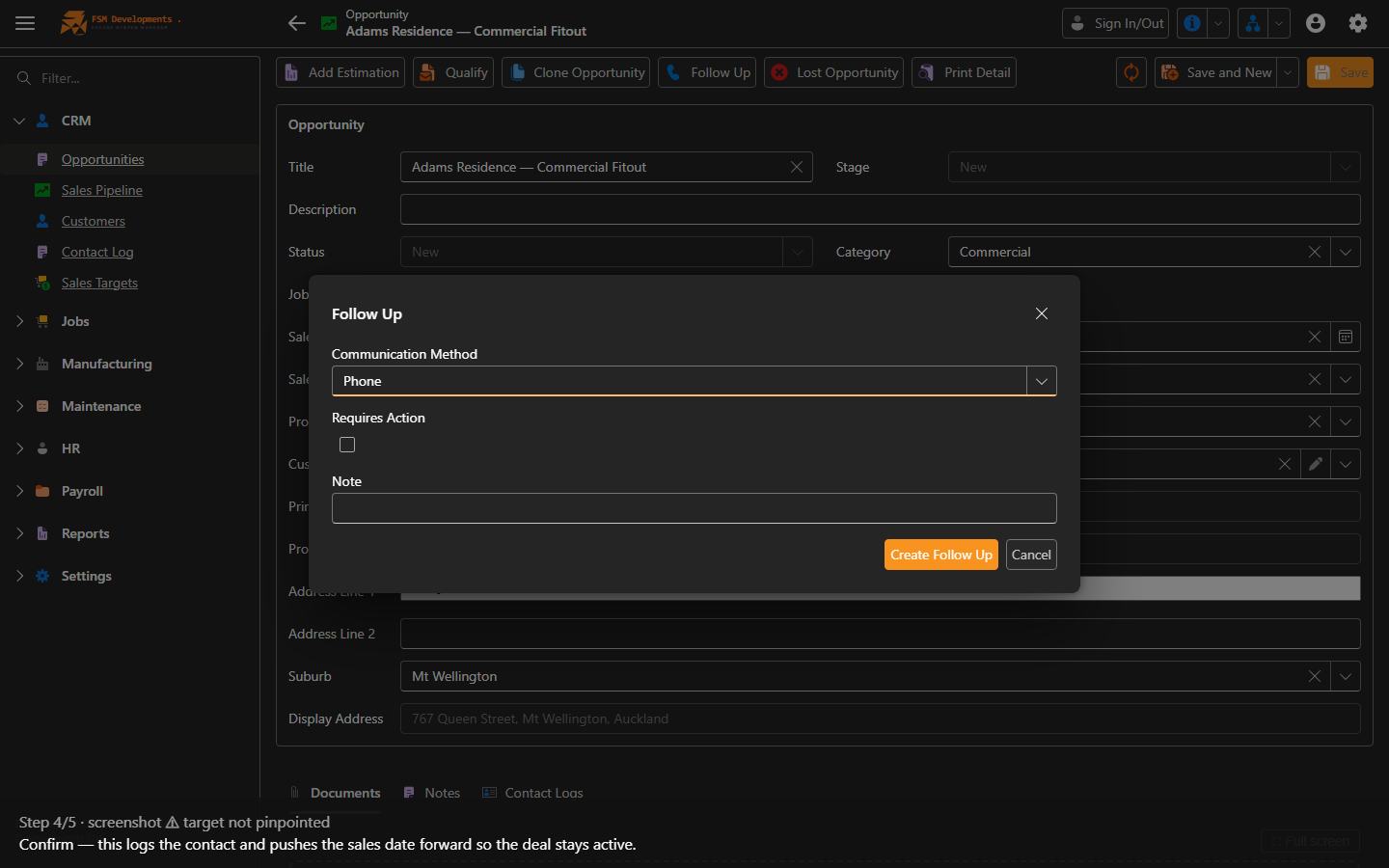
OK (Follow Up popup button)
4. Confirm — this logs the contact and pushes the sales date forward so the deal stays active.
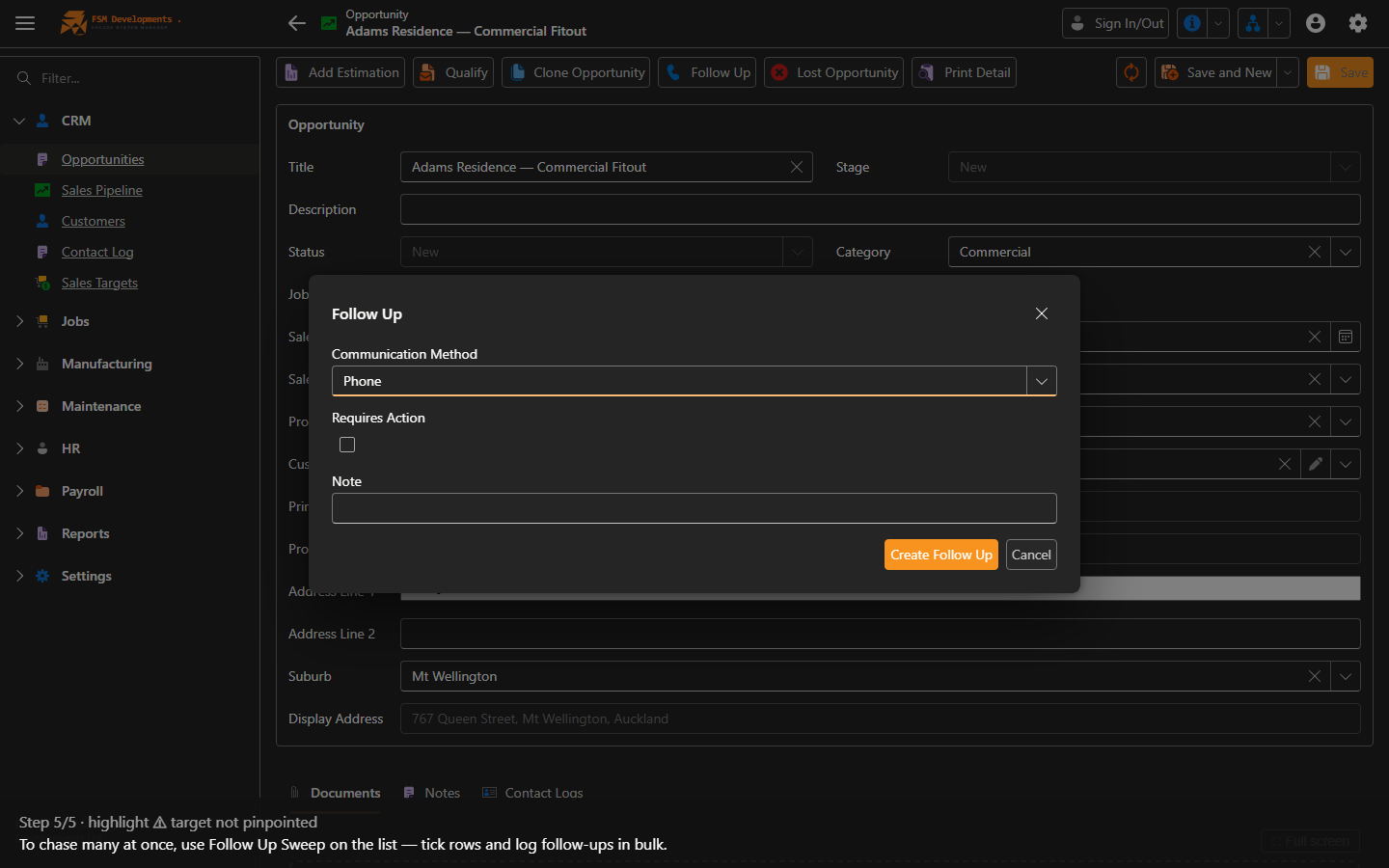
Follow Up Sweep (list toolbar button)
5. To chase many at once, use Follow Up Sweep on the list — tick rows and log follow-ups in bulk.
Last updated on