Skip to Content
How-to (step by step)QuotesOptions & customer copies

Options & copies

Lite+

Ways to offer the customer choices, or reorganise quotes: add an option (a sibling quote), make a copy for the customer, or move a quote to a different opportunity.

When to use

Presenting a good/better/best, splitting a job, or tidying up where a quote sits.

Step by step
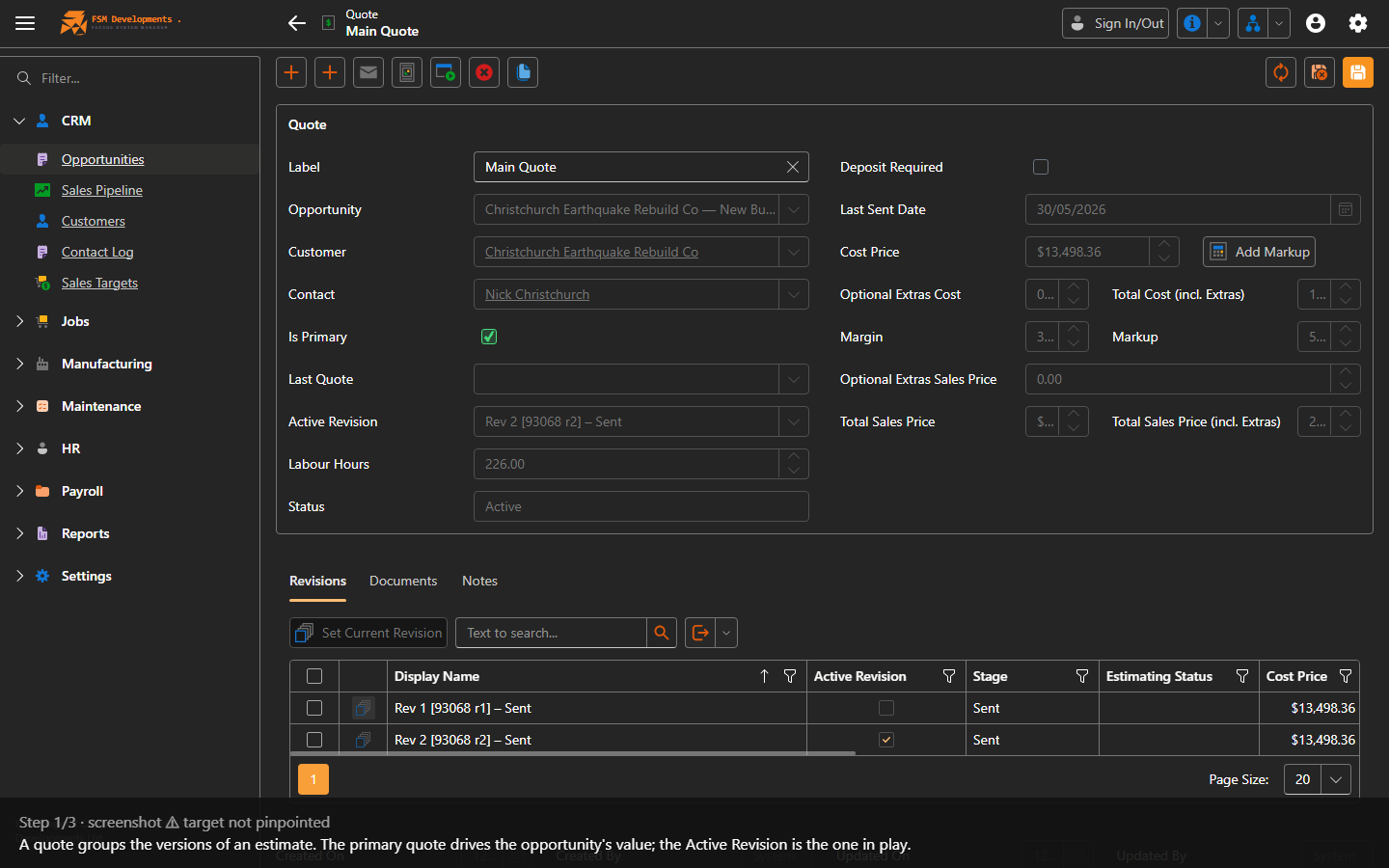
Quote header — Label, Is Primary, Active Revision
1. A quote groups the versions of an estimate. The primary quote drives the opportunity's value; the Active Revision is the one in play.
Add Option (toolbar button)
2. Add Option creates a sibling quote — a good/better/best variant — under the same opportunity. Name it, then Add Option.
Copy for Customer (toolbar button)
3. Copy for Customer makes a customer-facing copy of the quote: choose the customer and a label, then Create Copy.

Moving a quote to another opportunity

A quote belongs to the opportunity shown in its Opportunity field. To move it — for example when a quote was raised under the wrong enquiry — open the quote, change the Opportunity field to the one it should sit under, and Save. The quote and all its revisions move across with it.
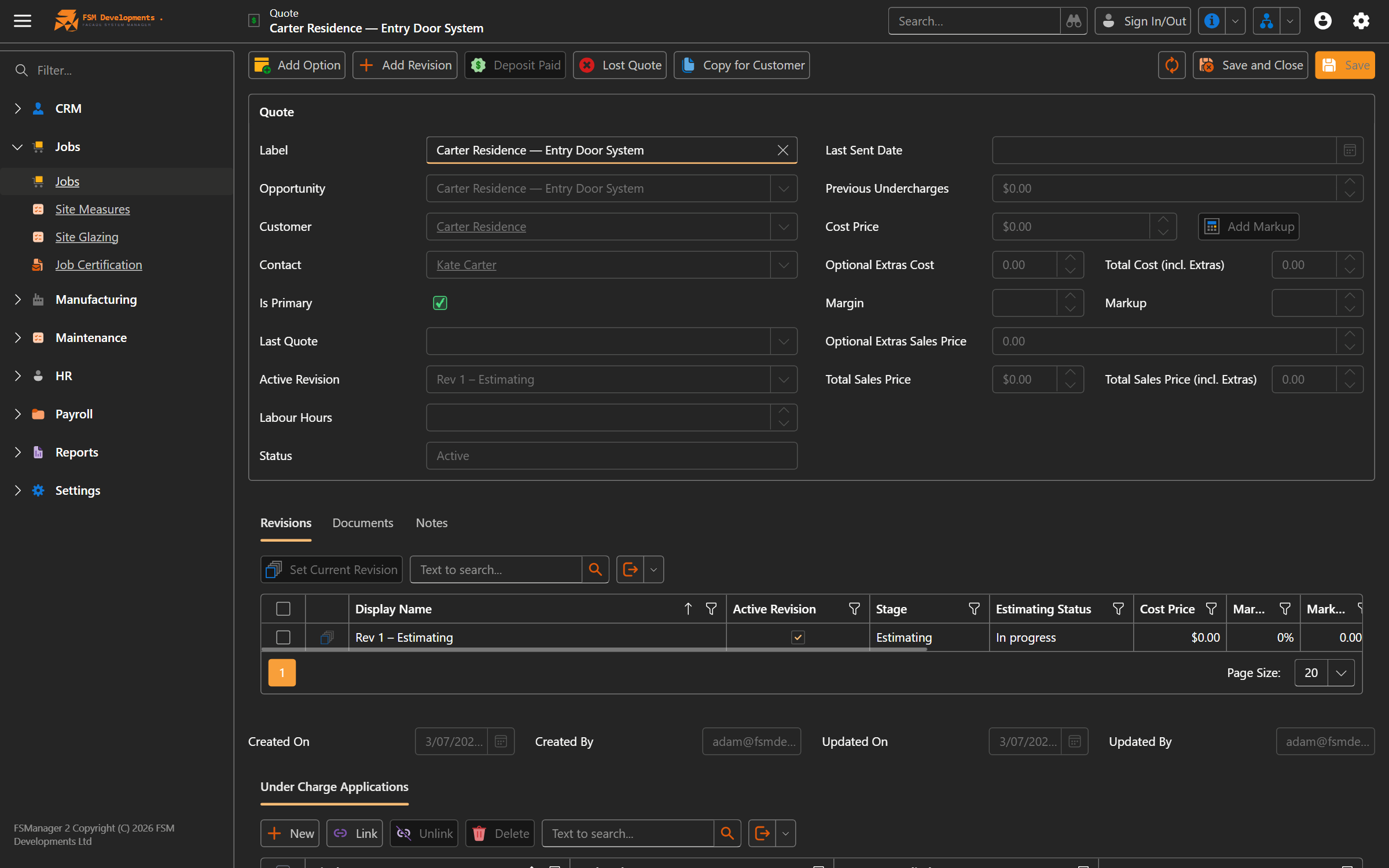
The quote's Opportunity field
4. A quote's home is its Opportunity field — repoint it and save to move the quote (and its revisions) to a different opportunity.
Last updated on