Start a quote
Lite+The hand-off from an opportunity into quoting. Add Estimation creates the quote and its first revision and moves the opportunity to Quoting — after which everything quote-related lives in the Quotes area.
When to use
You’ve qualified an opportunity and you’re ready to price the work.
Step by step
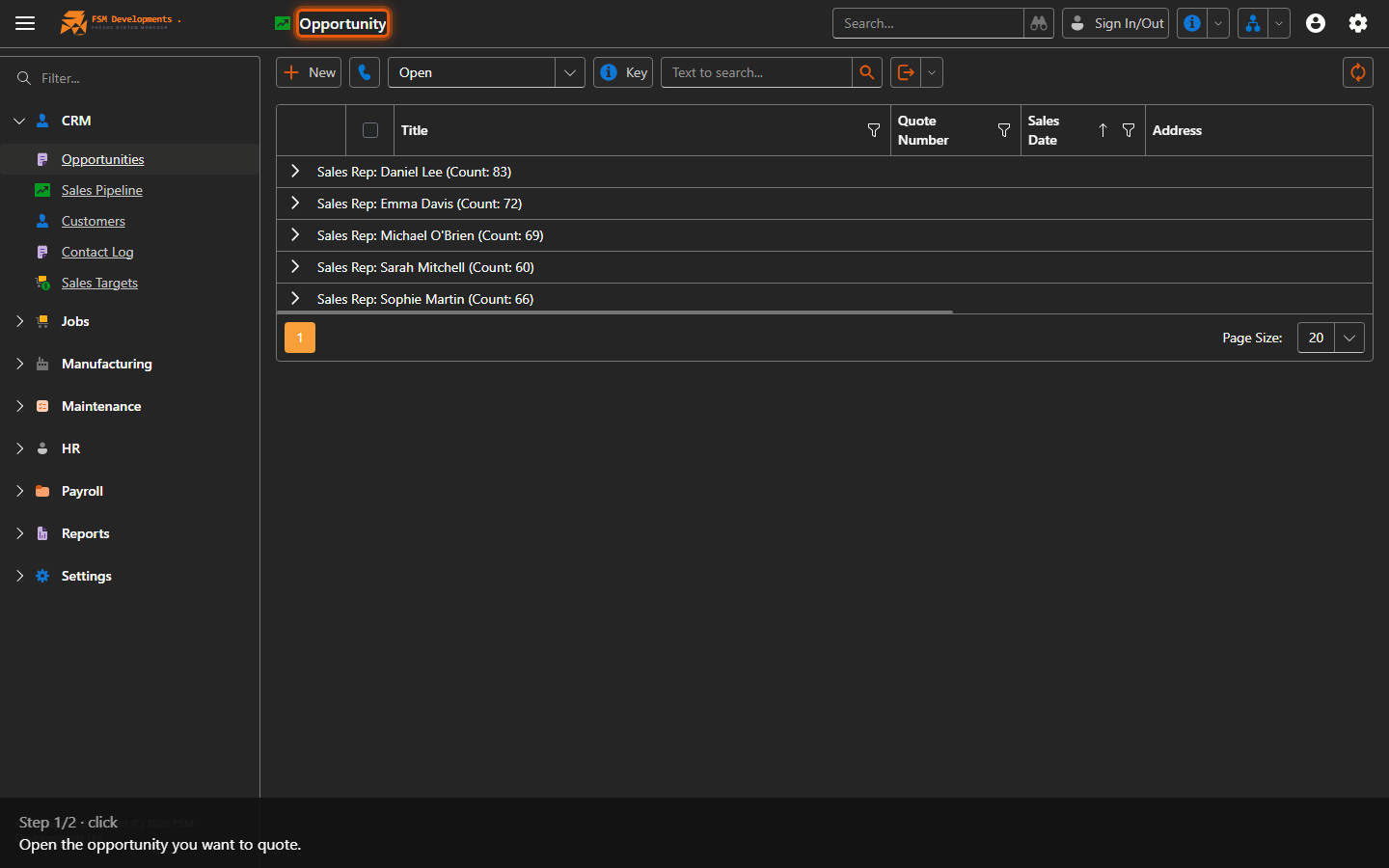
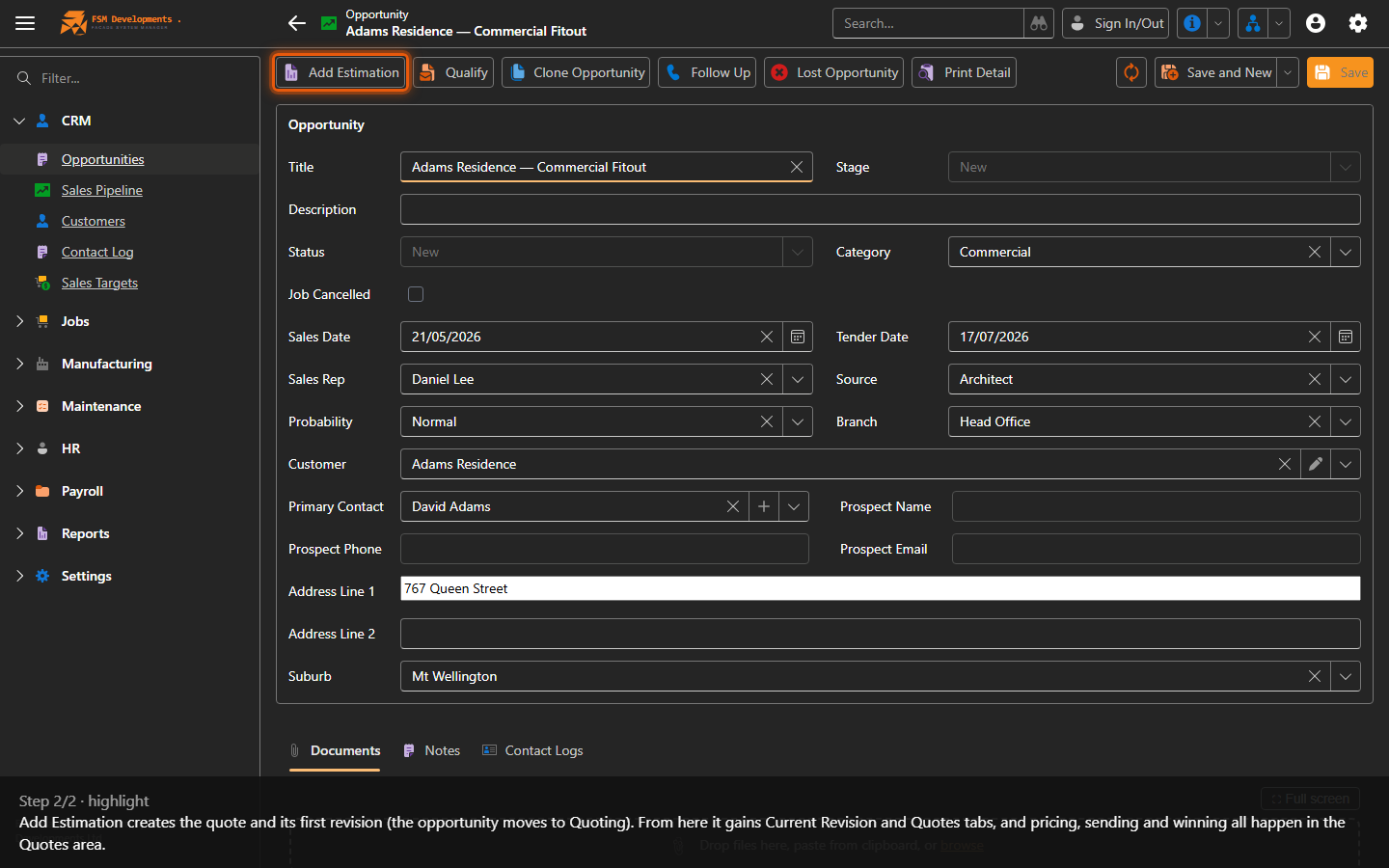
For the common single-quote path, the whole happy path is available right on the Opportunity page — Complete from Import to bring in an estimate, Show / Send Documents, then Win Quote — without drilling into the quote revision.
Last updated on