Skip to Content

Resolve an NCP

Lite+

The workflow for chasing a faulty item with the supplier and closing it off — either resolved directly, or escalated into a maintenance request.

When to use

Getting a defective part replaced and clearing the hold on the job.

Step by step
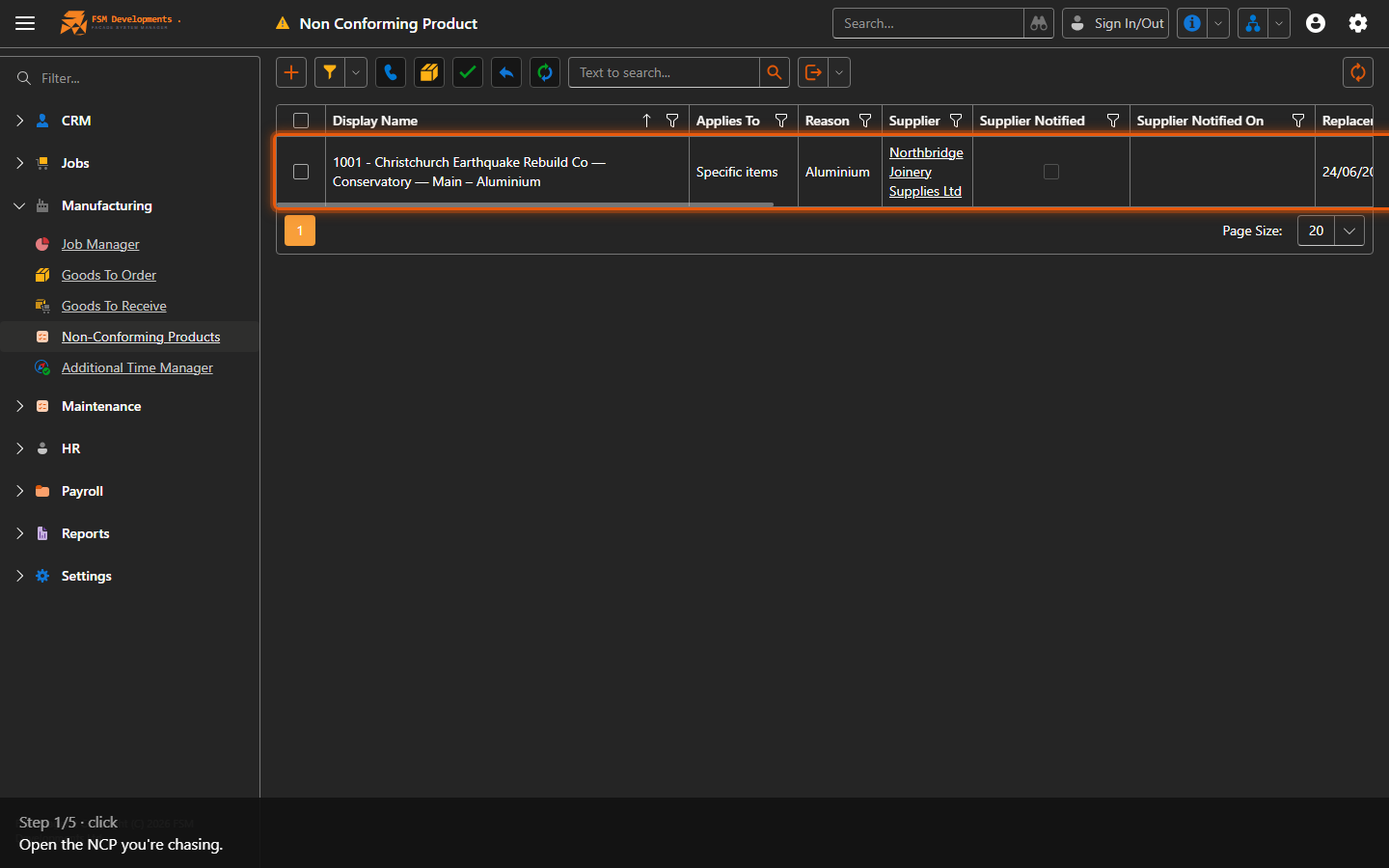
A non-conforming product row (open it)
1. Open the NCP you're chasing.
Notify Supplier (toolbar button)
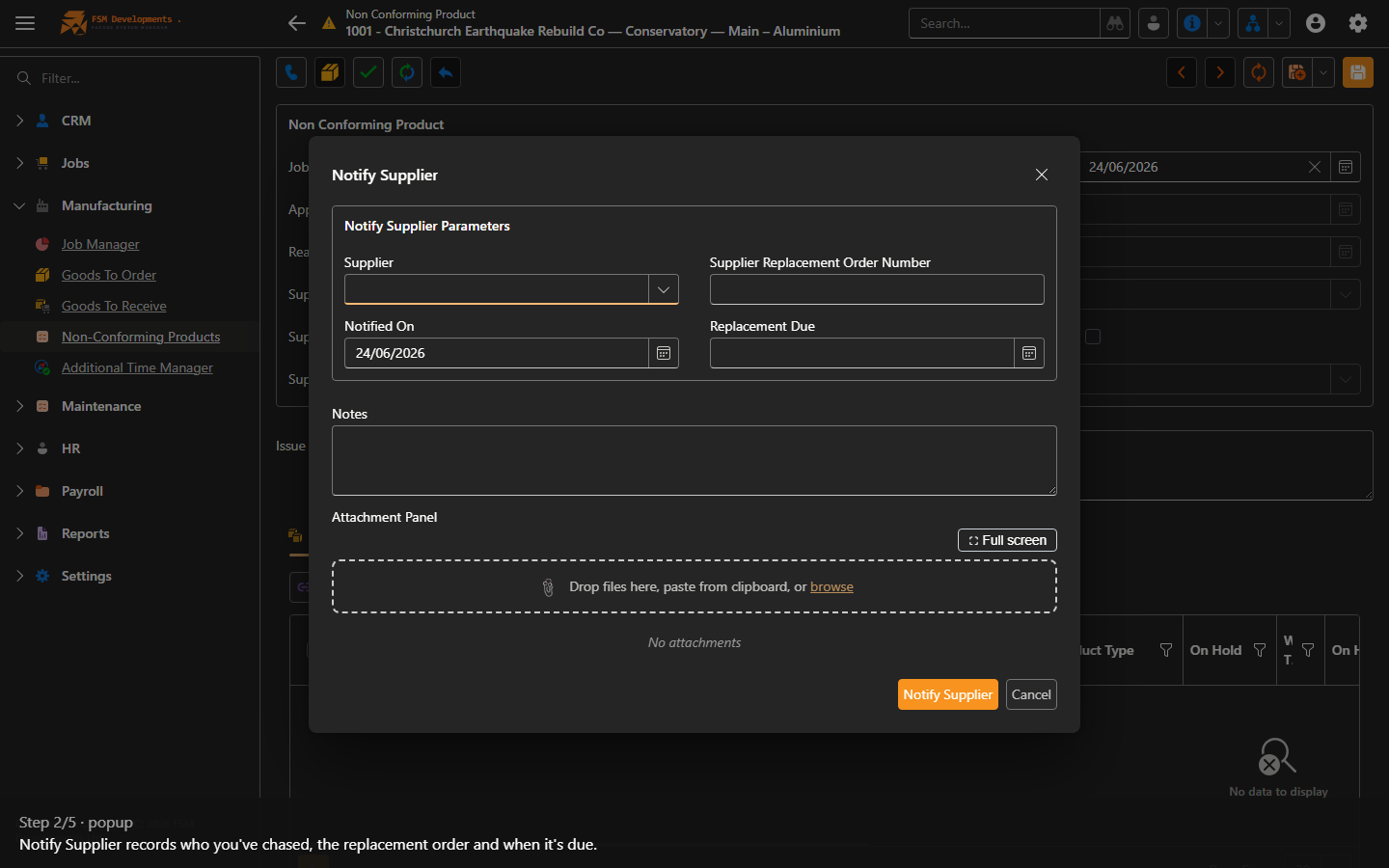
2. Notify Supplier records who you've chased, the replacement order and when it's due.
Mark Replacement Received (toolbar button)
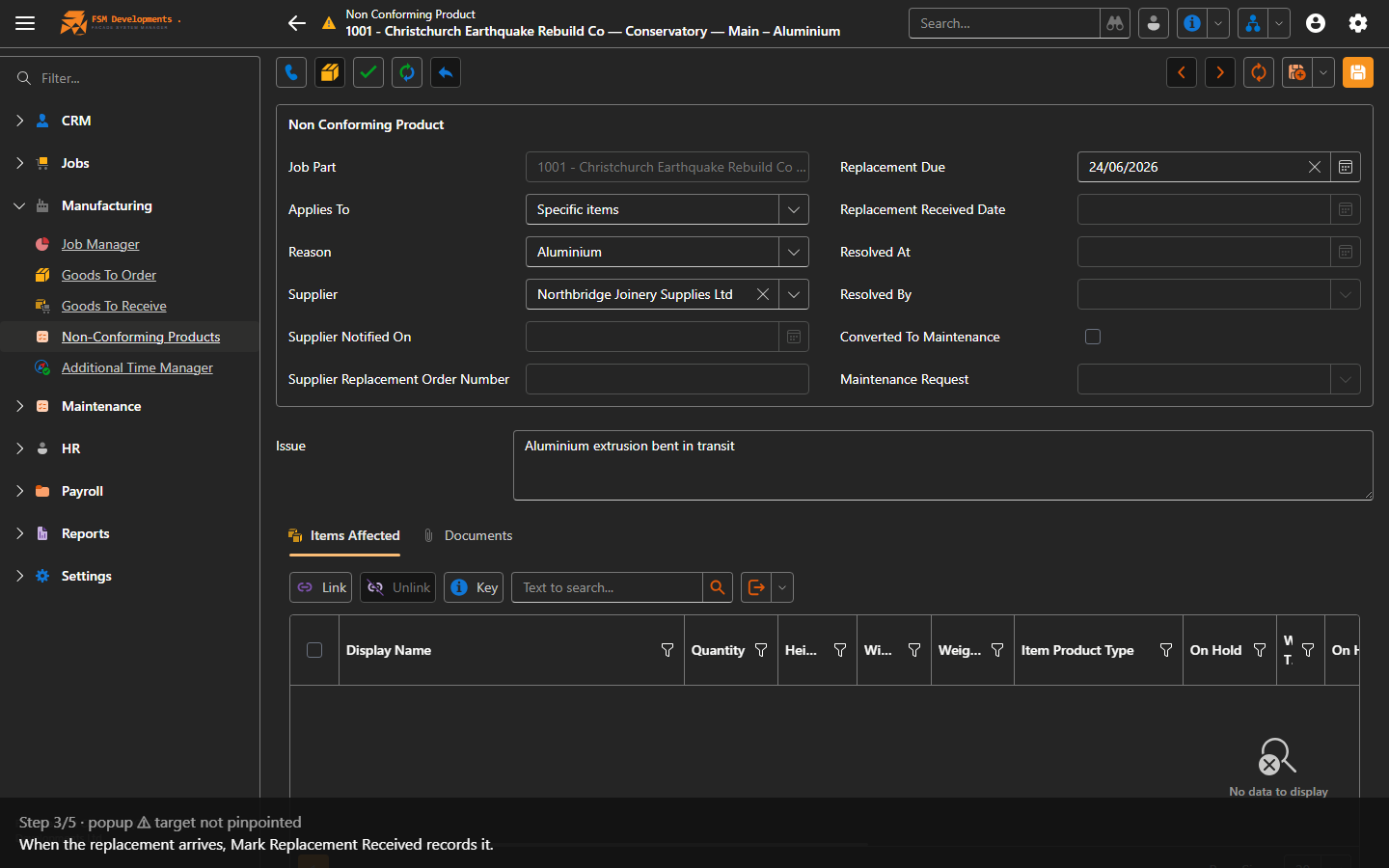
3. When the replacement arrives, Mark Replacement Received records it.
Mark Resolved (toolbar button)
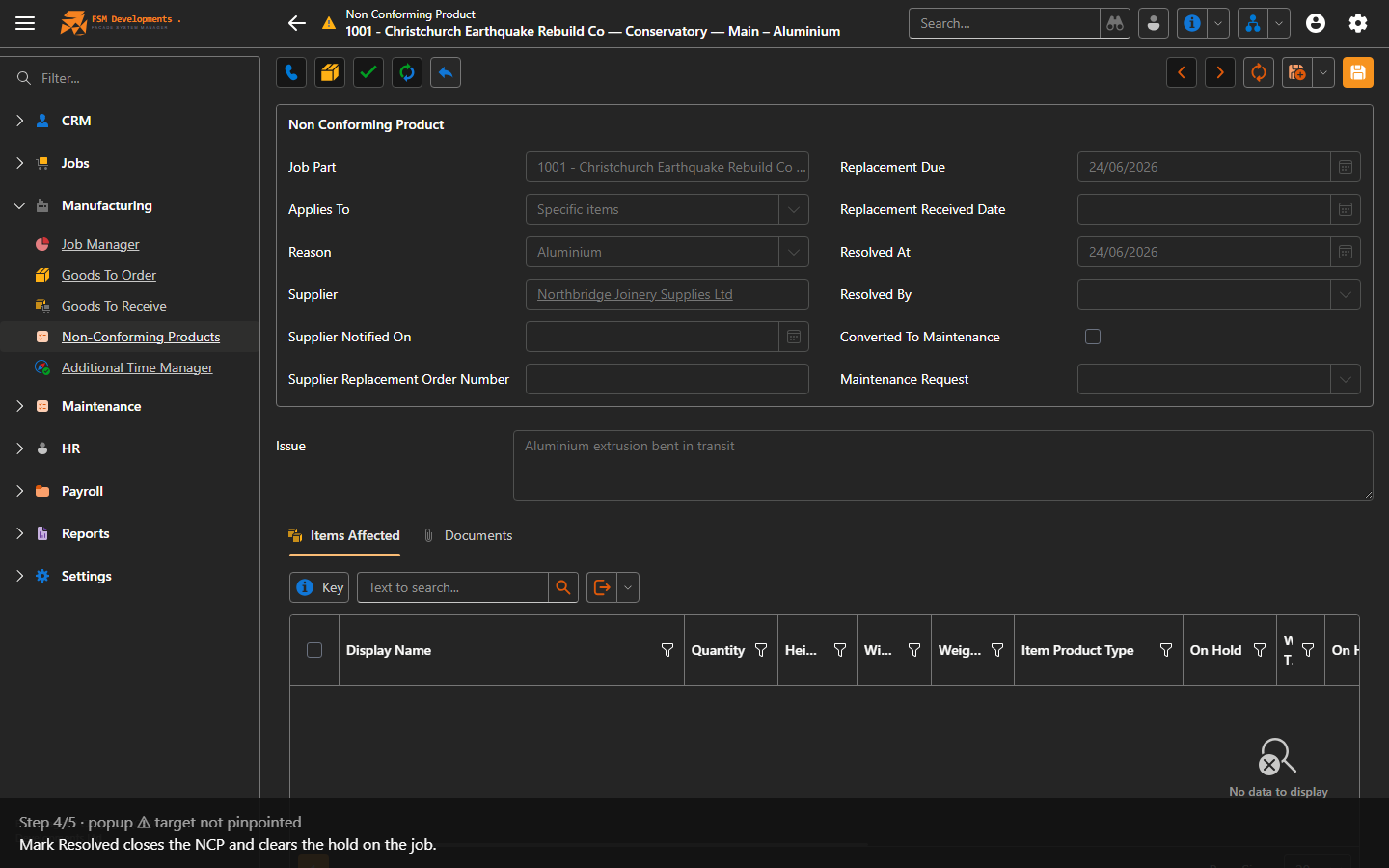
4. Mark Resolved closes the NCP and clears the hold on the job.
Convert to Maintenance (toolbar button)
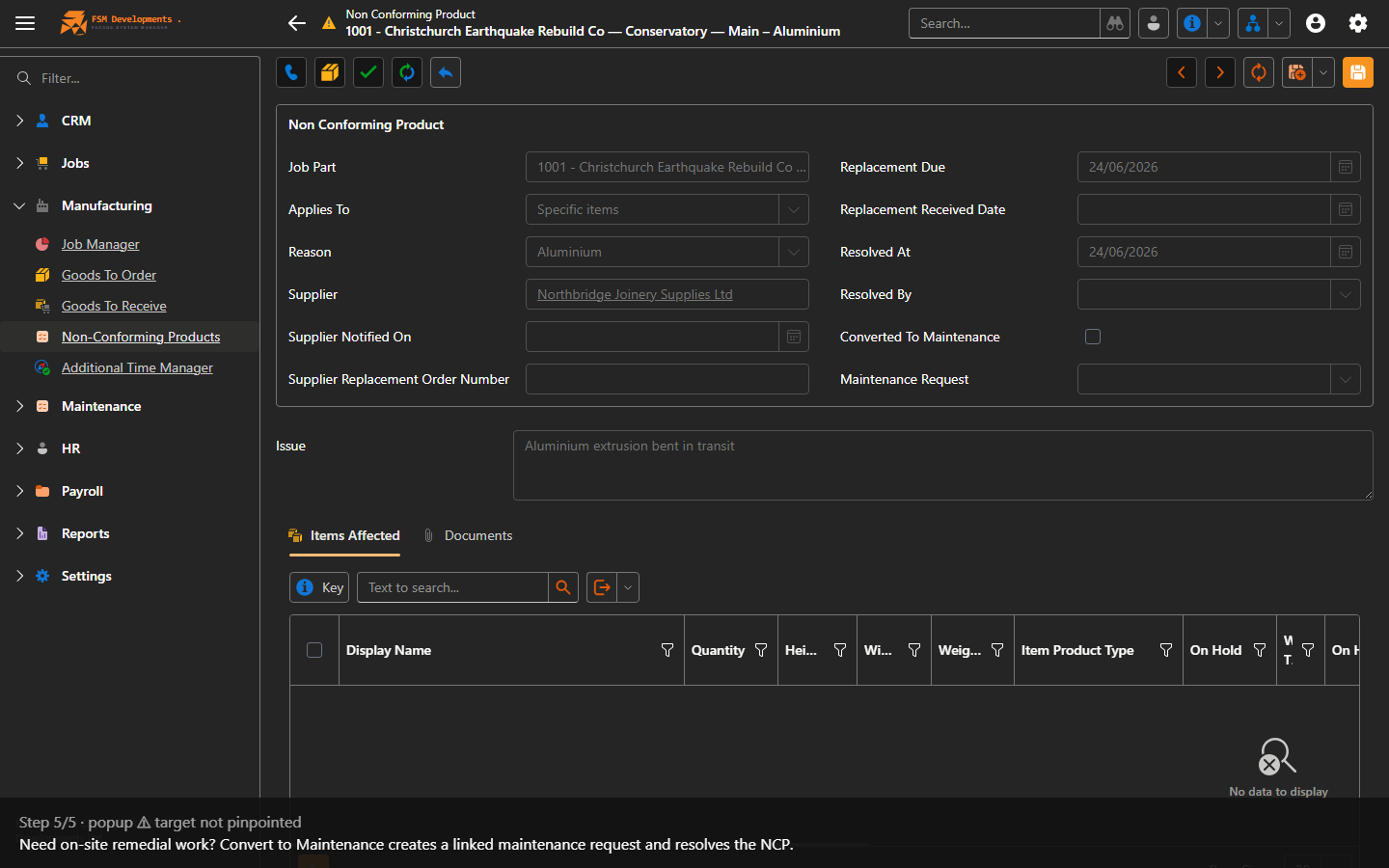
5. Need on-site remedial work? Convert to Maintenance creates a linked maintenance request and resolves the NCP.
Last updated on