Skip to Content

Add an opportunity

Lite+

Creates a new sales opportunity — the start of every quote and job. You can raise it against an existing customer or capture a brand-new prospect.

When to use

A new enquiry arrives and you want it in the pipeline so it can be quoted and tracked.

Step by step
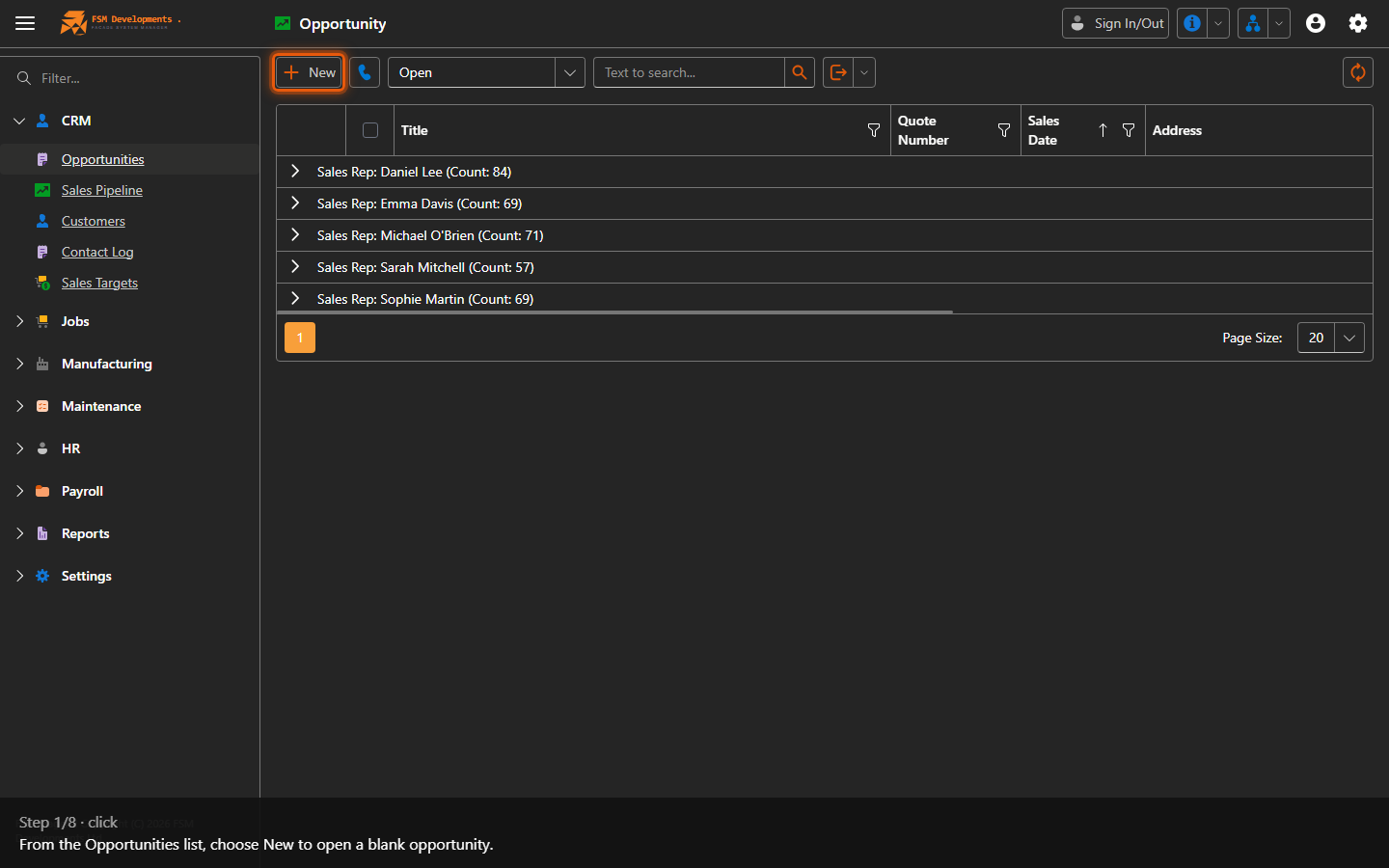
New (toolbar button)
1. From the Opportunities list, choose New to open a blank opportunity.
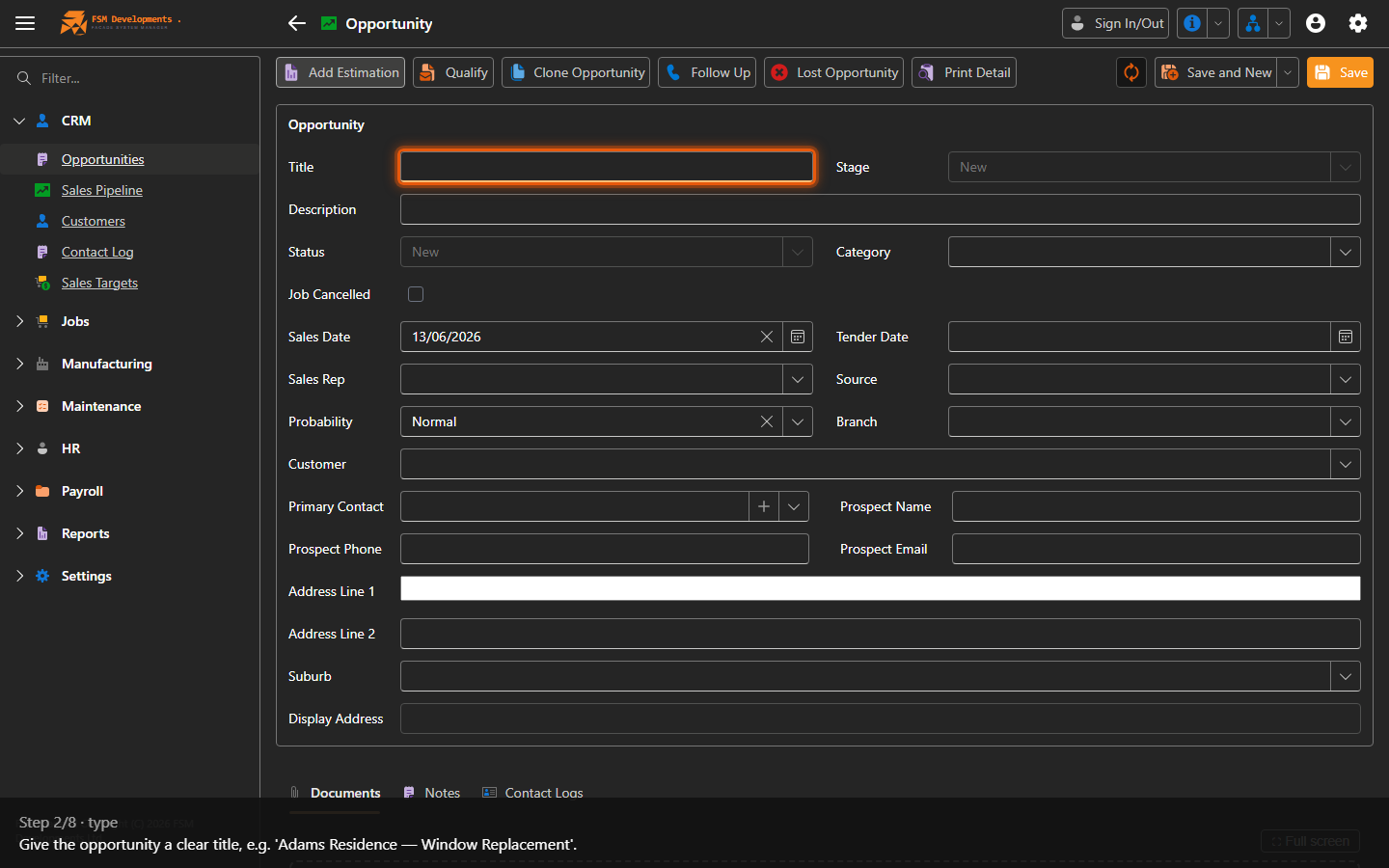
Title (textbox)
2. Give the opportunity a clear title, e.g. 'Adams Residence — Window Replacement'.
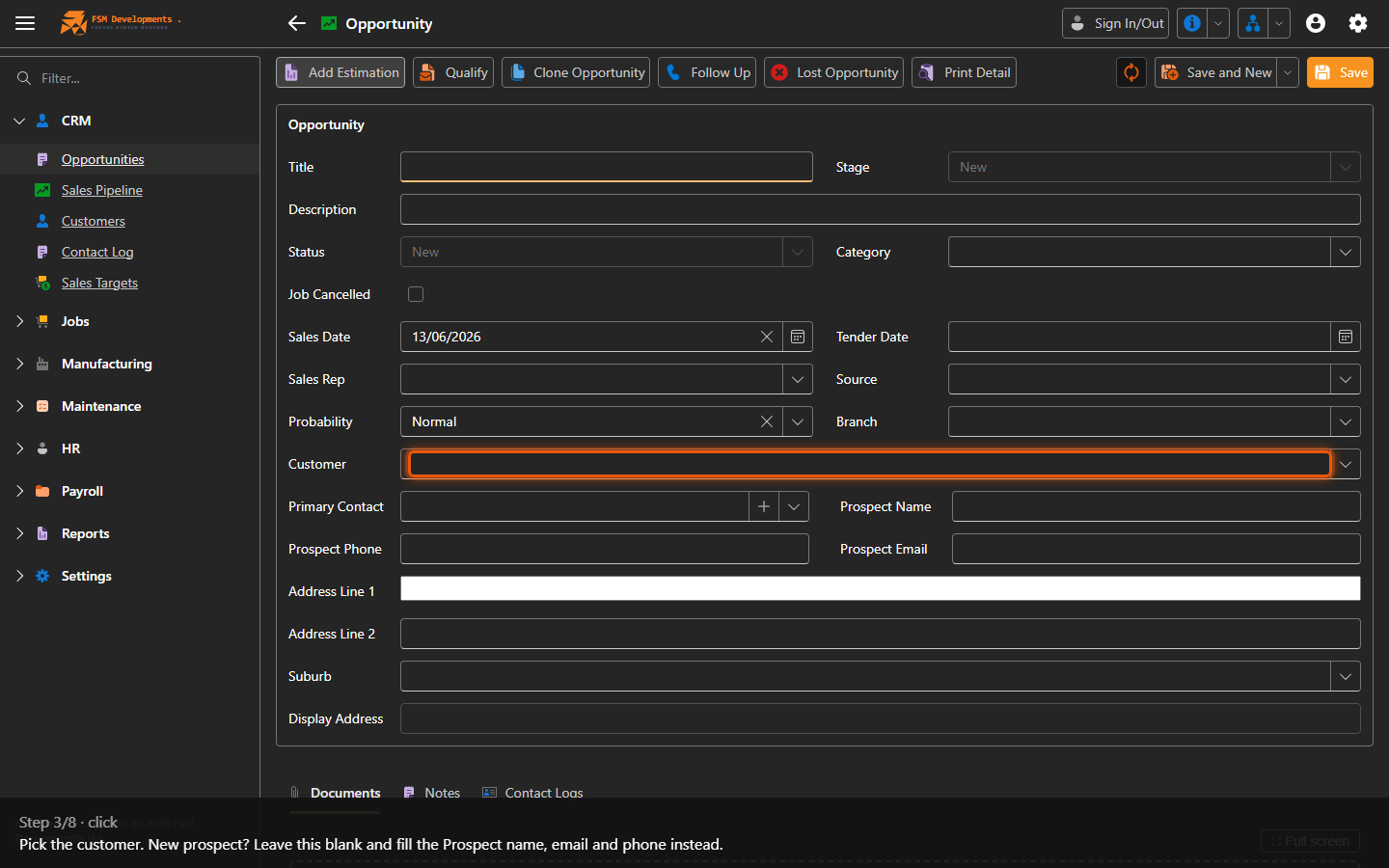
Customer (combobox)
3. Pick the customer. New prospect? Leave this blank and fill the Prospect name, email and phone instead.
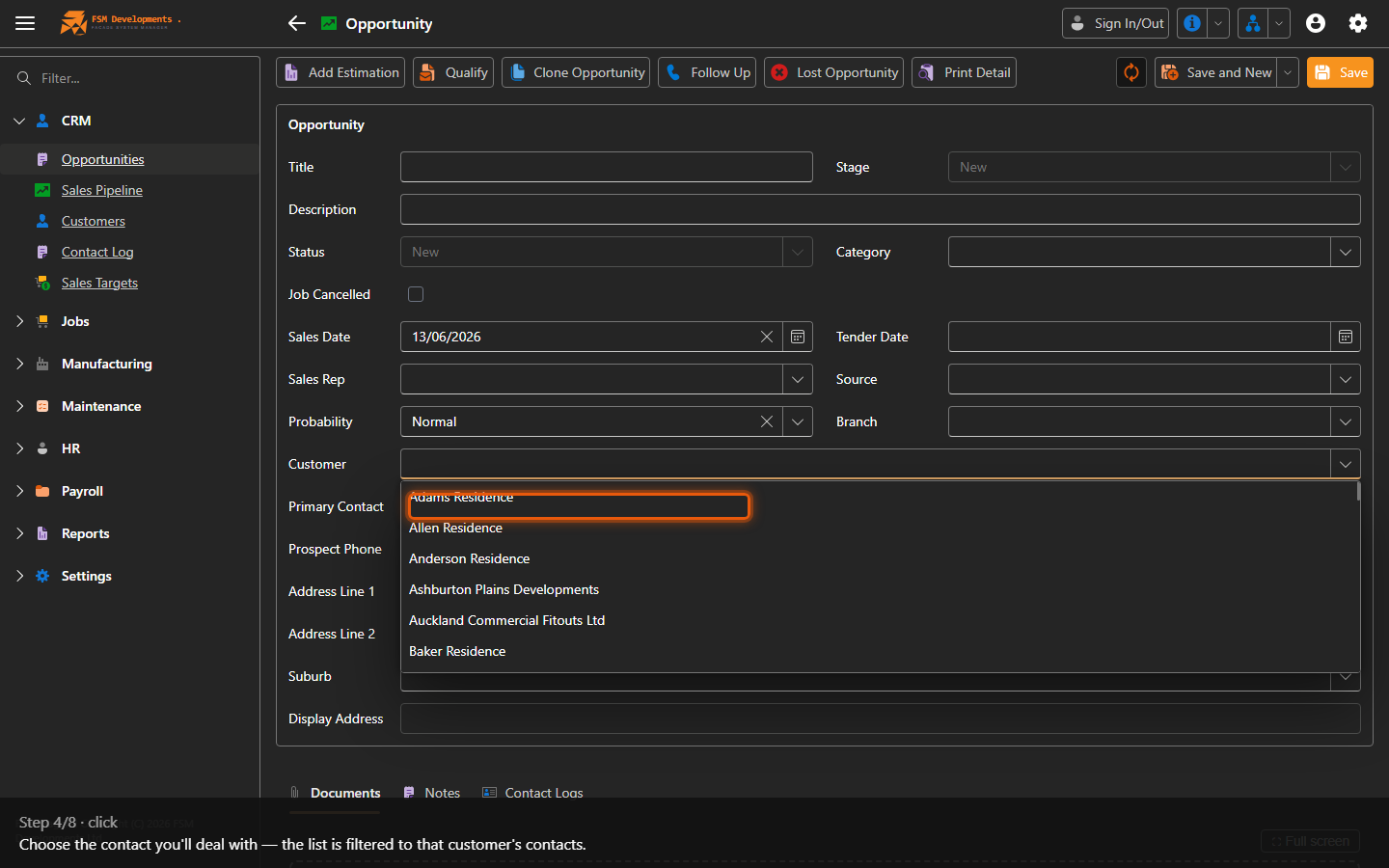
Primary Contact (combobox)
4. Choose the contact you'll deal with — the list is filtered to that customer's contacts.
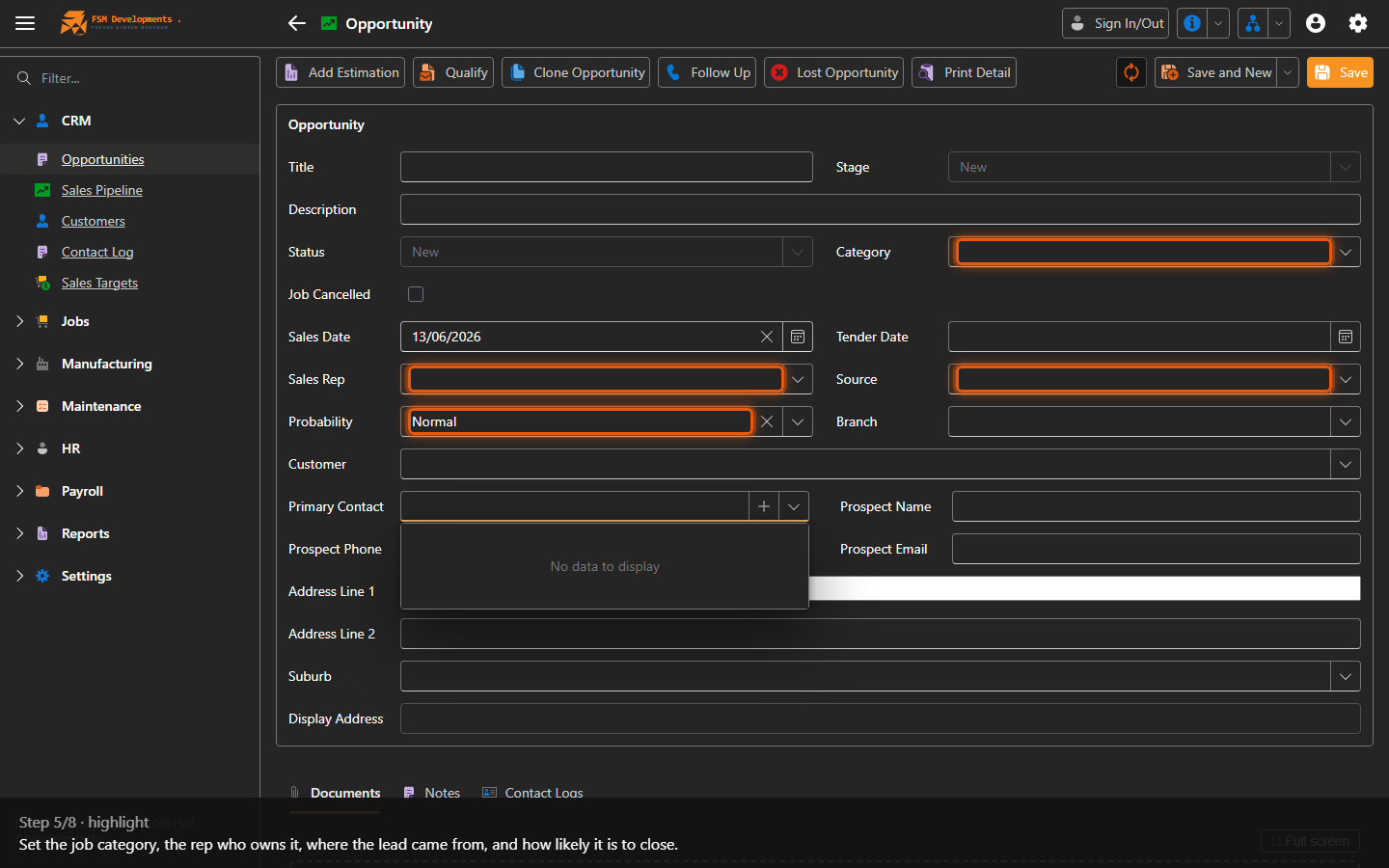
Category, Sales Rep, Source, Probability (comboboxes)
5. Set the job category, the rep who owns it, where the lead came from, and how likely it is to close.
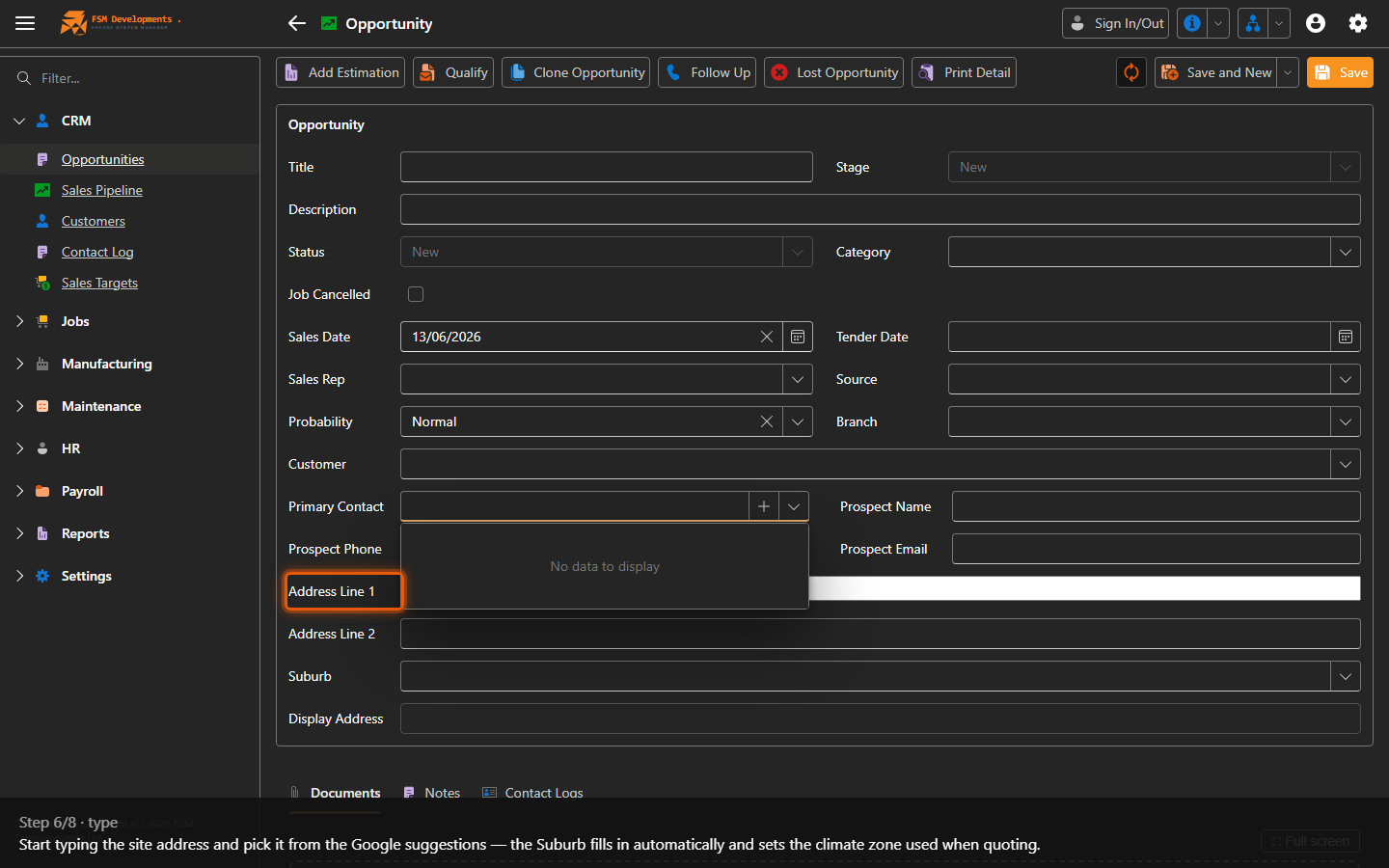
Address Line 1 (textbox)
6. Start typing the site address and pick it from the Google suggestions — the Suburb fills in automatically and sets the climate zone used when quoting.
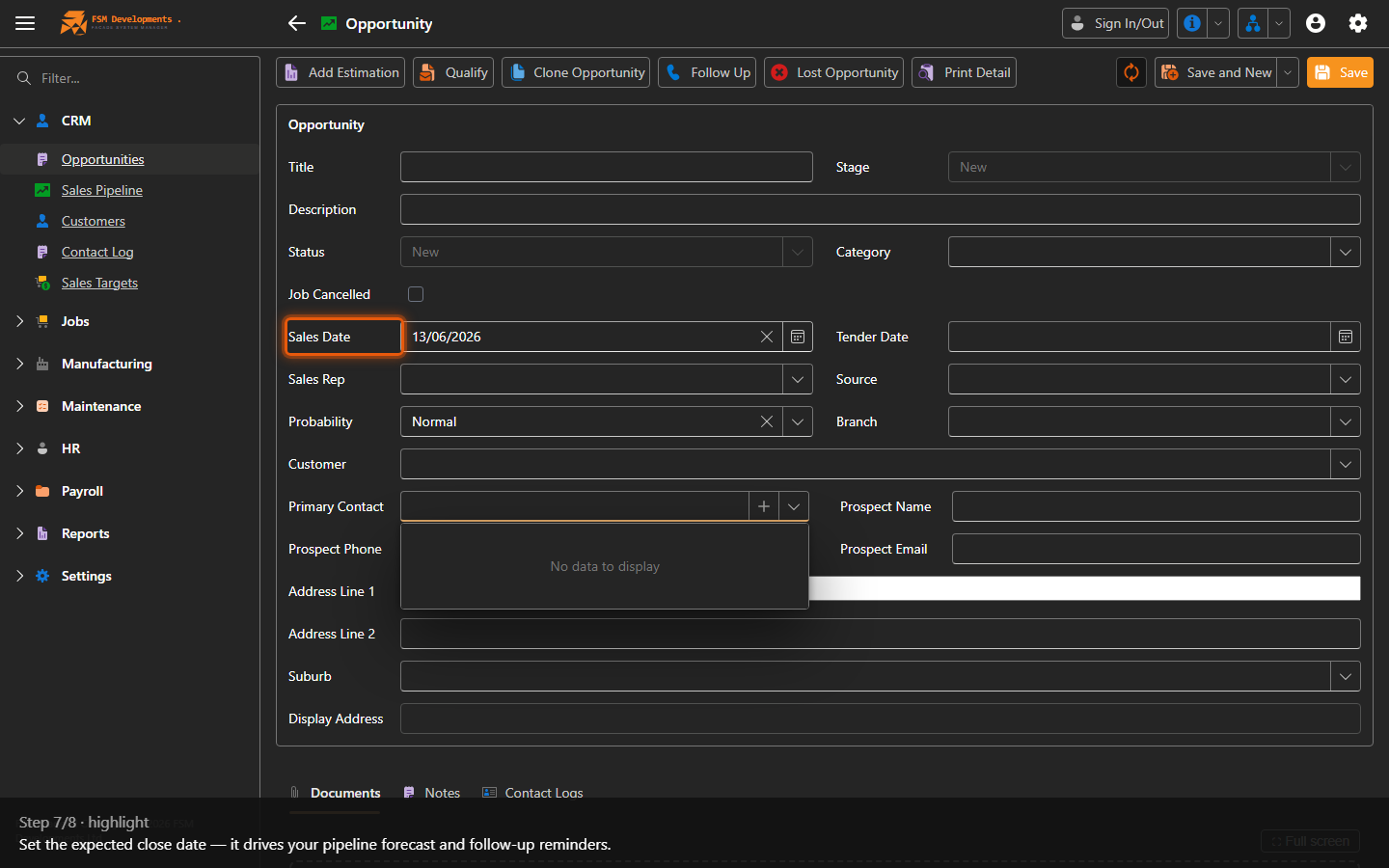
Sales Date (date)
7. Set the expected close date — it drives your pipeline forecast and follow-up reminders.
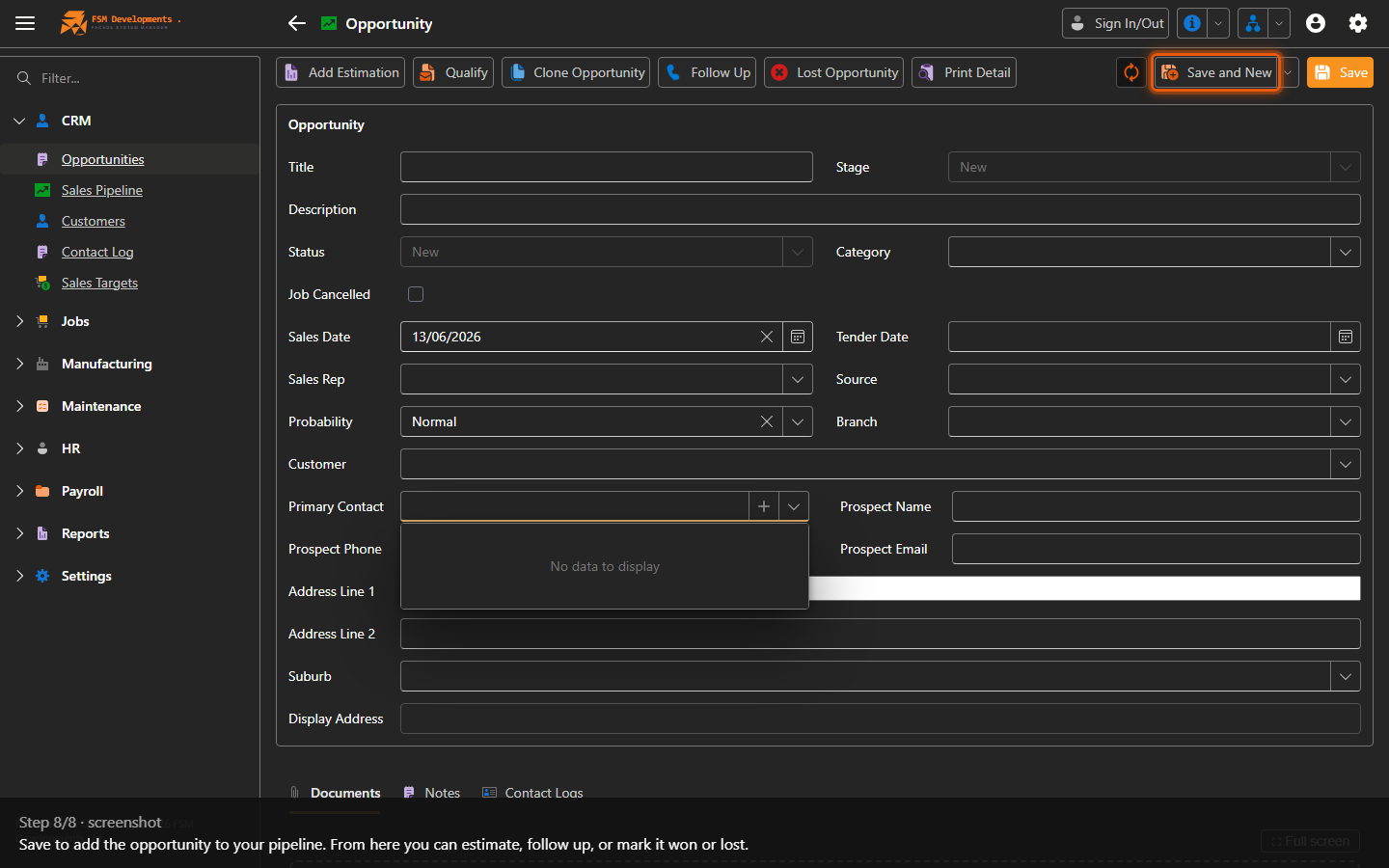
Save (toolbar button)
8. Save to add the opportunity to your pipeline. From here you can estimate, follow up, or mark it won or lost.
Last updated on