Skip to Content

Browse the pipeline

Lite+

Every live sales opportunity, grouped by sales rep and stage (New, Qualifying, Estimating, Draft, Sent, Won, Lost) with its value and weighted value. This is the working list for your sales pipeline.

When to use

To see what’s in play, whose it is, what’s overdue, and what to chase next.

Step by step
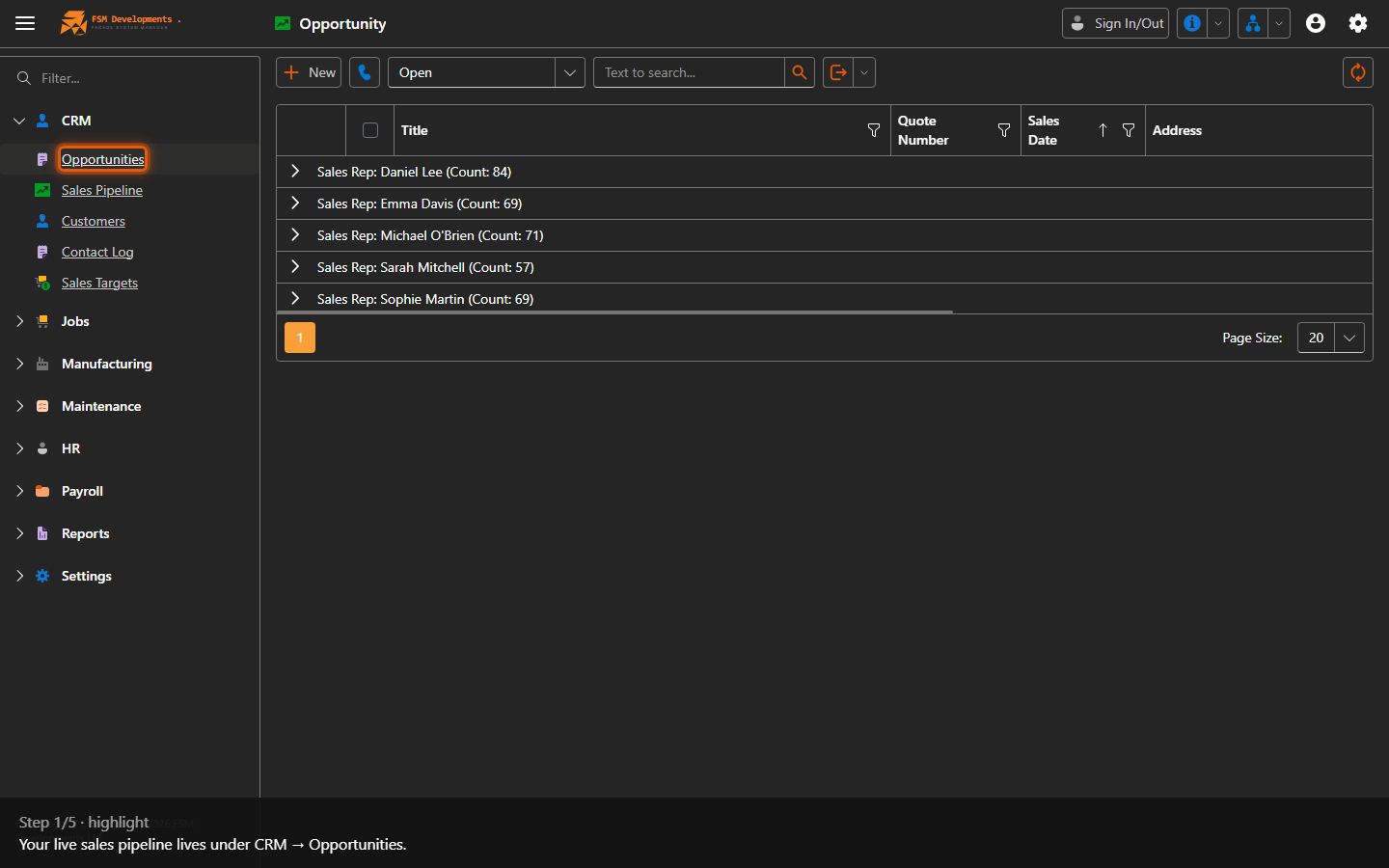
Opportunities (CRM navigation item)
1. Your live sales pipeline lives under CRM → Opportunities.
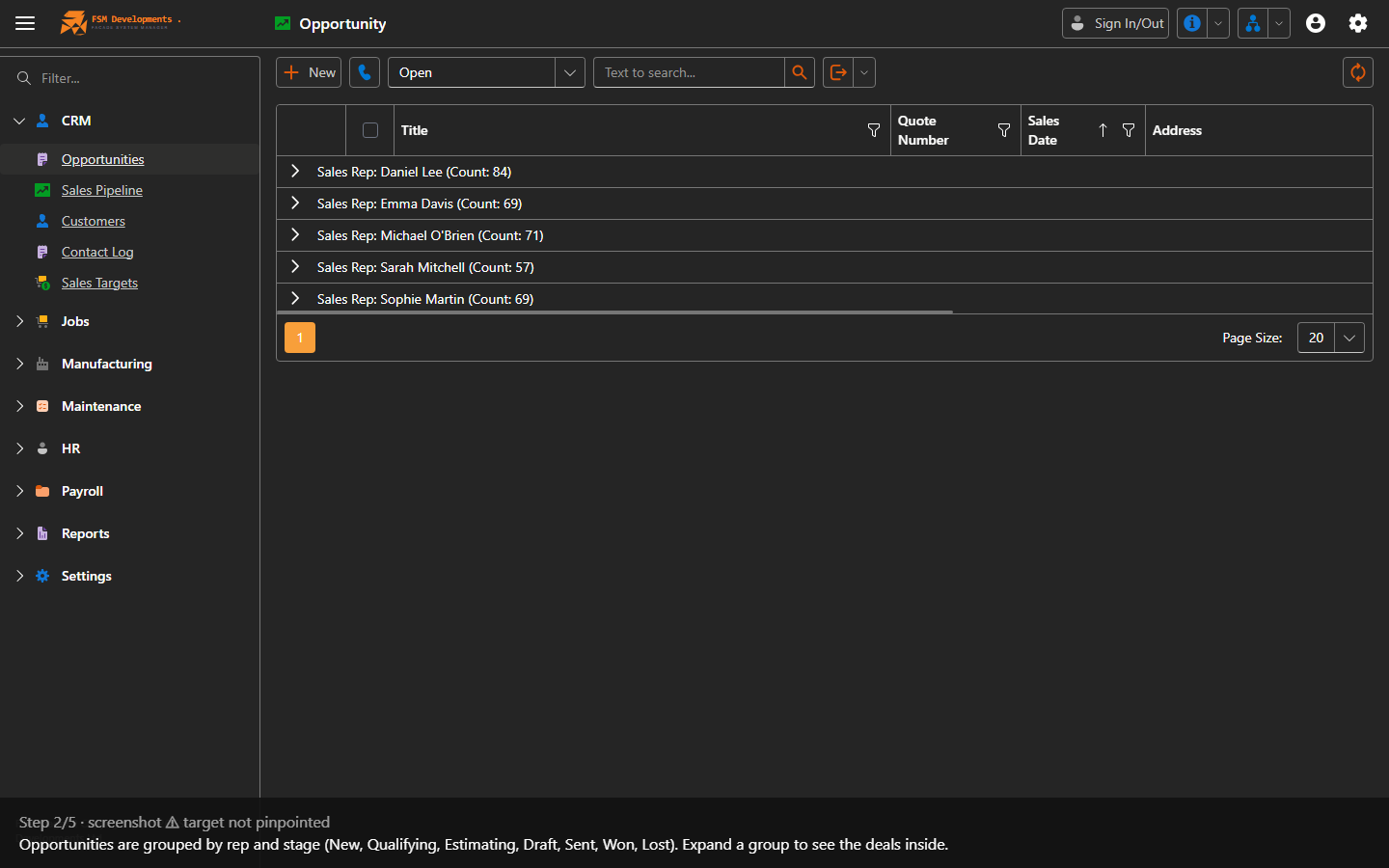
Opportunity grid grouped by Sales Rep then Stage
2. Opportunities are grouped by rep and stage (New, Qualifying, Estimating, Draft, Sent, Won, Lost). Expand a group to see the deals inside.
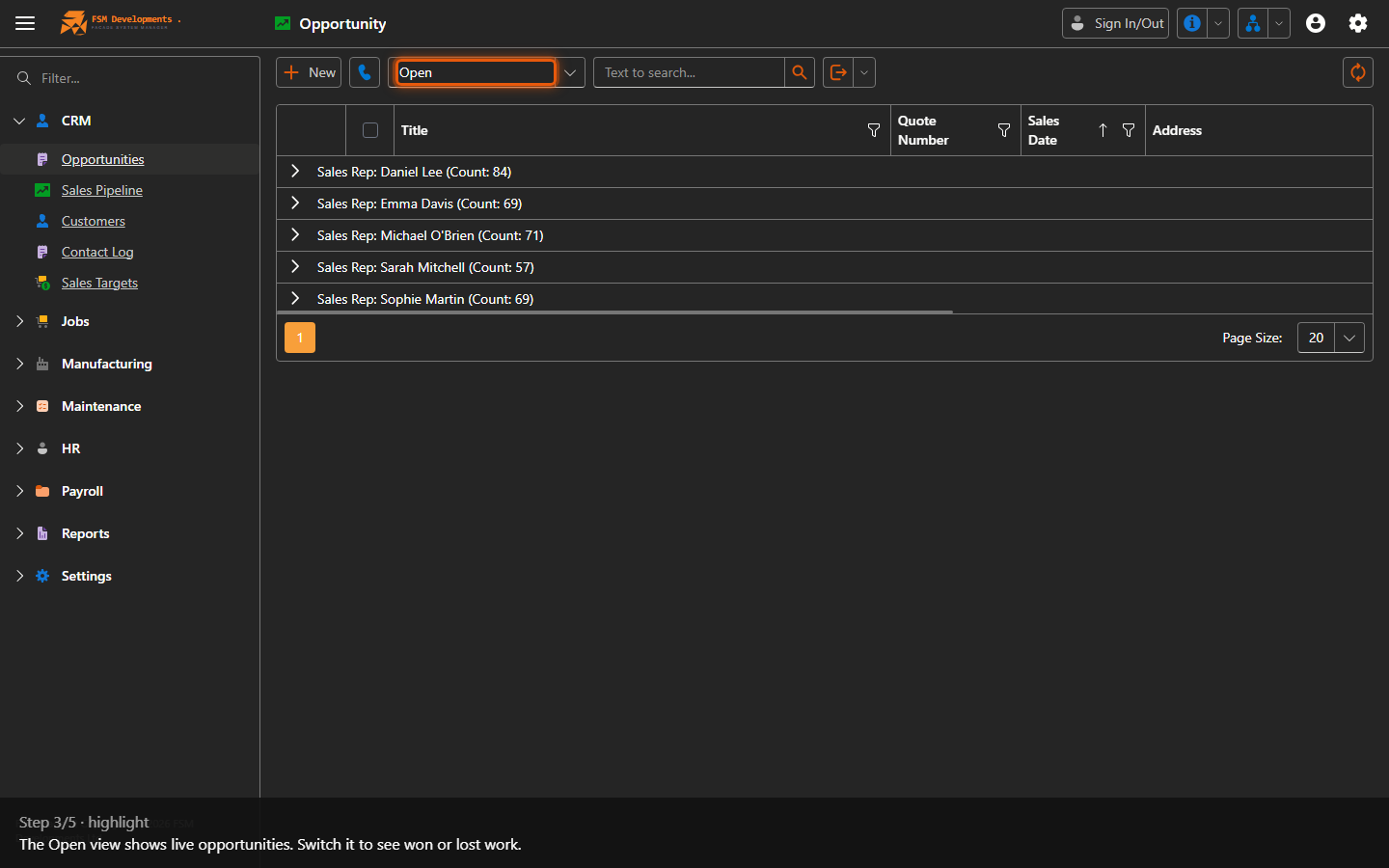
View (combobox, default Open)
3. The Open view shows live opportunities. Switch it to see won or lost work.
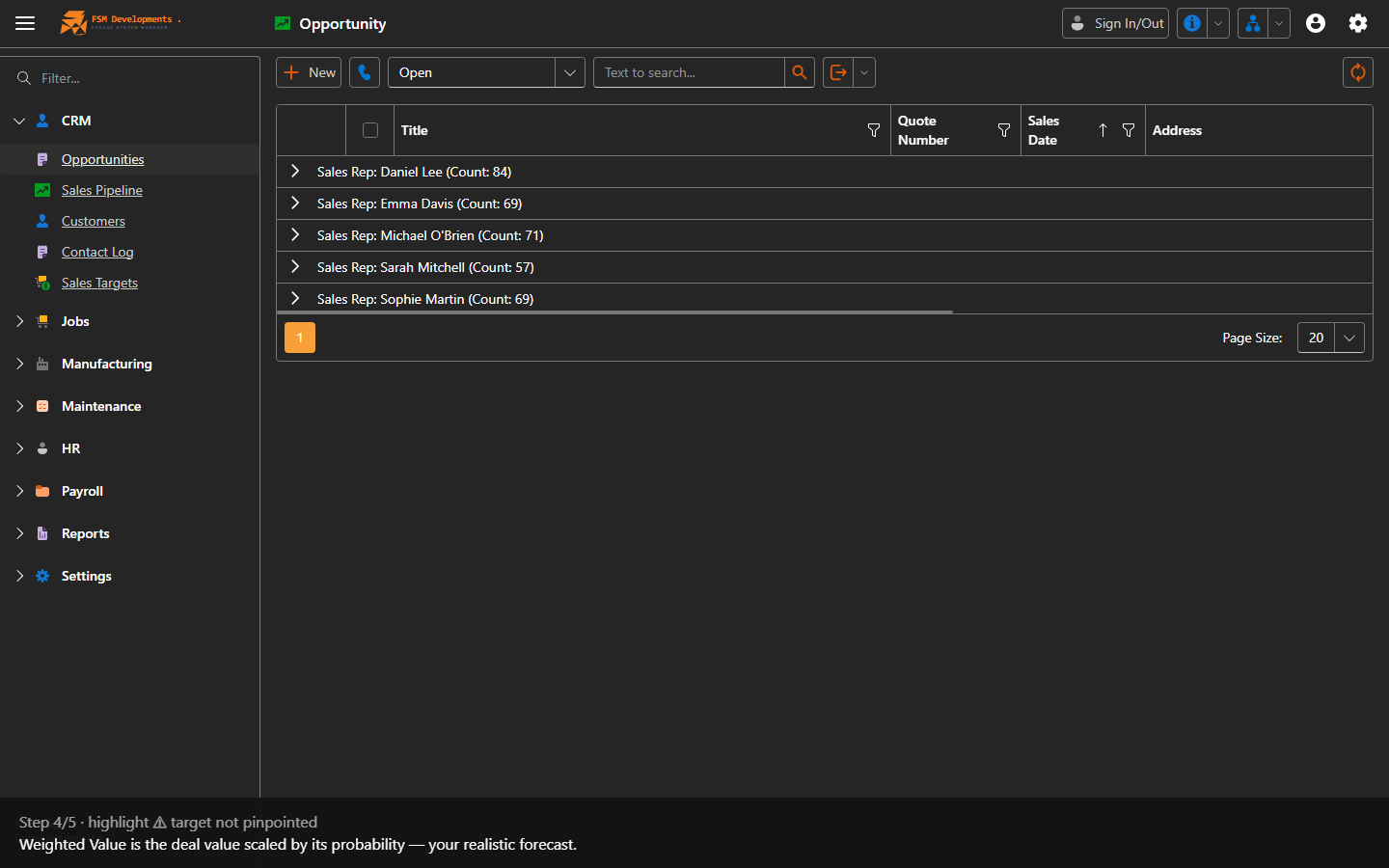
Weighted Value (column)
4. Weighted Value is the deal value scaled by its probability — your realistic forecast.
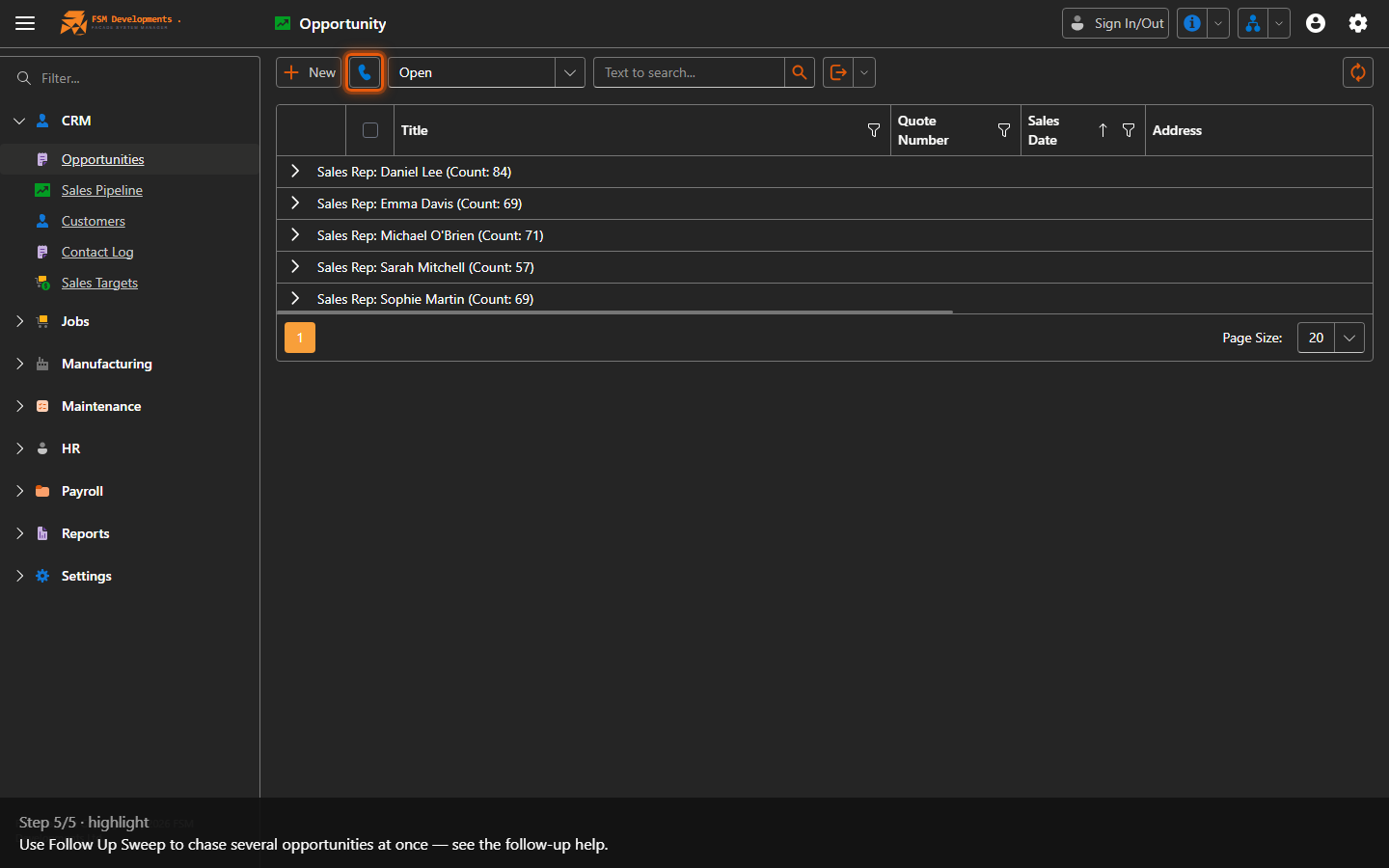
Follow Up Sweep (toolbar button)
5. Use Follow Up Sweep to chase several opportunities at once — see the follow-up help.
Last updated on