Skip to Content

Part items

Lite+

The items are the individual products the part is made of — each window, door or panel — with its product type, dimensions, quantity and planned hours. Items usually arrive from the won estimate via Import Items, or are added by hand.

Step by step
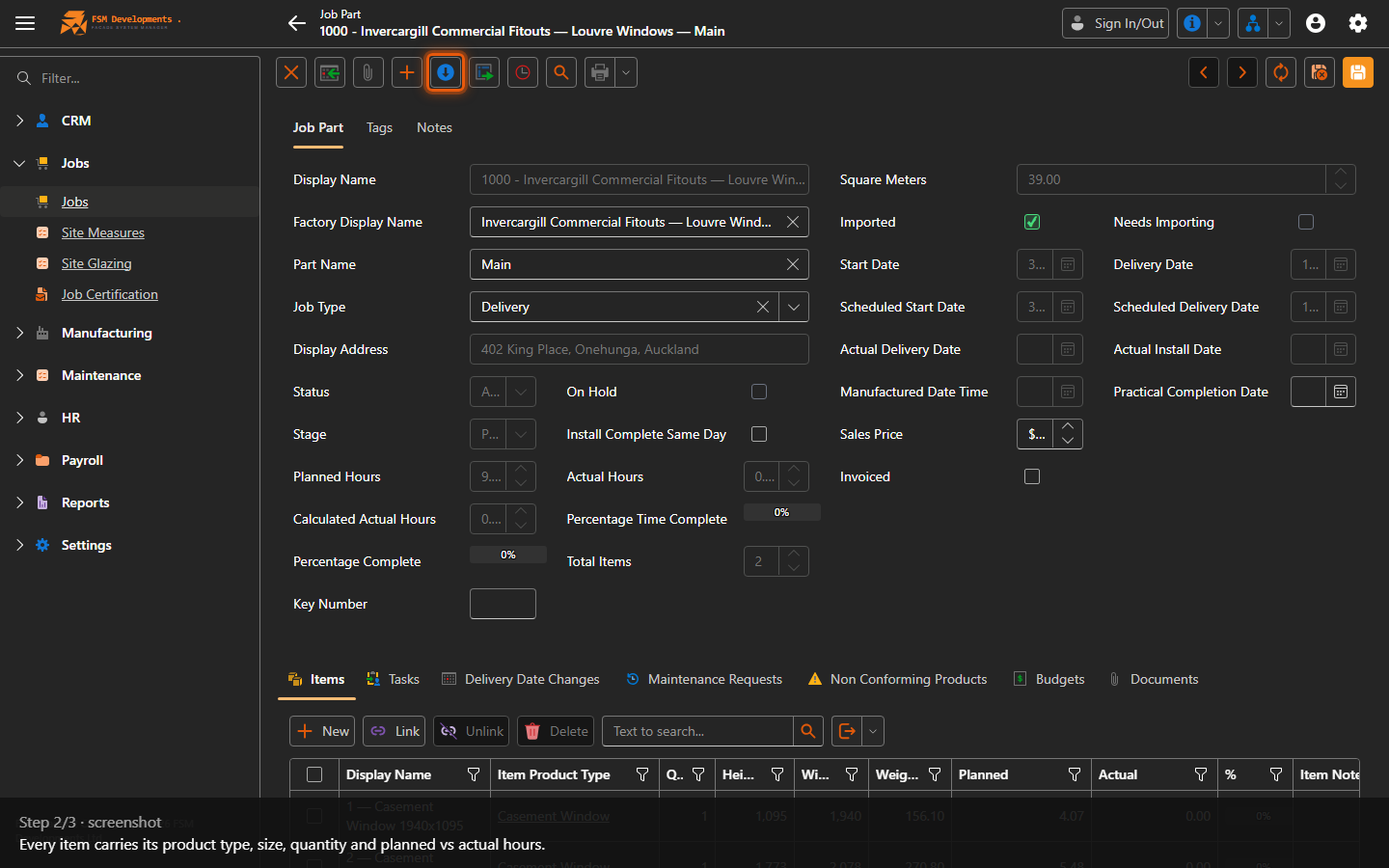
Items (tab)
1. The Items tab lists the actual products to be made for this part — each window, door or panel.
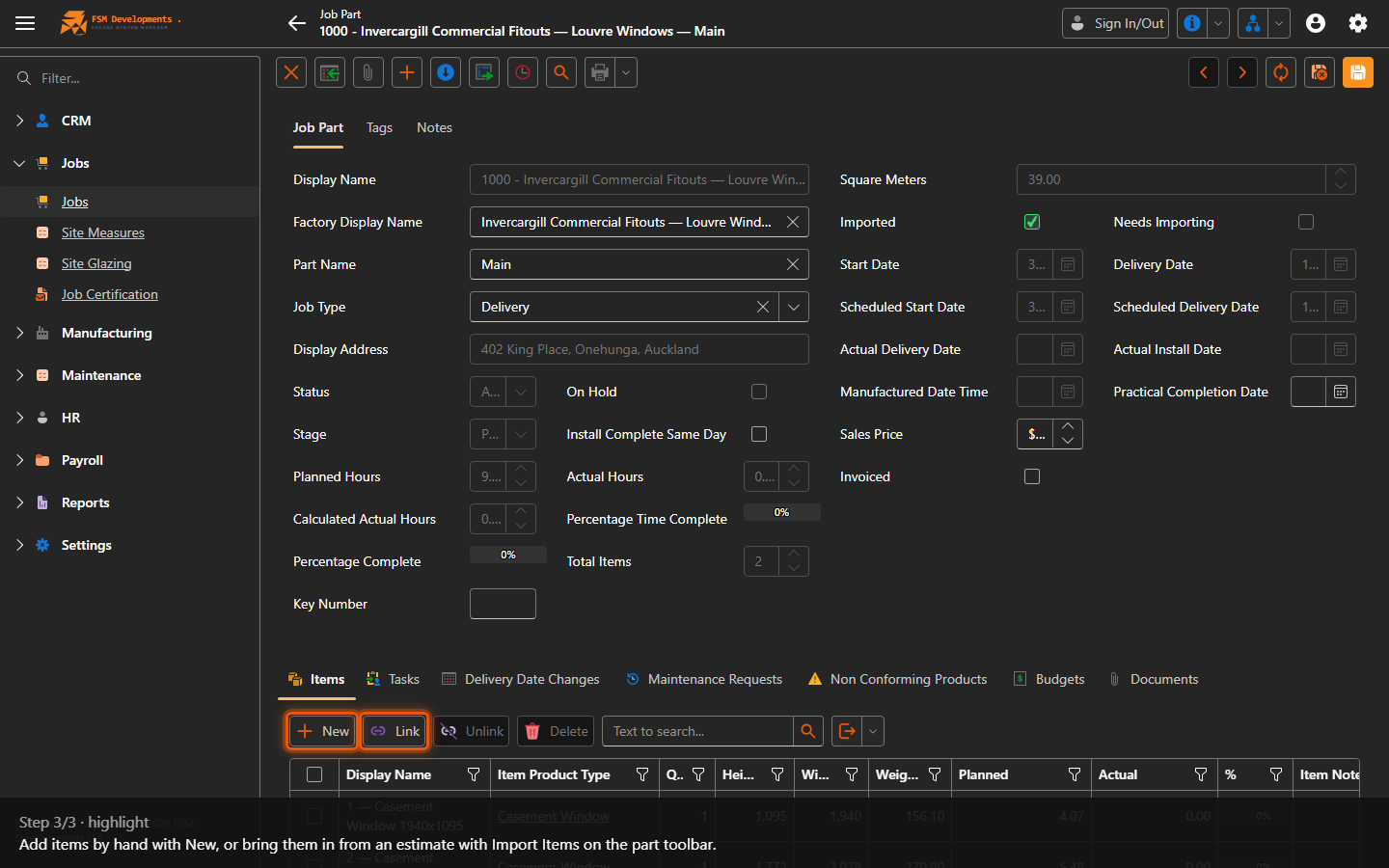
Items grid (Display Name, Item Product Type, Qty, Height, Width, Weight, Planned, Actual, %)
2. Every item carries its product type, size, quantity and planned vs actual hours.
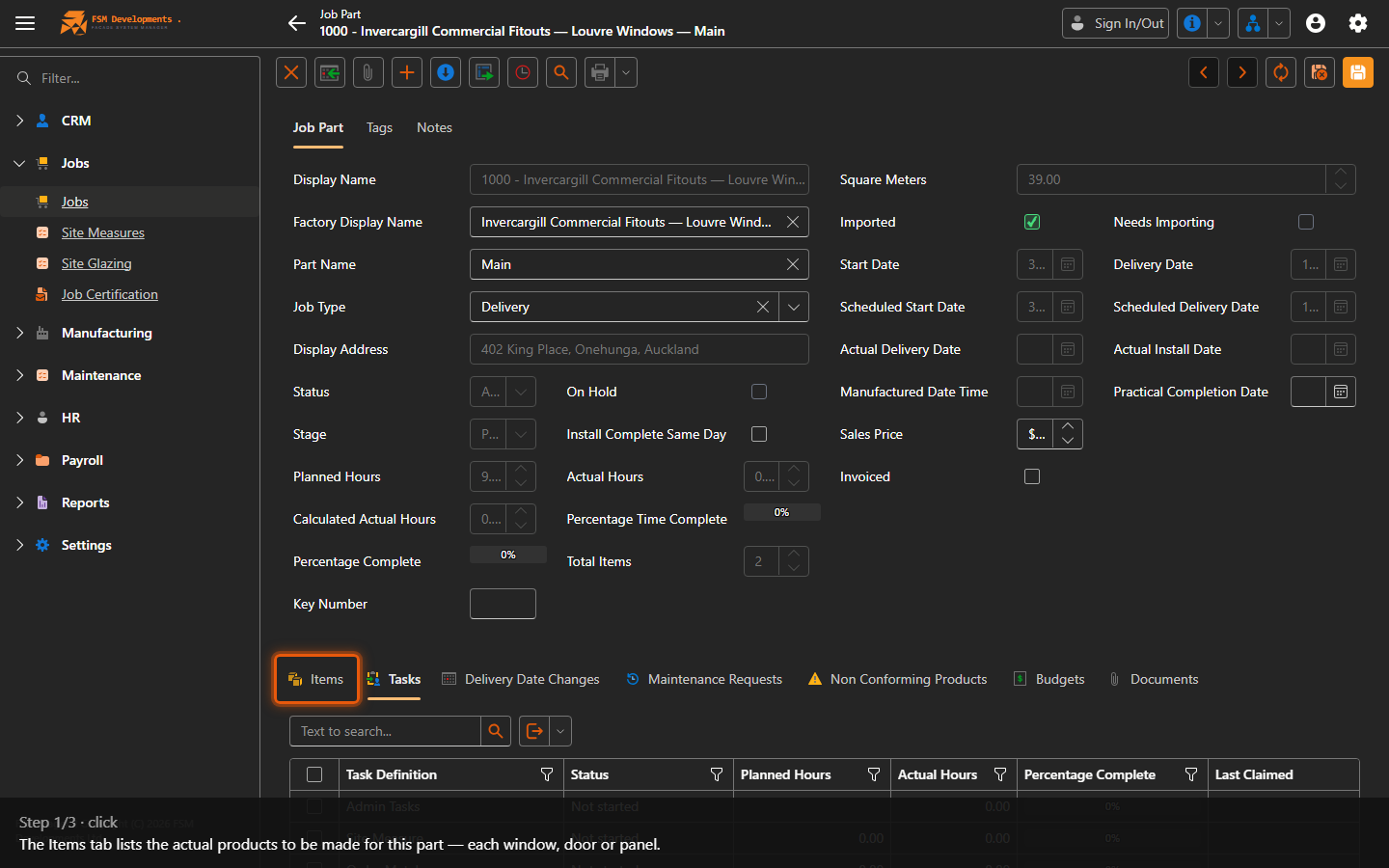
New / Link (toolbar button)
3. Add items by hand with New, or bring them in from an estimate with Import Items on the part toolbar.
Last updated on