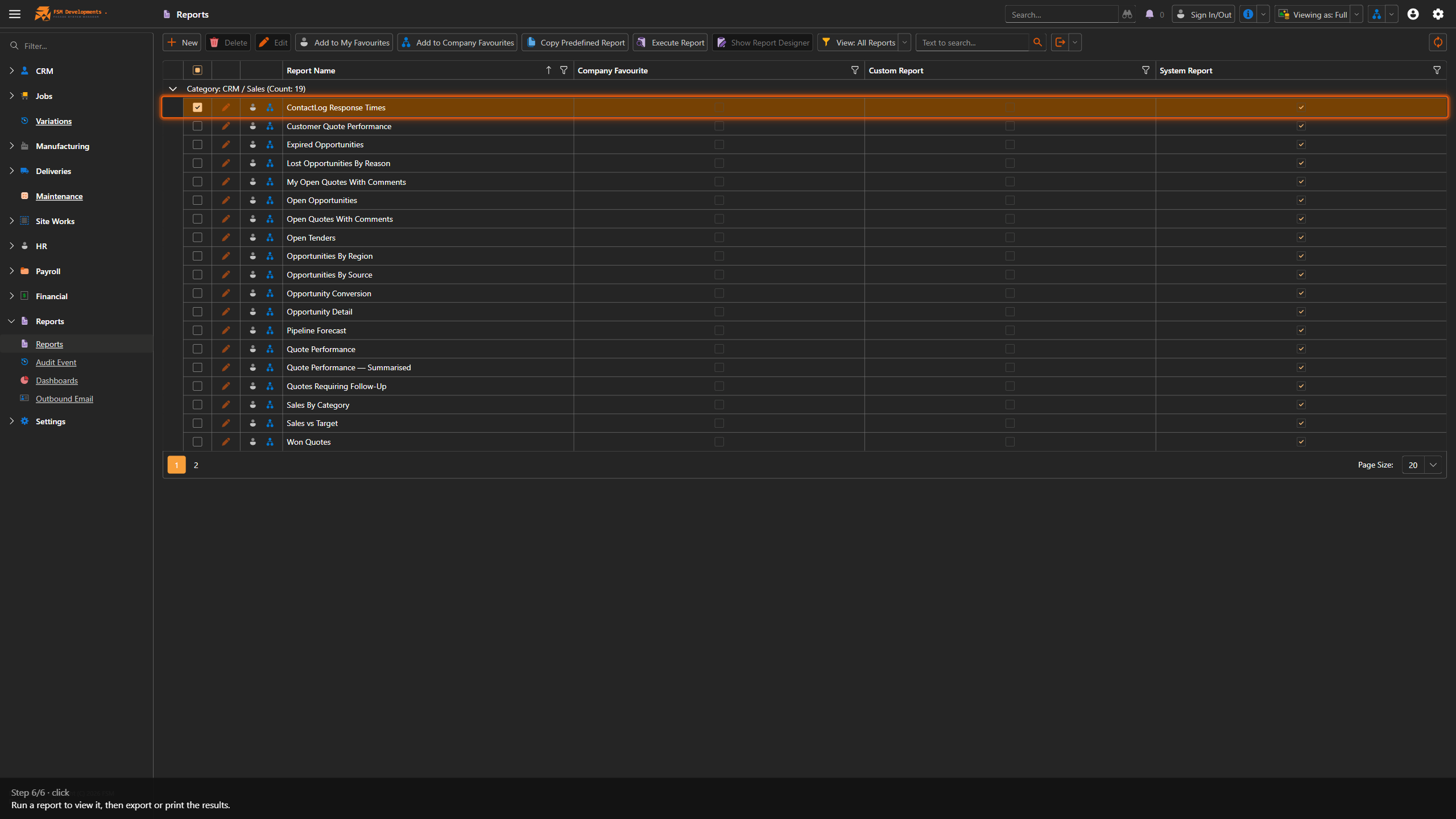
Run a report
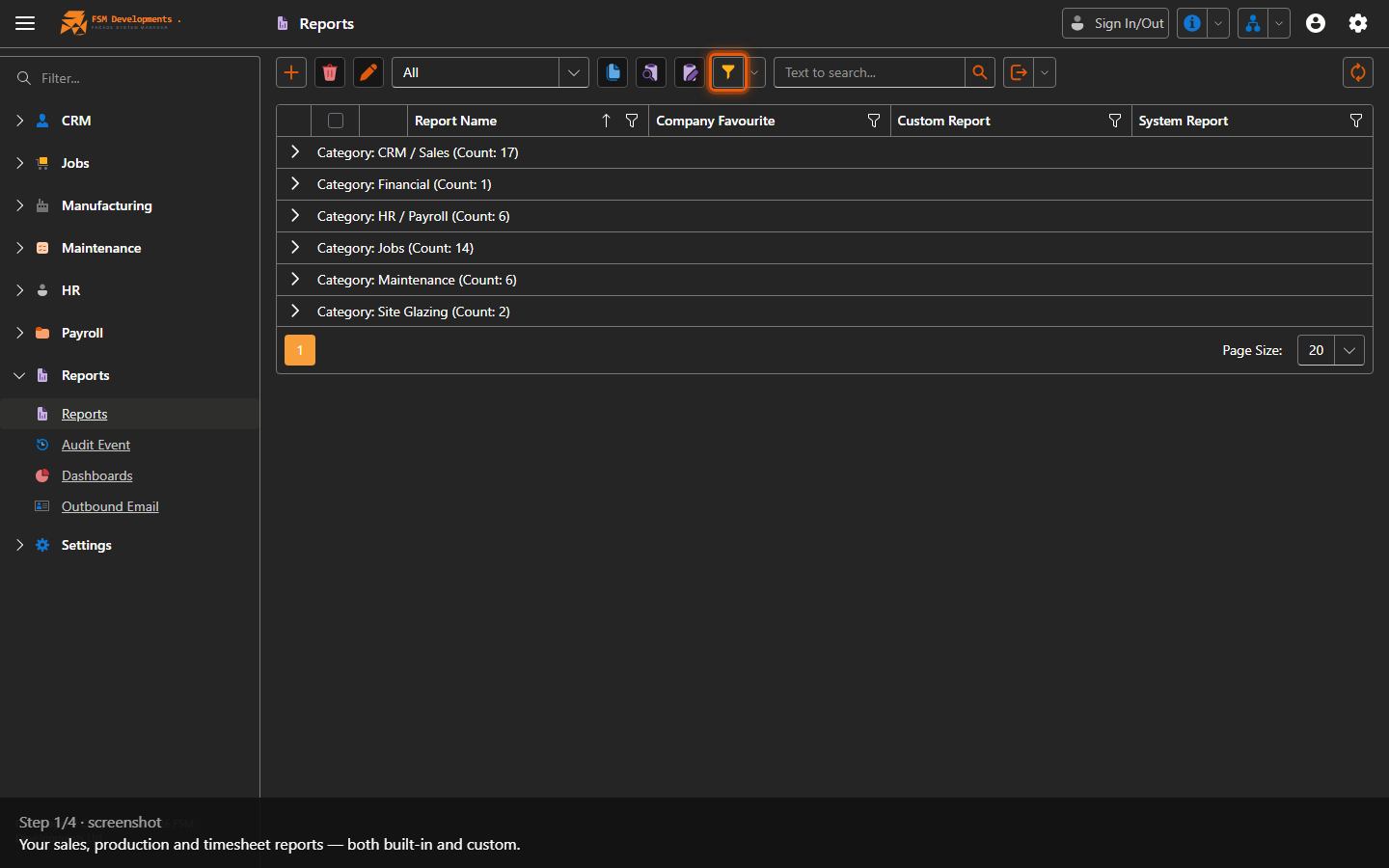
Lite+The reports library — your sales, production and timesheet reports, both the built-in (system) ones and any custom reports set up for your company.
When to use
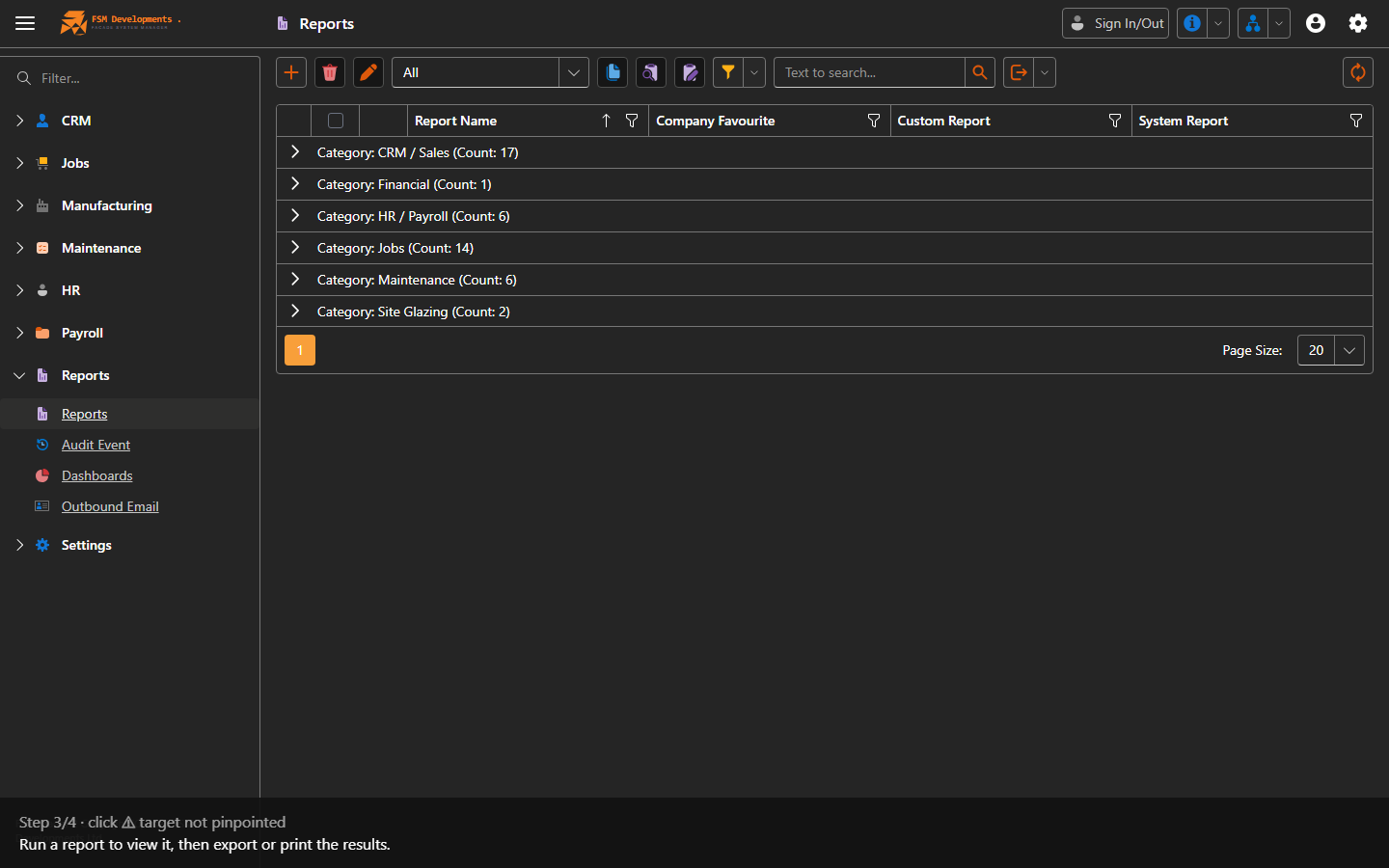
To run a report and export or print the results.
Step by step
Favourites
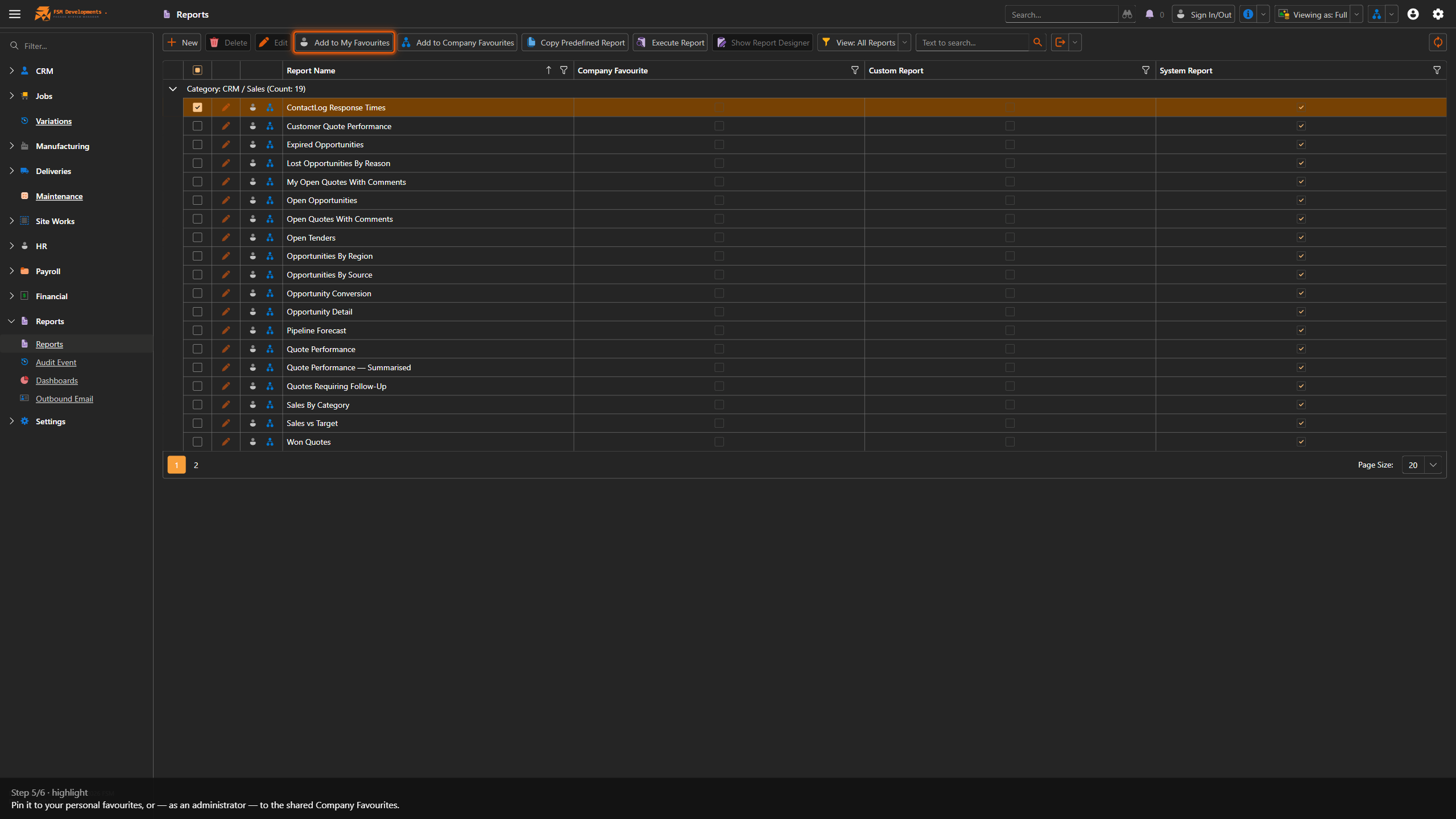
Pin the reports you run often so they’re quick to find.
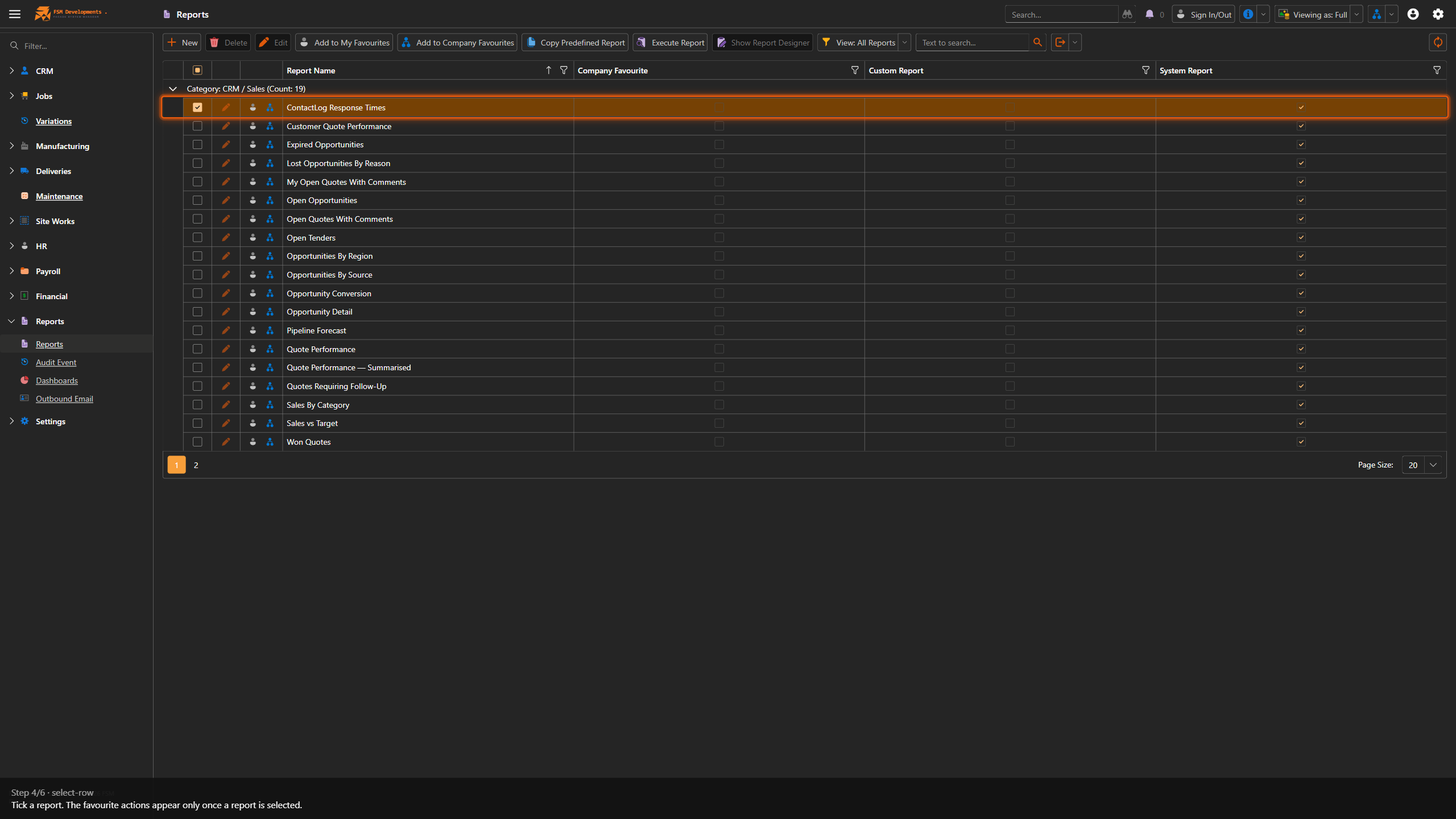
- Add to My Favourites — personal to you. Nobody else sees it.
- Add to Company Favourites — shared with everyone. Administrators only.
Select a report and use the toolbar buttons, the small icons on the row itself, or the row’s right-click menu — whichever is nearest. Each action flips to Remove from… when the report is already a favourite, so you’ll only ever see the one that applies. The Company Favourite column shows at a glance which reports the team has pinned.
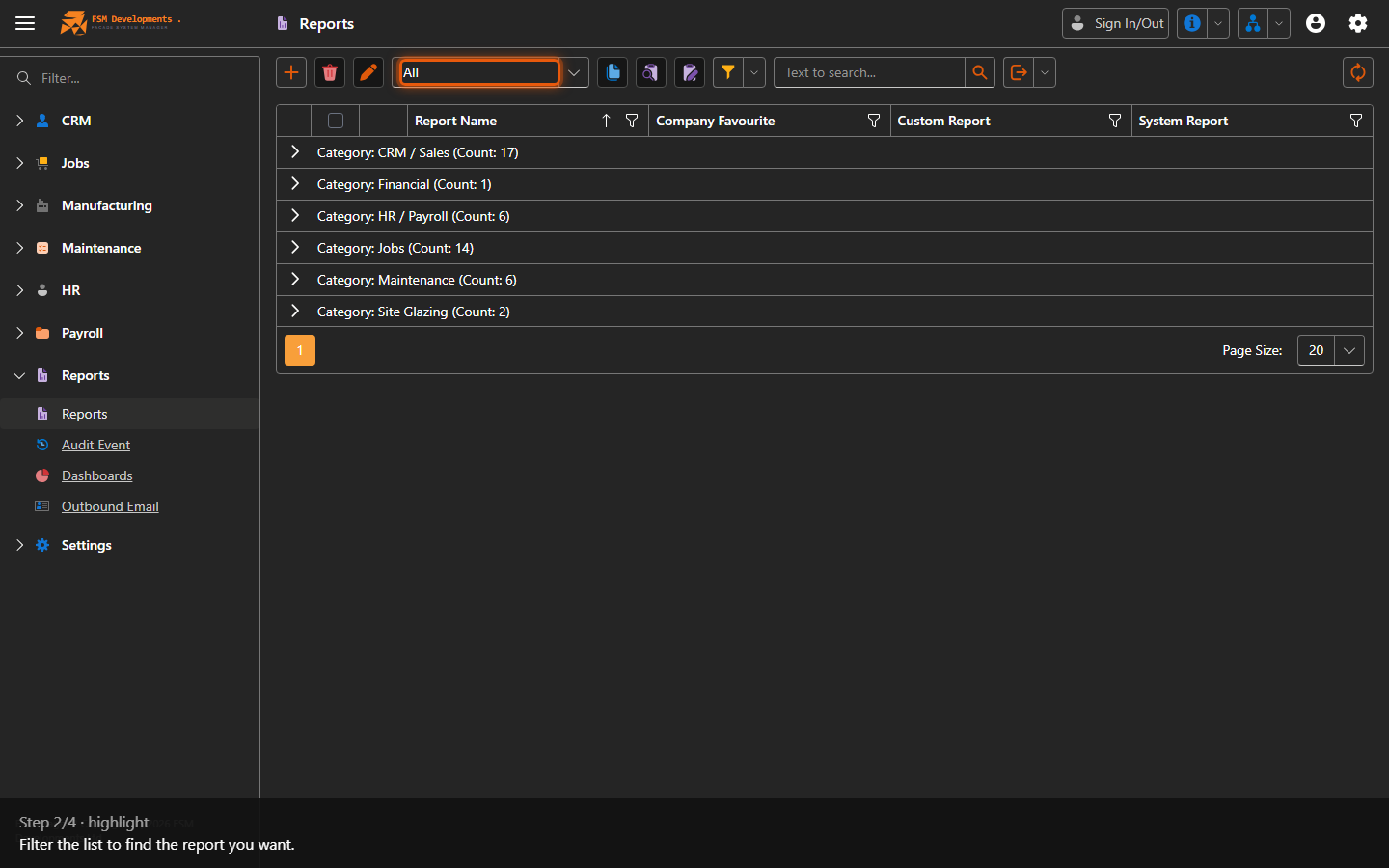
The View dropdown filters the list to My Favourites or Company Favourites (alongside All Reports and Custom Reports), and remembers your last choice.
Last updated on