Skip to Content

Approve timesheets

Lite+

The daily timesheet records (one per employee per day) with their sign-in/out, hours and claims — the list a supervisor approves before payroll.

When to use

Checking and signing off the week’s hours ahead of a pay run.

Step by step
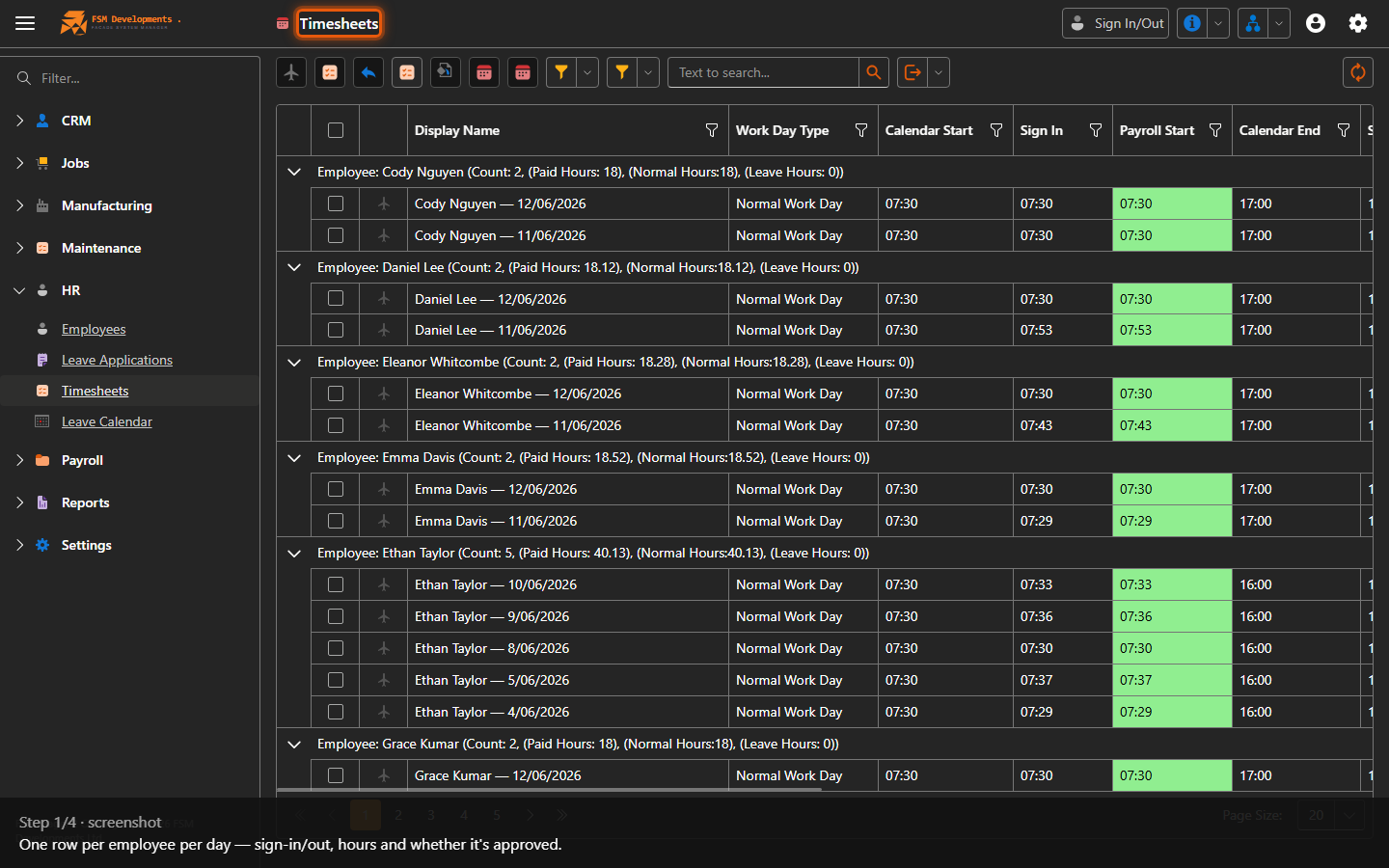
Timesheets grid
1. One row per employee per day — sign-in/out, hours and whether it's approved.
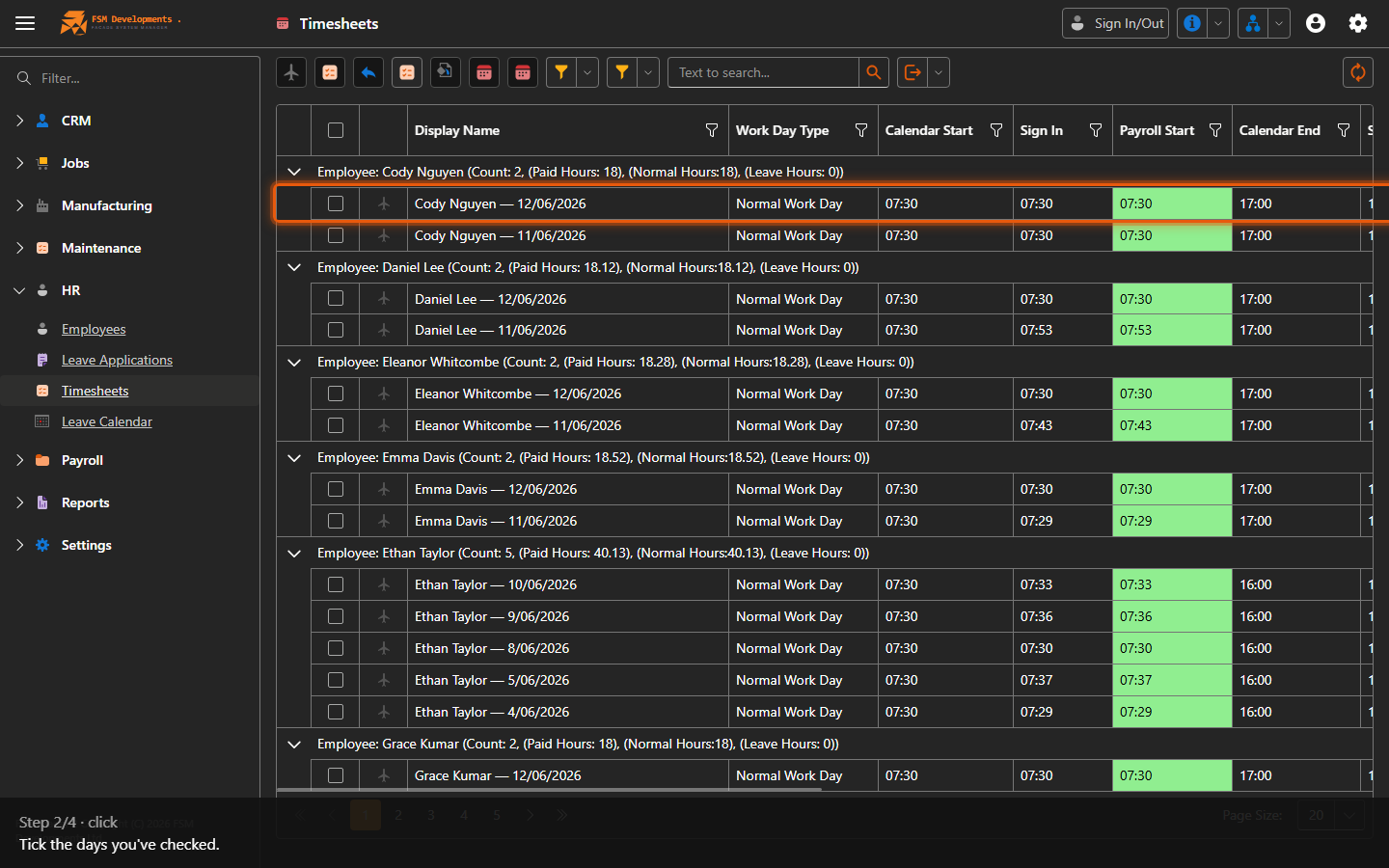
One or more day rows (select them)
2. Tick the days you've checked.
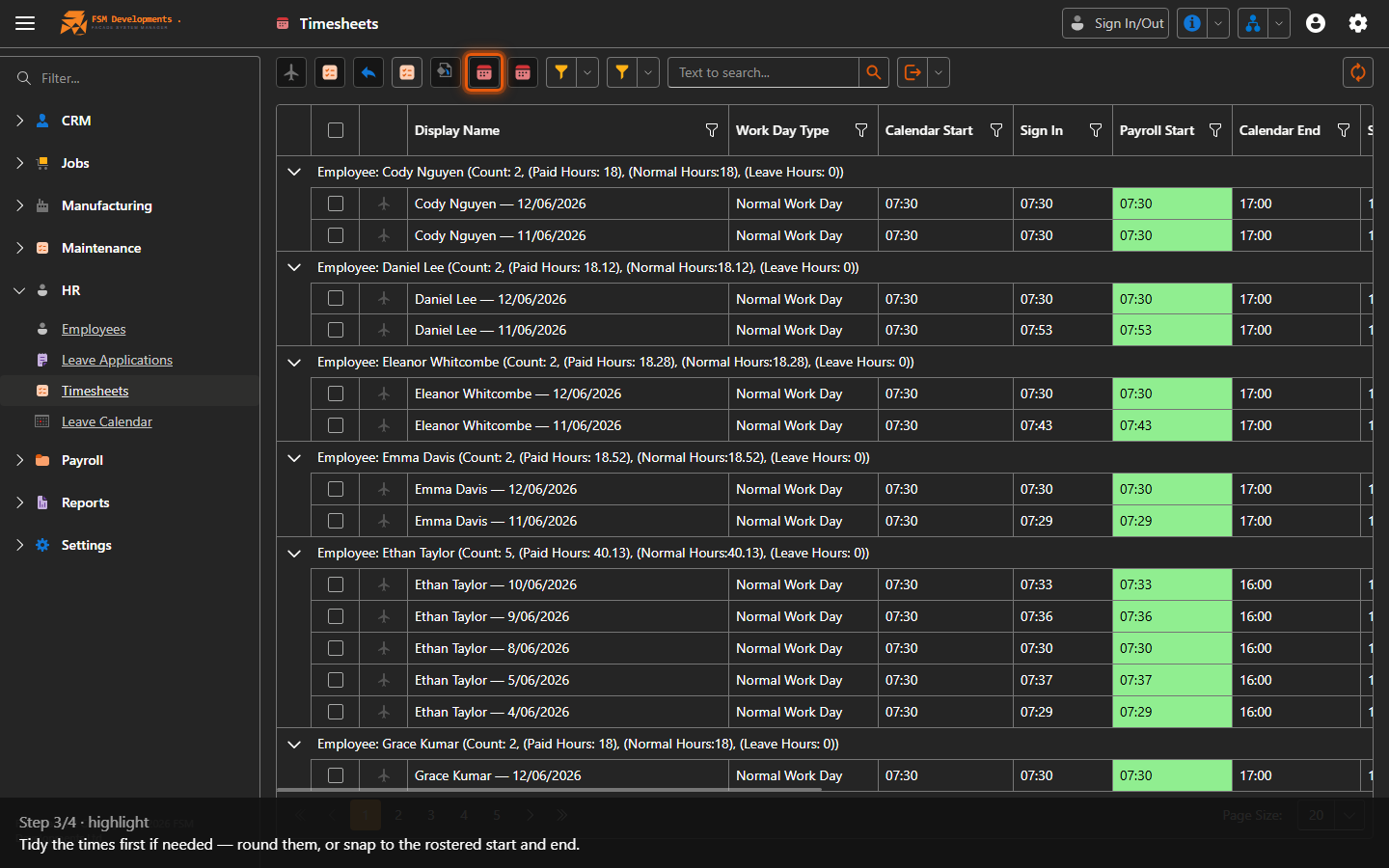
Round Timesheet / Set Calendar Start/End (toolbar buttons)
3. Tidy the times first if needed — round them, or snap to the rostered start and end.
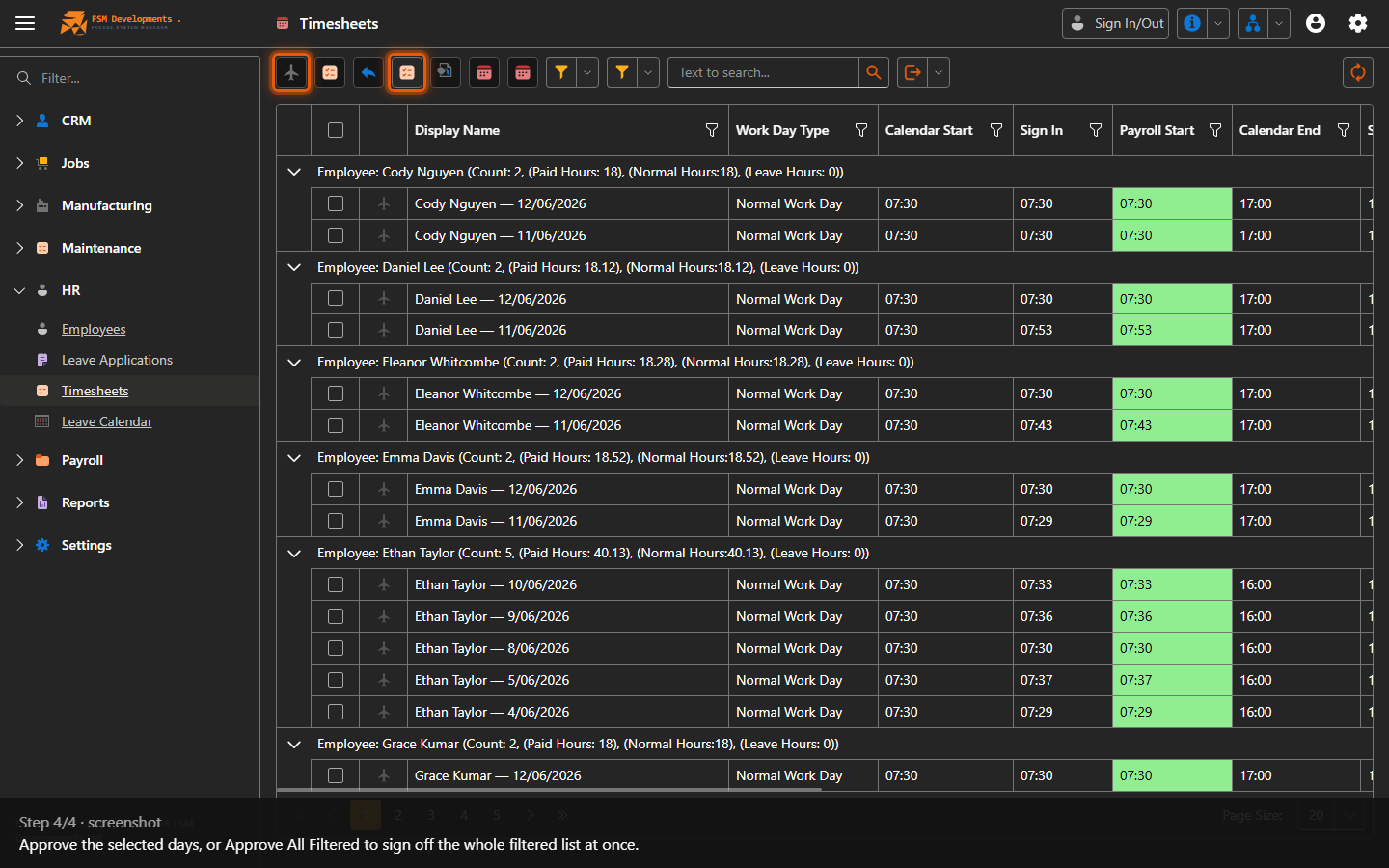
Approve / Approve All Filtered (toolbar buttons)
4. Approve the selected days, or Approve All Filtered to sign off the whole filtered list at once.
Last updated on