Skip to Content
How-to (step by step)Site GlazingSchedule a glazing visit

Schedule a glazing visit

Lite+

The workflow for getting glass installed on site — from assigning a glazier and booking the visit, through prepping the site, to marking the job complete.

When to use

Coordinating an on-site glazing visit for a part that’s glazed on site rather than in the factory.

Step by step
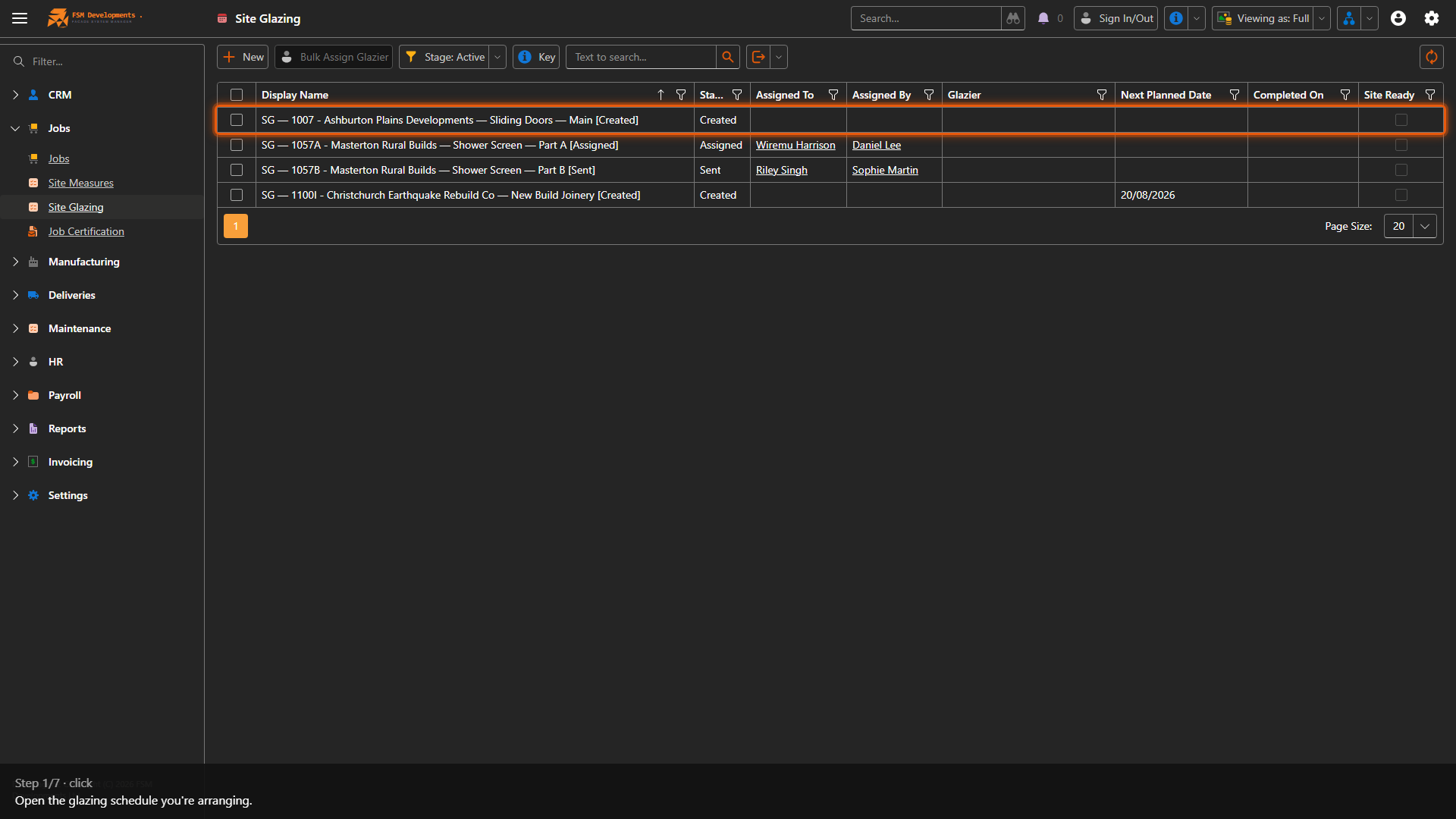
A site glazing row (open it)
1. Open the glazing schedule you're arranging.
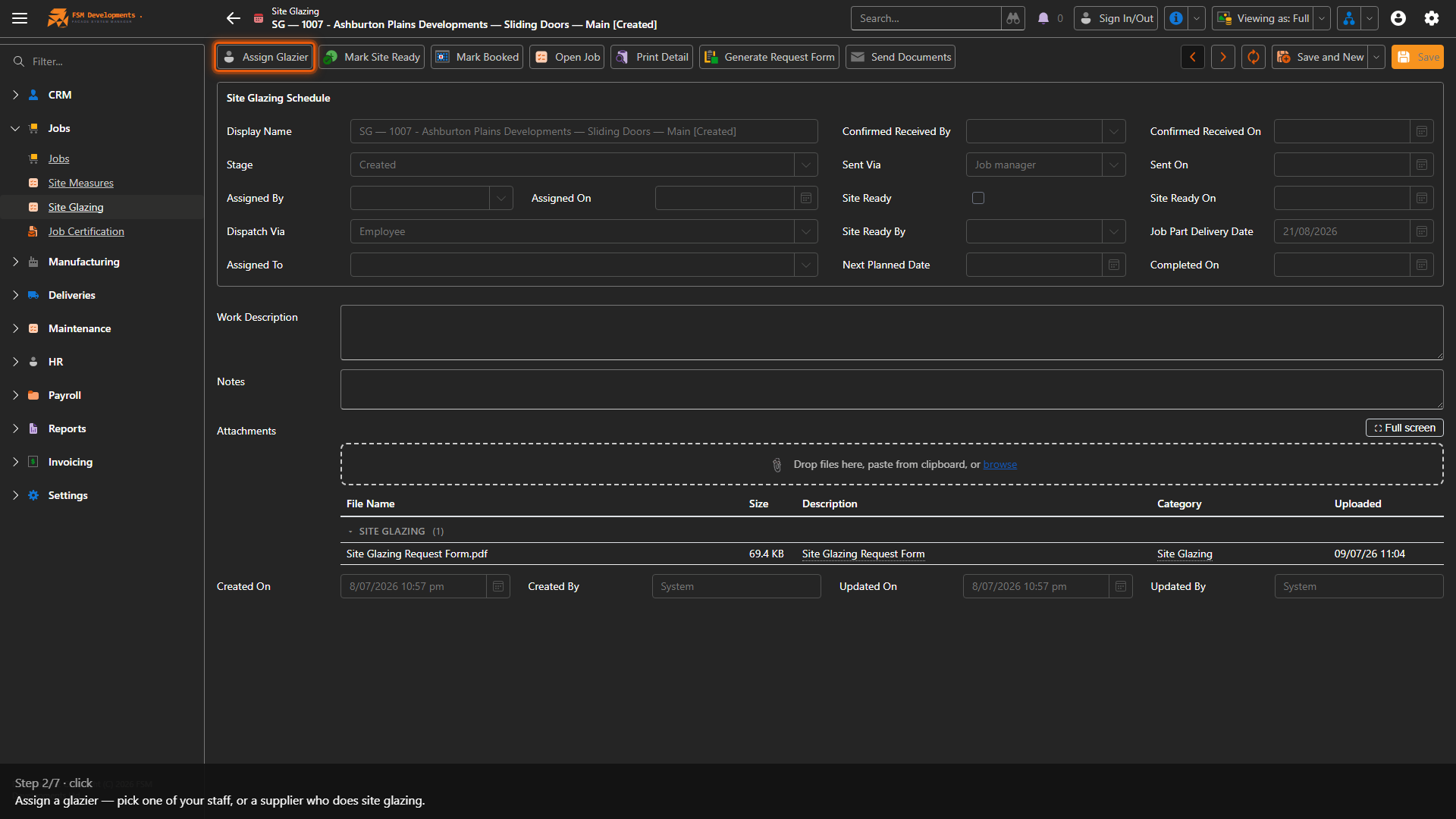
Assign Glazier (toolbar button)
2. Assign a glazier — pick one of your staff, or a supplier who does site glazing.
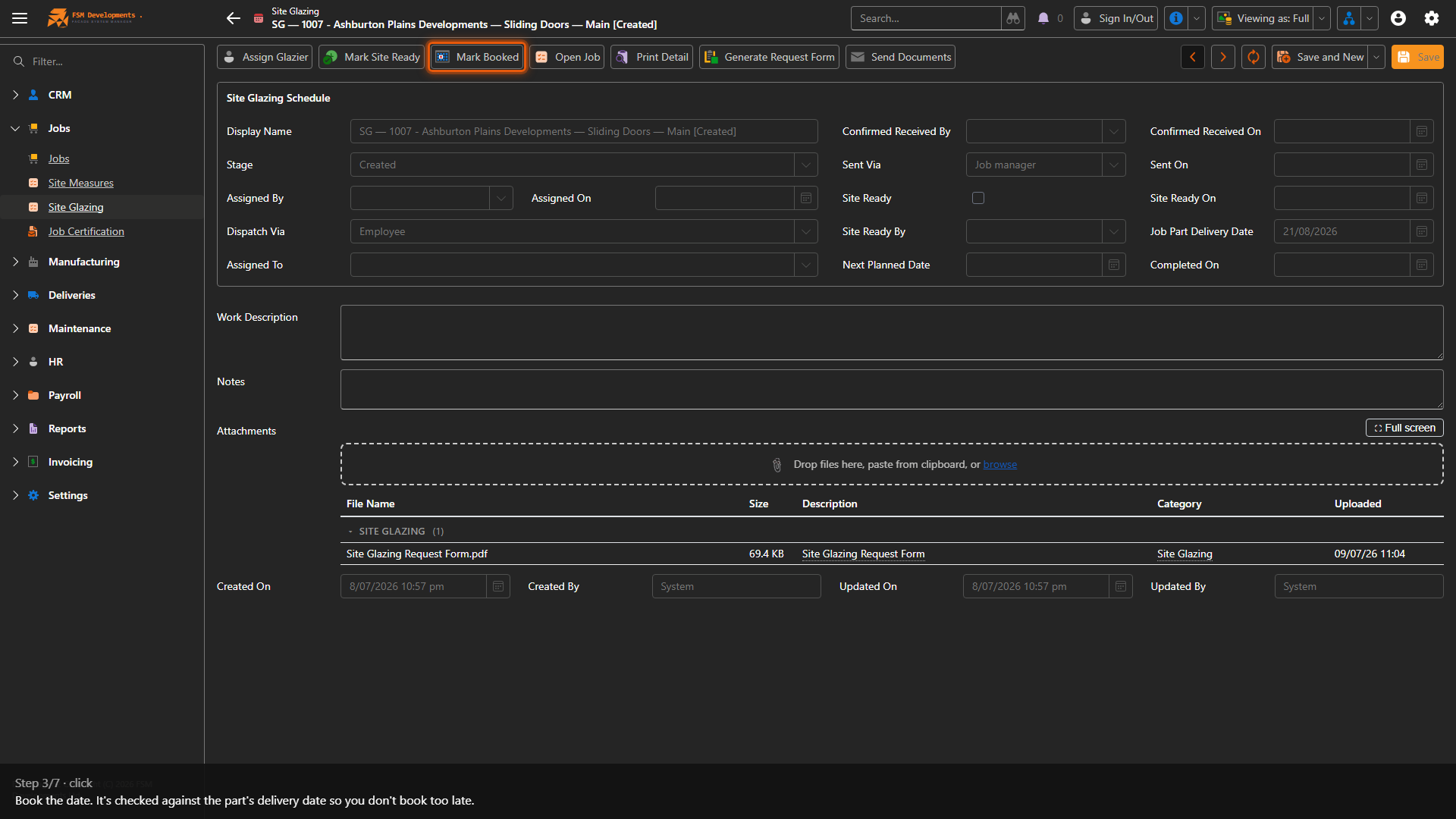
Mark Booked (toolbar button)
3. Book the date. It's checked against the part's delivery date so you don't book too late.
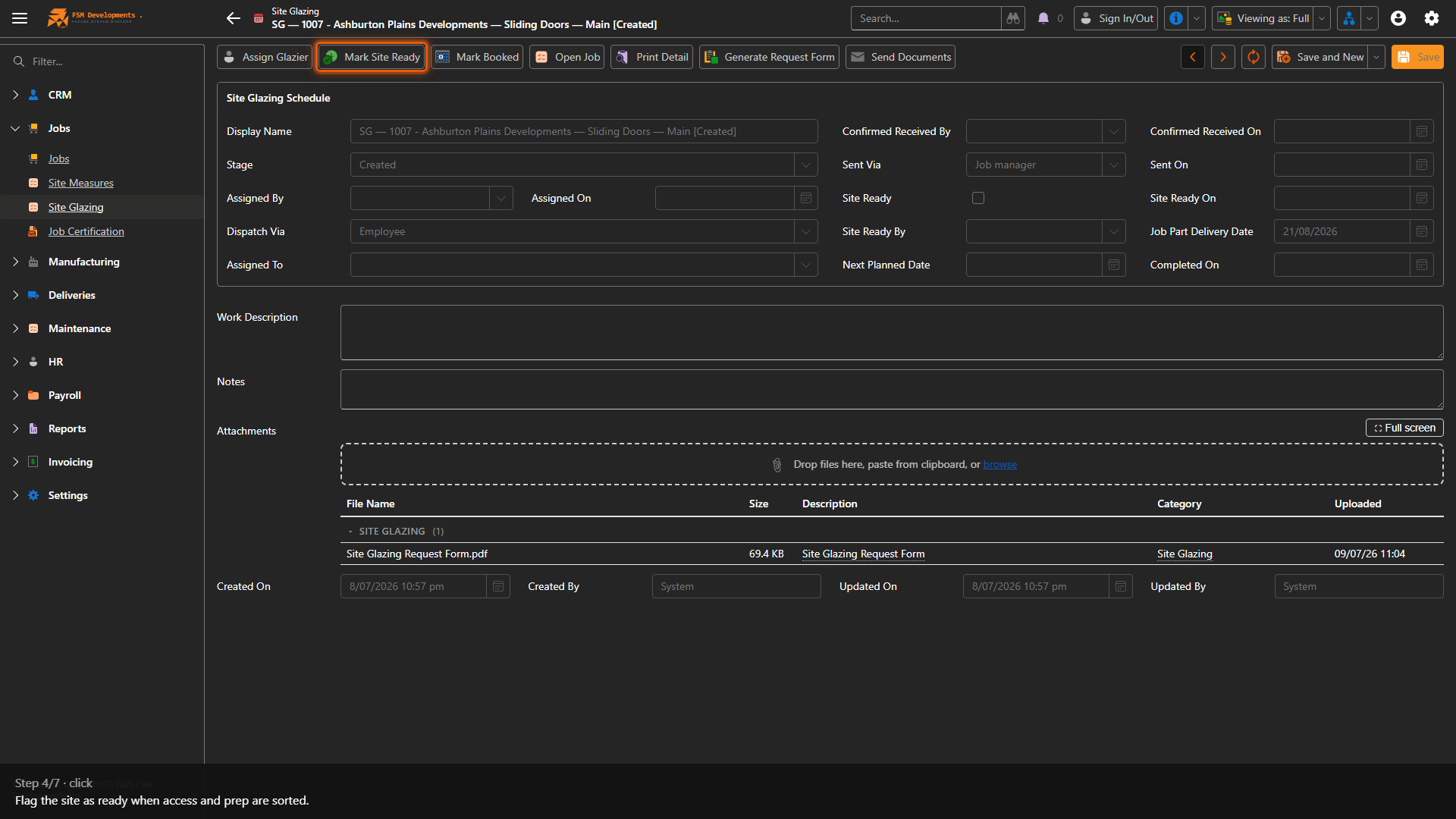
Mark Site Ready (toolbar button)
4. Flag the site as ready when access and prep are sorted.
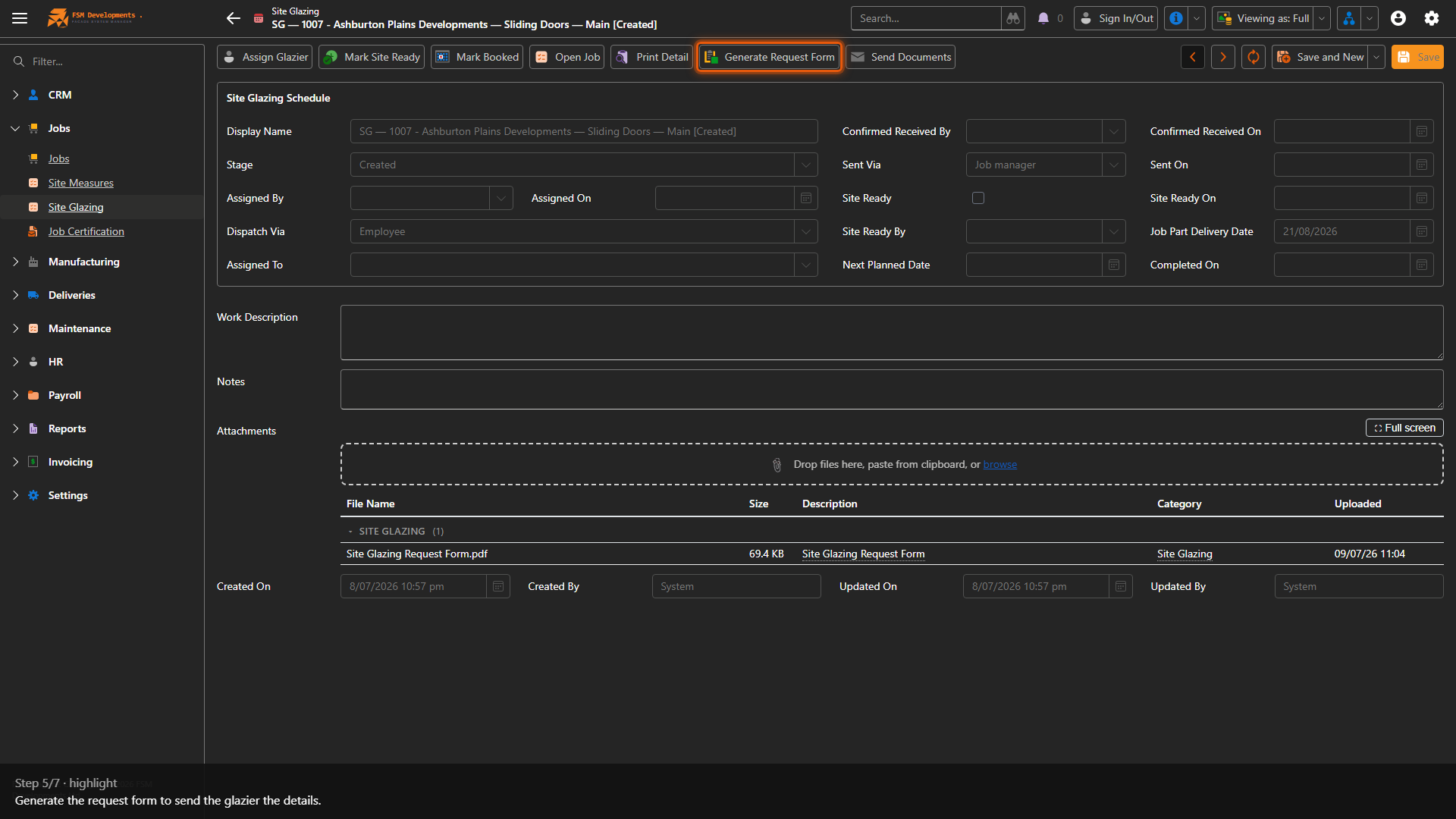
Generate Request Form (toolbar button)
5. Generate the request form to send the glazier the details.
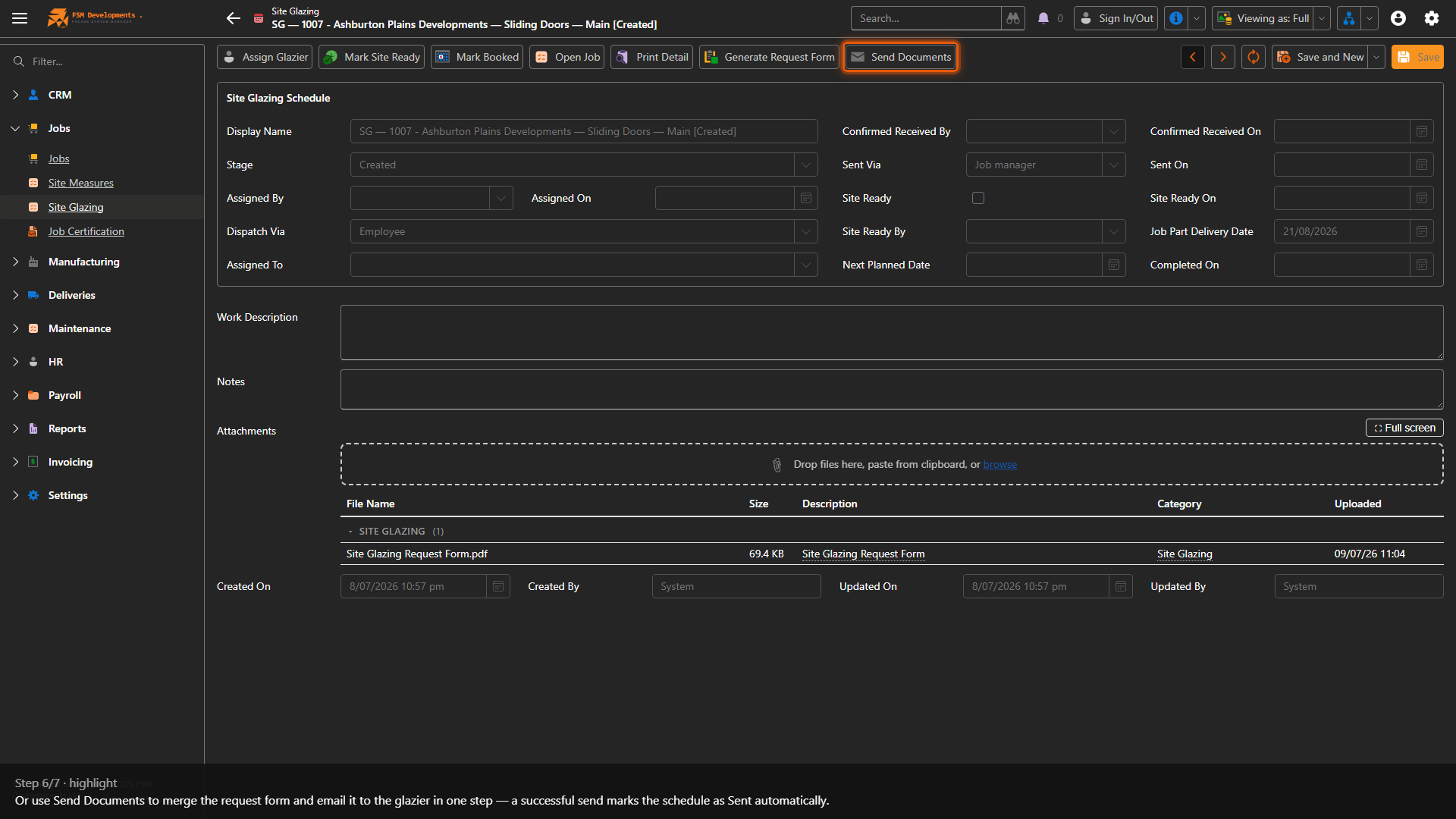
Send Documents (toolbar button)
6. Or use Send Documents to merge the request form and email it straight to the glazier — you can send now, save as a draft in your mailbox, or download an email file. A successful send marks the schedule as Sent automatically, so there's no separate step.
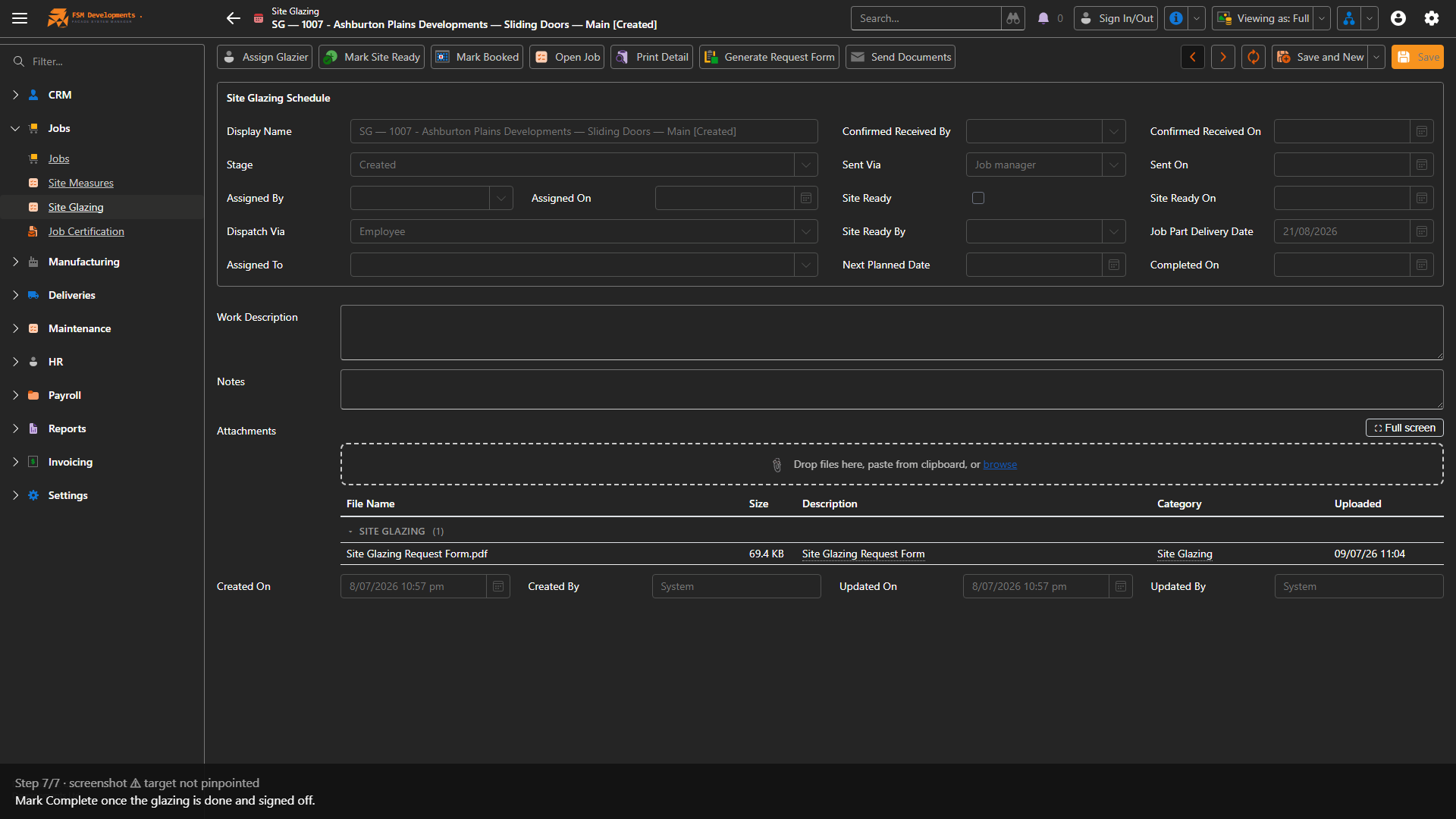
Mark Complete (toolbar button)
7. Mark Complete once the glazing is done and signed off.
Last updated on