Skip to Content

Log a contact

Lite+

Records a single communication with a customer and, optionally, the follow-up action it needs.

When to use

To capture a call or email that isn’t tied to a follow-up button — or to note something for the team to action.

Step by step
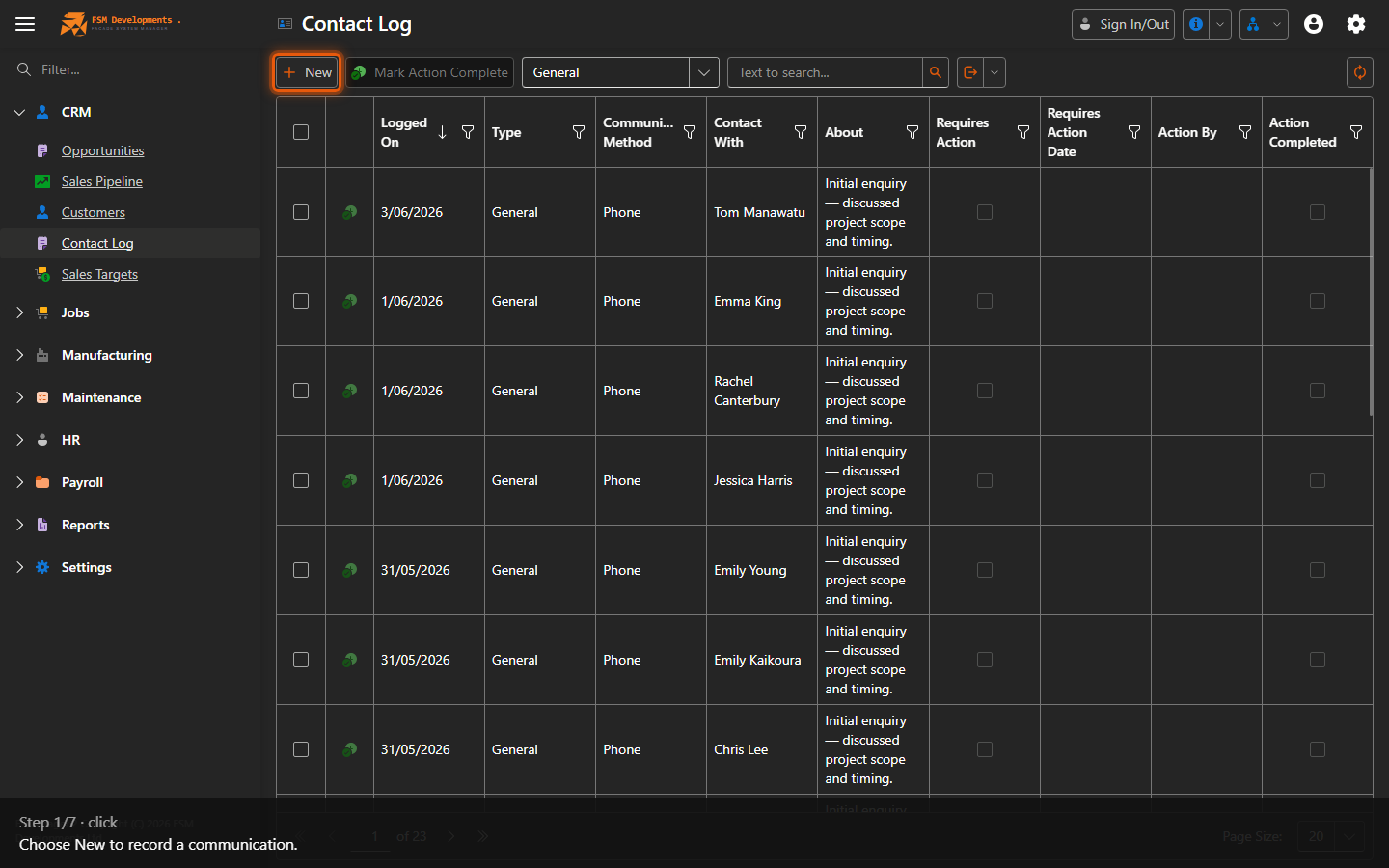
New (toolbar button)
1. Choose New to record a communication.
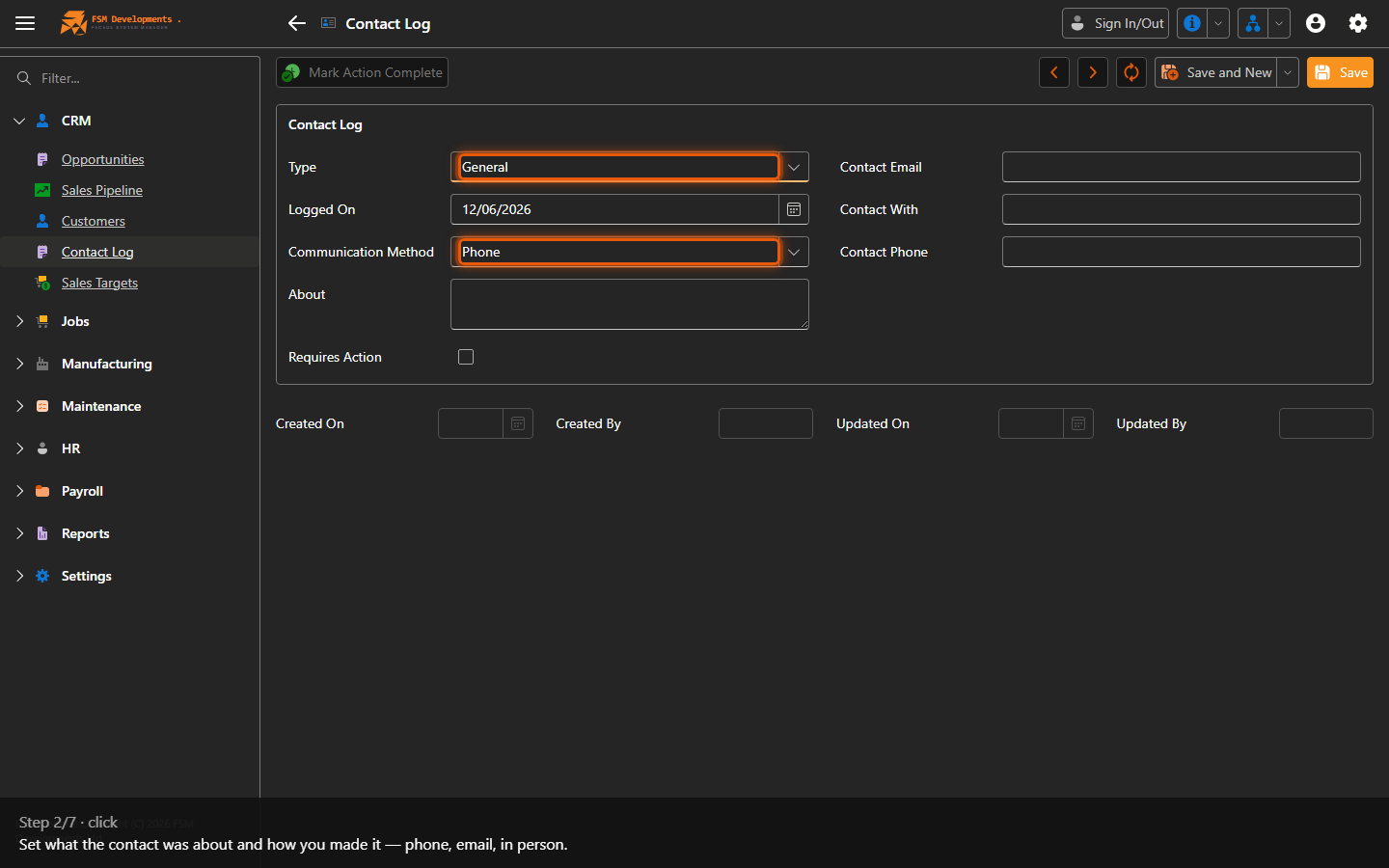
Type / Communication Method (comboboxes)
2. Set what the contact was about and how you made it — phone, email, in person.
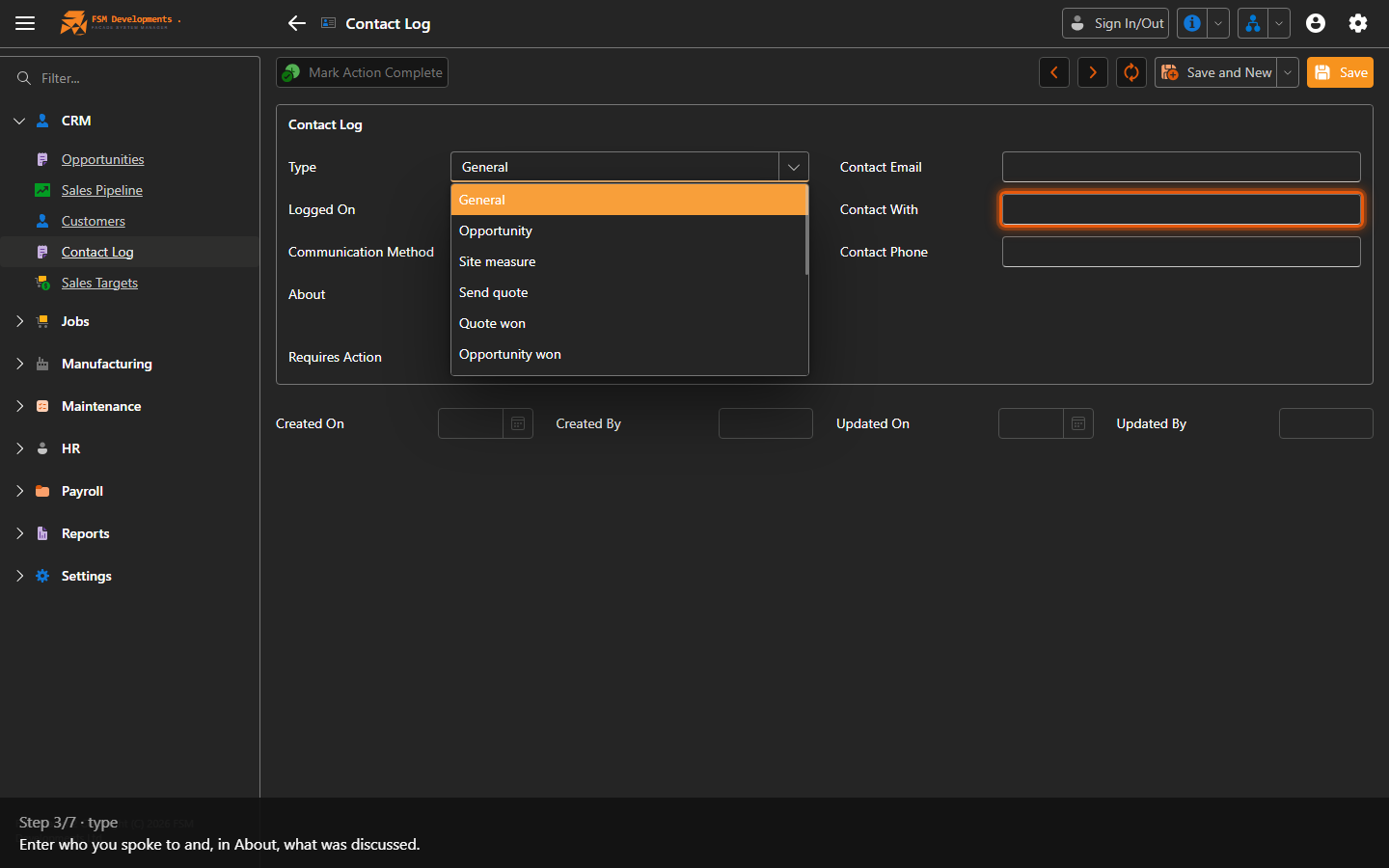
Contact With (textbox)
3. Enter who you spoke to and, in About, what was discussed.
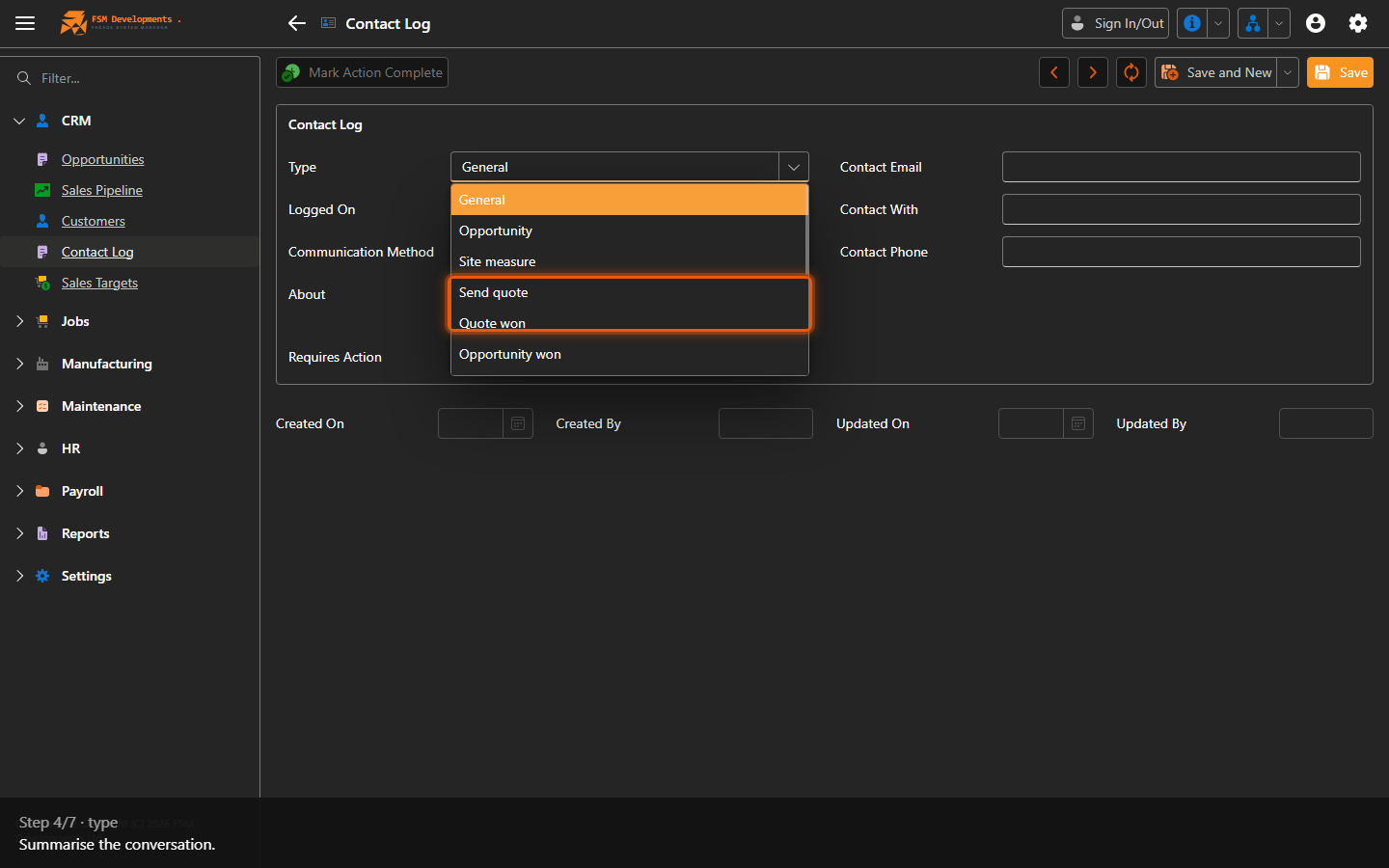
About (textbox)
4. Summarise the conversation.
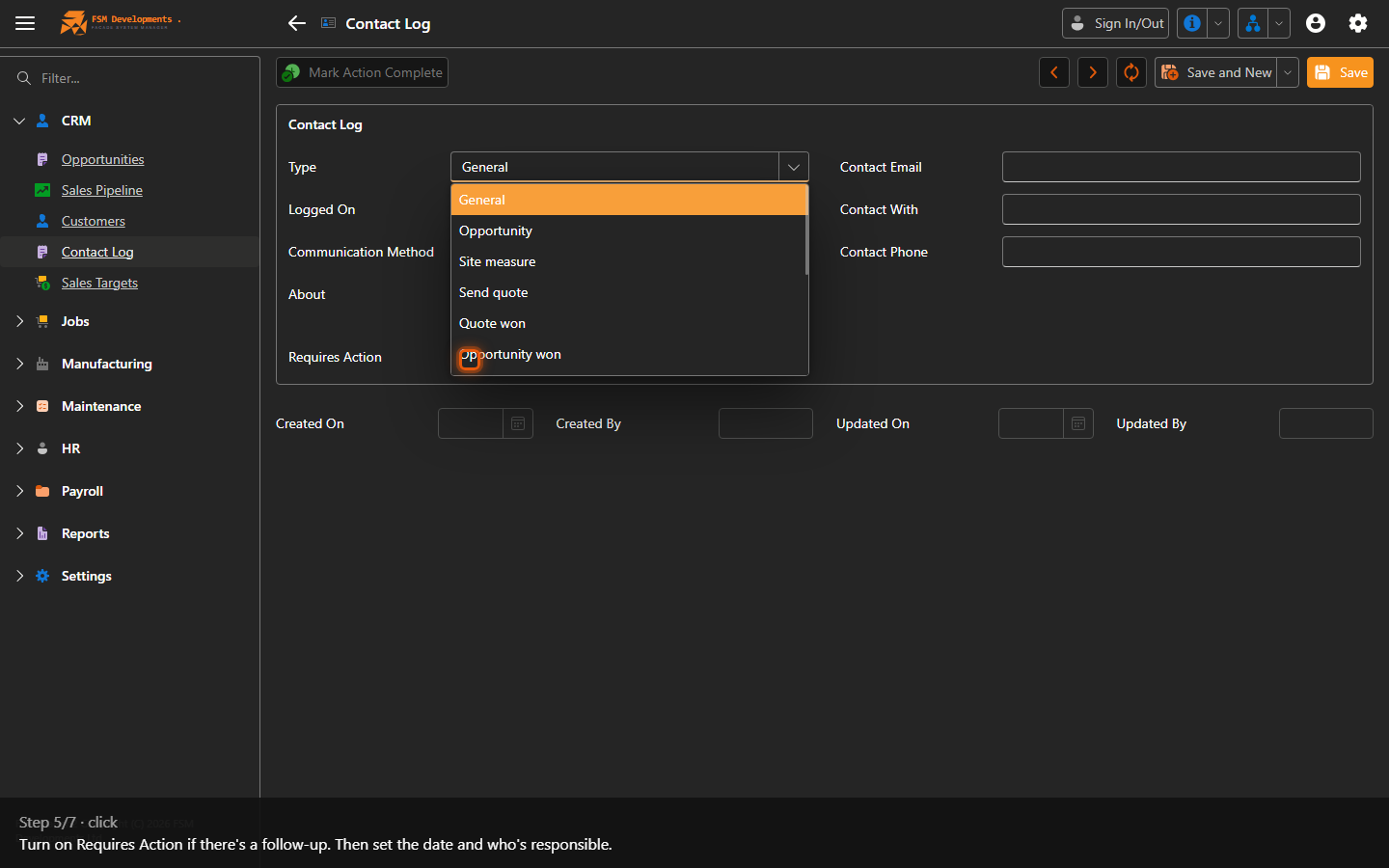
Requires Action (checkbox)
5. Turn on Requires Action if there's a follow-up. Then set the date and who's responsible.
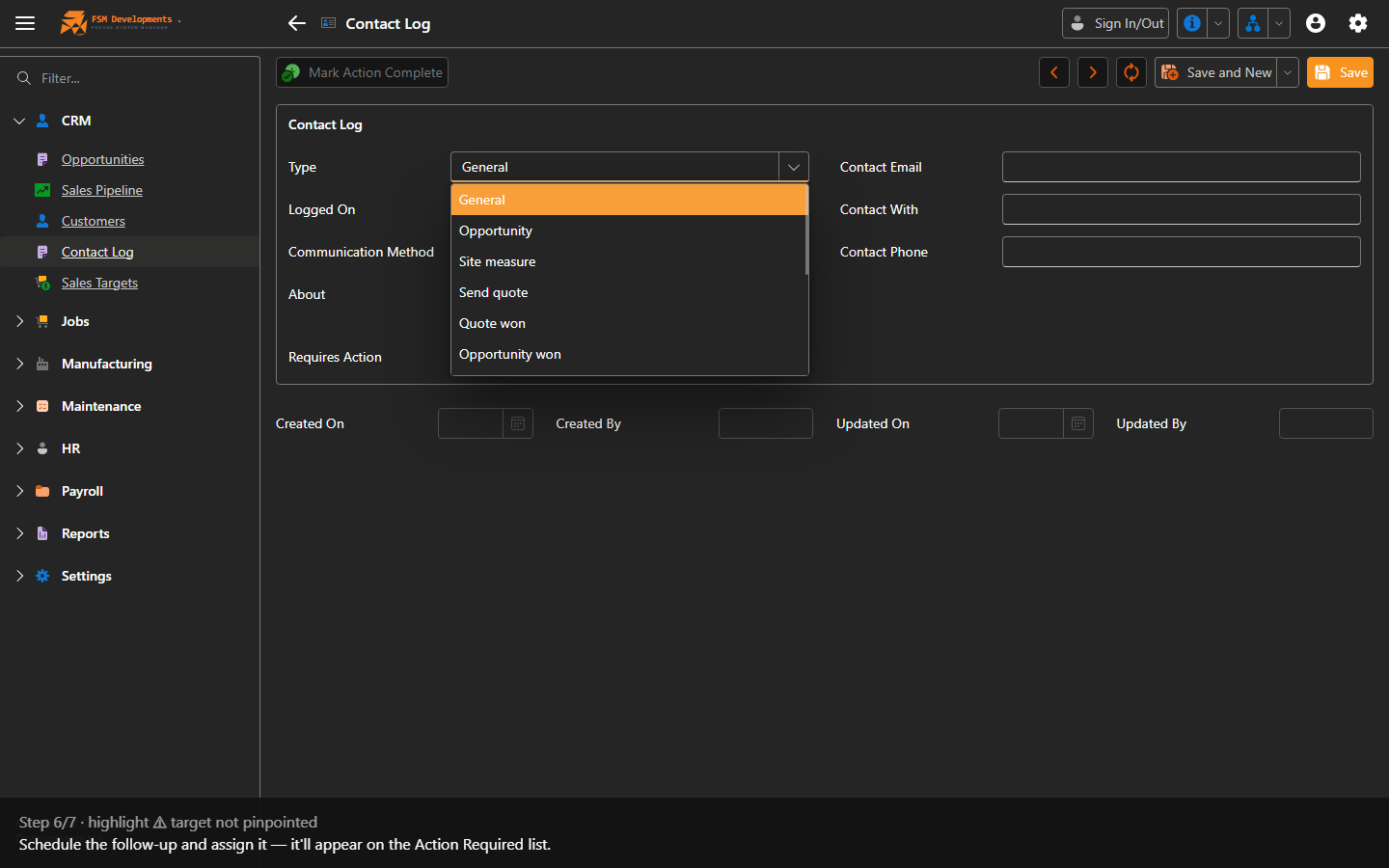
Requires Action Date / Action By (fields, shown when Requires Action is on)
6. Schedule the follow-up and assign it — it'll appear on the Action Required list.
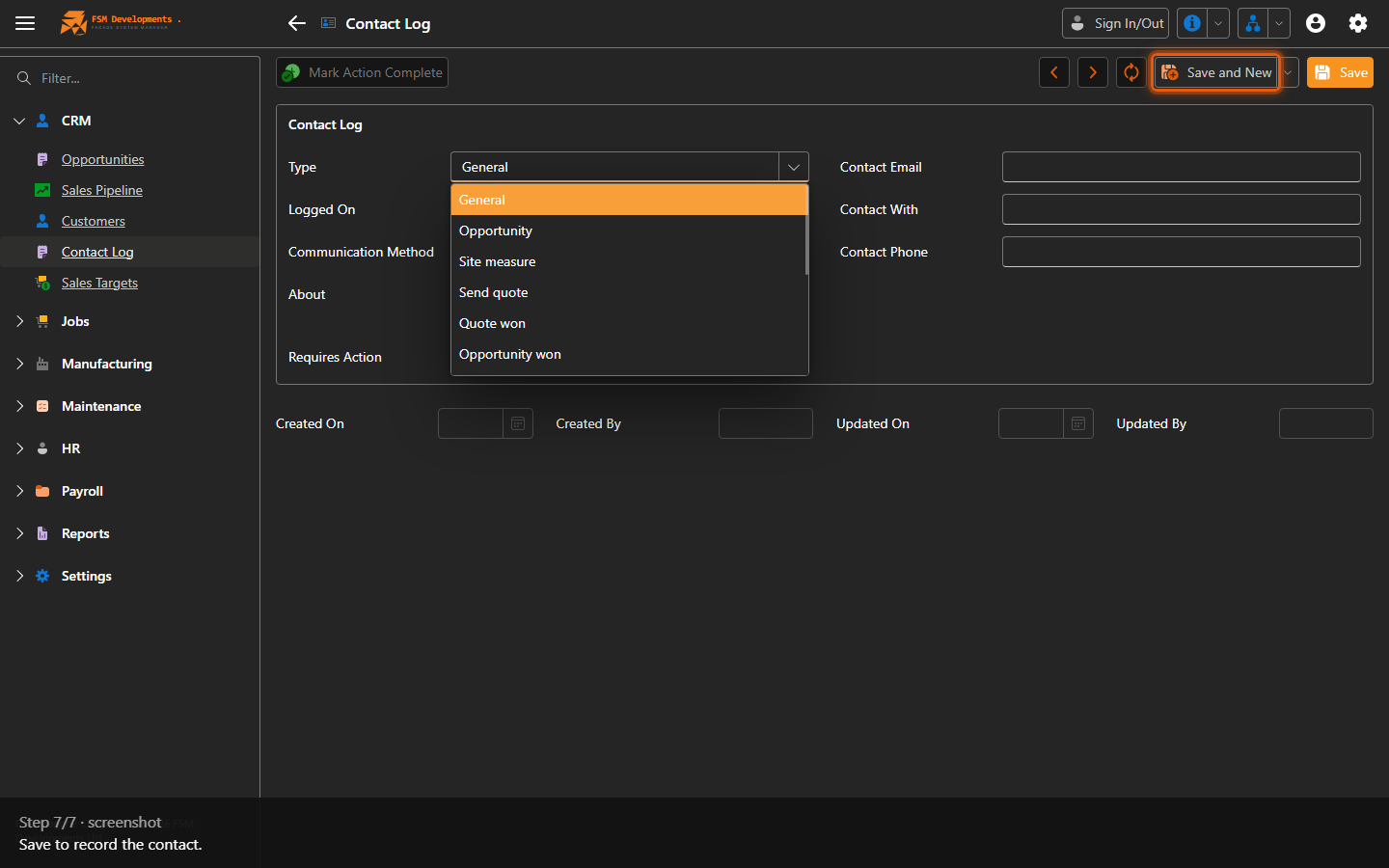
Save (toolbar button)
7. Save to record the contact.
Last updated on