Skip to Content

Raise an NCP

Lite+

Flags a defective or incorrect ordered item on a job — aluminium, hardware, glass or liner — and puts the affected work on hold until it’s sorted.

When to use

A part arrives faulty or wrong, and production can’t proceed until it’s replaced or signed off.

Step by step
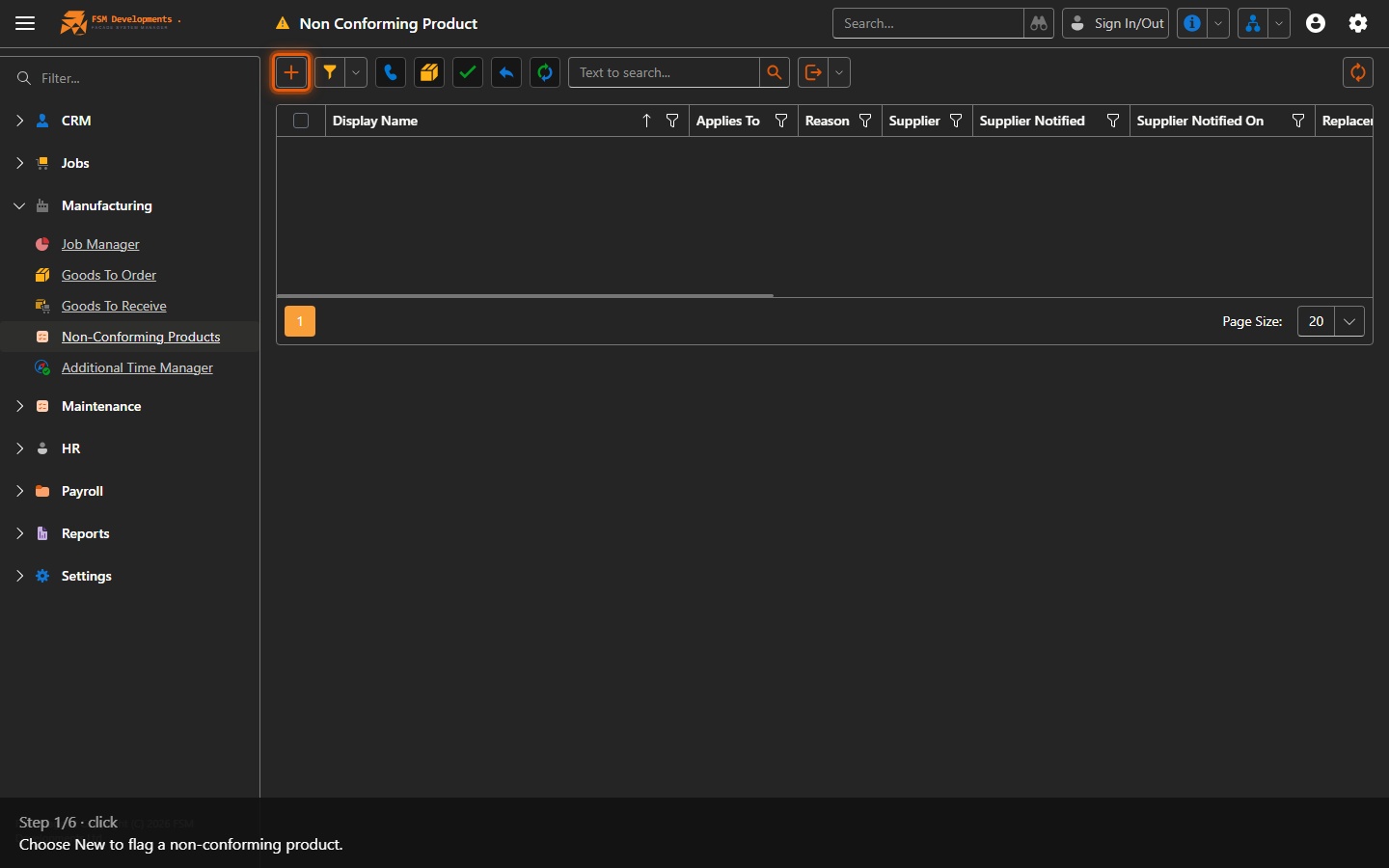
New (toolbar button)
1. Choose New to flag a non-conforming product.
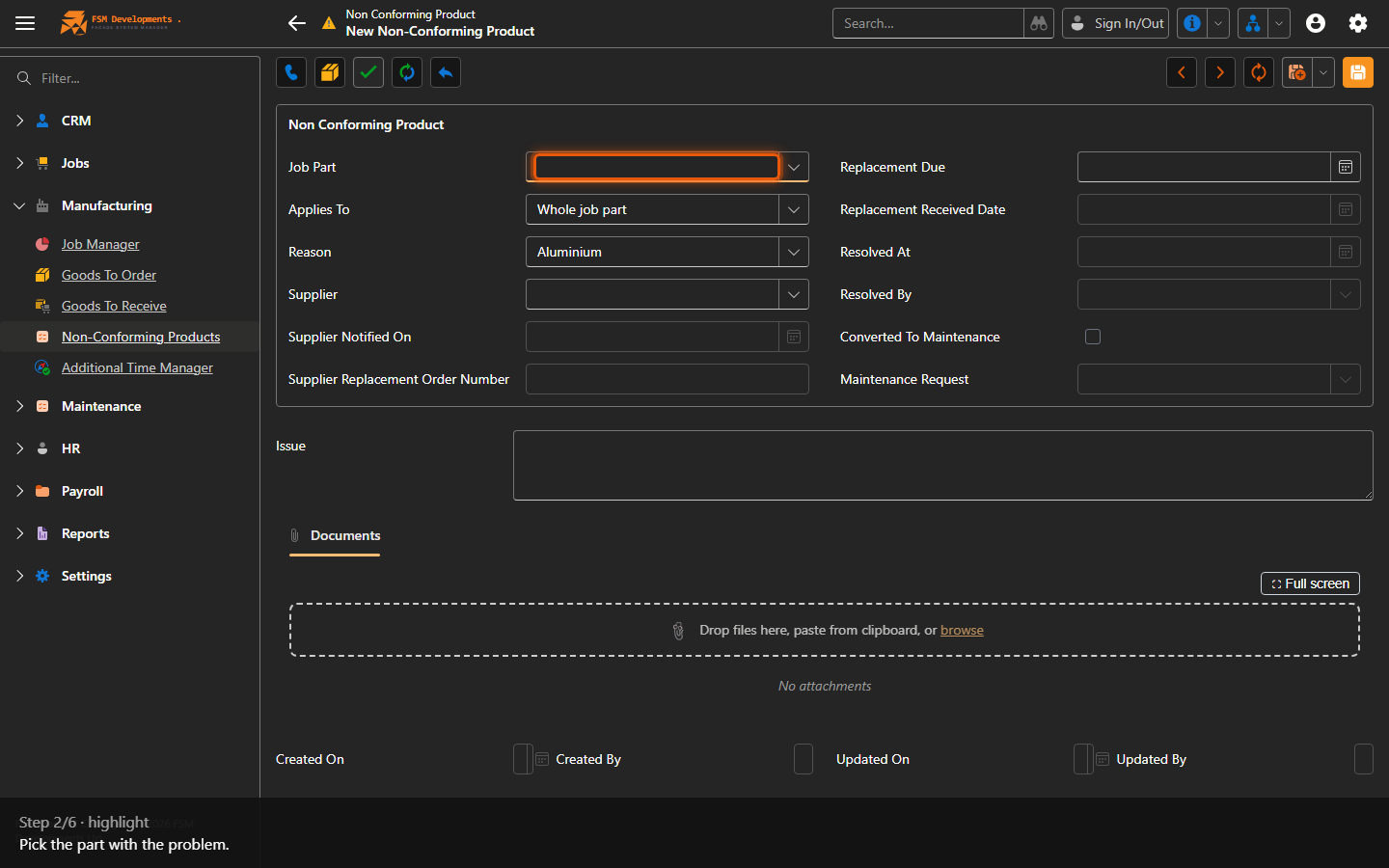
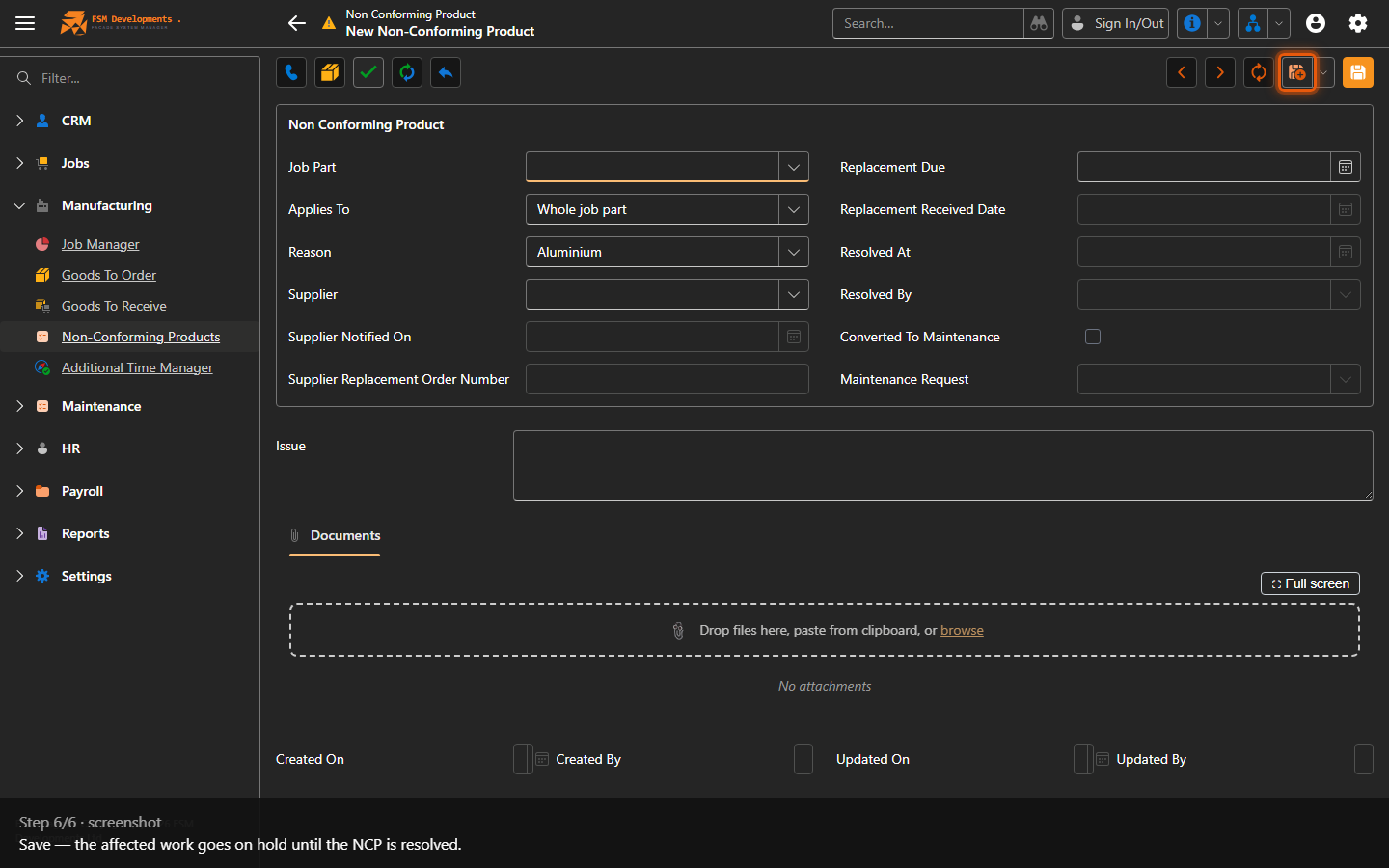
Job Part (lookup)
2. Pick the part with the problem.
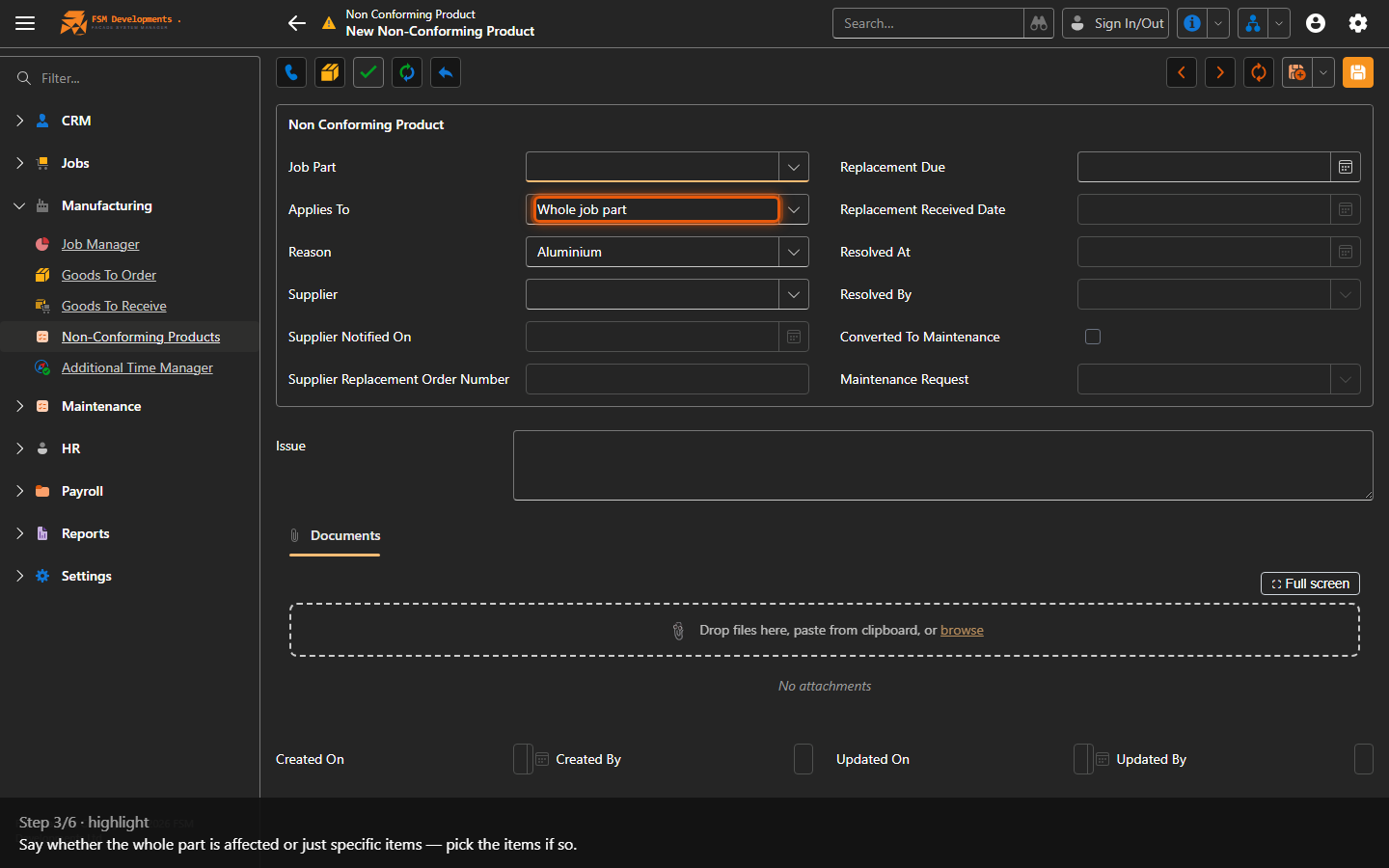
Applies To (Whole Job Part / Specific Items)
3. Say whether the whole part is affected or just specific items — pick the items if so.
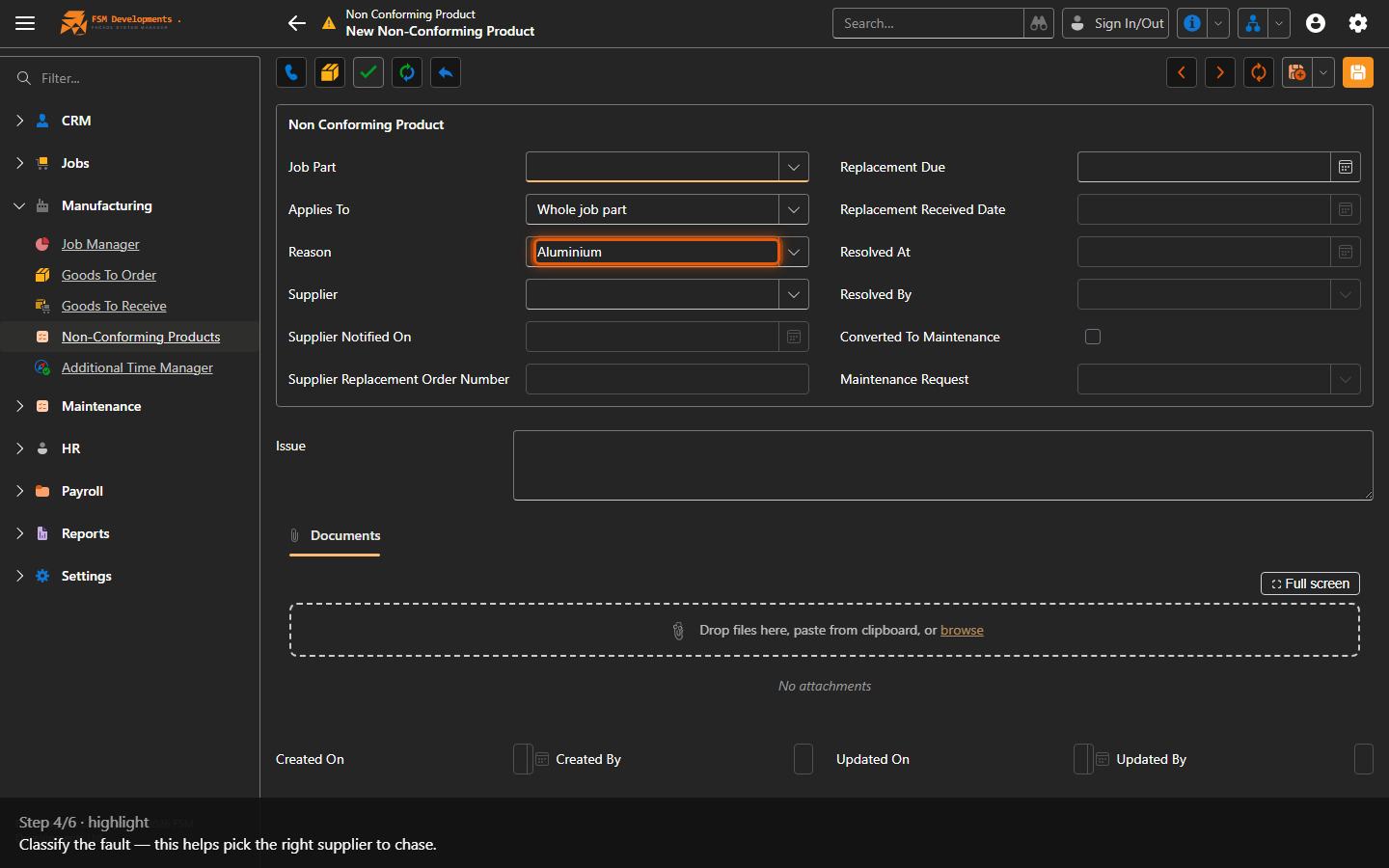
Reason (Aluminium / Hardware / Glass / Liner / Other)
4. Classify the fault — this helps pick the right supplier to chase.
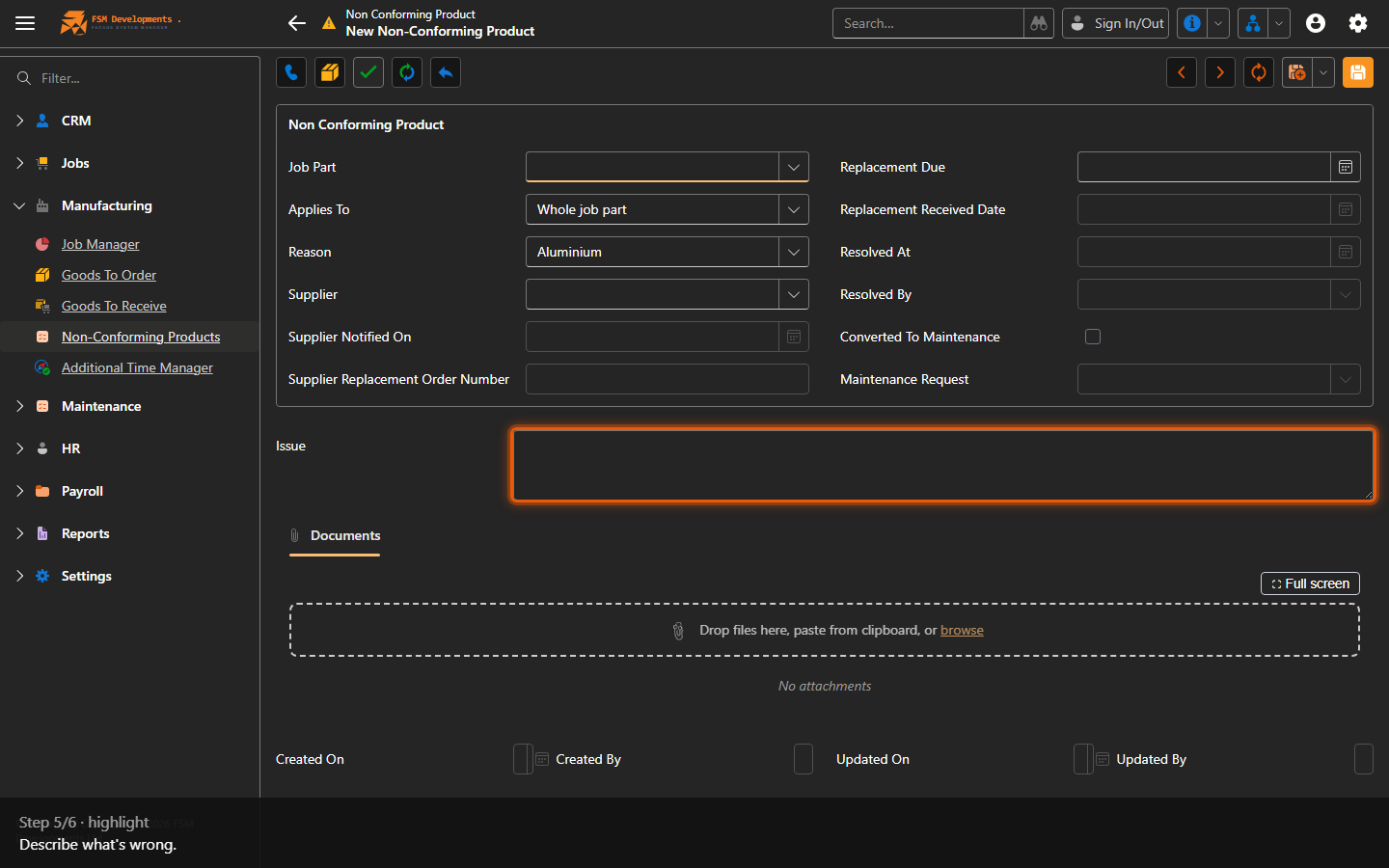
Issue (memo)
5. Describe what's wrong.
Save (toolbar button)
6. Save — the affected work goes on hold until the NCP is resolved.
Last updated on