Where the quote lives
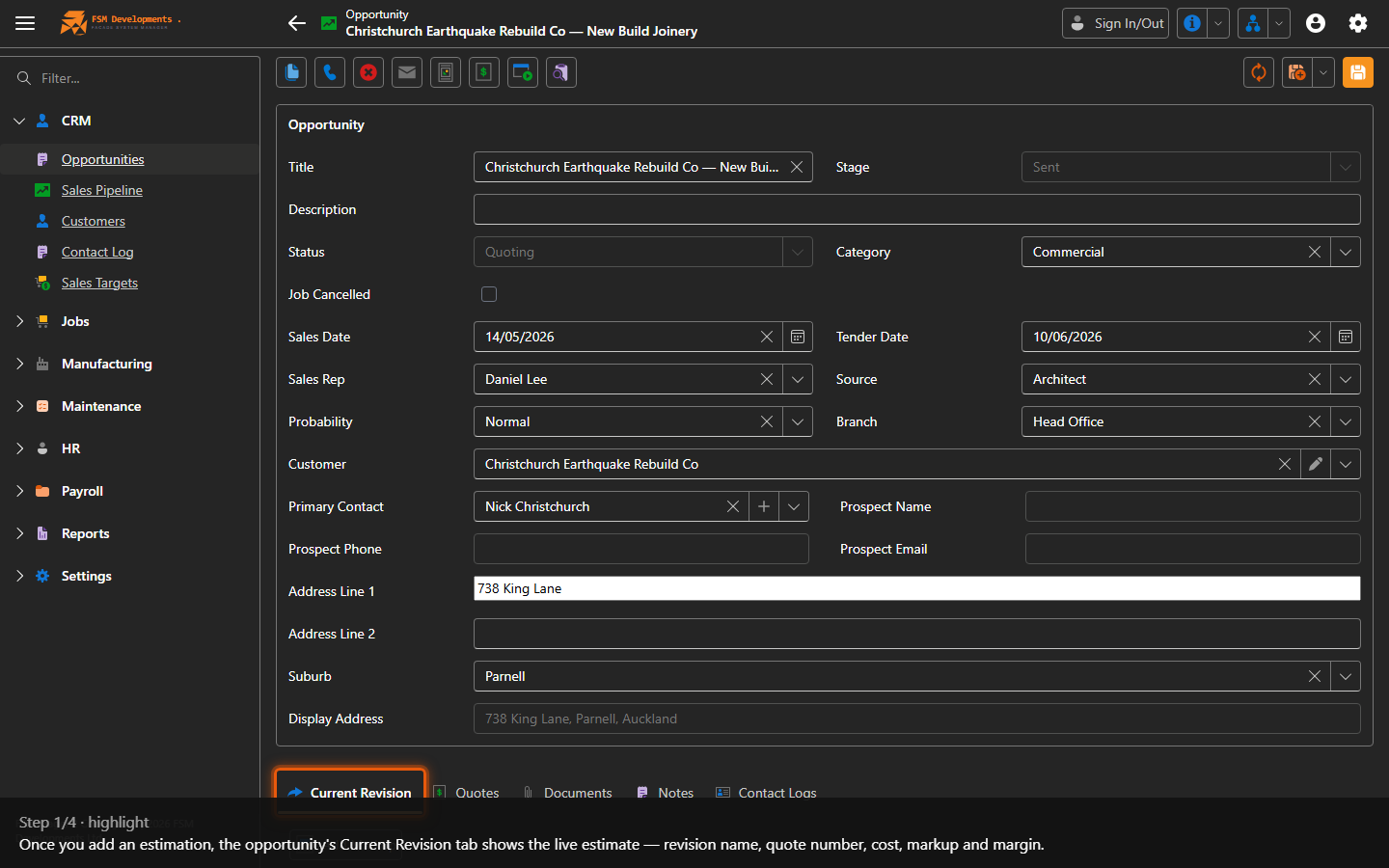
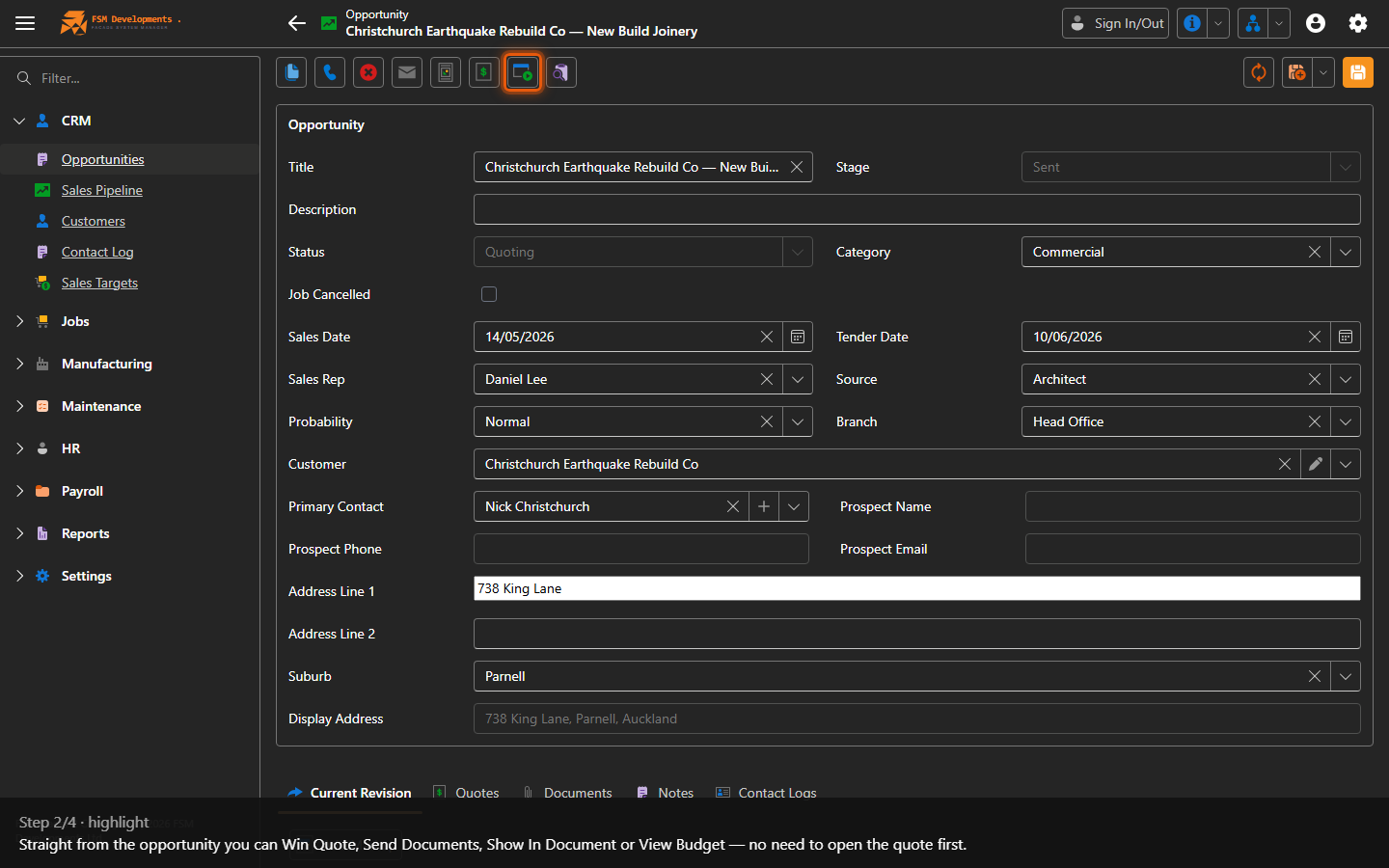
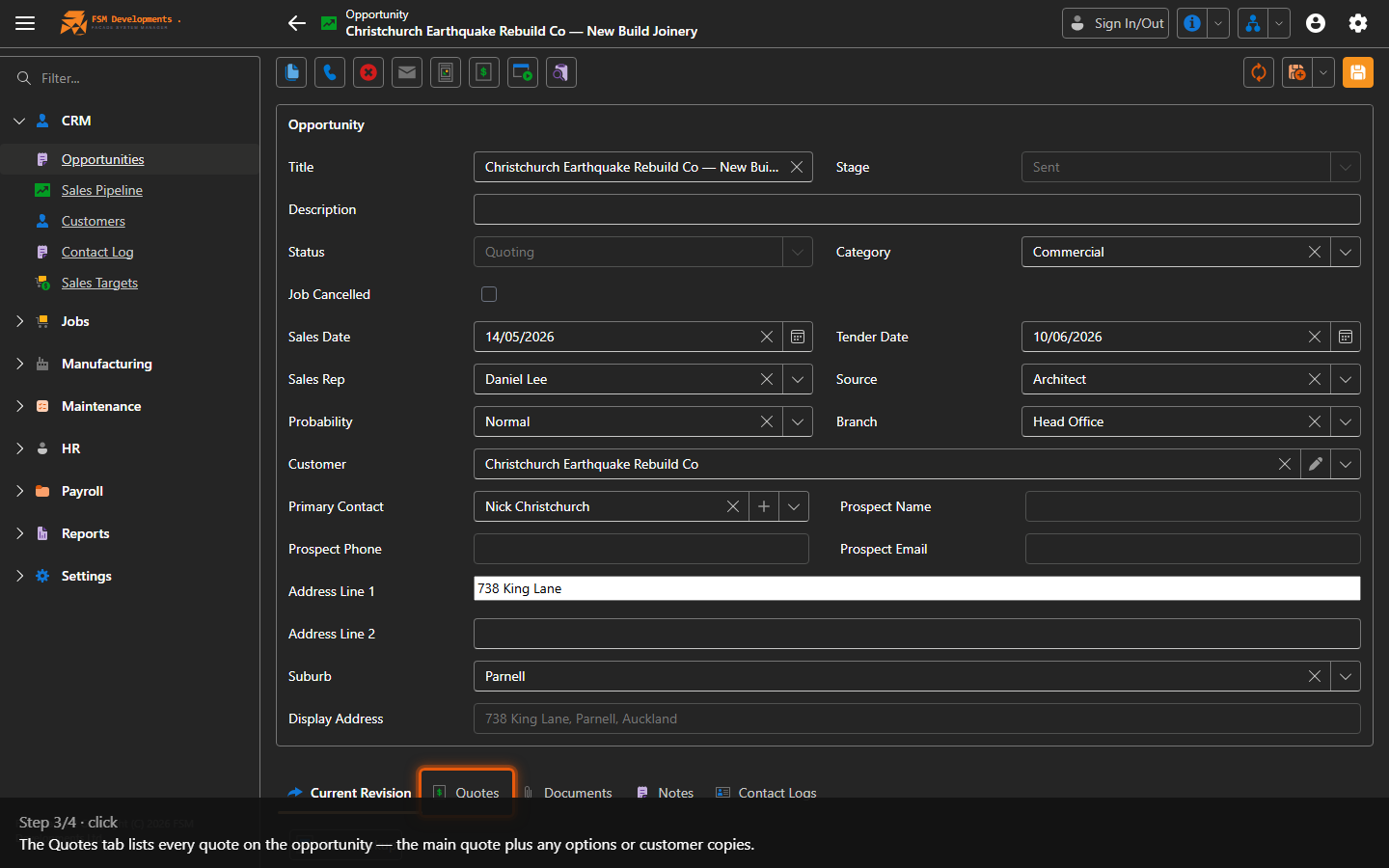
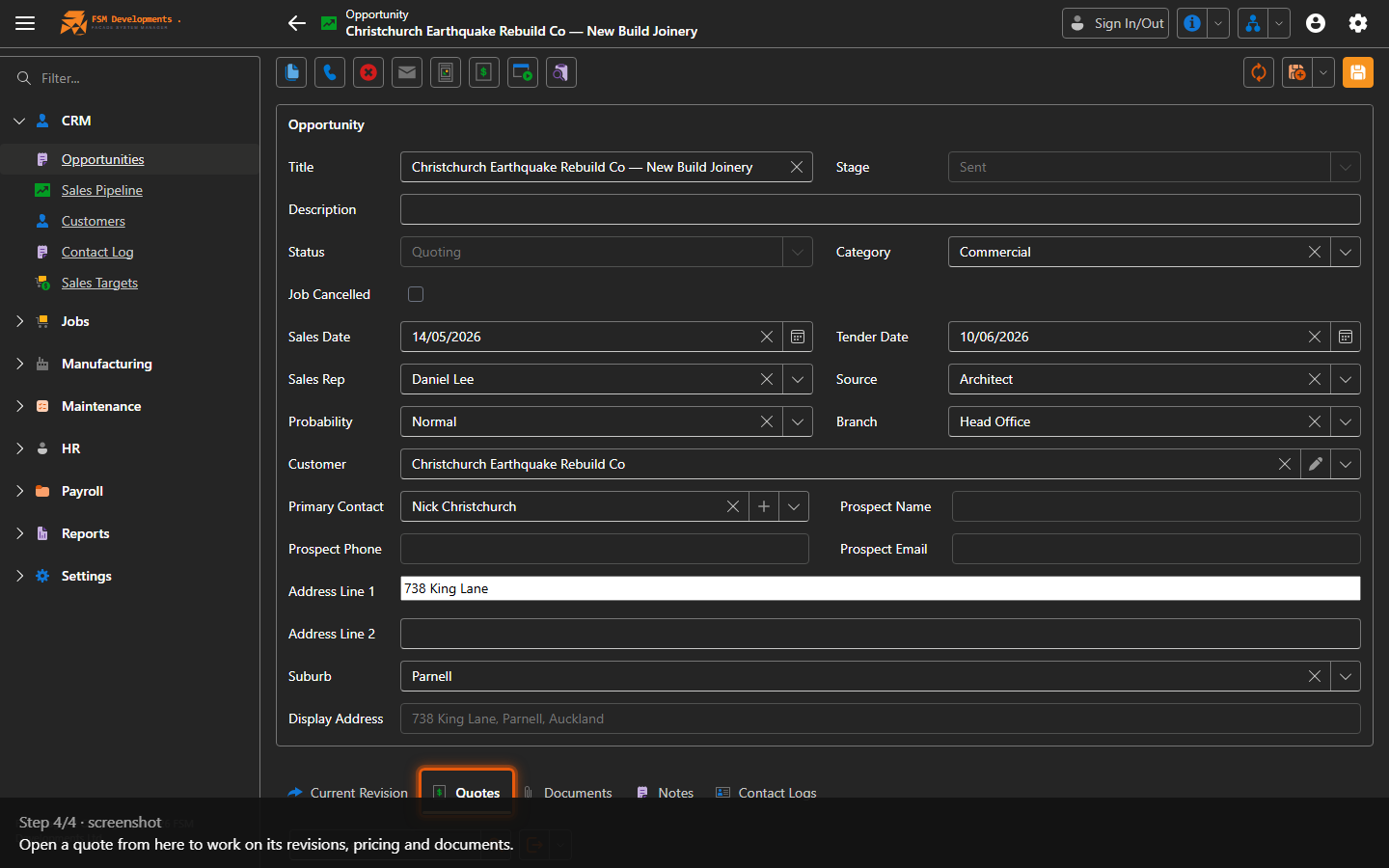
Lite+Quotes are created from an opportunity with Add Estimation, and they live on it. Once an estimation exists the opportunity gains a Current Revision tab — the live estimate, shown inline — and a Quotes tab listing every quote (the main quote plus any options or customer copies). Key actions like Win Quote, Send Documents and View Budget sit right on the opportunity.
When to use
To find and work on an opportunity’s estimate — review the current revision, open a quote to manage its revisions, or win/send straight from the opportunity.
Step by step
Last updated on