Bulk claim time
Lite+Retrospective time entry — for when the work happened but no one clocked on live. Allocate the day’s time across the tasks worked on, or log non-job time, in one save.
When to use
End of day, or after a busy run, to catch up time that wasn’t claimed in the moment.
Step by step
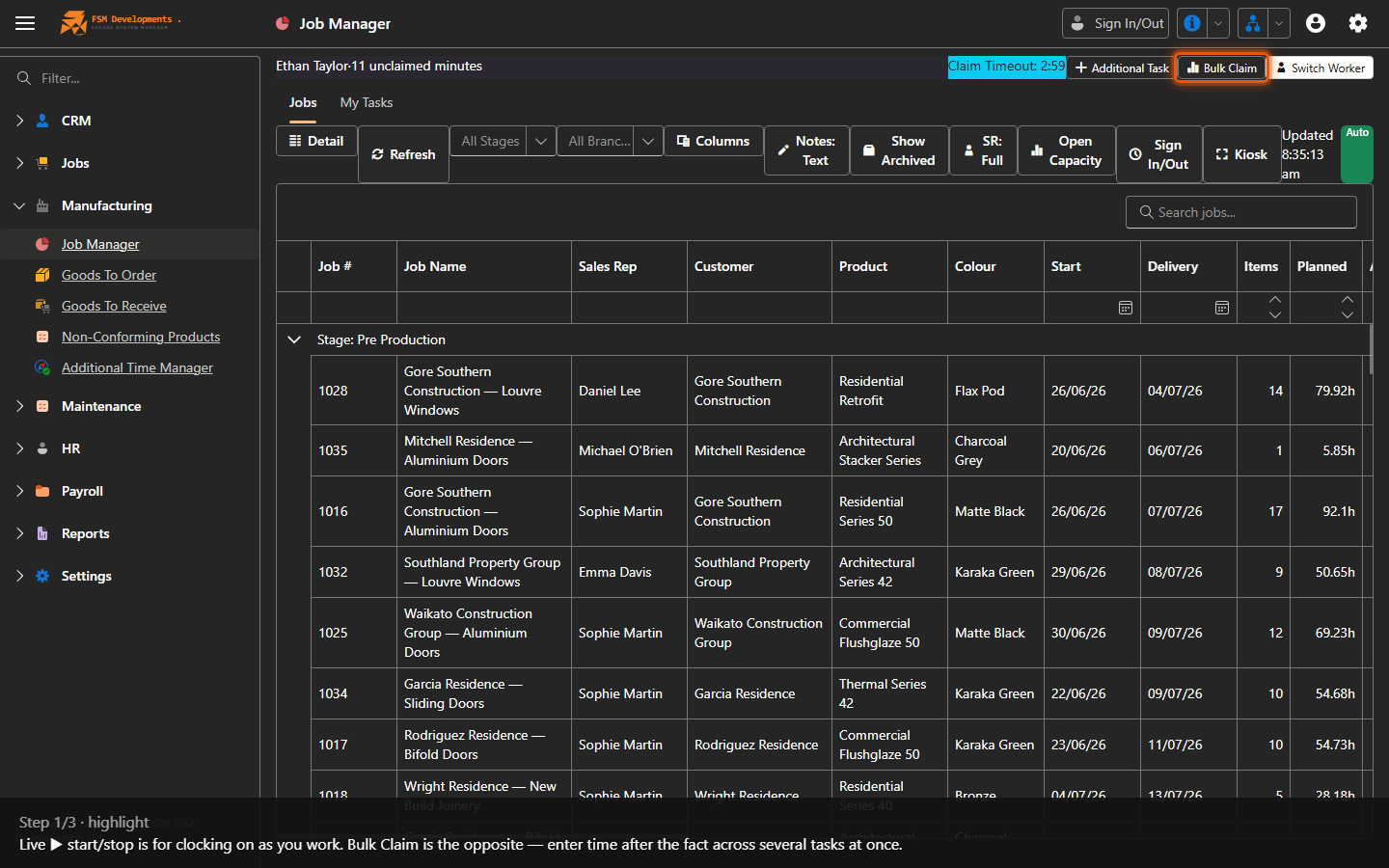
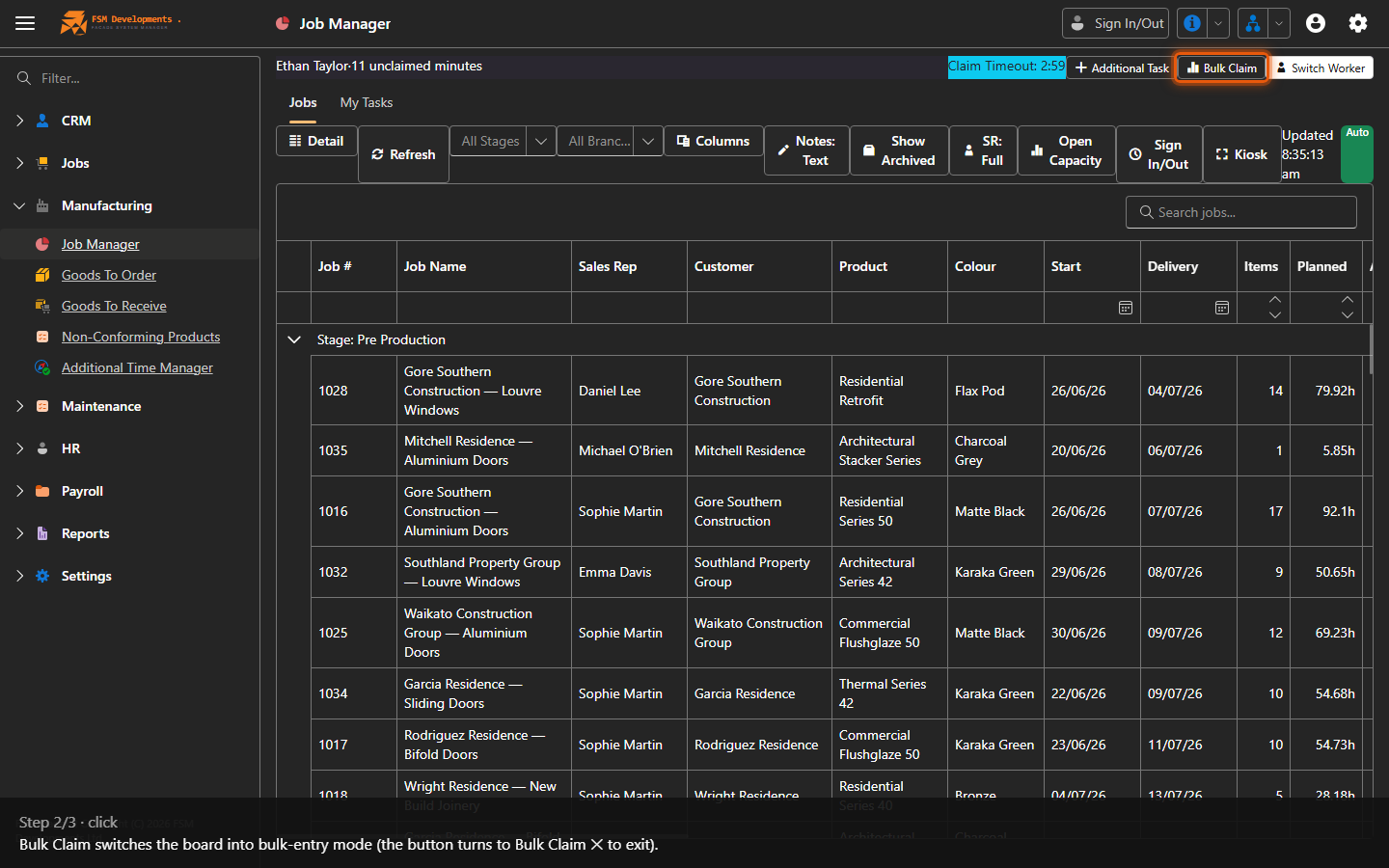
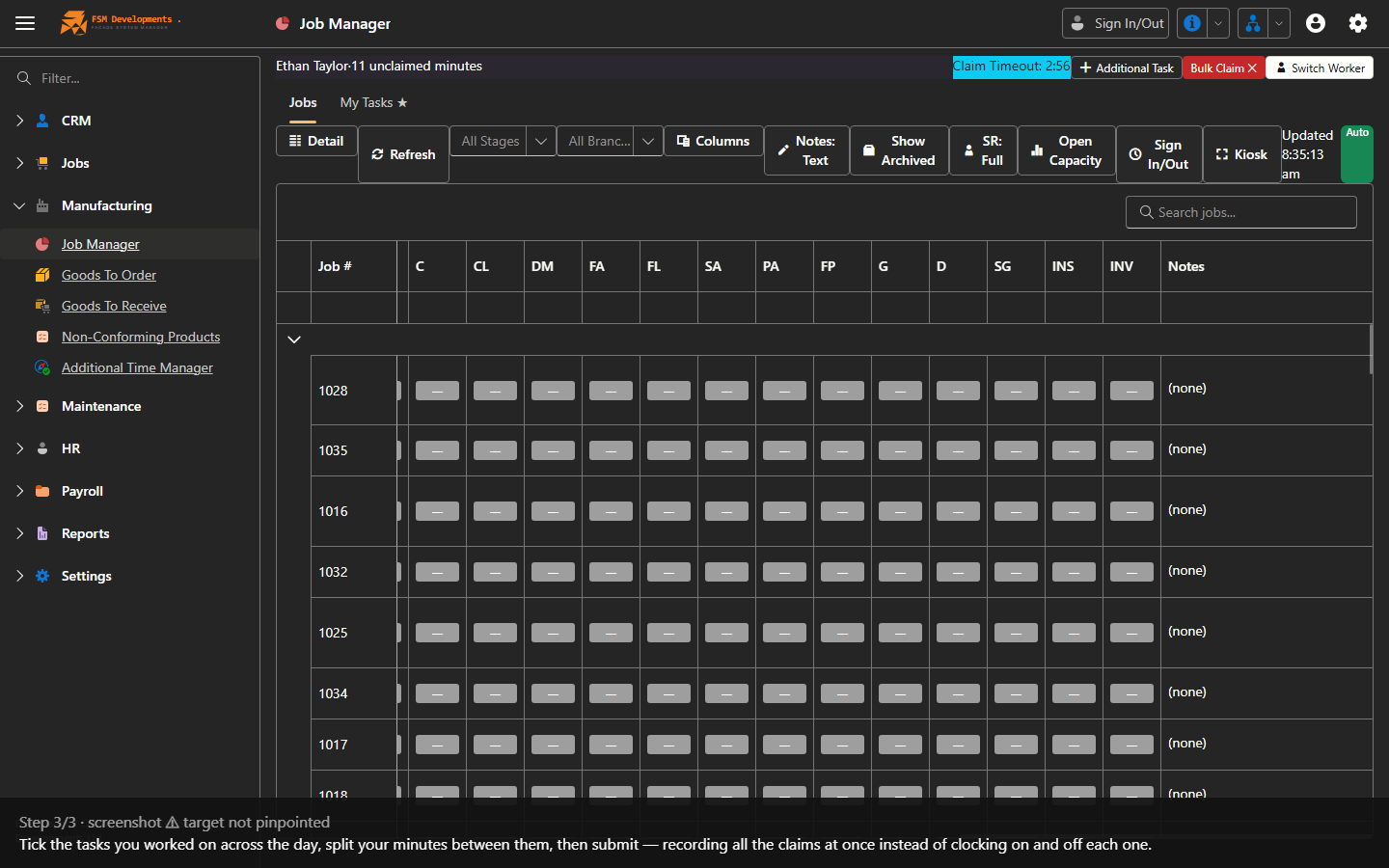
Bulk claim obeys the same rules as live claiming — a worker can only bulk claim tasks their department is responsible for. See Who can claim which tasks.
Last updated on